Warranty: 2 years
TopPC AMD Ryzen 5 (Zen 3) Compact GMNG
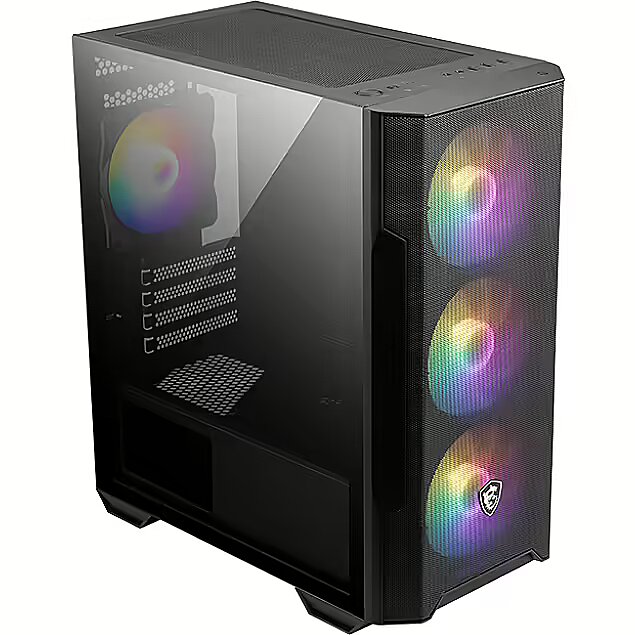
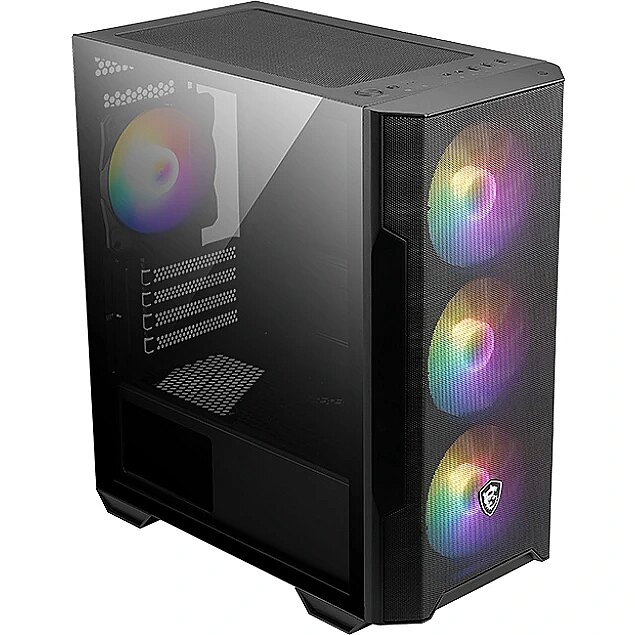
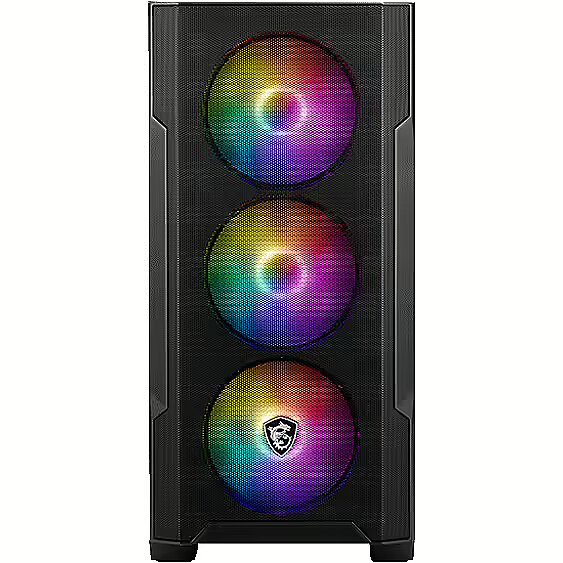
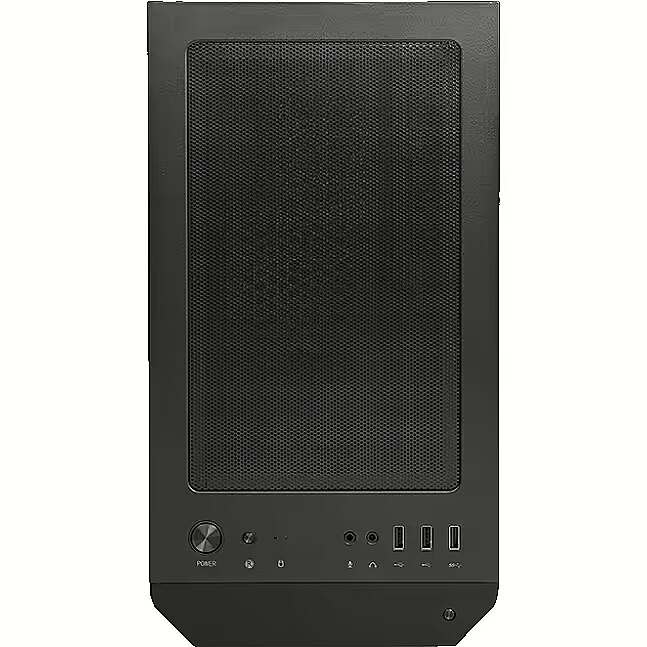
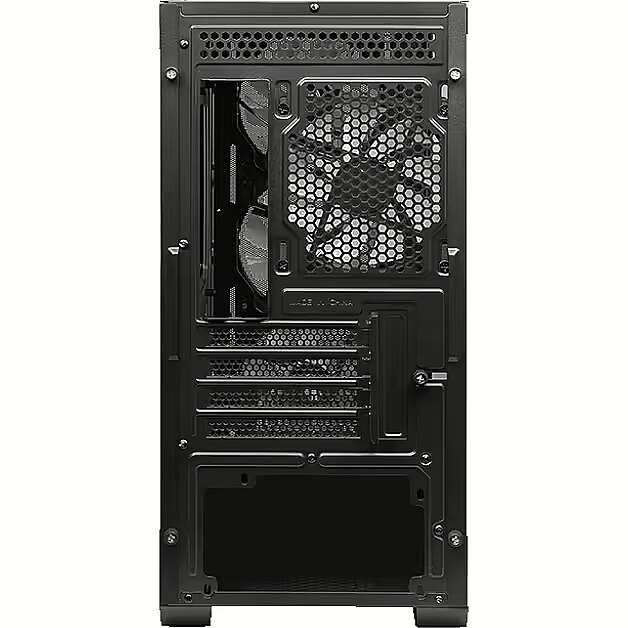
Picture may differ from actual product, there can be accessories and parts not supplied with the actual product.

-
 Delivery by courier to the addressWithin 1-2 working days5.99 €
Configuration
 Customize it!
Customize it!
- Corpus: MSI MAG Forge M100R, Tempered Glass, Black
- Power supply unit (PSU): Gigabyte P650G PCIE 5.1, 650W, 80PLUS Gold, ATX 3.1, PCIe 5.1
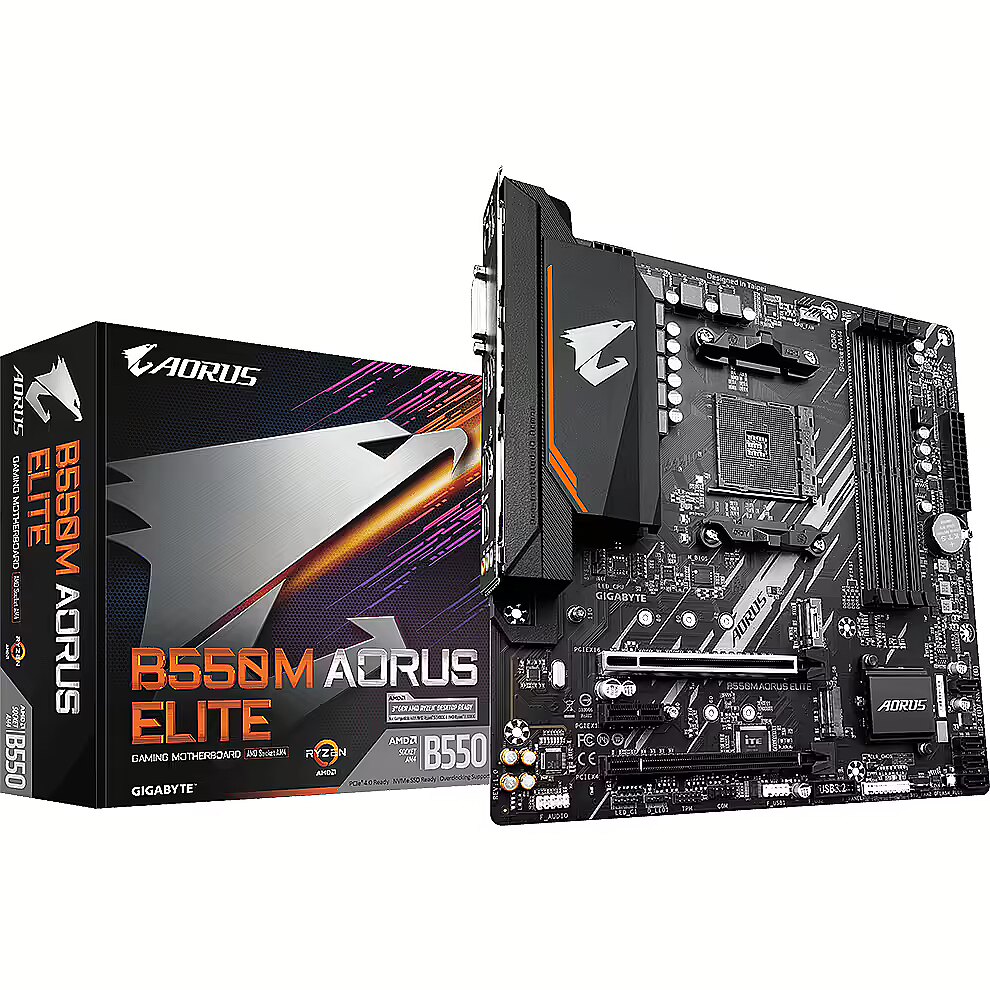
- Motherboard: Gigabyte B550M AORUS ELITE
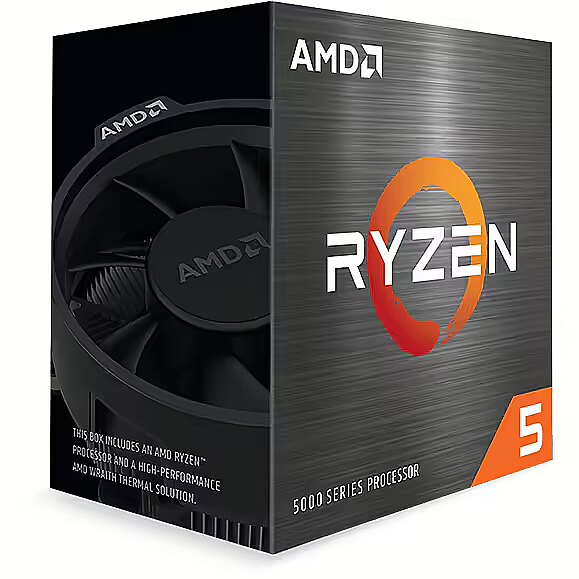
- Processor: AMD Ryzen 5 5600 (6C/12T, 3.50 GHz, 32MB Cache, 65W)
- Operational memory: G.SKILL Aegis, DDR4, 16GB, 3000MHz, CL16, Single Stick
- Video card: Gigabyte Radeon RX 9060 XT, 8GB GDDR6, GAMING OC
- SSD: Agi Technology AI298, 1TB, M.2 Gen3 x4
Description
In November 2020, AMD surprised the world by presenting the Zen 3 microarchitecture Ryzen 5000 series processors. Although they use the well-known 7nm technological process from the 3000 series models, several significant improvements have been made, resulting in an average performance increase of 19%. As a result, the new AMD Ryzen 5 5600X processor is superior in computer games not only to its direct competitor - Intel Core i5-10600K, but also surpasses the richer by two cores and more expensive Core i7-10700K. And that's not all - in single-core mode of the well-known testing program CineBench R20, the Ryzen 5 5600X even outperforms the almost twice as expensive Intel Core i9-10900K! By installing a Ryzen 5000 series processor on an appropriate B550 or X570 motherboard, you will gain several advantages - PCI-Express 4.0 slots for the most modern video cards and fastest M.2 NVMe SSD data storages, and by installing an AMD Radeon RX 6000 series "Big Navi" graphics card you can get up to an additional 11% performance increase in computer games, thanks to AMD Smart Access Memory technology!
Corpus
Power supply unit (PSU)
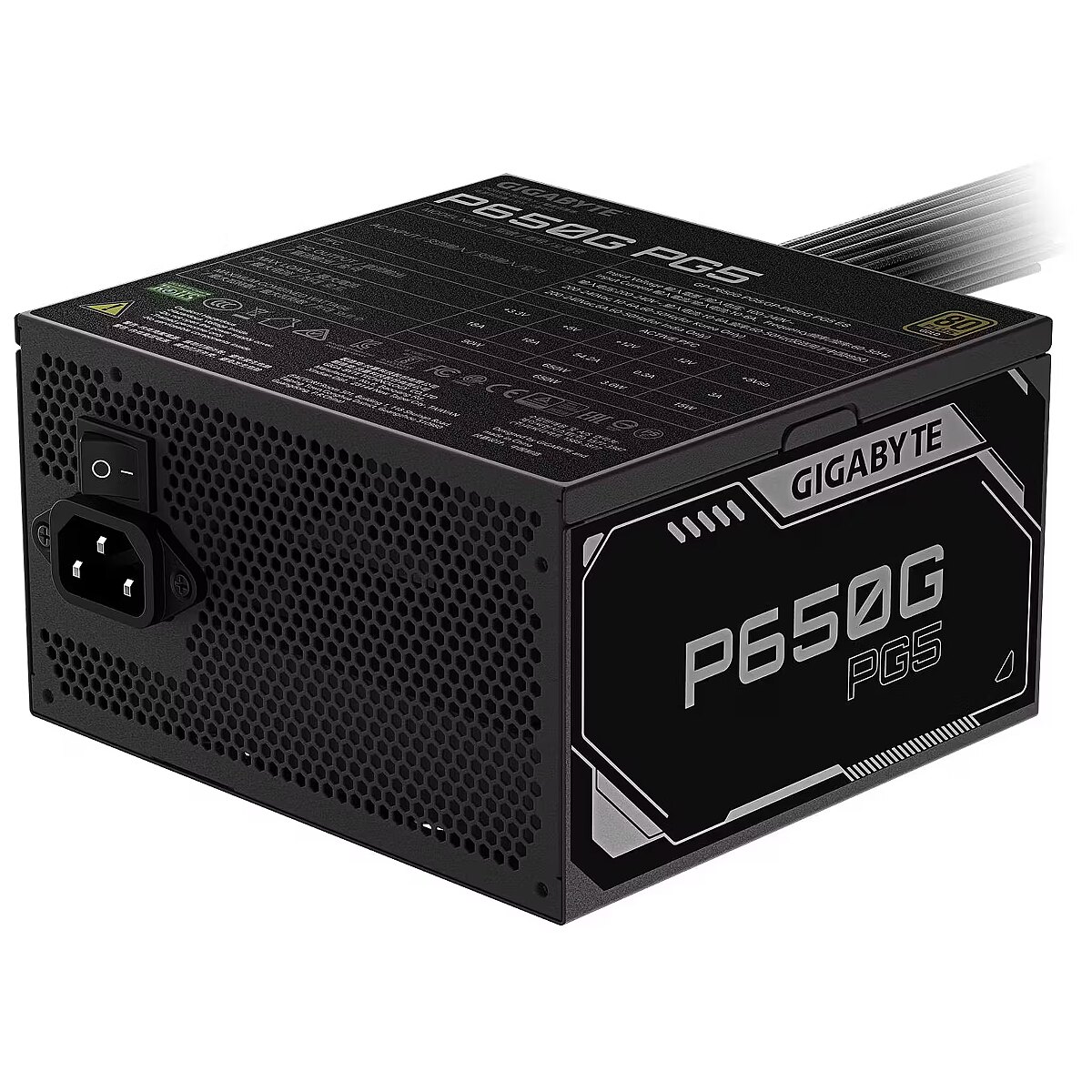
This is among the most important components when you buy a new computer because the capacity and the types of connections of the power supply unit will determine further upgrade possibilities.
It is advisable to maintain the recommended or higher capacity unit.
Motherboard
Processor
Processor cooler

A cooler is an important component and without it the computer CPU will overheat within a couple of minutes after switching on. A high quality cooler provides a silent and stable operation of the computer as well as a long CPU lifetime.
Operational memory
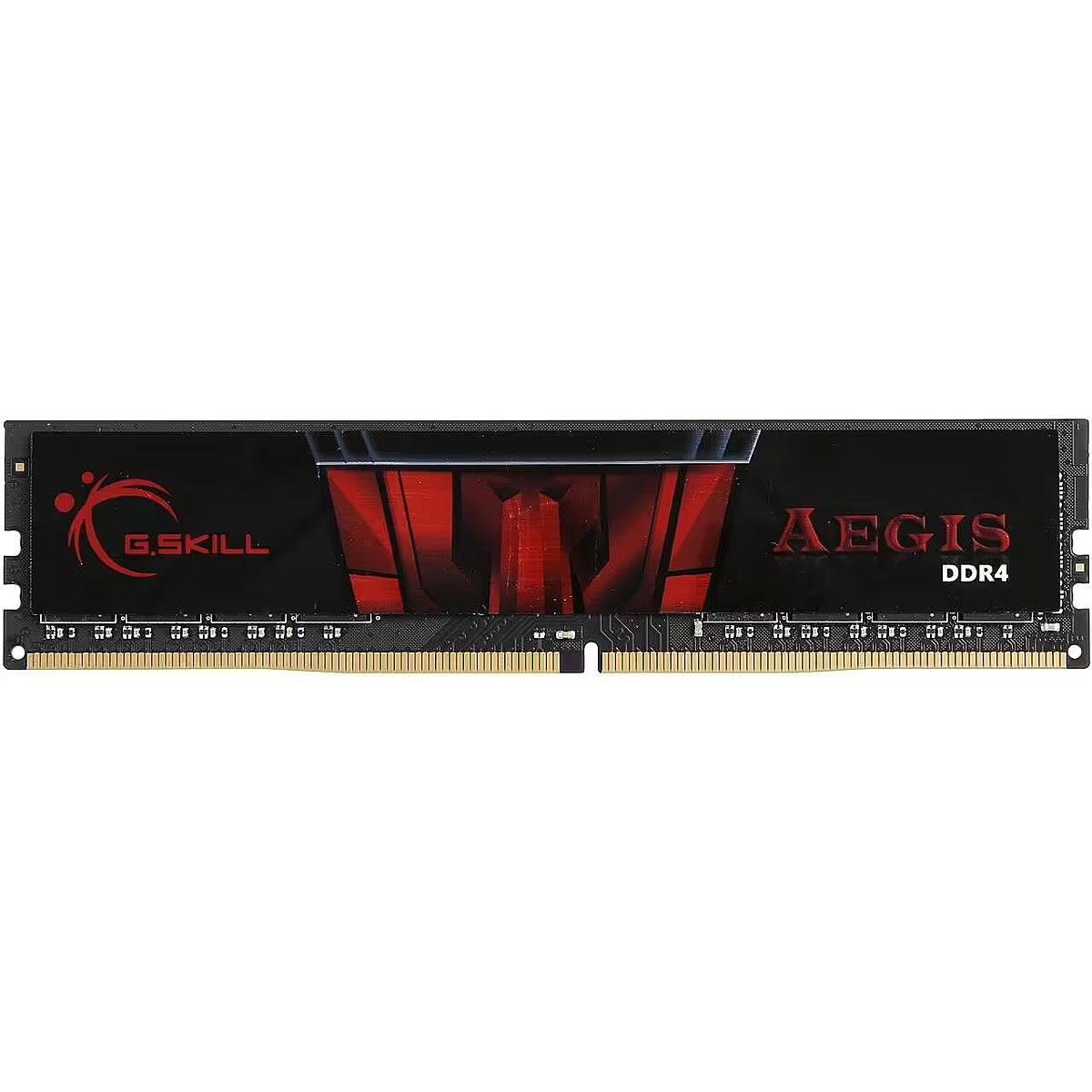
CPU performs its tasks with a higher speed than that at which the HDD can deliver the data. Therefore, an intermediate stage (RAM) is required where the CPU can write and read the information it needs fast.
When the operating system is started it "loads" from the HDD to the RAM. The same process happens with all the applications and files opened with them. Therefore it is very important to have enough space in the RAM for all the above data for enabling the CPU to handle this information at a high speed.
If insufficient capacity RAM has been selected the CPU starts to use the HDD for its short-term operations and the computer becomes extremely slow at this moment. Therefore it is important to buy the memory volume required for handling the relevant tasks.
For average use, like the Internet browsing, working with documents and enjoying multimedia possibilities, 4GB RAM is fully sufficient.
For demanding 3D computer games, video/audio editing applications and any professional software at least 8GB RAM is required.
You should remember that there is never too much RAM. Therefore, if you can afford it you should buy more. Still you should take into account that the RAM is a parameter which can be upgraded by buying additional volume later if there are enough free memory connection slots in the motherboard.
Additional operational memory
CPU performs its tasks with a higher speed than that at which the HDD can deliver the data. Therefore, an intermediate stage (RAM) is required where the CPU can write and read the information it needs fast.
When the operating system is started it "loads" from the HDD to the RAM. The same process happens with all the applications and files opened with them. Therefore it is very important to have enough space in the RAM for all the above data for enabling the CPU to handle this information at a high speed.
If insufficient capacity RAM has been selected the CPU starts to use the HDD for its short-term operations and the computer becomes extremely slow at this moment. Therefore it is important to buy the memory volume required for handling the relevant tasks.
For average use, like the Internet browsing, working with documents and enjoying multimedia possibilities, 4GB RAM is fully sufficient.
For demanding 3D computer games, video/audio editing applications and any professional software at least 8GB RAM is required.
You should remember that there is never too much RAM. Therefore, if you can afford it you should buy more. Still you should take into account that the RAM is a parameter which can be upgraded by buying additional volume later if there are enough free memory connection slots in the motherboard.
Video card
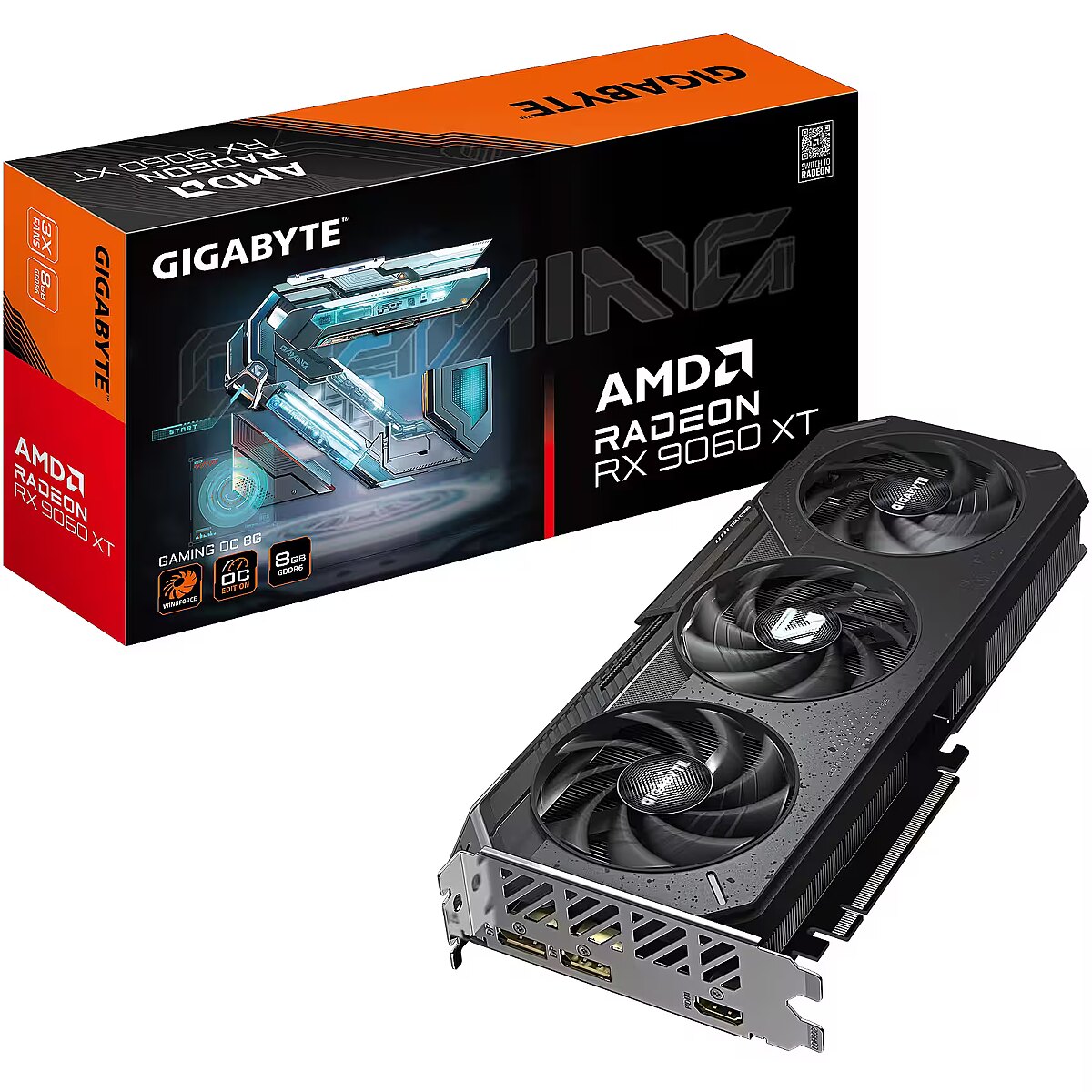
The graphic performance is ensured by the video card. This is the device to which you will connect one or several monitors and, possibly, the TV set. It is important to verify whether the selected video card has corresponding connection slots for connecting the above devices.
The most important difference between video cards is in their GPU or the central graphics core. This parameter determines the graphic performance and can be improved only if the whole card is replaced with another one.
Also video cards with equal GPU and model may differ by the volume of the graphic memory, the memory type, the cooling type and clock frequencies.
The graphic memory volume provides a possibility to play 3D games at a higher resolution, therefore, if you like games and plan to buy a big monitor or several monitors you should select a video card with the memory capacity of at least 1GB. If a video card is short of graphic memory it may "borrow" the necessary volume from the computer RAM. Still the difference in speed is considerable and in favour of the graphic memory.
You should pay attention to the memory type and frequency. DDR3 memory is better than DDR2 and slower than DDR5. And also DDR3 1800MHz memory will be faster than 1600MHz memory of the same type. Also the memory bandwidth is important within one memory type. Thus, DDR3 256bit memory will be faster than DDR3 128bit memory.
The type and quality of cooling is among the most important selection criteria of a video card. A good cooler contains one big or several small cooler and a bigger radiator than the standard cooling equipment of the relevant video card. You should ask our managers and they will help to select the best offer.
It is possible to buy a good cooler as a separate device, however, it is quite expensive ~25 LVL, therefore it is better to buy a card with sufficiently good cooling included.
When cards with identical GPU are selected you should pay attention to the availability of OC (OverClock) or industrially overclocked versions of the card. This type of the card secures higher graphic performance, still it has to be taken into account that it is usually achieved on the account of more intense (louder) cooling and operational stability.
SSD
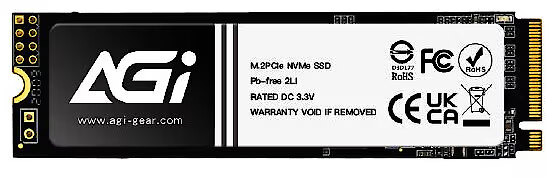
M.2, or NGFF (Next Generation Form Factor), is an SSD in an expansion card format designed as a replacement for obsolete mSATA devices. The biggest advantages of M.2 SSDs are their small physical size and the fact that no data or power cable is required to connect them to a computer. Also, the maximum data transfer rate of some drives using PCI-E lines can reach up to 2500 MB/s or more.
The first M.2 SSDs appeared on the market shortly after the debut of Intel's Haswell architecture at the end of 2013. However, they didn't gain popularity until late 2015, when Intel's Skylake architecture and 100-series motherboards became more and more common to find M.2 sockets on. By early 2017, with the launch of Intel's 7th generation Kaby Lake and AMD Ryzen processors, almost all Z270 and X370 motherboards are equipped with one or even more M.2 sockets.
M.2 drives are basically available in 3 standards, which basically denote their physical characteristics - M.2 2280 (card size 22x80mm), M.2 2260 (22x60mm), M.2 2242 (22x42mm), but the M.2 technical specification also allows other sizes.
Unfortunately, physical dimensions are not the only differences that can be found in M.2 SSDs. The interface that these cards use to connect to the CPU is also different. Currently, two types of M.2 SSD are most widely used - SATA and PCI-Express. M.2 SSDs are capable of speeds up to 600 MB/s via the SATA interface, which is limited by the current SATA 3 protocol. It is because of this limitation that M.2 was adapted to be compatible with the PCI-Express bus to provide higher data transfer rates, which can reach up to 4 GB/s via the PCI-E interface! Several drives are already capable of read speeds of 2500 MB/s and more.
The main thing to remember is that despite the similarity of the ports, these drives are not compatible with each other! On a board with an M.2 socket connected only to the SATA interface, it will not be possible to use a PCI-E interface M.2 SSD and vice versa. However, from 2017 onwards, with the Intel B250, H270 and Z270 motherboards as well as the AMD X370 motherboards, almost all M.2 sockets are universal and support both SATA and PCI-Express interface M.2 SSDs. We always recommend checking the board manufacturer's website for this though.
Additional SSD disk
An average SSD is several times faster than the standard HDD. Due to the small volume and the considerable price different the SSD is usually used for storing the operating system and the software and the HDD is dedicated for the data. SSD can make the uploading time of the operating system and software much shorter.
An SSD disc consists of microchips, thus there are no moving parts in it and it is completely silent (0 dB). Due to this fact an SSD disc is more resistant to vibration and other mechanical impact than an HDD.
Due to the construction specifics higher volume SSD discs usually are higher-speed and the different in the speed can be even multifold. Therefore prior to buying it you should study carefully the indices of the operation speed of the SSD disc - reading and writing speed in Megabytes per second (MB/s). The operation speed of an average SSD disc has to be ~250 MB/s. Read un ~200 MB/s. Write. For high performance discs these indices will be ~350 MB/s Read un ~450MB/s Write accordingly.
The operation speed and volume of SSD discs is improving rapidly and the prices are falling. Therefore you should buy this type of disc only when the high-speed operation and silence are more important than the relevant investment.
Operating system license
When you buy the computer with the operating system Group provides its installation with the system drivers included without an additional fee for the work. The licensed operating system provides for its legal use and full support for the security and other updates.
For an average home or small office user without any specific requirements we recommend to buy the Windows 7 English 64bit version.
You should choose the 32bit software only in the case when you plan to use the software that has known compatibility problems with the 64bit operating system or devices that do not have 64bit drivers. However, most of the 32bit software can operate within the 64bit operating system.
All the computers and components offered by Dateks provide full support of the 64bit operating system, therefore we recommend this choice because of the fact that the support of the RAM above 3 GB is possible only in 64bit mode and this type of operating systems is gradually becoming the leading standard and it is inevitable that it will fully replace the 32bit systems in future.
When you buy an operating system you should choose carefully the language of the user interface as it will not be possible to change this language later (except the Ultimate version which is multilingual). We offer English, Latvian and Russian interface languages of the operating system.
Entrepreneurs are entitled to use all the operating systems offered by
Windows Ultimate offers additional BitLocker data encoding application and a possibilities to switch over between the user's interface languages without changing the license.
Microsoft Office license
MS Office licence dod tiesības legāli lietot Office programmatūru (Word, Excel, PowerPoint u.c.) uz iegādātā datora.
Office 2010 Home & Student may be used only by home users and school students and this package includes Word, Excel, PowerPoint and OneNote applications.
Office Home & Business may be used both at home and in businesses and it includes Word, Excel, PowerPoint, Outlook and OneNote
Office Professional includes Word, Excel, PowerPoint, Outlook and OneNote Access and Publisher applications and it is intended for both business and home users.
The purchased license is in the PKC (product key card) form which is a simple serial number. It is possible to download the software installation package from the Microsoft website and activated by using this number after the installation.
We would like to remind you that if you buy the license from us together with a new computer we will perform the required installation work for you free of charge, thus you will receive the computer ready for work with all the purchased software.