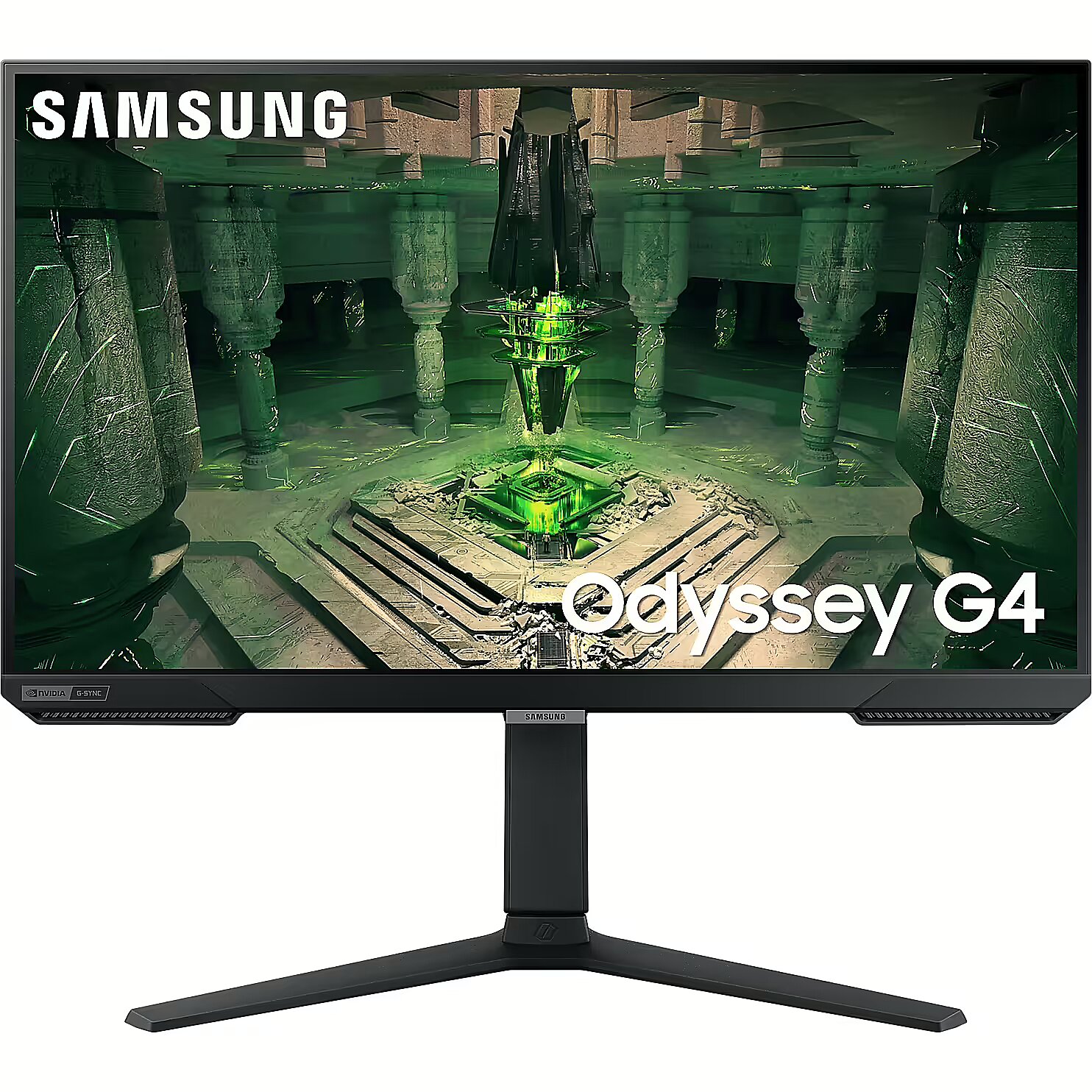
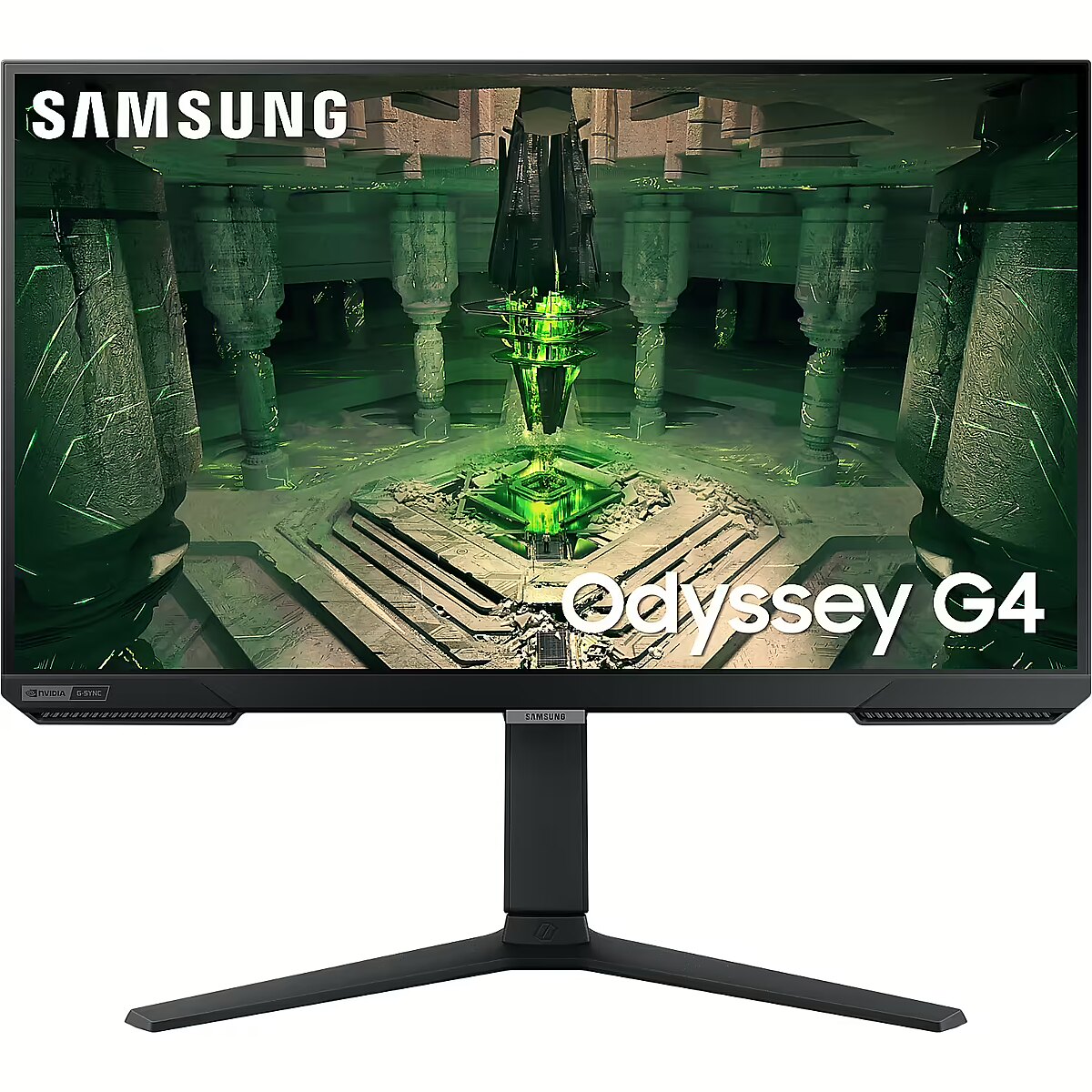
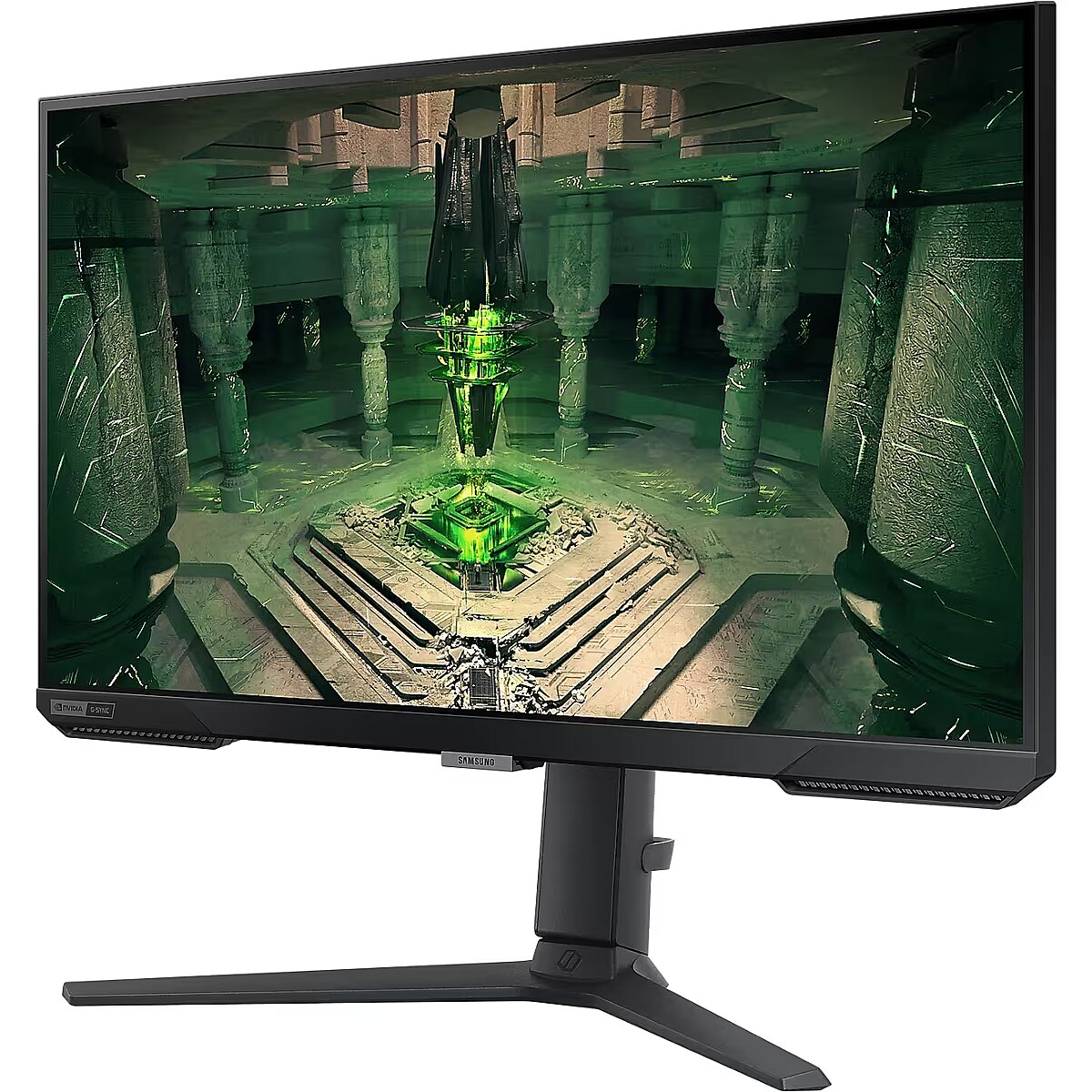
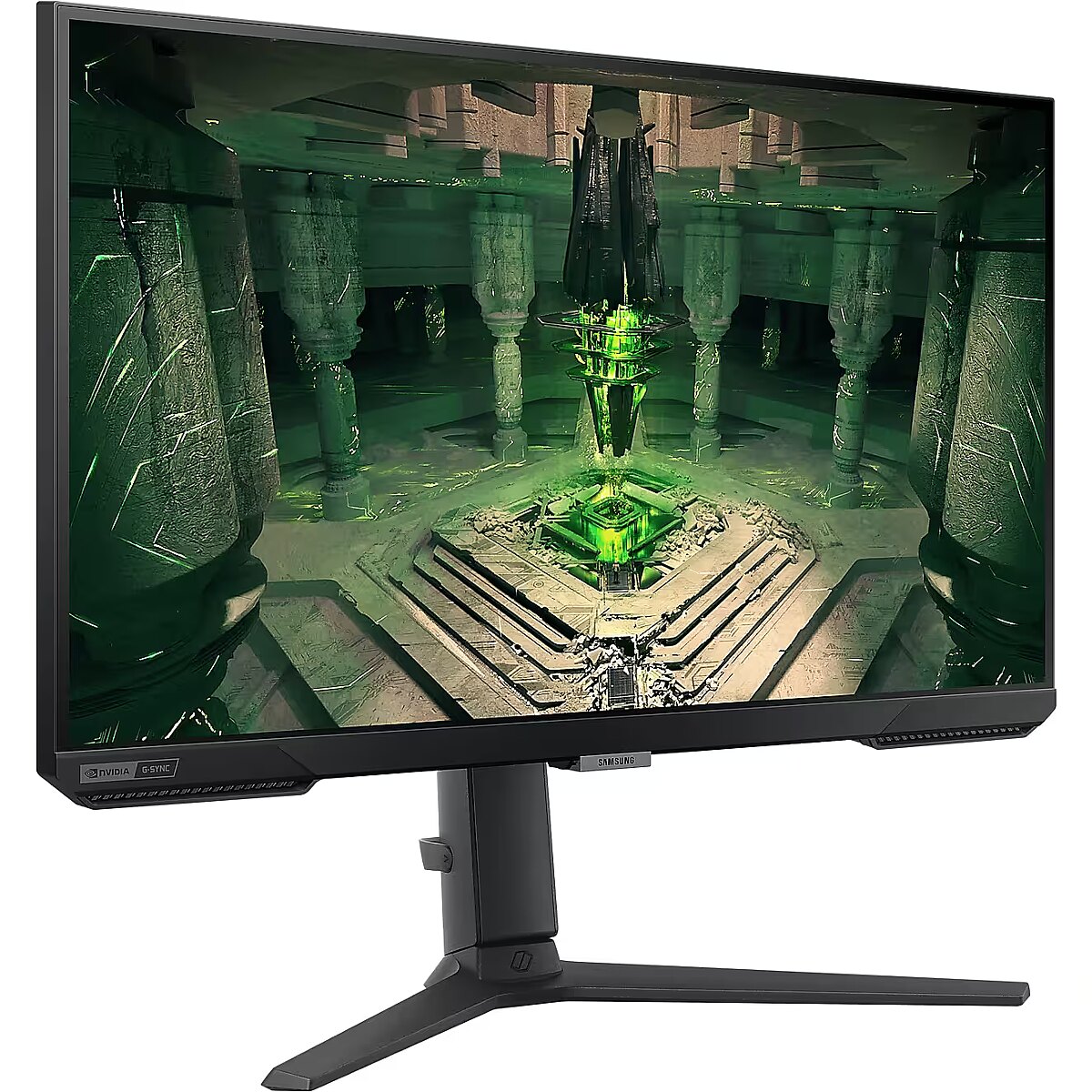
This Samsung S27BG400, 27" gaming monitor with FHD 1920x1080 resolution is designed for those who want to fully immerse themselves in the dynamic gaming process and obtain an exceptionally clear image. It provides impressive detail accuracy, wide screen space and excellent visual comfort in any game.
The response time of 1ms ensures a fast pixel transition between tones, reducing the possibility of motion trails and blurring. Such speed improves the sharpness of dynamic scenes and reduces visual artifacts at high frame rate changes, which is essential for interactive applications and precise motion representation.
IPS technology ensures a more uniform liquid crystal structure, allowing pixels to maintain stable properties regardless of the viewing direction. This reduces color shifts and visual artifacts, making IPS technically a more balanced solution in comparison to other panel technologies.
AMD FreeSync is a technology that synchronizes the refresh rate of a monitor with the frame rate of a video card, reducing image tearing and brightness fluctuations. It automatically adjusts screen operation to workload, ensuring a smoother and more stable dynamic scene display without additional delay.
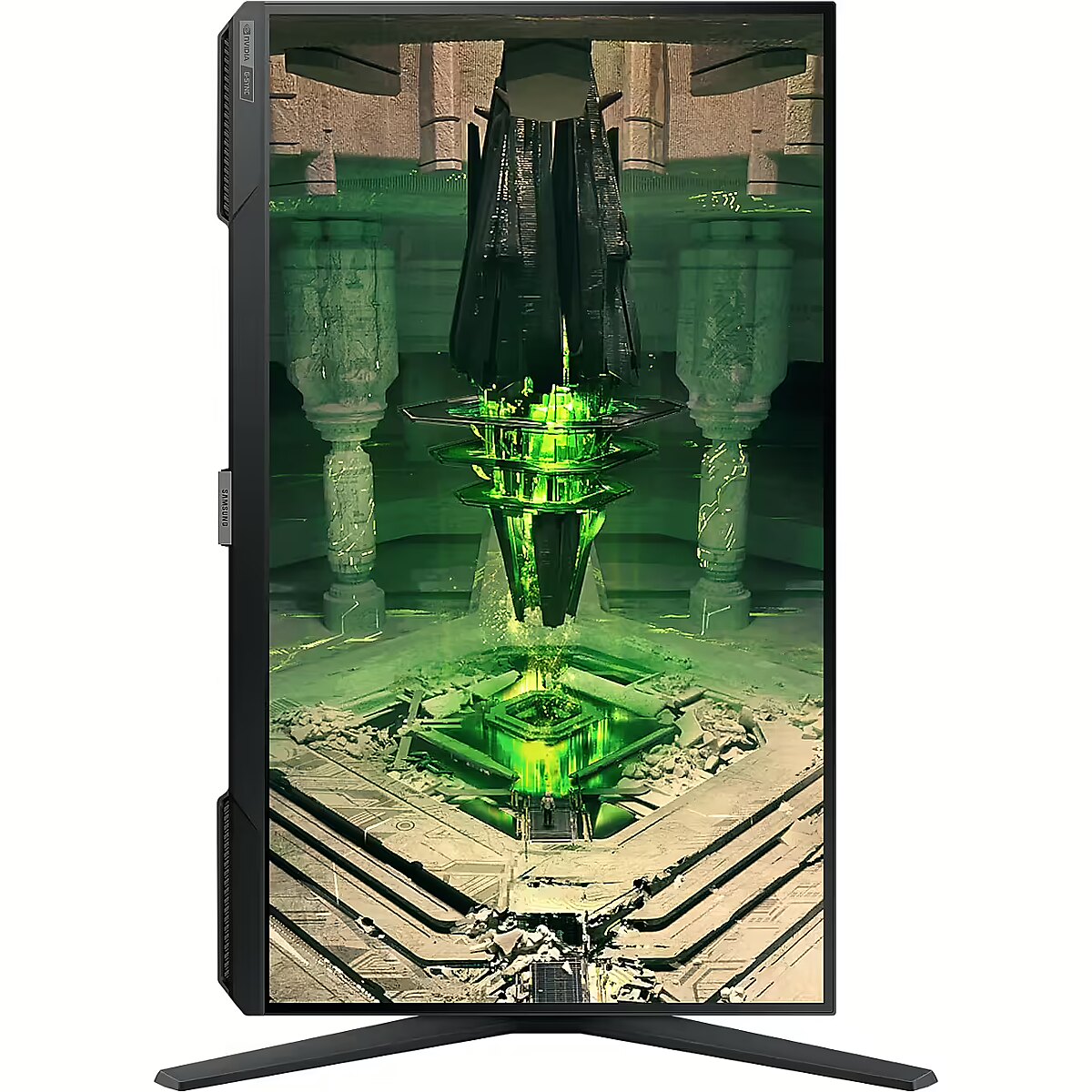
This monitor is compatible with NVIDIA G-SYNC (G-SYNC Compatible). NVIDIA G-SYNC synchronizes each panel refresh cycle with the actual frame output, ensuring coordinated panel and graphics system operation. Such a mode reduces motion distortions and ensures accurate dynamic scene reproduction, especially in situations with variable frame rates.
The frequency 240 Hz ensures quick panel response and precise motion display, reducing visual delay. This mode is especially useful for e-sports players as it allows them to anticipate their opponent's actions more easily and maintain a stable image even in high game dynamism.
Flicker-Free reduces the frequency flickering common to some brightness adjustment methods. This reduces visual stress and ensures a smooth, pleasant image for the eyes. The technology is particularly useful for working in darker rooms and during prolonged viewing sessions.
Pivot mode allows physically rotating the monitor by 90°, expanding the functionality of the working environment. The vertical format facilitates document comparison, working with tables, and viewing web pages, ensuring more effective information layout and more accurate visual perception.
The Swivel feature ensures smooth horizontal rotation of the monitor, allowing quick adjustment of screen orientation to the user's position changes. This is particularly useful in work at a shared desk, project discussions or use of multiple devices where flexible viewing direction adjustment is required.
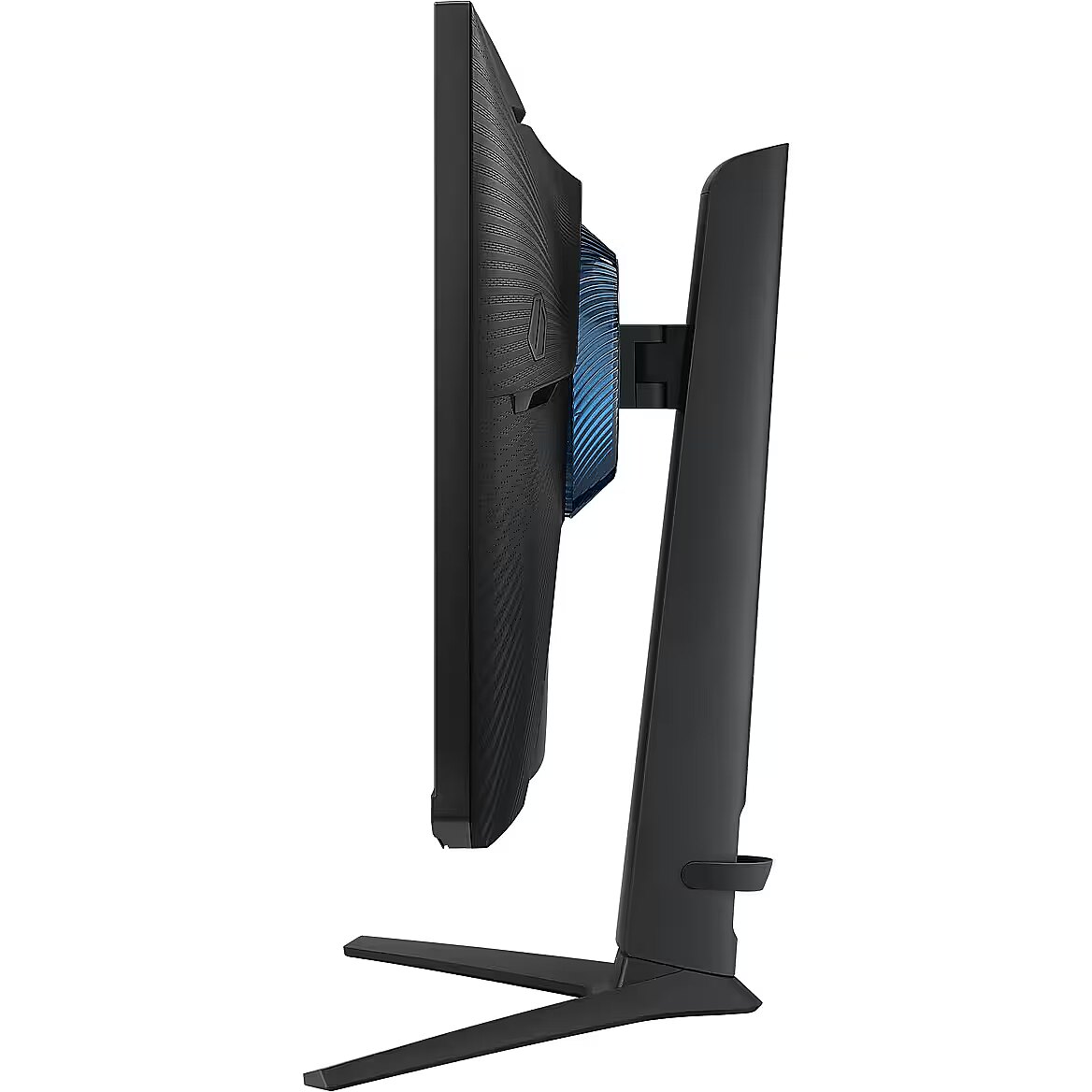
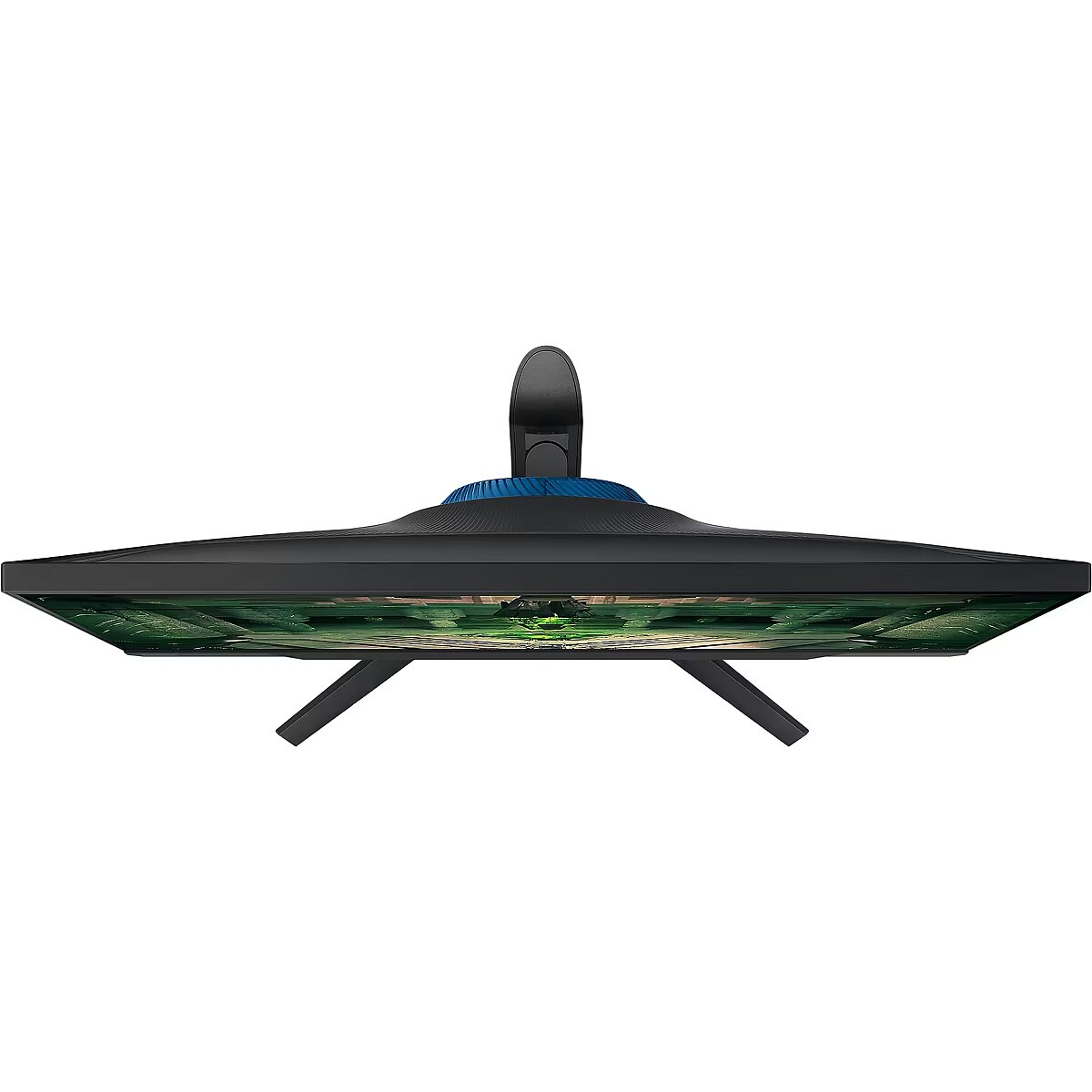
Tilt technology allows for adjusting the screen's slope angle back and forth, ensuring the correct image placement in relation to the user's line of sight. This kind of adjustment helps reduce neck and eye strain, improves image perception, and makes long-term work at the monitor more comfortable.
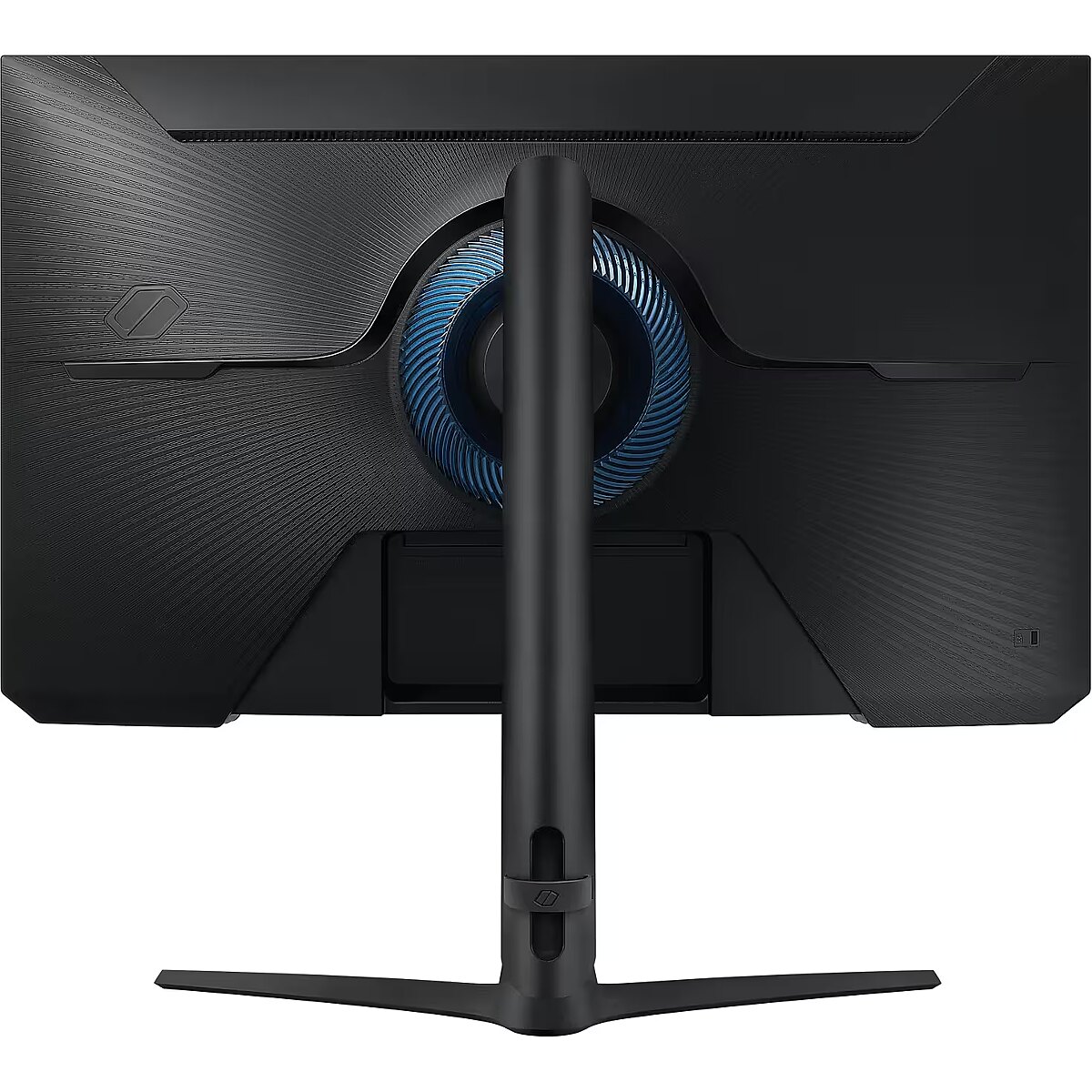
VESA wall mount allows you to install a monitor on the wall, adhering to a uniform industrial standard. It facilitates the choice of mount, increases the flexibility of workspace organization, and allows you to adjust the height and angle of placement, regardless of the desk or tripod.
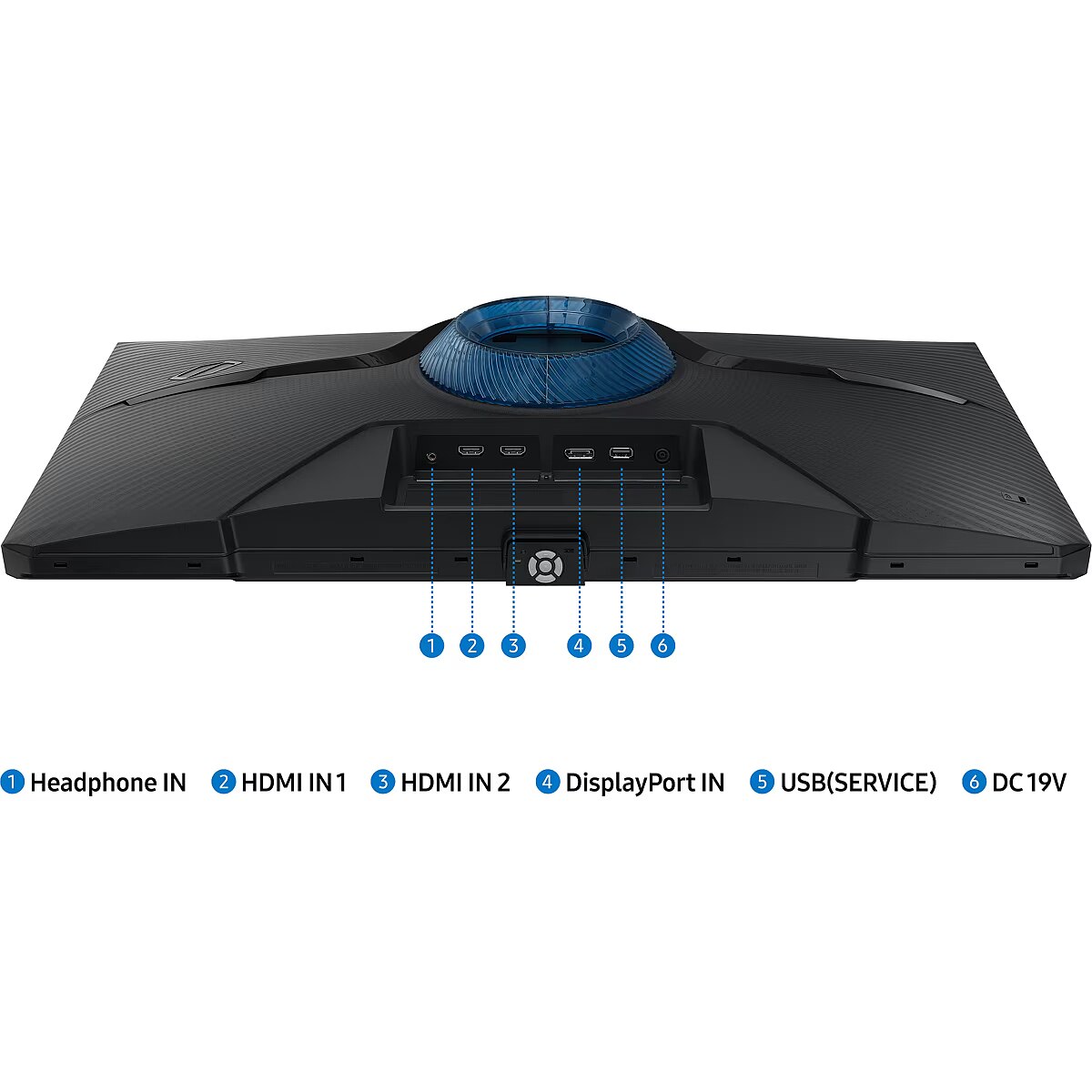
HDMI uses a single cable connection for video and audio transmission, ensuring a stable signal and minimal losses. Such an interface simplifies connection and reduces the possibility of synchronization errors. HDMI is compatible with a majority of modern devices and ensures reliable operation in various configurations.
DisplayPort is a modern interface that allows stable image transmission with high resolution and refresh intensity. The interface is compatible with professional and gaming monitors, supports multiple monitor configurations and HDR, ensuring accurate detail transmission and minimal graphics distortion.
Warranty
Samsung provides this model with a 2 year warranty at all certified service centres.
*When purchasing a monitor on the legal entity's details - manufacturer's warranty 1 year.


 DVI is a digital standard and ensures high image quality, however, thanks to the big size of the plug and the inability of the standard to develop further due to a few technical restrictions this type of connection is gradually losing its popularity to modern HDMI and DisplayPort standards.