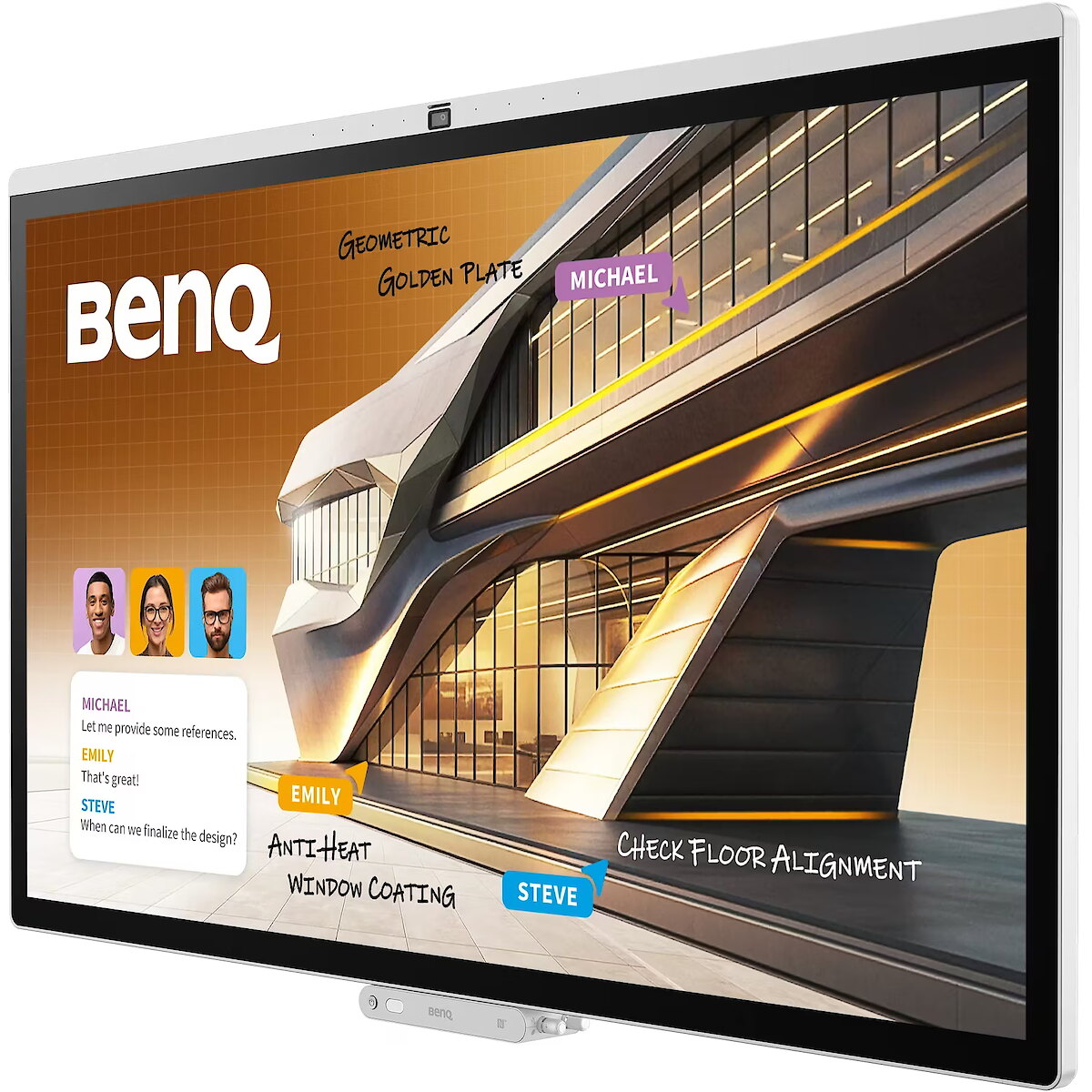
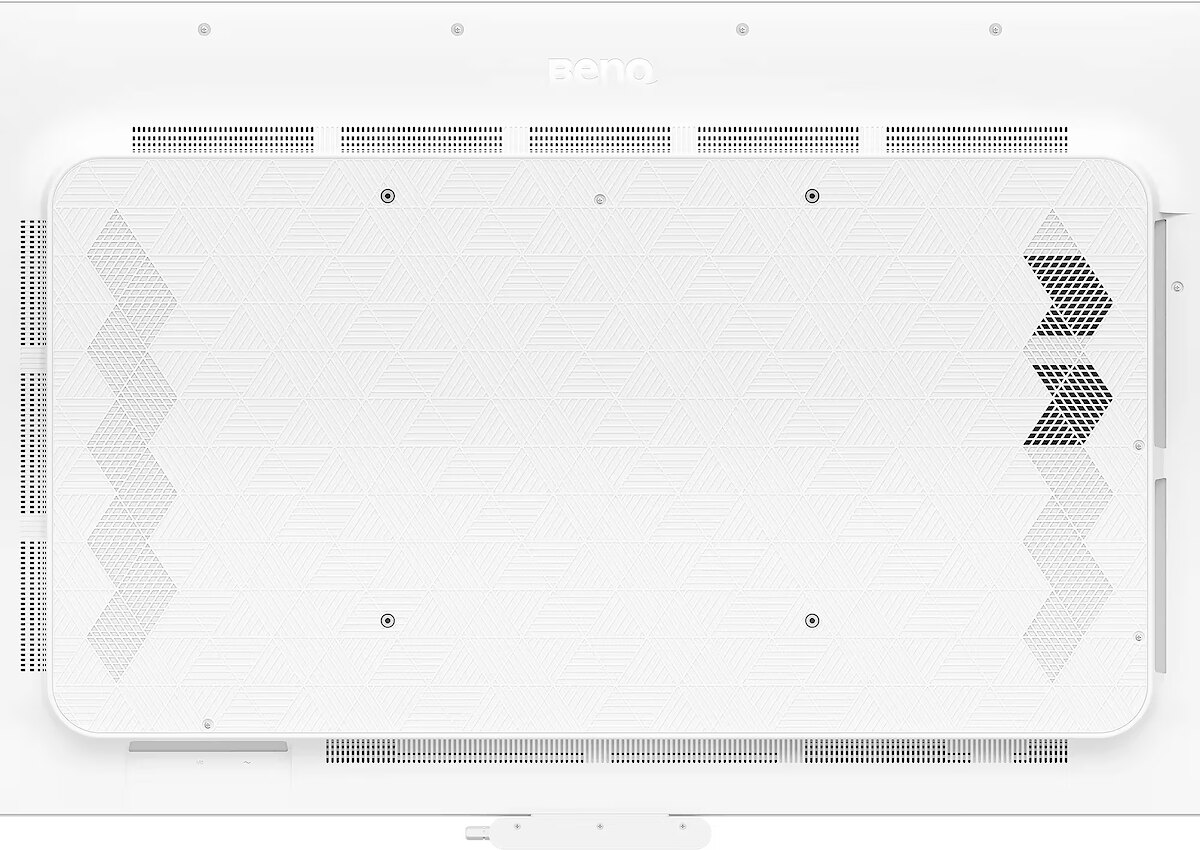
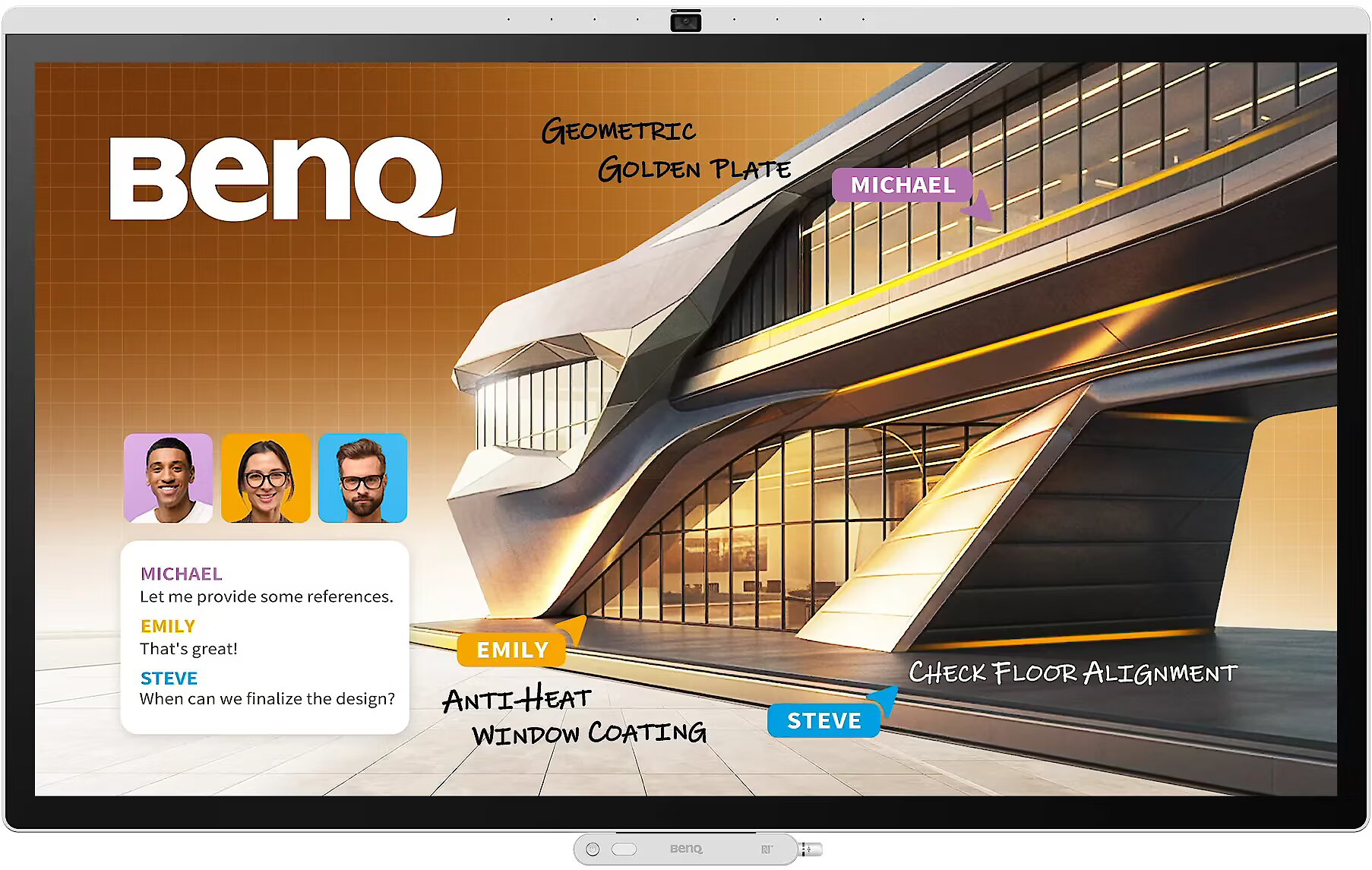
Benq CP5505, 55"

Picture may differ from actual product, there can be accessories and parts not supplied with the actual product.
News
ID: 1495640 Product code: 9H.P27TB.DE1
Can be ordered 1 units Availability: 14 days after order approval
Warranty: 2 years (Warranty for business entities 1 year)
4,076.63 €
3,287.60 € w/o VAT
Ready for dispatch
27.10.2026
starting from 19.99 € with VAT
Delivery options
  • Delivery by courier to the address
    Within 1-2 working days
    19.99 €
Main product parameters All parameters
  • Curved: None
  • Panel Type: IPS
  • Refresh rate: N/A
  • Response time: 8ms
  • Contrast ratio: 1200:1
  • Brightness: 450cd/m2
  • Size: 55"
  • Resolution: 4K UHD 3840x2160
Description

IPS technology ensures more accurate color representation and stable image when viewed from the side. Compared to TN and VA, it changes brightness and contrast less with viewing angle, making the displayed data visually more reliable and technically more accurate.

VESA wall mount allows you to install a monitor on the wall, adhering to a uniform industrial standard. It facilitates the choice of mount, increases the flexibility of workspace organization, and allows you to adjust the height and angle of placement, regardless of the desk or tripod.

Built-in speakers provide sound playback without having to connect separate acoustic systems, reducing the amount of equipment in the workplace. They provide basic audio signals for video conferencing, system announcements, and multimedia. This solution enhances convenience and reduces the number of additional cables.

HDMI is a digital interface designed for stable video and audio transmission with a single cable. This approach reduces the number of connections and prevents unnecessary signal conversion. HDMI ensures a reliable connection, high throughput, and precise operation with modern devices without loss of quality.

Multiple USB-C ports expand monitor functions when using modern digital devices. Each port provides power, signal, and data transmission through a single cable, reducing the complexity of the connection. This allows for simultaneous use of various devices and optimal cable placement.

USB-C video input ensures the transmission of video and audio signals through a single cable, simplifying the connection and reducing the number of wires. The connector supports modern data transmission protocols and ensures a stable signal. It improves the monitor's compatibility with a wide range of modern devices.

Warranty

Benq provides this model with a 2 year warranty at all certified service centres.
*When purchasing a monitor on the legal entity's details - manufacturer's warranty 1 year.

All parameters
Model : CP5505
Display characteristics
AMD FreeSync : None
Curved : None
NVIDIA G-SYNC : None
Panel Type IPS

Teh monitor panel is the main feature of the visible part of the screen or the technology where the display of the colour dots (pixels) is implemented.

TN is the standard technology with average contract, brightness and colour compliance indices.

IPS is the matrix with high colour compliance and good response speed, therefore it is well suited for graphics tasks and photo editing. IPS matrix provide an excellent viewing angle maintaining the colours and contrast from almost any angle.

VA matrix ensures superior colour compliance, however, the response time of this matrix is lagging behind that of the IPS and TN; the viewing angle is somewhere between both these technologies.

The TN type monitor is fully sufficient for an average user. If you have more money available the VA or IPS can be chosen.

Refresh rate : N/A
Touchscreen : YES
VESA DisplayHDR : There isn't
Response time 8ms
The response time of the monitor screen determines how fast the monitor will display moving images (films, games, animations, etc.). The response time is measured in miliseconds. The less the response time the better the ability of the monitor to display moving images.
www.toppc.ee recommends to buy monitors with 5ms response time or lower.
Contrast ratio 1200:1

Ekrāna kontrasts nosaka attēla asumu. Tā ir atšķirība starp vistumšāko (pilnīgi melnu) un visgaišāko (pilnīgi baltu) pikseli. Jo lielāks kontrasts, jo skaidrāk salasāms teksts uz ekrāna, kontrasts arī nosaka, cik izteiksmīgas līnijas būs redzamas monitora attēlā.

Augsts kontrasts ir nozīmīgs faktors izvēloties monitoru biroja, vai mācību vajadzībām, kad lielākoties tiek strādāts ar tekstuālu informāciju.

Mājas vajadzībām svarīgāks izvēles rādītājs ir gaišums un attēla reakcijas laiks. Kontrastu labāk novērtēt tumšā istabā.
Lielākais LCD monitoru trūkums ir tas, ka samazinot attēla spilgtumu, kontrasts var pazust.

Brightness 450cd/m2

Monitora gaišums ir attēla redzamības rādītājs, kas nosaka, cik labi saskatāms ir attēls pie spēcīga ārējā apgaismojuma (saules gaisma, gaiša telpa, utt.). LCD monitoru gaišums tiek mērīts kandelās uz kvadrātmetru (Cd/m2).
Izvēloties monitoru jāņem vērā - jo lielāks gaišuma rādītājs, jo labāka attēla redzamība.

Ikdienas vajadzībām TopPC.ee iesaka iegādāties monitoru ar gaišumu, ne mazāku par 250 cd/m2.

Basic information
Application : Home & Office
Aspect ratio : 16:9
Color : White
Size 55"

The size of the monitor screen is measured in inches across the diagonal. The screen size must be proportionate to the resolution of the screen for achieving the maximum utilisation of the desktop and details of the image.

Mainly two forms of LCD monitors are available: with standard width and height proportion 4:3 or the widescreen proportion 16:9 or 16:10. A widescreen monitor is wider and its resolution is higher than that of the monitors with standard proportion.

The bigger the monitor size the higher resolution usually is supported. Possibilities to increase the resolution of the screen usually depend on the size and possibilities of the monitor and the type of the video card.

Resolution 4K UHD 3840x2160

The resolution of the monitor screen determines the number of colour dots (pixels) a monitor can display. It refers to the clarity of the text and images displayed on the screen. The higher the resolution the sharper the items look.

The applied resolution depends on the resolution supported by the monitor. LCD monitors, including the screens of laptop computers usually work best if their local resolution has been set. The setting of this resolution for the monitor is not mandatory, but usually it is recommended to set it for ensuring the highest possible sharpness of texts and images. The bigger the monitor size the higher resolution usually is supported.

Possibilities to increase the resolution of the screen usually depend on the size and possibilities of the monitor and the type of the video card.
• 19 inches screen (standard proportions): 1280x1024 pixels
• 20 inches screen (standard proportions): 1600x1200 pixels
• 22 inches screen (widescreen): 1680x1050 pixels
• 24 inches screen (widescreen): 1900x1200 pixels

Functionality
Flicker-free : Is
Height adjustment : None
Pivot : None
Swivel : None
Tilt : NO
VESA wall mount : 400x400 mm
Ports and equipment
D-SUB 0

D-SUB is the classic (analogous) monitor connection plug. This standard is gradually disappearing from the market giving the place to the higher quality HDMI or DisplayPort (digital) plugs.

If the resolution of the monitor is FullHD or below the average user will experience no problems with this connection. Those who want to achieve higher image quality and resolution should look for the monitor with the DisplayPort or HDMI connection slot.

DisplayPort 0

DisplayPort is the digital connection for transmitting the image via a single wire at a high quality level. Contrary to the HDMI, this connection allows to connect several external monitors to the computer via a single connector.

Prior to buying the monitor with the DisplayPort you should verify whether your computer has the DisplayPort plug available!

DVI 0

DVI is a digital standard and ensures high image quality, however, thanks to the big size of the plug and the inability of the standard to develop further due to a few technical restrictions this type of connection is gradually losing its popularity to modern HDMI and DisplayPort standards.

DVI is compatible with HDMI and transitions of both directions are available.

DVI is not compatible with DisplayPort, however, there are DualMode DisplayPort connectors which contains the HDMI/DVI signal, and in the relevant direction DisplayPort -> DVI can transmit an image.

If the monitor resolution exceeds 1920px in any direction a graphics card with the DVI-D Dual Link support and the relevant quality cable will be required.

Before buying a monitor you should verify whether your graphics card has the corresponding connection slot!

HDMI port 1

HDMI is the digital high quality image transmission standard that allows to connect the monitor to the computer via a thin cable by using an elegant small-size connector. HDMI is compatible with DVI if the relevant transition or cable is used.

Speakers Is

Some monitors may have built-in speakers that quite often allow to give up external speakers thus freeing a space on the desk and saving money. The sound quality of built-in speakers is quite moderate and therefore we recommend to use this possibility just for infrequent needs.

For enjoying music, movies and games we recommend buying the corresponding quality and capacity speakers.

USB Hub : YES
USB-C Power Delivery : There isn't
USB-C video input : 2
More detailed specification
ARTIKEL1 - CP5505 55IN DLED TOUCH
ARTIKEL2 - CP 3840X2160 450CD 1200:1
Audio - Built-in microphone - Yes
Audio - Built-in speaker(s) - Yes
Audio - Number of built-in speakers - 2
Audio - Number of microphone arrays - 8
Audio - Speaker power - 15 W
Brand - BenQ
BrandPartCode - 9H.P27TB.DE1
Breite - 0
Camera - Built-in camera - Yes
Camera - Camera resolution (numeric) - 50 MP
Category - Interactive Whiteboards
Computer system - Built-in processor - Yes
Computer system - Graphics card family - ARM
Computer system - Operating system installed - Android
Computer system - Operating system version - 15
Computer system - Processor architecture - ARM Cortex A78 + ARM Cortex A55
Computer system - RAM capacity - 16 GB
Computer system - User memory - 256 GB
Display - Anti-glare screen - Yes
Display - Colour gamut - 90%
Display - Contrast ratio (dynamic) - 50000:1
Display - Contrast ratio (typical) - 1200:1
Display - Display brightness - 450 cd/m²
Display - Display diagonal - 139.7 cm (55")
Display - Display resolution - 3840 x 2160 pixels
Display - Hardness - 9H
Display - HD type - 4K Ultra HD
Display - Low Blue Light technology - Yes
Display - Native aspect ratio - 16:9
Display - Number of simultaneous touchpoints - 50
Display - Panel type - ADS
Display - Response time - 8 ms
Display - Touchscreen - Yes
Display - Touchscreen type - Capacitive
Display - Touch system response time - 2.5 ms
Display - Touch technology - Multi-touch
Display - Working area - 1209.6 x 680.4 mm
EANCode - 4718755097782
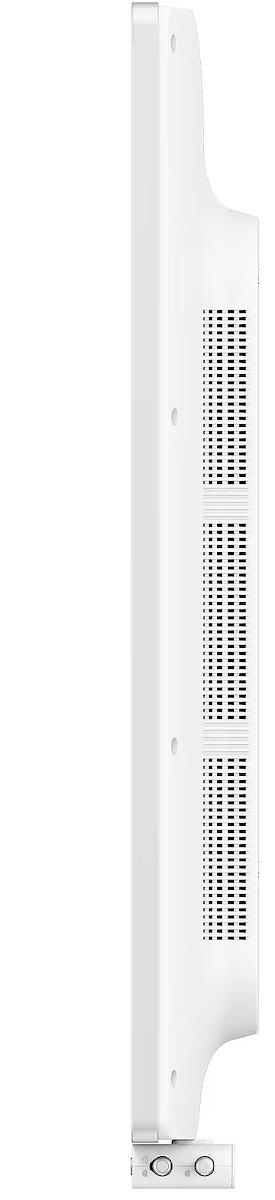
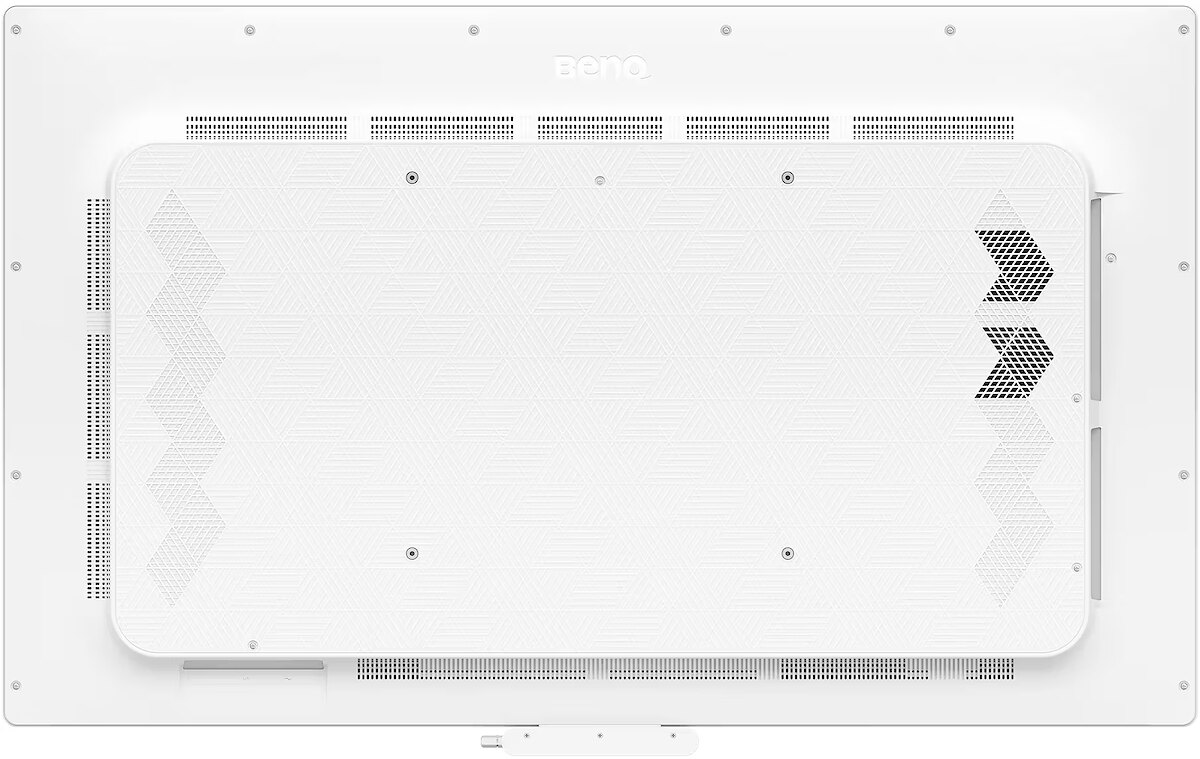
Ergonomics - Panel mounting interface - 400 x 400 mm
Ergonomics - Product colour - White
Ergonomics - VESA mounting - Yes
Ergonomics - Wall mountable - Yes
GRUPPE1 - Displays
GRUPPE2 - Lcd Monitor
GTIN - 4718755097782
HERSTELLER - BENQ
Hoehe - 0
HSTNUMMER - 9H.P27TB.DE1
LongDesc - Introducing BenQ's most advanced meeting display to dateWhen collaborative efforts demand moreEngineered for diverse corporate settings and industries. Features vibrant, consistent colors, intuitive AI, secure login, and more.Smart, secure, collaboration-optimized, and made to fit youFrom login to collaboration, smarter every stepMulti-user loginYour personal spaceYour workspace, protected and on command. Turn the interactive display into your personal device with secure login and instant access to your cloud storage, signed-in websites, and app shortcuts.Built-in AI featuresDo more with AIGet quick answers, capture key points, and bring concepts to life with stunningly enhanced visuals.Color precision for every industryProfessional-grade accuracy with 95% DCI-P3 coverage and expert-tuned color modes.Pantone modeReproduce over 2,000 Pantone colors with precision, plus over 110 scientifically calibrated human skin tones.M-book modeOptimized for designers using the MacBook. Brilliant colors faithfully reproduced.*MacBook® is a trademark of Apple Inc.High-detail modeSharper contrast accentuates details. Perfect for schematic diagrams, codes, and blueprints.DICOM modeMedical-grade accuracy when displaying digital images, with no loss of detail.*DICOM mode is intended for training purposes only and not for medical diagnostic use.ePaper modeGrayscale lowers brightness for visual comfort and optimal use in text-heavy tasks like reviewing contracts and financial data.Next-level video conferenceEveryone, in perfect viewCollaborate as if in person with 4K fidelity, AI tracking, a wide viewing angle, and more.Hear and be heardConversations flow naturally with every participant heard clearly, free from echoes or distractions.Seamless, wireless sharingCast your entire screen, a single app, or extend your interactive display with InstaShare 2. For app-free sharing, use Miracast, AirPlay, Google Cast, or webcasting.Cast only what's necessaryShare just an app or your presentation to the extended screen. The rest stays private.An unlimited workspaceBenQ EZWrite is a powerful whiteboard with a collection of tools designed for more engaging presentations and discussions.Import. Brainstorm. ShareBring slides, spreadsheets, documents, images, or videos to an infinite canvas. Drive creativity, collaborate seamlessly, and share results effortlessly with stakeholders.Tools for every situationFull-featured USB-CShare your screen, charge your laptop, and control directly from the board.Meeting reservationBook rooms and check schedules with our MeetingRoom system.Ink freelyAdd notes and highlight on top of any app, document, or input source.Side-by-side drag and dropEasily move content between Chrome and EZWrite.Less hassle for ITSecure, personalized logins for meetingsNo manual account setup needed with directory sync. Import users from Google, Microsoft, and other identity providers and manage interactive displays with ease.Deploy, manage, and protect. Your wayThe BenQ ecosystem simplifies device, app, and account management, reducing the workload for IT administrators.
LongProductName - Board CP5505 | Interactive Display
LongSummaryDescription - BenQ CP5505. Display diagonal: 139.7 cm (55"), Working area: 1209.6 x 680.4 mm, Display brightness: 450 cd/m². Operating system installed: Android, Processor architecture: ARM Cortex A78 + ARM Cortex A55, User memory: 256 GB. Speaker power: 15 W. Camera resolution (numeric): 50 MP. Top Wi-Fi standard: Wi-Fi 6 (802.11ax), Ethernet LAN data rates: 10,100,1000 Mbit/s
Network - Bluetooth version - 5.4
Network - Ethernet LAN - Yes
Network - Ethernet LAN data rates - 10,100,1000 Mbit/s
Network - Near Field Communication (NFC) - Yes
Network - Top Wi-Fi standard - Wi-Fi 6 (802.11ax)
Network - Wi-Fi - Yes
Operational conditions - Operating relative humidity (H-H) - 20 - 90%
Operational conditions - Operating temperature (T-T) - 0 - 40 °C
Operational conditions - Storage relative humidity (H-H) - 20 - 90%
Operational conditions - Storage temperature (T-T) - -10 - 60 °C
Packaging content - Bundled software - EZWrite 6.0, InstaShare 2
Packaging content - Cables included - HDMI, USB Type-C
Packaging content - Number of stylus pens - 2
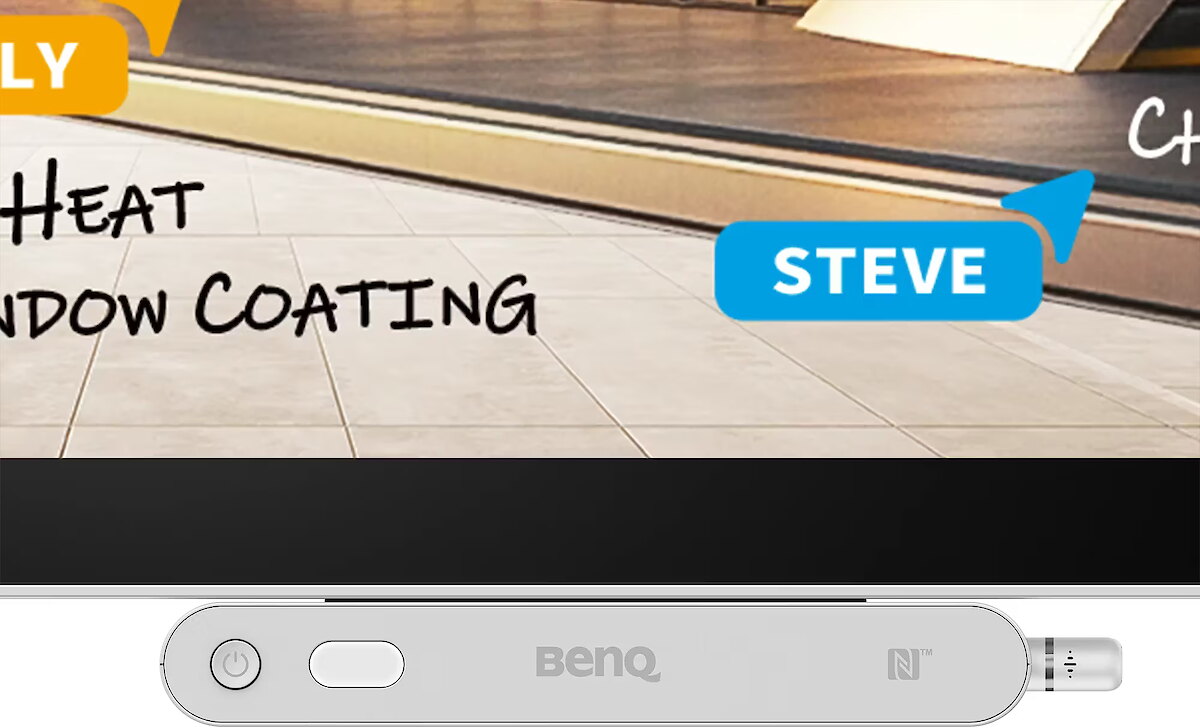
Packaging content - Pen tray included - Yes
Packaging content - Stylus included - Yes
Performance - Ambient light sensor - Yes
Performance - Operating hours (hours/days) - 18/7
Ports & interfaces - HDMI ports quantity - 1
Ports & interfaces - HDMI version - 2.0
Ports & interfaces - Headphone connectivity - 3.5 mm
Ports & interfaces - OPS slot - 1
Ports & interfaces - RS-232 ports - 1
Ports & interfaces - USB 3.2 Gen 1 (3.1 Gen 1) Type-A ports quantity - 2
Ports & interfaces - USB Type-C ports quantity - 2
Power - AC input frequency - 50/60 Hz
Power - AC input voltage - 100-240 V
Power - Power consumption (standby) - 0.5 W
Power - Power consumption (typical) - 95 W
ProductName - CP5505
ShortSummaryDescription - BenQ CP5505, 139.7 cm (55"), 1209.6 x 680.4 mm, 450 cd/m², 3840 x 2160 pixels, 4K Ultra HD, ADS
Stck_Kart - 1
Stck_Pal - 0
Storno - N
Sustainability - Sustainability certificates - ENERGY STAR
Title - BenQ CP5505 interactive whiteboard 139.7 cm (55") 3840 x 2160 pixels Touchscreen White
URL - https://www.benq.eu/en-eu/business/ifp/cp5505.html#tab-anchor
WarrantyInfo -
4,076.63 €
3,287.60 € w/o VAT
Benq CP5505, 55"
Intel technology provider Platinum 2020
All categories