Accessories included - 1.5 m power cord HDMI cable DisplayPort cable USB 3.0 cable
Aspect ratio - 16:9
Auto Pivot - Yes
Bluetooth - No
Brand - Samsung
BrandPartCode - LS32H804EAUXEN
Brightness - 350 cd/m²
Category - Computer Monitors
Certificates - EPEAT Silver
Certificates - TCO
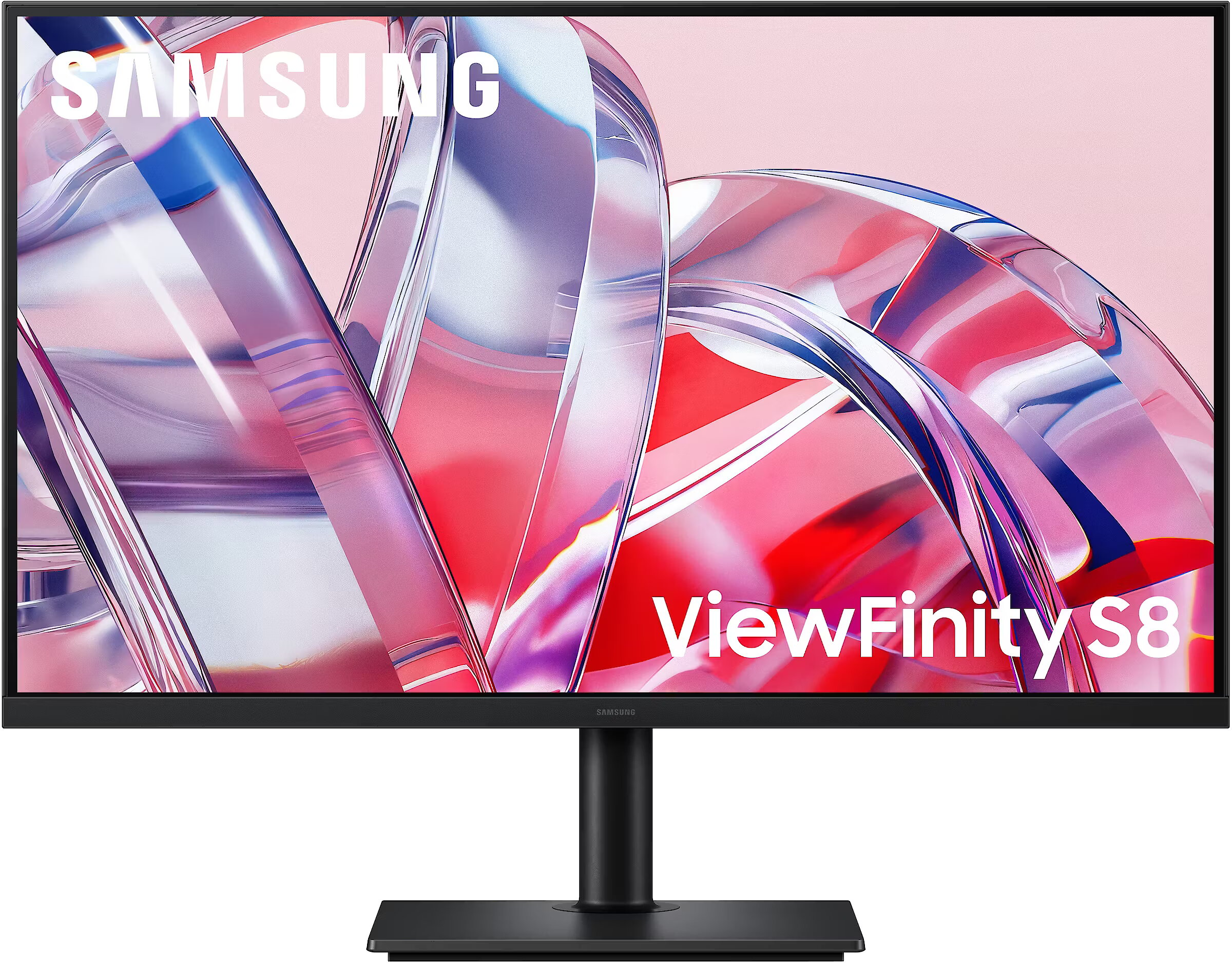
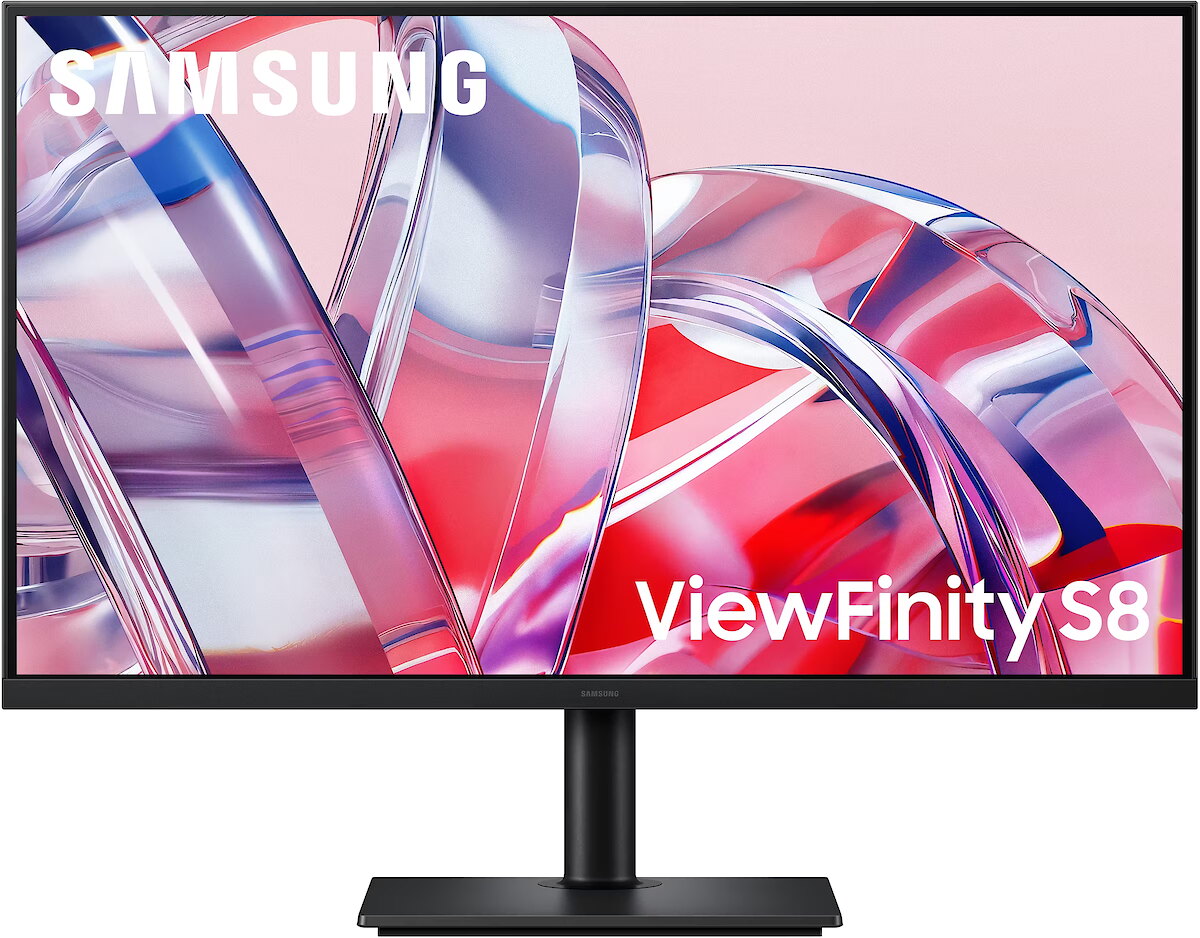
Color - Black
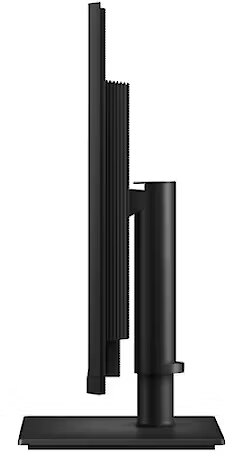
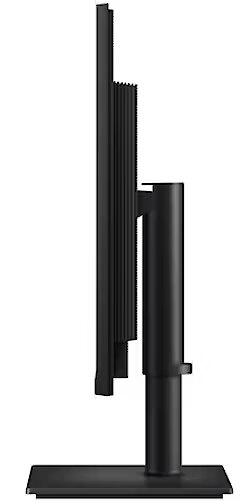
Depth - 46 mm
Depth with stand - 240 mm
Description - Crystal-clear imagery for professionals
4K UHD
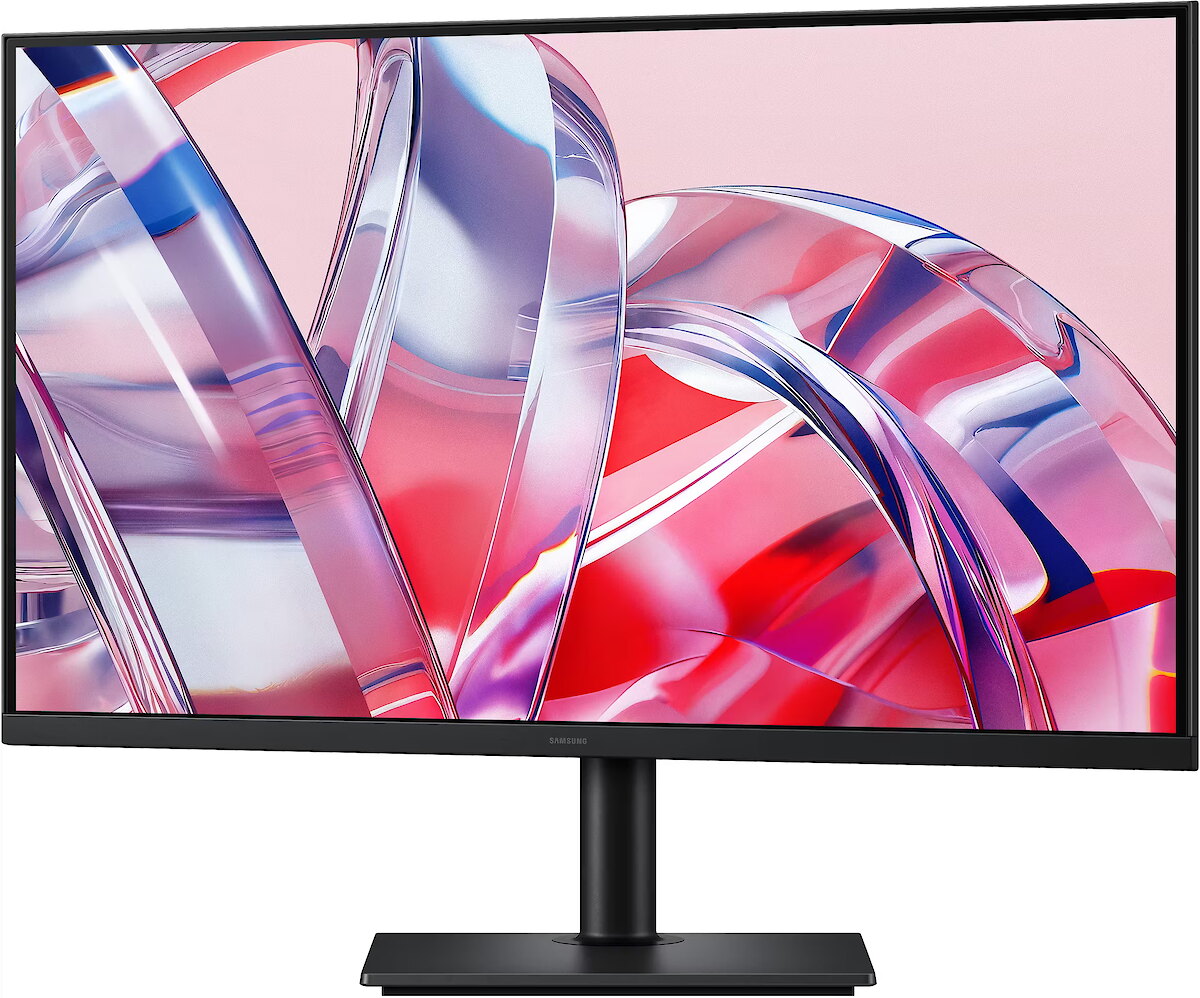
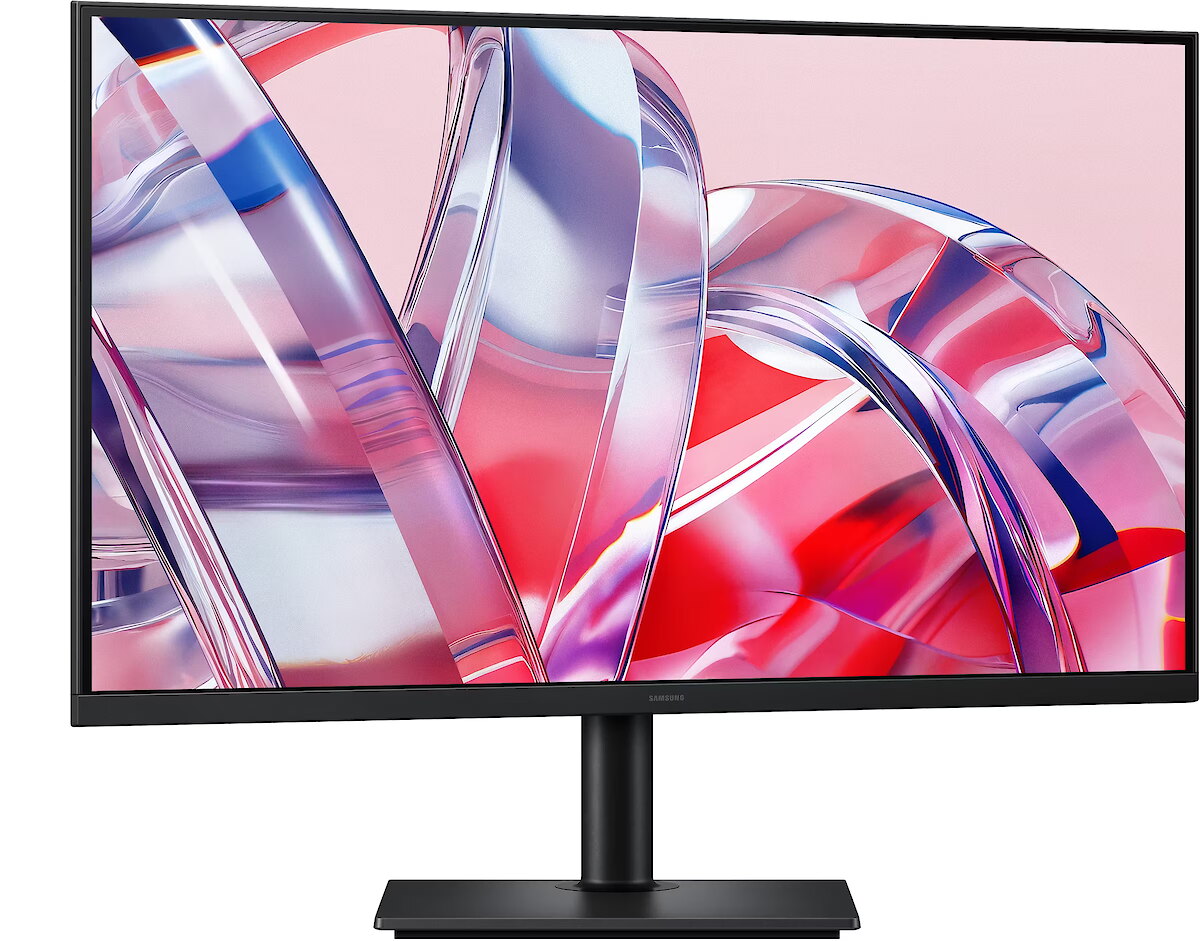
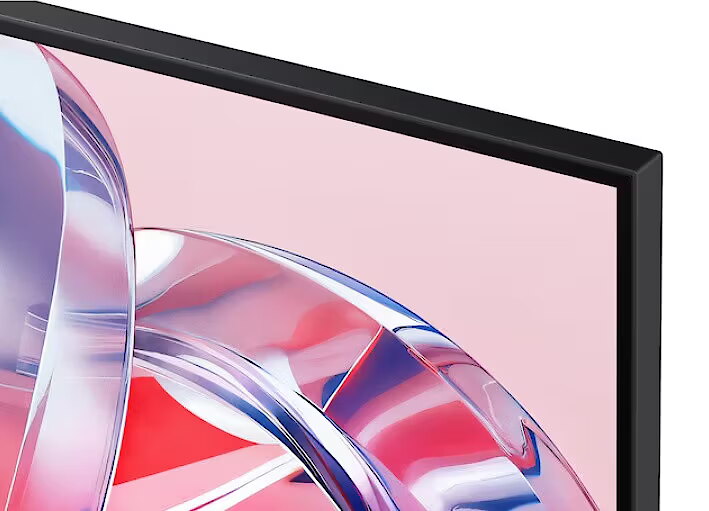
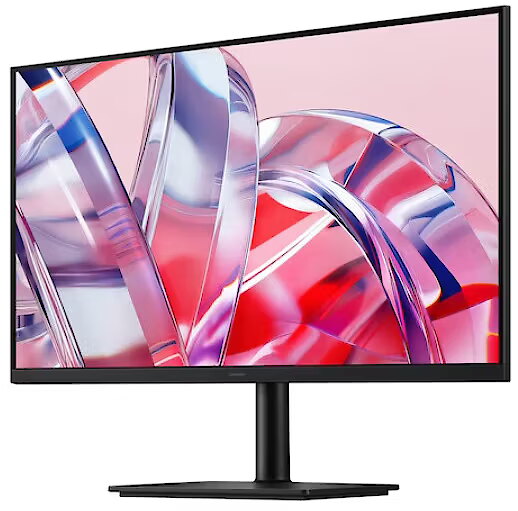
4K UHD resolution (3840 x 2160) delivers the superior image quality that professionals demand. High pixel density ensures greater detail on the ViewFinity S8 S80H screen. With precise color reproduction and an expansive display area, you can create intricate designs, complex diagrams, and dynamic video content.
Enhanced realism through a wider color gamut
HDR10
HDR10 technology delivers realistic reproduction of over a billion colors. Enjoy a wide color gamut that ensures stunning image accuracy and detail on the ViewFinity S8 S80H monitor.
Quick device connectivity
Easy Connection
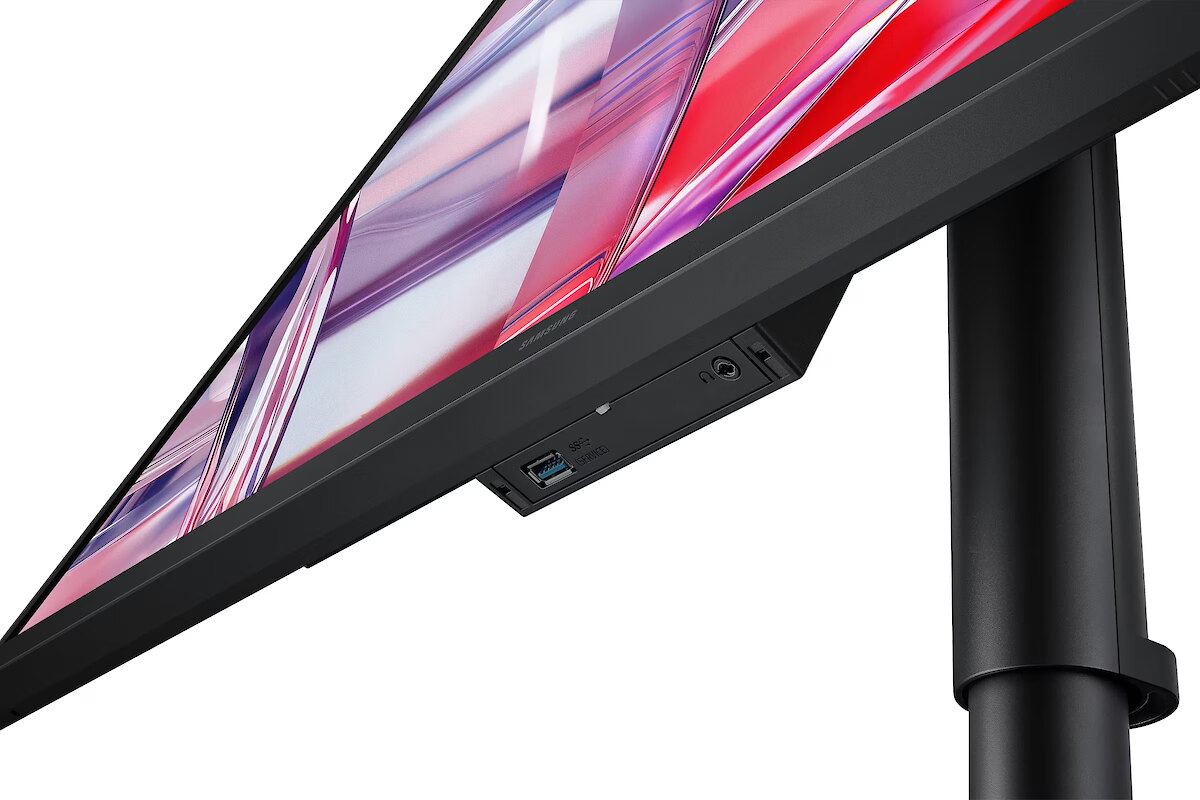
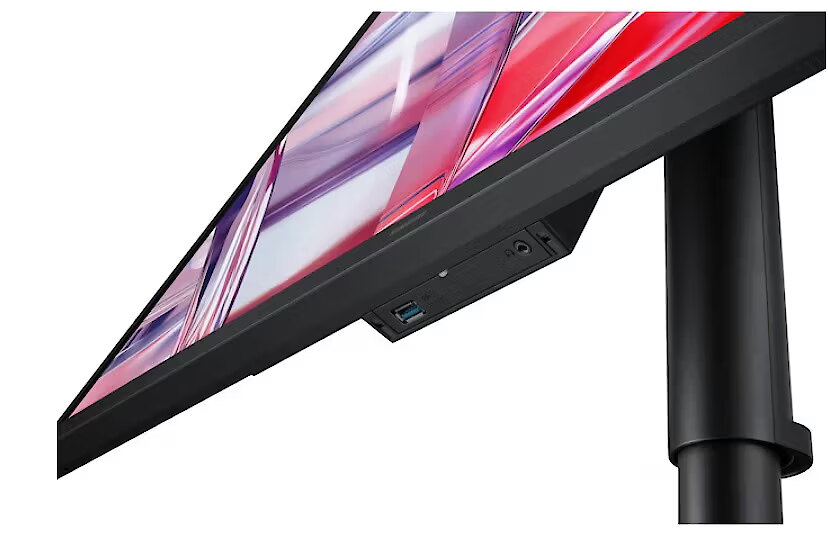
The Easy Connection feature provides convenient access to frequently used ports, eliminating the need to fumble for hard-to-reach sockets. It is designed to ensure a smooth workflow, allowing for a more efficient workspace setup.
Connect and customize to your needs
Multiple ports
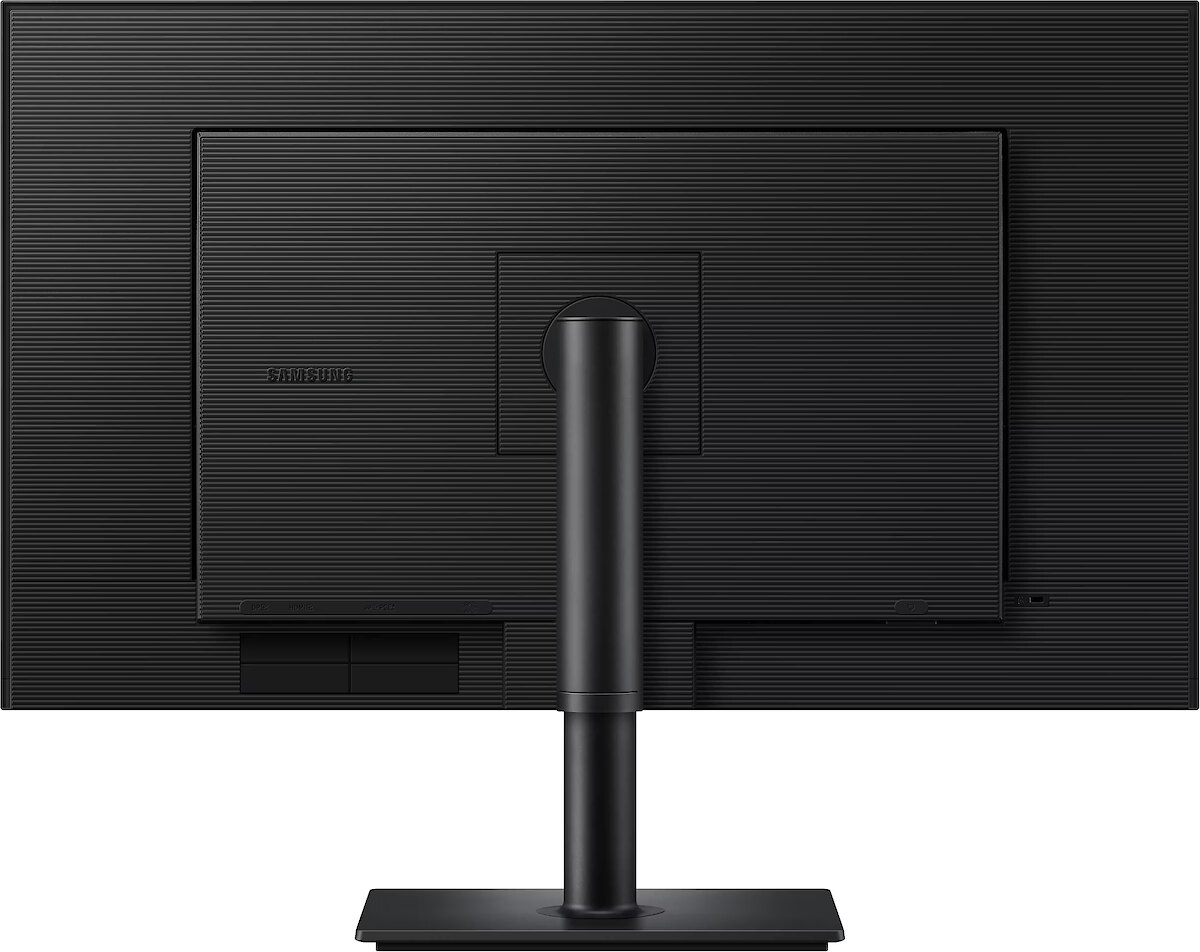
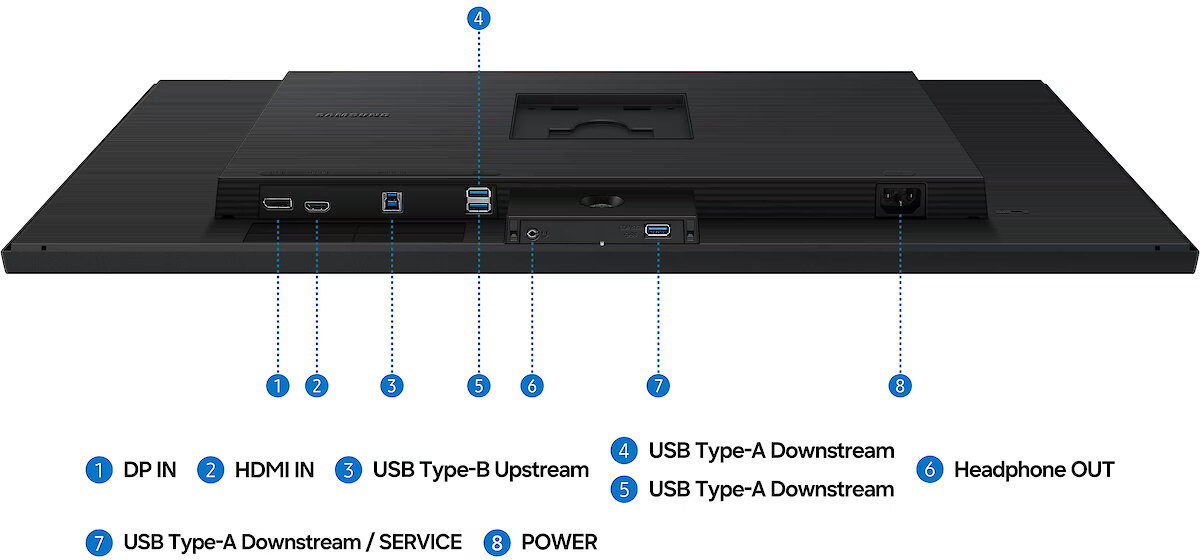
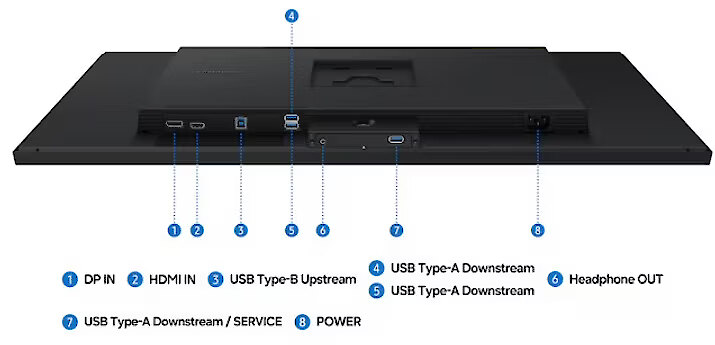
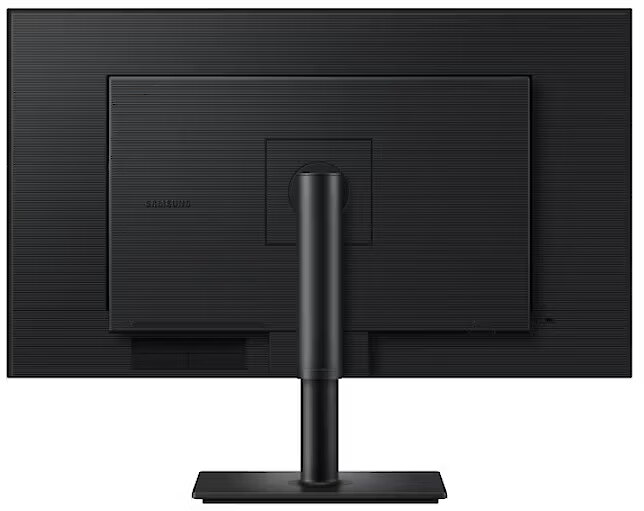
Connecting peripherals is effortless thanks to HDMI, DP, USB-A, and USB-B ports. This not only simplifies setup but also boosts productivity, ensuring a seamless workflow on the ViewFinity S8 S80H monitor.
A wider field of view
Ergonomic stand
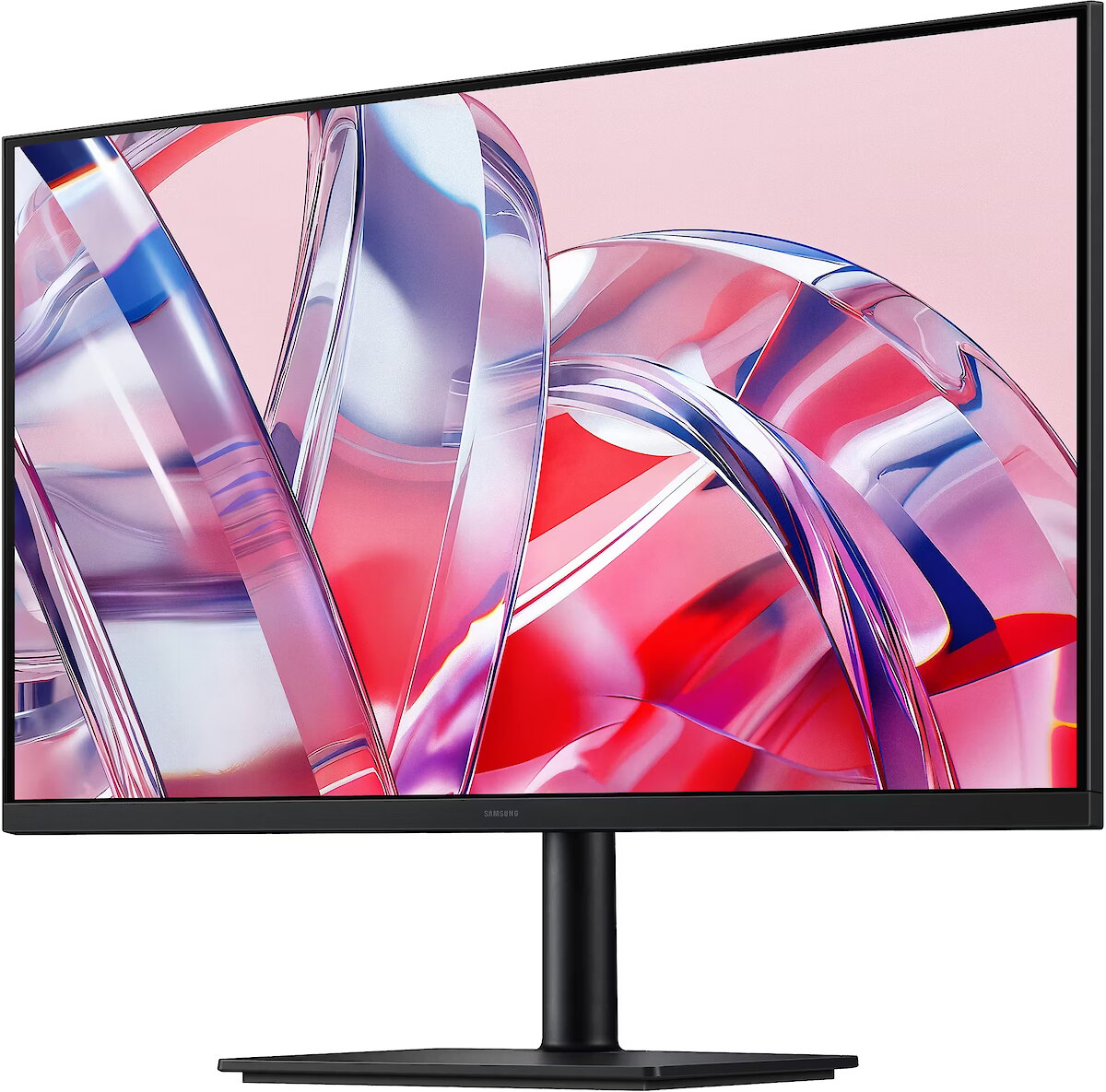
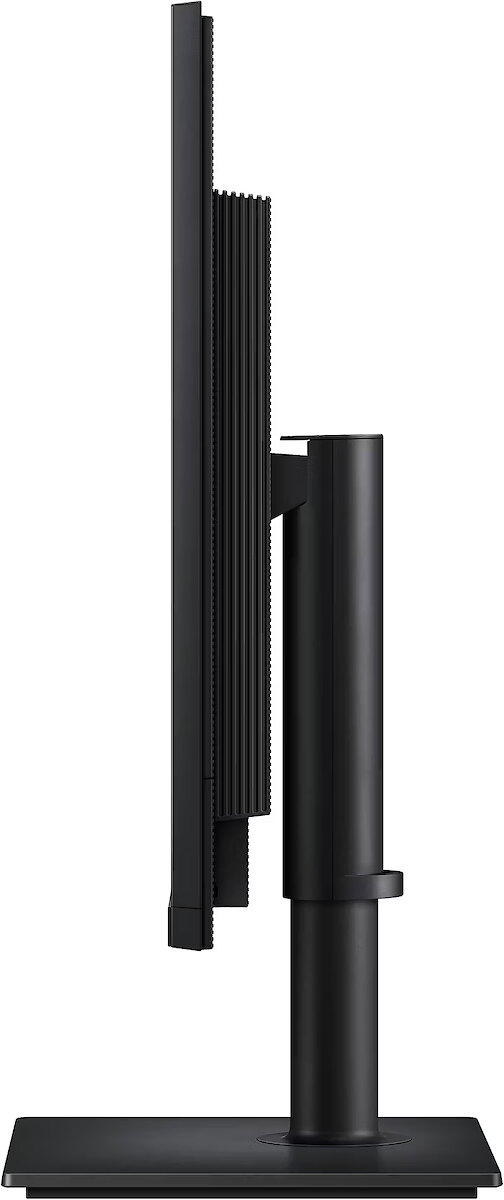
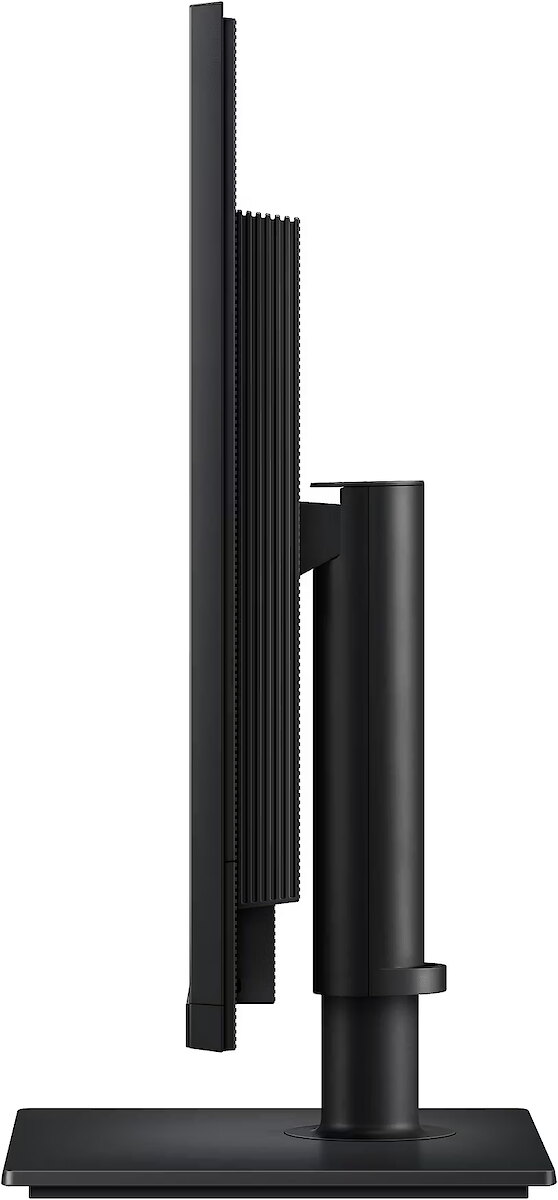
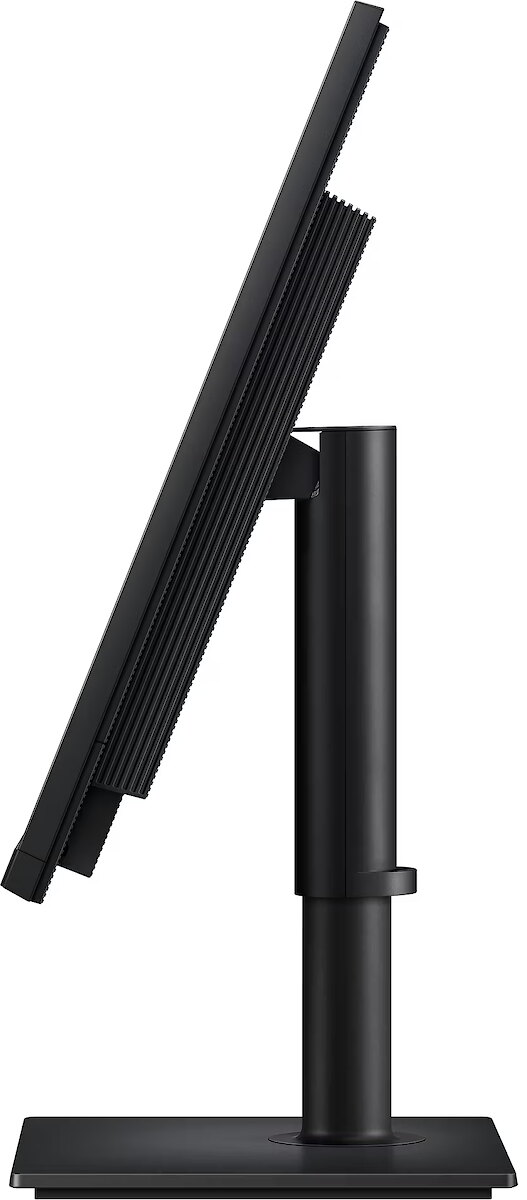
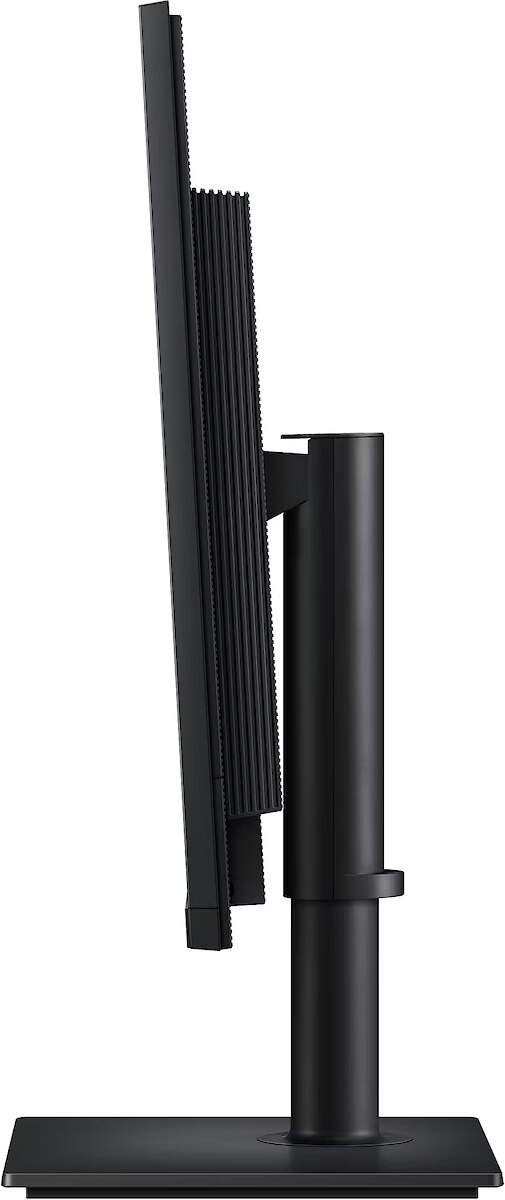
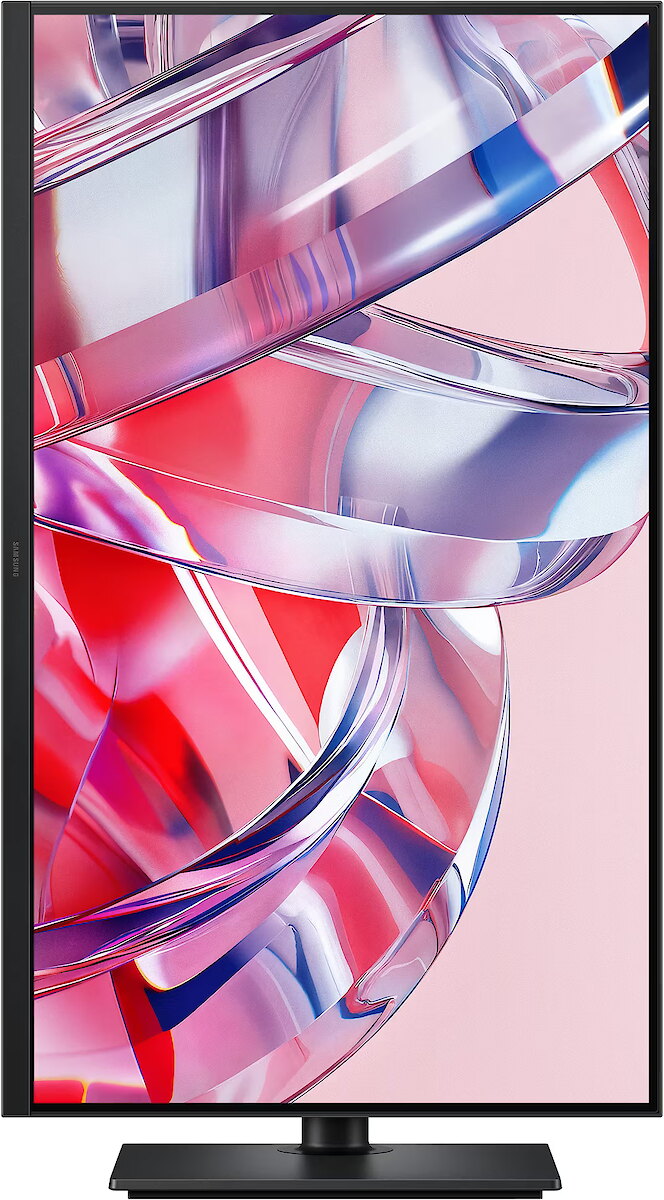
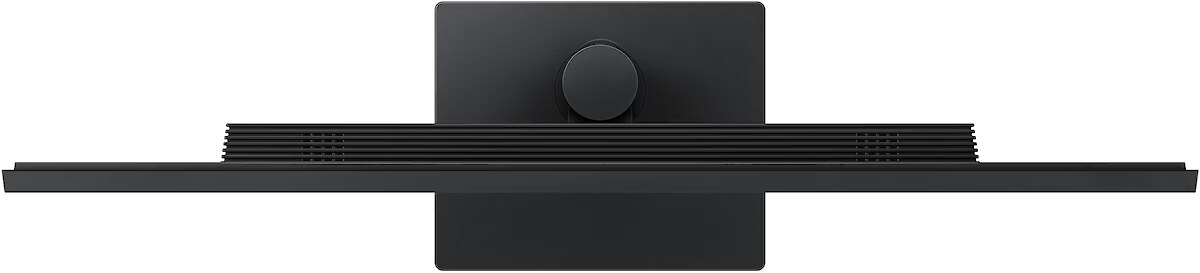
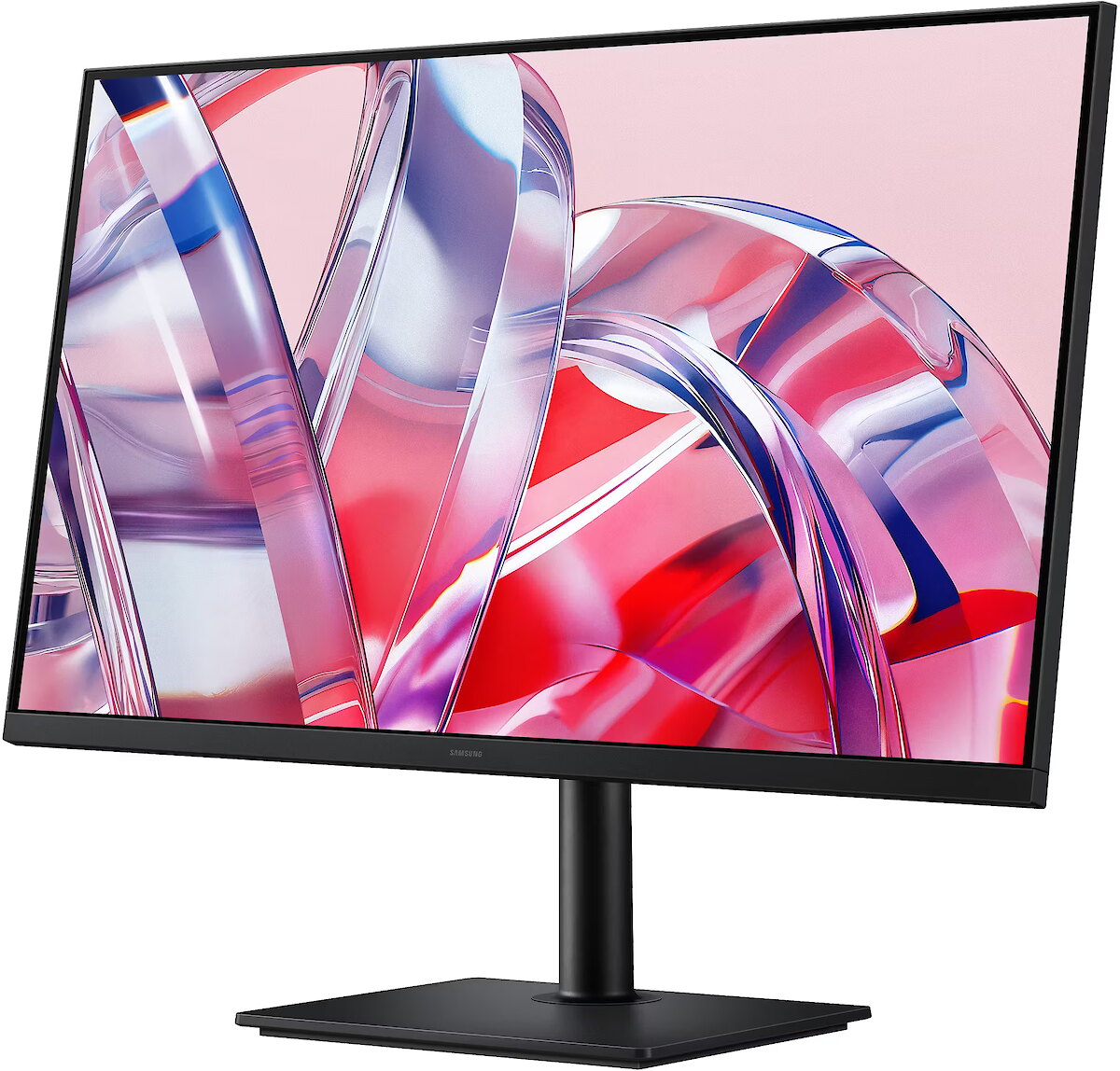
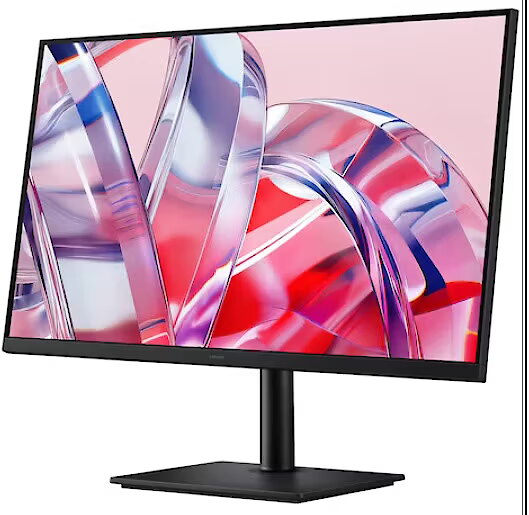
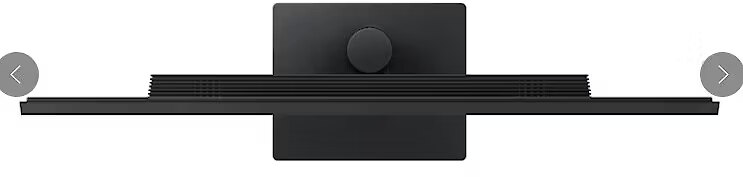
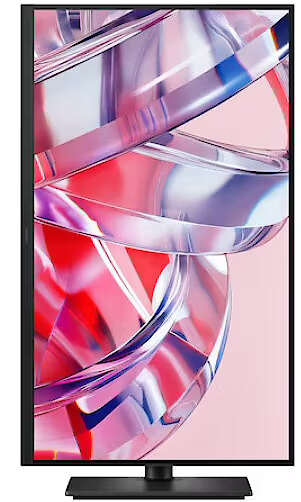
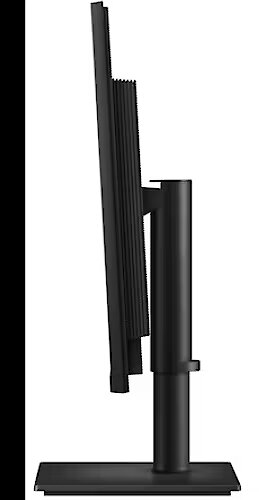
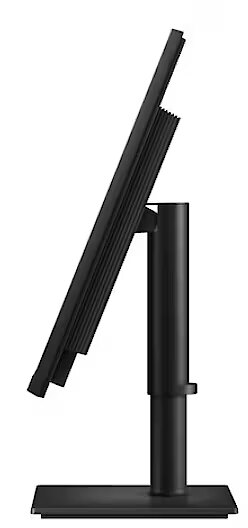
The monitor's ergonomic design allows you to find the angle that offers maximum comfort. Simply tilt, swivel, and adjust the screen height to achieve the optimal position and maximum functionality. Additionally, the monitor's screen can be rotated 90 degrees, allowing you to view long documents without constant scrolling.
Smart Eye Protection
Eye Saver Mode and Less Screen Flickering
Protect your eyes with advanced, TÜV-certified technology. Eye Saver Mode reduces eye strain by limiting blue light emissions, while the Less Screen Flickering feature helps prevent screen flicker, ensuring a comfortable viewing experience even during long sessions.
Comprehensive Control Hub
Samsung Display Manager
Samsung Display Manager provides easy access to features such as split-screen configuration, brightness adjustment, KVM, PIP/PBP, and precise color calibration. Simply click the desktop menu to access advanced screen control options. For business users, the MAPT (MAC Address Pass-Through) feature enables the identification and tracking of network-connected devices.
Designed with Care
Recycled Materials
The ViewFinity monitor contains over 15% recycled plastic. No chemical sprays are used in production, and the packaging is glued rather than stapled, eliminating the need to remove staples during disassembly.
Design - Feet colour - Black
Design - Market positioning - Office
Design - Product colour - Black
Designation - CE+WEEE
dimension depth - 790 mm
dimension height - 560 mm
dimension weight - 8600 g
dimension width - 120 mm
Display - Contrast ratio (typical) - 3000:1
Display - Display brightness (min) - 280 cd/m²
Display - Display brightness (typical) - 350 cd/m²
Display - Display diagonal - 81.3 cm (32")
Display - Display diagonal (metric) - 80 cm
Display - Display number of colours - 1.07 billion colours
Display - Display resolution - 3840 x 2160 pixels
Display - Display technology - LCD
Display - Dynamic contrast ratio marketing name - Mega Infinity DCR
Display - HD type - 4K Ultra HD
Display - High Dynamic Range (HDR) supported - Yes
Display - High Dynamic Range (HDR) technology - High Dynamic Range 10 (HDR10)
Display - Maximum refresh rate - 60 Hz
Display - Native aspect ratio - 16:9
Display - Panel type - VA
Display - Response time - 5 ms
Display - Response time measurement type - GTG (Gray to Gray)
Display - Screen shape - Flat
Display - sRGB coverage (typical) - 99%
Display - Touchscreen - No
Display - Viewable size, horizontal - 69.7 cm
Display - Viewable size, vertical - 39.2 cm
Display - Viewing angle, horizontal - 178°
Display - Viewing angle, vertical - 178°
Display surface - Matt
Dynamic contrast - Mega Contrast
ean - 8806099141950
Energy class - F
Energy label - Pobierz
Ergonomics - Adjustable height (max) - 12 cm
Ergonomics - Height adjustment - Yes
Ergonomics - Panel mounting interface - 100 x 100 mm
Ergonomics - Picture-in-Picture - Yes
Ergonomics - Pivot - Yes
Ergonomics - Pivot angle - -92 - 92°
Ergonomics - Swivel angle range - -45 - 45°
Ergonomics - Swivelling - Yes
Ergonomics - Tilt adjustment - Yes
Ergonomics - Tilt angle range - -3 - 25°
Ergonomics - VESA mounting - Yes
GTIN - 8806099141950
guarantee - 36
guarantee_type - external
Height - 423.2 mm
Height adjustment - Yes
Height adjustment range - 120 mm
Height with stand - 613.1 mm
I/O connectors - 1 x 3,5 mm minijack
I/O connectors - 1 x DisplayPort
I/O connectors - 1 x HDMI
I/O connectors - 1 x USB 3.2 Type-B Gen 1
I/O connectors - 3 x USB 3.2 Type-A Gen 1
Kensington Security Slot - Nie
LongSummaryDescription - Samsung S80H. Display diagonal: 81.3 cm (32"), Display resolution: 3840 x 2160 pixels, HD type: 4K Ultra HD, Display technology: LCD, Response time: 5 ms, Native aspect ratio: 16:9, Viewing angle, horizontal: 178°, Viewing angle, vertical: 178°. Built-in USB hub, USB hub version: 3.2 Gen 1 (3.1 Gen 1). VESA mounting, Height adjustment. Product colour: Black
Matrix type - VA
Microphone - Nie
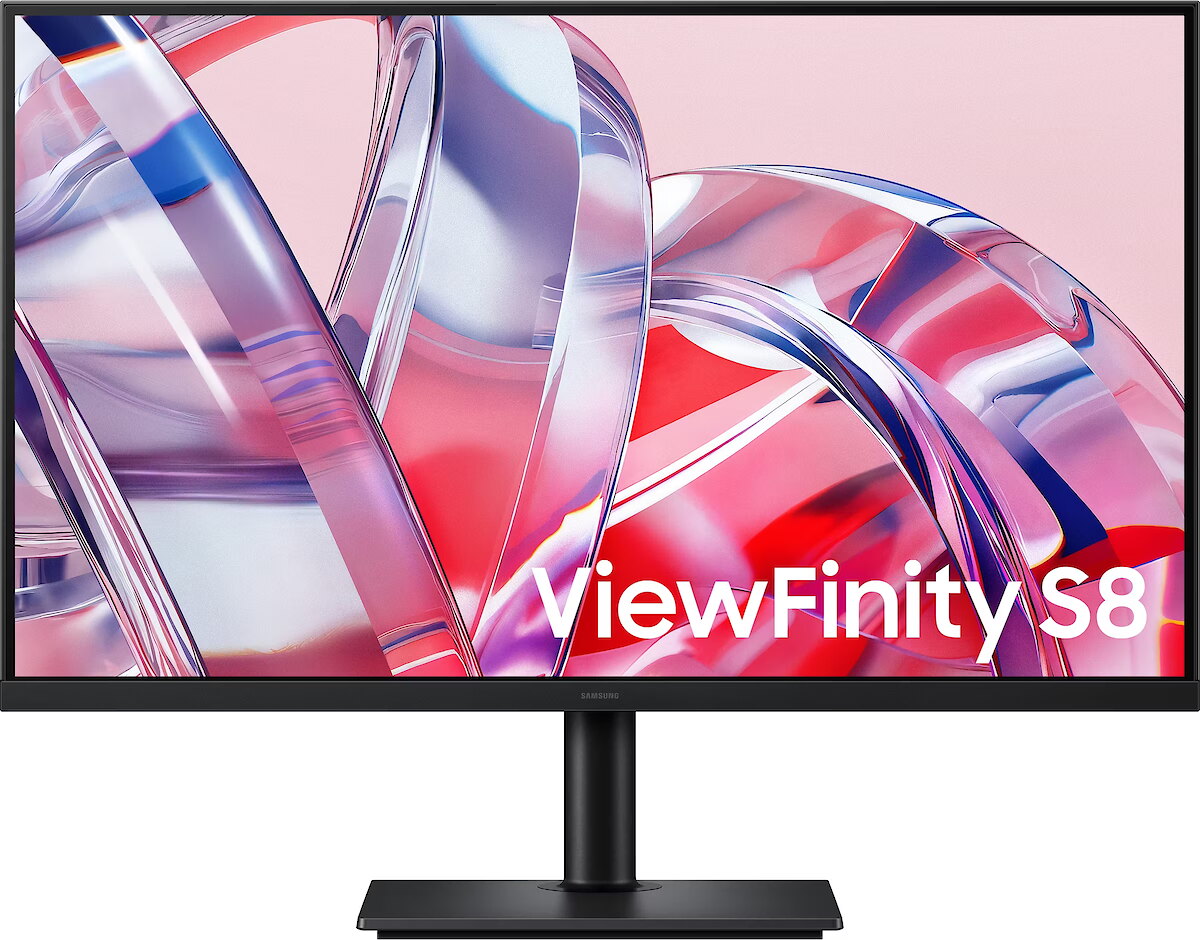
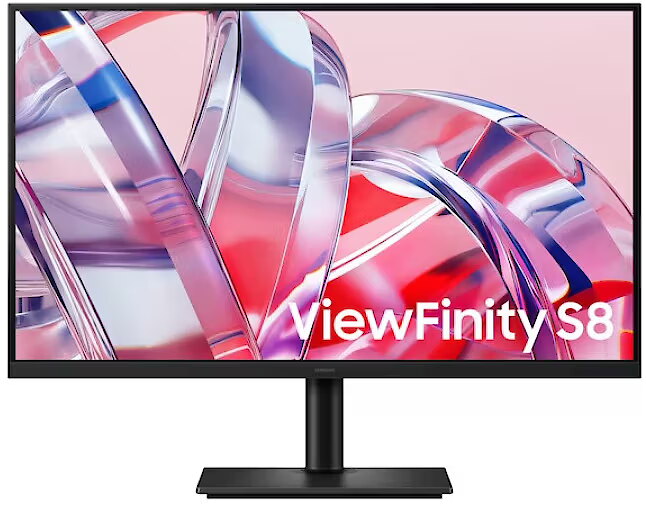
Model - ViewFinity S8
Multimedia - Built-in camera - No
Multimedia - Built-in speaker(s) - No
name - Monitor 32-inch LS32H804EAUXEN
Number of colors - 1,07 mld
Operational conditions - Operating relative humidity (H-H) - 10 - 80%
Operational conditions - Operating temperature (T-T) - 10 - 40 °C
Other features - Auto source switch+ - Yes
Other features - Eco Saving Plus - Yes
Other features - Image size - Yes
Other features - Off Timer Plus - Yes
Other features - Picture-by-Picture (PbP) - Yes
Other features - Samsung Eye Saver Mode - Yes
Packaging content - Cables included - Power, USB Type-C, DisplayPort, USB Type-A to USB Type-B
Packaging content - Power cable length - 1.5 m
Packaging content - Stand included - Yes
Packaging data - Package depth - 133 mm
Packaging data - Package height - 560 mm
Packaging data - Package weight - 8.6 kg
Packaging data - Package width - 794 mm
Performance - AMD FreeSync - No
Performance - Flicker-free technology - Yes
Performance - NVIDIA G-SYNC - No
Ports & interfaces - Built-in KVM switch - Yes
Ports & interfaces - Built-in USB hub - Yes
Ports & interfaces - DisplayPort out version - 1.2
Ports & interfaces - DisplayPorts quantity - 1
Ports & interfaces - HDCP - Yes
Ports & interfaces - HDCP version - 2.2
Ports & interfaces - HDMI - Yes
Ports & interfaces - HDMI ports quantity - 1
Ports & interfaces - HDMI version - 2.0
Ports & interfaces - Headphone out - Yes
Ports & interfaces - Number of USB Type-B upstream ports quantity - 1
Ports & interfaces - USB hub version - 3.2 Gen 1 (3.1 Gen 1)
Ports & interfaces - USB Type-A downstream ports quantity - 3
Power - AC input frequency - 50/60 Hz
Power - AC input voltage - 100 - 240 V
Power - Energy consumption (HDR) per 1000 hours - 60 kWh
Power - Energy consumption (SDR) per 1000 hours - 30 kWh
Power - Energy efficiency class (HDR) - G
Power - Energy efficiency class (SDR) - F
Power - Energy efficiency scale - A to G
Power - Power consumption (standby) - 0.5 W
Power - Power consumption (typical) - 30 W
Power - Power supply type - Internal
Power consumption - 30 W
producer - Samsung
ProductName - S80H
Refresh rate - 60 Hz
Resolution - 3840 x 2160
Response time - 5 ms
Screen size (diag.) - 32"
ShortSummaryDescription - Samsung S80H, 81.3 cm (32"), 3840 x 2160 pixels, 4K Ultra HD, LCD, 5 ms, Black
Speakers built-in - No
Static contrast - 3 000:1
Sustainability - Sustainability certificates - TCO, EPEAT Silver
Swivel - Yes
Tilt - Yes
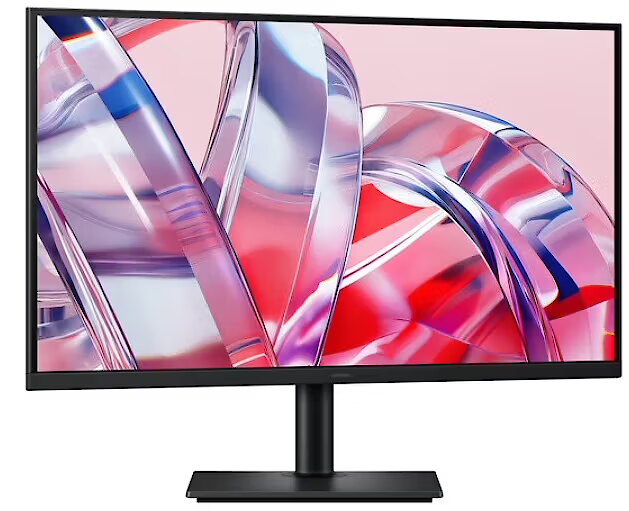
Title - Samsung S80H computer monitor 81.3 cm (32") 3840 x 2160 pixels 4K Ultra HD LCD Black
Touch screen - No
Transreflective technology - LED
TV tuner built-in - No
vendpn - LS32H804EAUXEN
VESA - 100 x 100
Viewing angle, horizontal - 178 °
Viewing angle, vertical - 178 °
Visible area, horizontal - 697.3 mm
Visible area, vertical - 392.2 mm
Web camera - None
Weight - 4.5 kg
Weight & dimensions - Depth (without stand) - 46 mm
Weight & dimensions - Depth (with stand) - 240 mm
Weight & dimensions - Height (without stand) - 423.2 mm
Weight & dimensions - Height (with stand) - 613.1 mm
Weight & dimensions - Weight (without stand) - 4.5 kg
Weight & dimensions - Weight (with stand) - 6 kg
Weight & dimensions - Width (without stand) - 716.7 mm
Weight & dimensions - Width (with stand) - 716.7 mm
Weight with stand - 6 kg
Width - 716.7 mm
WiFi - No




 DVI is a digital standard and ensures high image quality, however, thanks to the big size of the plug and the inability of the standard to develop further due to a few technical restrictions this type of connection is gradually losing its popularity to modern HDMI and DisplayPort standards.