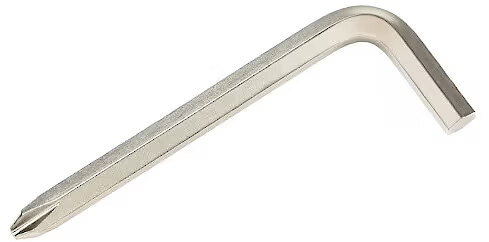
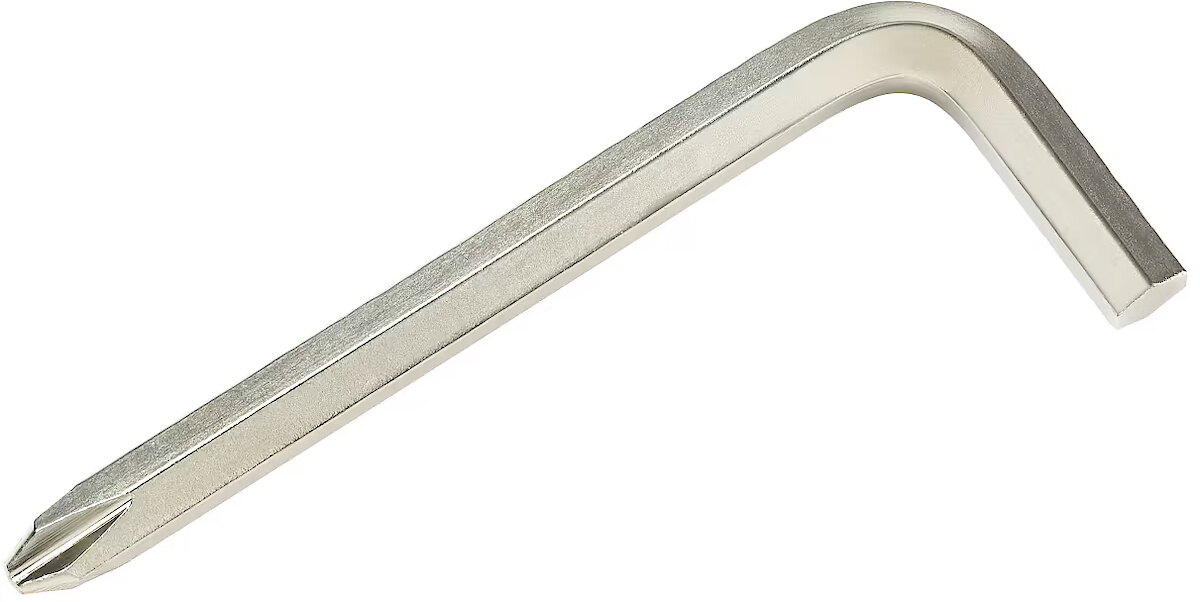
Accessories included - Karta gwarancyjna Skrócona instrukcja obsługi Przewód zasilający Wkrętak w kształcie litery L Kabel HDMI
Aspect ratio - 16:9
Auto Pivot - No
Bluetooth - No
Brand - ASUS
BrandPartCode - 90LM06D3-B01971
Brightness - 300 cd/m²
Category - Computer Monitors
Certificates - AMD FreeSync
Certificates - EPEAT Silver
Certificates - TCO
Certificates - TUV
Color - Black
Data Act - Link
Depth - 50 mm
Depth with stand - 201 mm
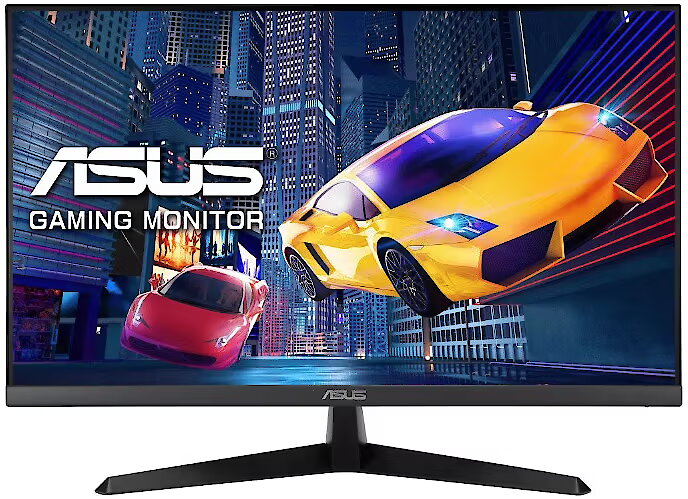
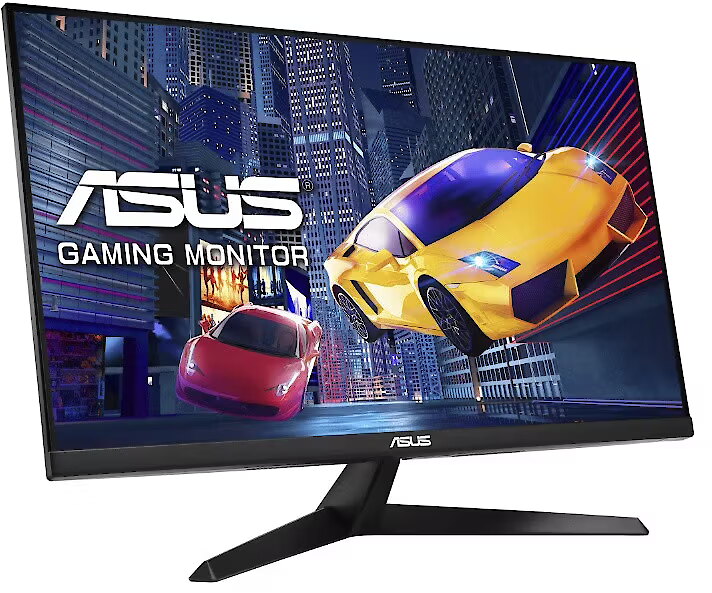
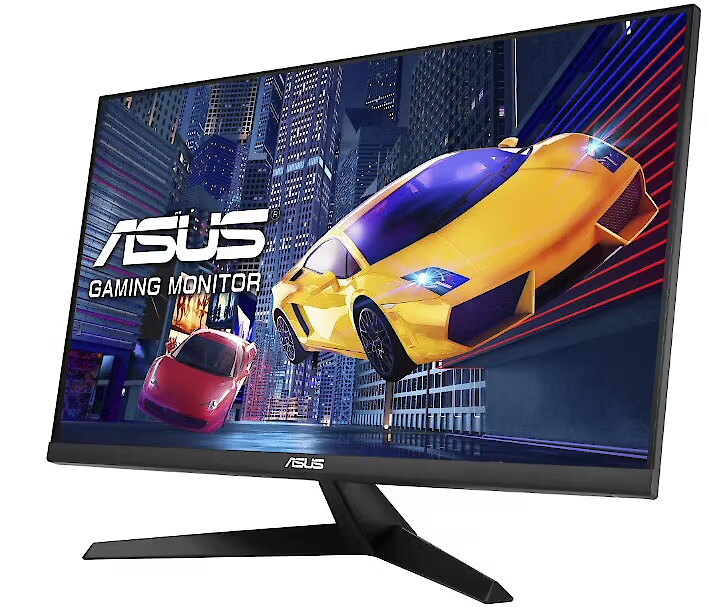
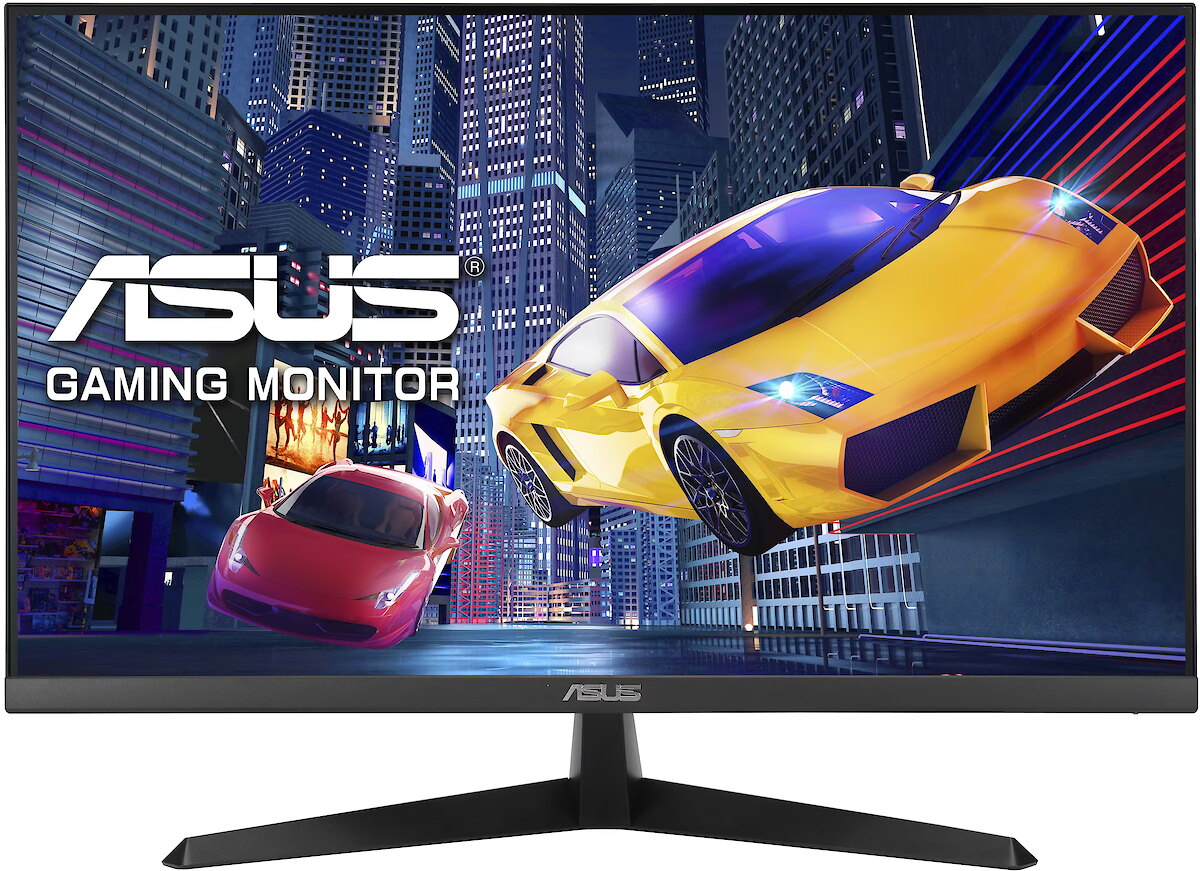
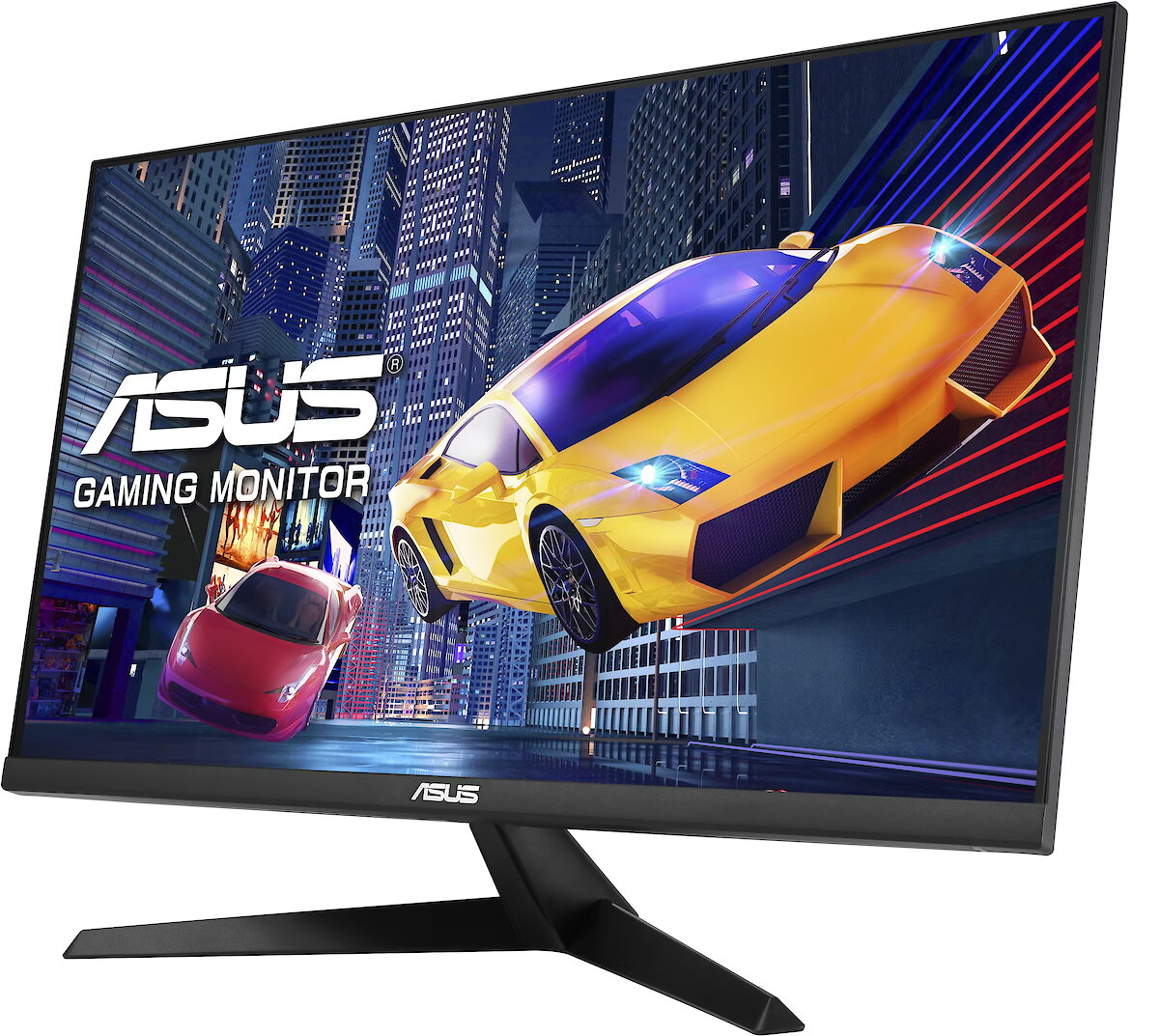
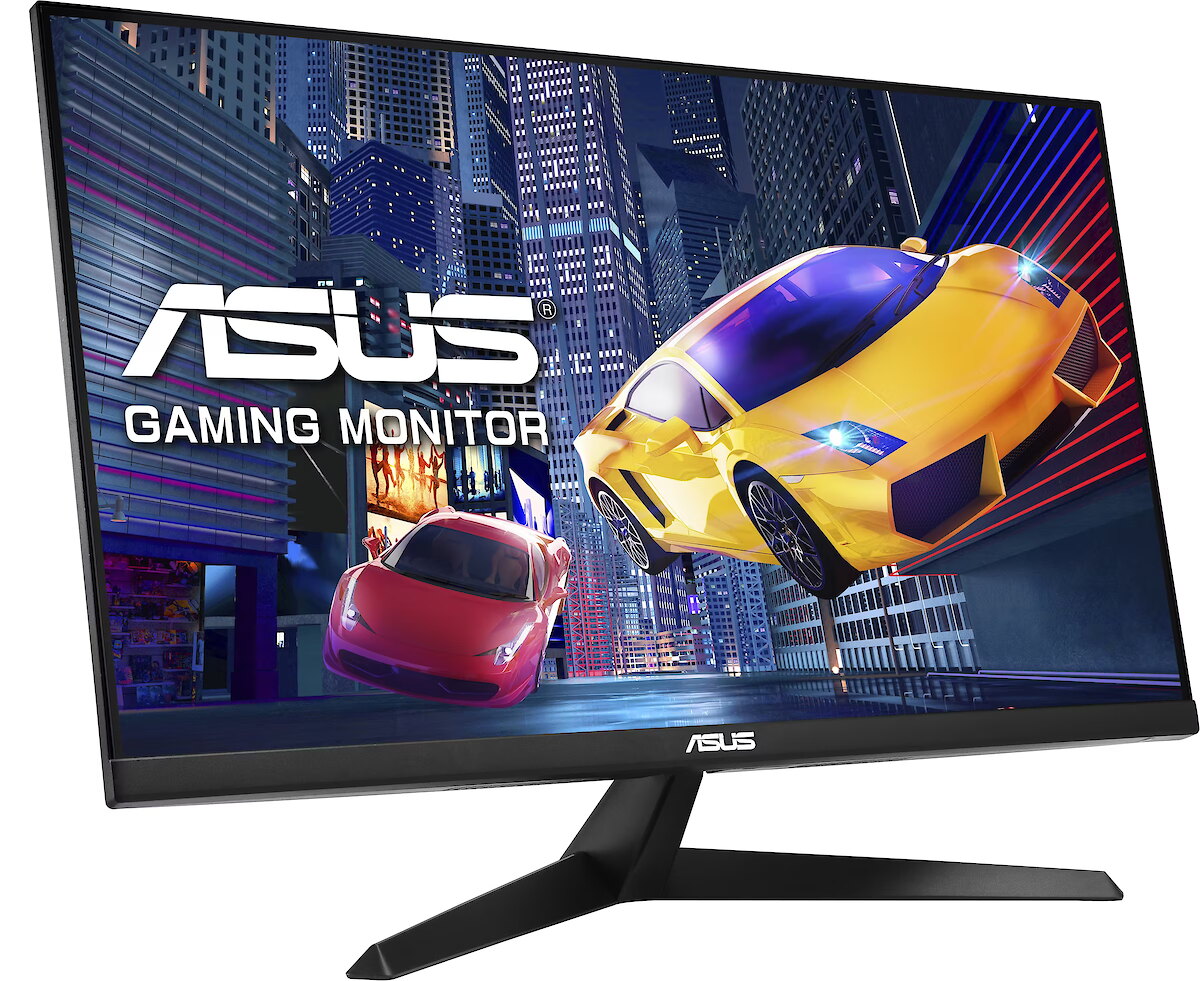
Description - ASUS VY279HG2 Eye Care Gaming Monitor zapewnia wyjątkową jakość obrazu i komfort użytkowania. Panel IPS Full HD z częstotliwością odświeżania 144 Hz i czasem reakcji 1 ms MPRT zapewnia płynny obraz bez efektu rozrywania, a technologia AMD FreeSync(TM) posiada odpowiedni certyfikat. ASUS Eye Care Plus, w tym certyfikowane przez TÜV technologie Flicker-Free i Low Blue Light, pomaga chronić wzrok. Funkcja Reading Strips oraz autorska technologia ComfortRate zwiększają komfort oczu podczas czytania i grania. Monitor wyposażono również w powłokę antybakteryjną, funkcję GamePlus oraz ASUS DisplayWidget Center. Jest idealnym rozwiązaniem dla graczy, osób uczących się zdalnie oraz profesjonalistów oczekujących wysokiej wydajności i komfortu. Płynne wyświetlanie obrazu dzięki częstotliwości 144 Hz Wyższa płynność animacji podczas odtwarzania filmów, grania w mniej wymagające gry oraz codziennej pracy zapewnia jeszcze bardziej komfortowe wrażenia. Technologia panelu IPS zapewniająca oszałamiającą paletę 16,7 miliona kolorów 27-calowy panel IPS FHD (1920 x 1080) oferuje paletę 16,7 miliona kolorów, dzięki czemu zdjęcia i filmy charakteryzują się wyjątkową szczegółowością i realizmem. Panel zapewnia również kąty widzenia 178°, gwarantując doskonałą jakość obrazu niemal z każdej perspektywy. Częstotliwość odświeżania 144 Hz i AMD FreeSync(TM) zapewniają płynną rozgrywkę - ultra-płynny obraz bez rozrywania i rozmycia Błyskawiczna częstotliwość odświeżania 144 Hz oraz technologia AMD FreeSync(TM) zapewniają niezwykle płynny obraz w grach, bez efektu rozrywania i uciążliwego migotania. Krótki czas reakcji 1 ms Moving Picture Response Time (MPRT) eliminuje rozmycie i smużenie obrazu, dzięki czemu każda klatka pozostaje wyraźna i szybko reaguje na działania użytkownika. Idealne rozwiązanie do dynamicznej, rywalizacyjnej rozgrywki, w której liczy się każda milisekunda i każda reakcja. Autorska technologia ASUS GamePlus Projektując swoje rozwiązania, ASUS zawsze ma na uwadze potrzeby klientów. Autorski klawisz skrótu ASUS GamePlus z funkcjami celownika, timera i licznika FPS zapewnia dodatkowe funkcje podczas gry, pomagając w pełni wykorzystać możliwości rozgrywki. Funkcja została opracowana przy udziale profesjonalnych graczy, umożliwiając im doskonalenie i rozwijanie umiejętności. ASUS DisplayWidget Center ASUS DisplayWidget Center to aplikacja, która pozwala zmieniać ustawienia monitora za pomocą myszy, bez konieczności korzystania z przycisków znajdujących się na monitorze. Działa zarówno w systemie macOS, jak i Windows. Inteligentne sterowanie głosowe dla łatwej regulacji ustawień Dzięki zaawansowanej technologii AI o wysokiej skuteczności rozpoznawania funkcja Smart Voice Control dostępna w DisplayWidget Center umożliwia intuicyjne sterowanie ustawieniami za pomocą głosu, w tym regulację jasności, trybu wyświetlania oraz głośności głośników. Technologia ASUS EyeCare Monitory ASUS zostały zaprojektowane z myślą o całodziennym komforcie i ochronie wzroku. Wyposażono je w certyfikowaną przez TÜV technologię EyeCare oraz dodatkowe autorskie funkcje pomagające zmniejszyć zmęczenie oczu podczas długotrwałego korzystania z monitora. Autorska technologia ASUS Dual Flicker-Free Zmniejsza migotanie obrazu i zmęczenie oczu poprzez regulację podświetlenia oraz częstotliwości odświeżania, zapewniając rzeczywiście pozbawiony migotania obraz - nawet przy wysokich częstotliwościach odświeżania. Autorska technologia ASUS ComfortRate Zapobiega migotaniu spowodowanemu zmianami częstotliwości odświeżania Nagłe zmiany częstotliwości odświeżania mogą powodować wahania jasności, które są postrzegane jako migotanie. Technologia ComfortRate stabilizuje częstotliwość odświeżania w zoptymalizowanych zakresach, ograniczając zmiany jasności nawet 7-krotnie*, zapewniając komfort pozbawiony migotania podczas dynamicznej rozgrywki. Użytkownik może również wybrać odpowiedni poziom ustawień. Reading Strips Konfigurowalne okno skupienia Funkcja Reading Strips zwiększa koncentrację dzięki regulowanej, przyciemnianej nakładce, która izoluje tekst w przezroczystym oknie. Ograniczając rozpraszające elementy wizualne i zmniejszając zmęczenie oczu, zapewnia płynniejsze i bardziej komfortowe czytanie - idealne rozwiązanie podczas pracy z długimi dokumentami i wielogodzinnego czytania.
Design - Feet colour - Black
Design - Market positioning - Gaming
Design - Product colour - Black
Designation - CE+WEEE
dimension depth - 420 mm
dimension height - 685 mm
dimension weight - 5300 g
dimension width - 107 mm
Display - Anti-glare screen - Yes
Display - Contrast ratio (typical) - 1500:1
Display - Digital horizontal frequency - 30 - 165 kHz
Display - Digital vertical frequency - 48 - 144 Hz
Display - Display brightness (typical) - 300 cd/m²
Display - Display diagonal - 68.6 cm (27")
Display - Display diagonal (metric) - 68.47 cm
Display - Display number of colours - 16.7 million colours
Display - Display resolution - 1920 x 1080 pixels
Display - Display technology - LCD
Display - HD type - Full HD
Display - LED backlight - Yes
Display - Maximum refresh rate - 144 Hz
Display - Native aspect ratio - 16:9
Display - Panel type - IPS
Display - Pixel pitch - 0.311 x 0.311 mm
Display - Response time - 1 ms
Display - Response time (MPRT) - 1 ms
Display - Screen shape - Flat
Display - Touchscreen - No
Display - Viewable size, horizontal - 59.8 cm
Display - Viewable size, vertical - 33.6 cm
Display - Viewing angle, horizontal - 178°
Display - Viewing angle, vertical - 178°
Display surface - Matt
Dot pitch - 0.311 mm
ean - 4711636506212
Energy class - C
Energy label - Pobierz
Ergonomics - Cable lock slot - Yes
Ergonomics - Cable lock slot type - Kensington
Ergonomics - Height adjustment - No
Ergonomics - Panel mounting interface - 100 x 100 mm
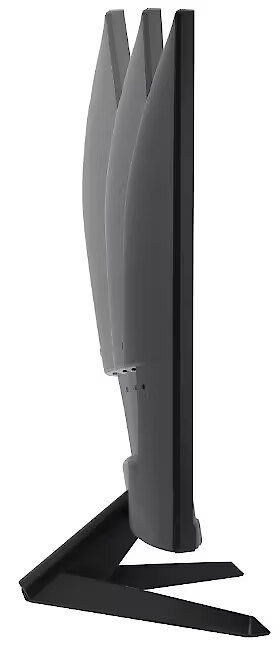
Ergonomics - Tilt adjustment - Yes
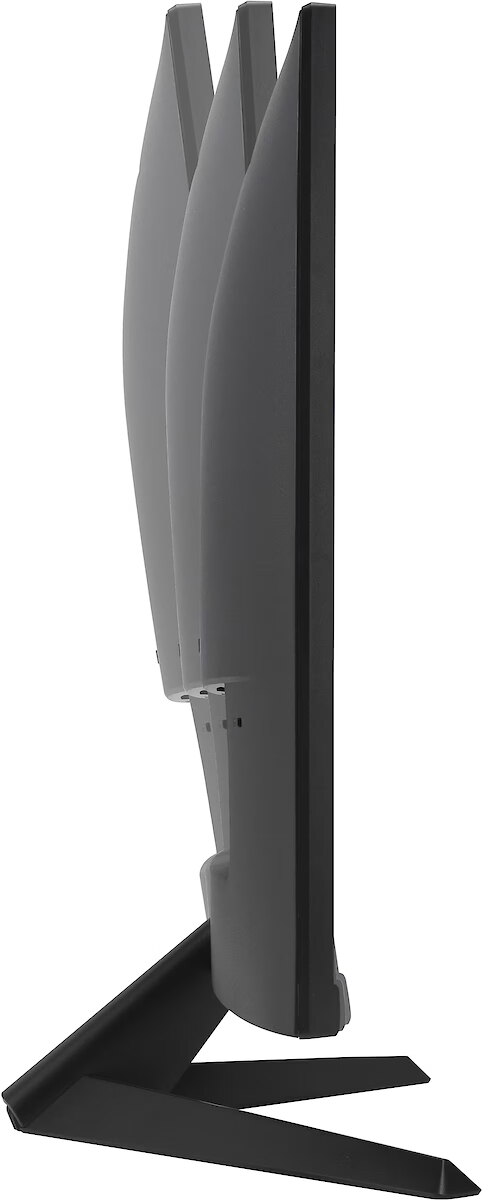
Ergonomics - Tilt angle range - -5 - 23°
Ergonomics - VESA mounting - Yes
Ergonomics - Wall mountable - Yes
GTIN - 4711636506212
guarantee - 36
guarantee_type - external
Height - 365 mm
Height adjustment - No
Height with stand - 435 mm
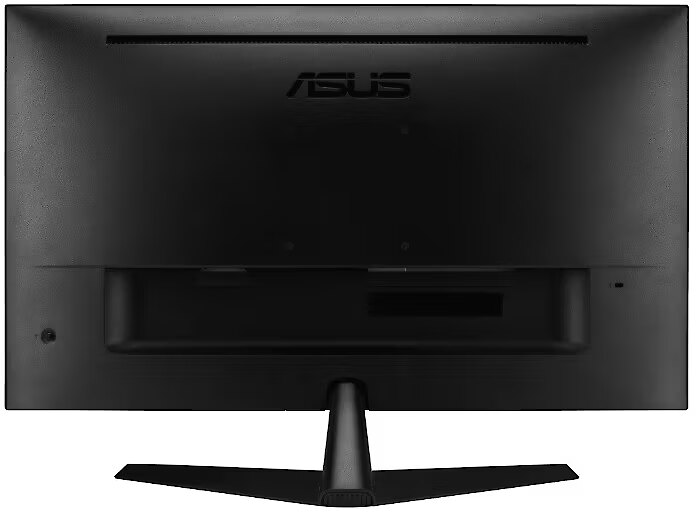
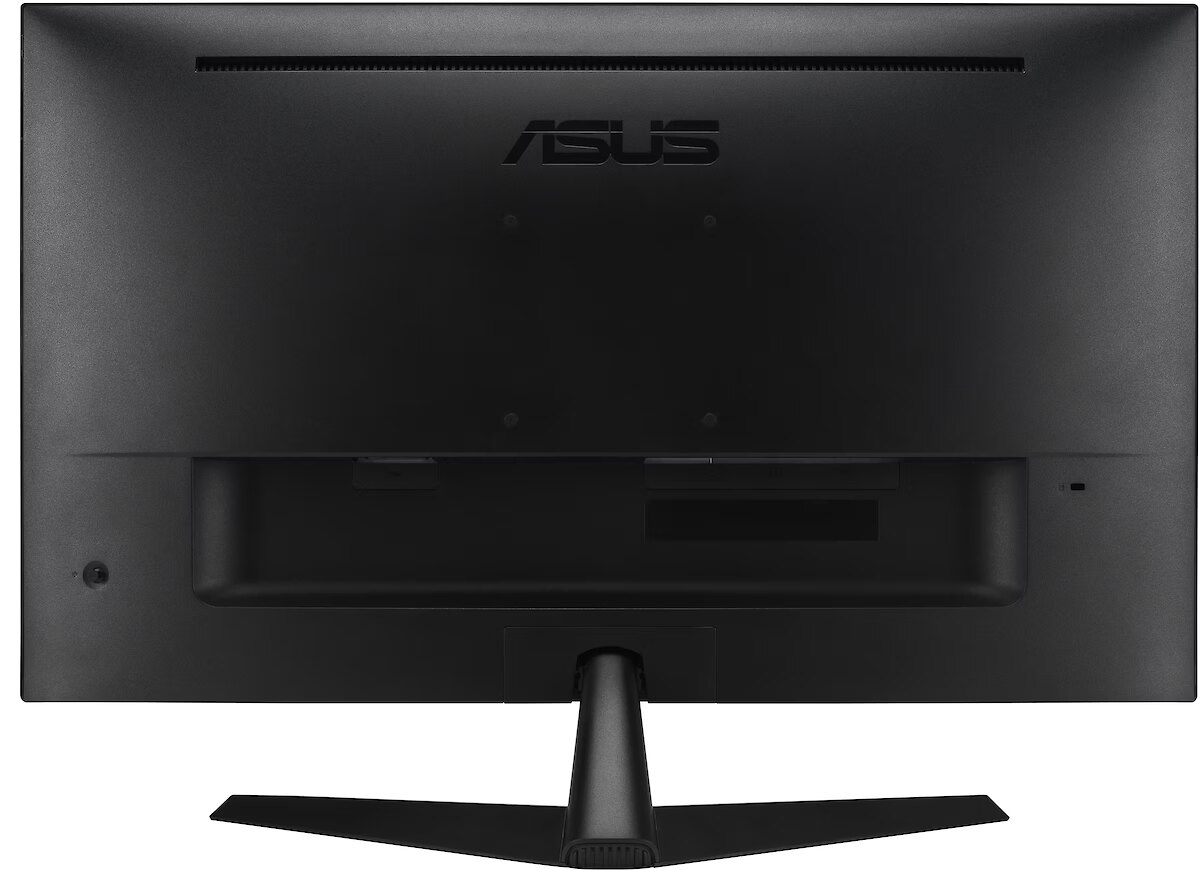
I/O connectors - 1 x 3,5 mm minijack
I/O connectors - 1 x 15-pin D-Sub
I/O connectors - 1 x HDMI
Kensington Security Slot - Tak
LongDesc - VY279HG2 EYE CARE GAMING MONITORLEARN, WORK & PLAY,THE HEALTHY WAYASUS VY279HG2 Eye Care Gaming Monitor delivers exceptional visuals and comfort. IPS Full HD panel with 144Hz/1ms MPRT delivers smooth, tear-free visuals certified by AMD FreeSync™. ASUS Eye Care Plus, including TÜV-certified Flicker-Free and Low Blue Light, protects eyes. Reading Strips and exclusive ComfortRate enhance eye comfort when reading and gaming. Featuring antibacterial treatment, GamePlus, and ASUS DisplayWidget Center, it’s Ideal for gamers, e-learners, and professionals seeking performance and comfort.
LongProductName - Eye Care Gaming Monitor – 27 inch FHD (1920 x 1080), IPS, 144Hz, SmoothMotion, 1ms (MPRT), AMD FreeSync, Eye Care Plus Technology, Blue Light Filter, Flicker Free, Antibacterial Treatment
LongSummaryDescription - ASUS VY279HG2. Display diagonal: 68.6 cm (27"), Display resolution: 1920 x 1080 pixels, HD type: Full HD, Display technology: LCD, Response time: 1 ms, Native aspect ratio: 16:9, Viewing angle, horizontal: 178°, Viewing angle, vertical: 178°. VESA mounting. Product colour: Black
Matrix type - TFT IPS
Microphone - Nie
Model - VY279HG2
Multimedia - Built-in camera - No
Multimedia - Built-in speaker(s) - No
name - Monitor 27-inch VY279HG2 144Hz IPS FHD DSUB HDMI
Number of colors - 16,7 mln
Other features - Brand specific technologies - SPLENDID, Eye Care+
Packaging data - Package depth - 104 mm
Packaging data - Package height - 420 mm
Packaging data - Package type - Box
Packaging data - Package weight - 4.9 kg
Packaging data - Package width - 663 mm
Performance - AMD FreeSync - Yes
Performance - AMD FreeSync type - FreeSync
Performance - Flicker-free technology - Yes
Performance - Game mode - Yes
Performance - Low Blue Light technology - Yes
Performance - VESA Adaptive Sync support - Yes
Ports & interfaces - Built-in USB hub - No
Ports & interfaces - HDCP - Yes
Ports & interfaces - HDCP version - 1.4
Ports & interfaces - HDMI - Yes
Ports & interfaces - HDMI ports quantity - 1
Ports & interfaces - HDMI version - 1.4
Ports & interfaces - Headphone out - Yes
Ports & interfaces - Headphone outputs - 1
Ports & interfaces - VGA (D-Sub) ports quantity - 1
Power - AC input frequency - 50/60 Hz
Power - AC input voltage - 100 - 240 V
Power - Energy consumption (SDR) per 1000 hours - 14 kWh
Power - Energy efficiency class (HDR) - Not available
Power - Energy efficiency class (SDR) - C
Power - Energy efficiency scale - A to G
Power - Power consumption (off) - 0.3 W
Power - Power consumption (PowerSave) - 0.5 W
Power - Power consumption (standby) - 0.5 W
Power - Power consumption (typical) - 14 W
Power - Power supply type - Internal
Power consumption - 14 W
producer - Asus
ProductName - VY279HG2
Refresh rate - 144 Hz
Resolution - 1920 x 1080 (FHD 1080)
Response time MPRT - 1 ms
Screen size (diag.) - 27"
ShortSummaryDescription - ASUS VY279HG2, 68.6 cm (27"), 1920 x 1080 pixels, Full HD, LCD, 1 ms, Black
Speakers built-in - No
Static contrast - 1 500:1
Sustainability - Sustainability certificates - EPEAT Silver, TCO
Swivel - No
TCO Certified - Yes
Technical details - Native refresh rate - 60 Hz
Tilt - Yes
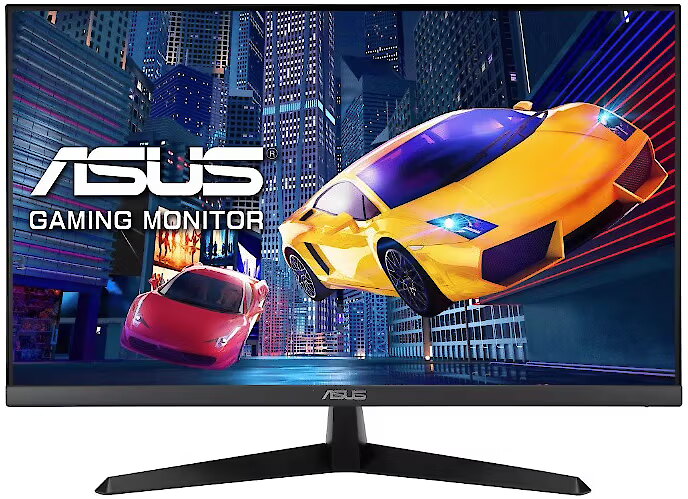
Title - ASUS VY279HG2 computer monitor 68.6 cm (27") 1920 x 1080 pixels Full HD LCD Black
Touch screen - No
Transreflective technology - LED
TV tuner built-in - No
URL - https://www.asus.com/displays-desktops/monitors/eye-care/vy279hg2/
vendpn - VY279HG2
VESA - 100 x 100
Viewing angle, horizontal - 178 °
Viewing angle, vertical - 178 °
Visible area, horizontal - 597.888 mm
Visible area, vertical - 336.312 mm
WarrantyInfo -
Web camera - None
Weight - 3 kg
Weight & dimensions - Depth (without stand) - 50 mm
Weight & dimensions - Depth (with stand) - 201 mm
Weight & dimensions - Height (without stand) - 365 mm
Weight & dimensions - Height (with stand) - 435 mm
Weight & dimensions - Weight (without stand) - 3 kg
Weight & dimensions - Weight (with stand) - 3.6 kg
Weight & dimensions - Width (without stand) - 612 mm
Weight & dimensions - Width (with stand) - 612 mm
Weight with stand - 3.6 kg
Width - 612 mm
WiFi - No




 DVI is a digital standard and ensures high image quality, however, thanks to the big size of the plug and the inability of the standard to develop further due to a few technical restrictions this type of connection is gradually losing its popularity to modern HDMI and DisplayPort standards.