Accessories included - Audio cable Initial color calibration report DisplayPort cable DisplayPort to miniDP cable HDMI cable Power cable Quick start guide USB Type-B to A cable Warranty card
Aspect ratio - 16:9
Auto Pivot - Yes
Bluetooth - No
Brand - ASUS
BrandPartCode - 90LM05L1-B03370
Brightness - 350 cd/m²
Category - Computer Monitors
Certificates - TUV
Color - Black
Data Act - Link
Depth - 51 mm
Depth with stand - 226 mm
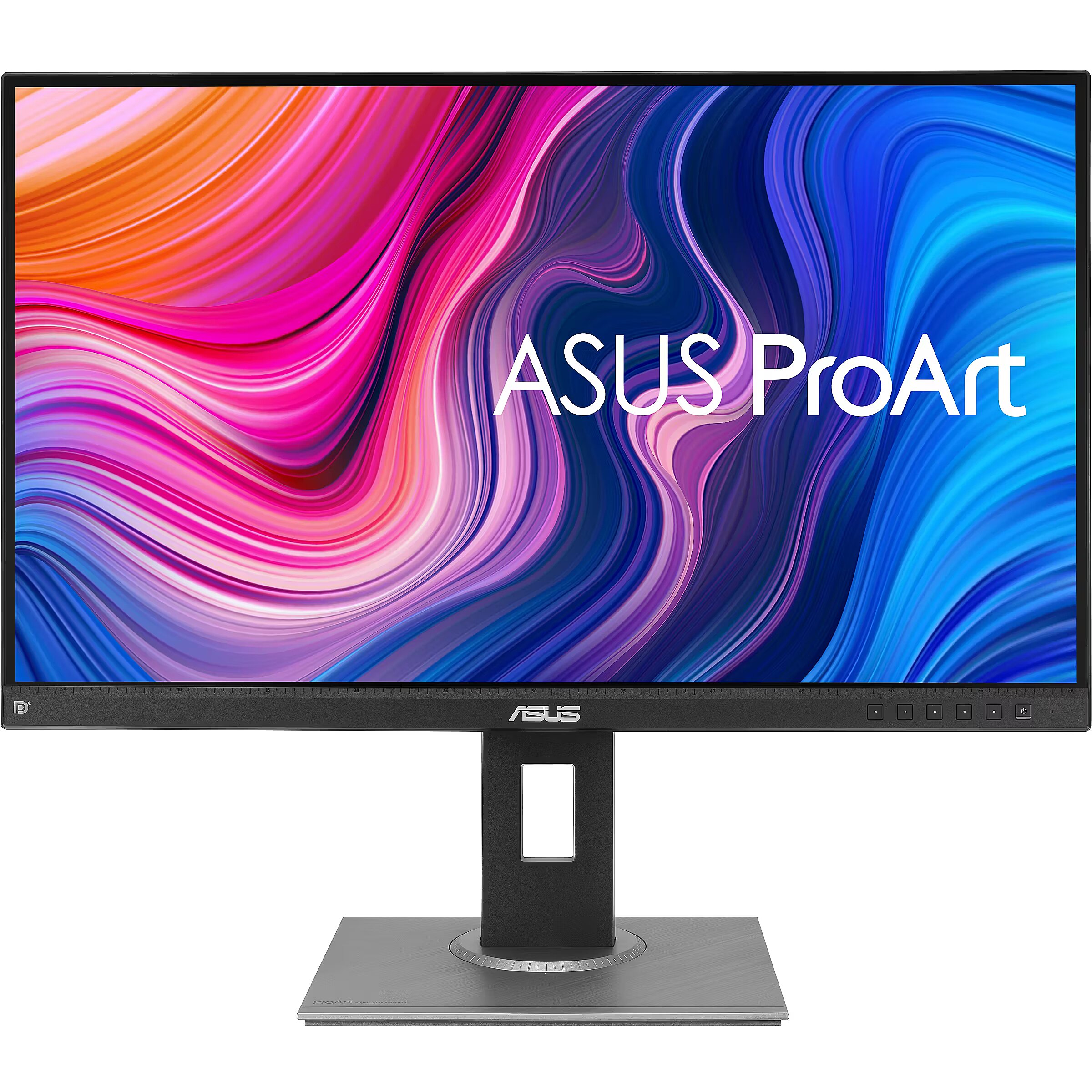
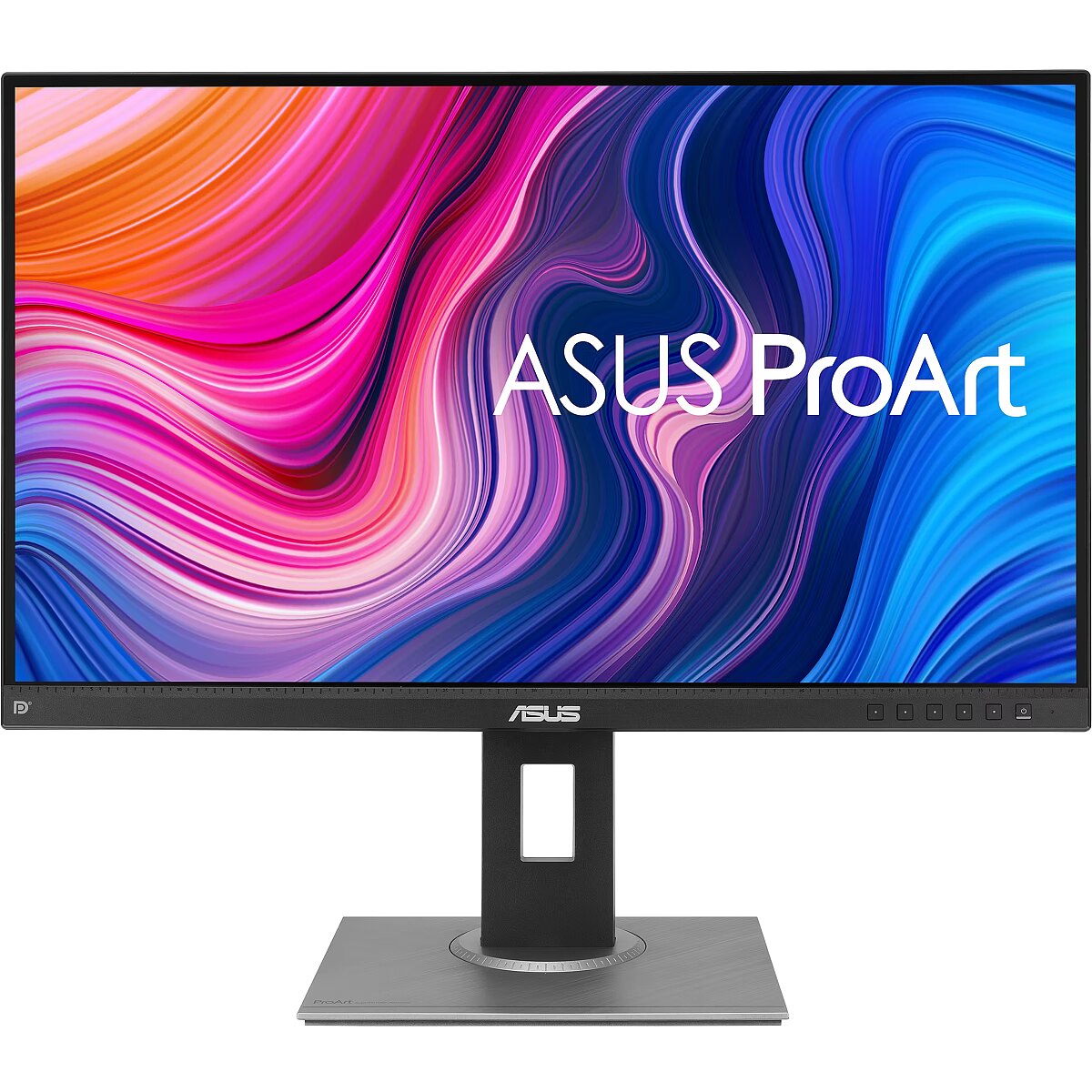
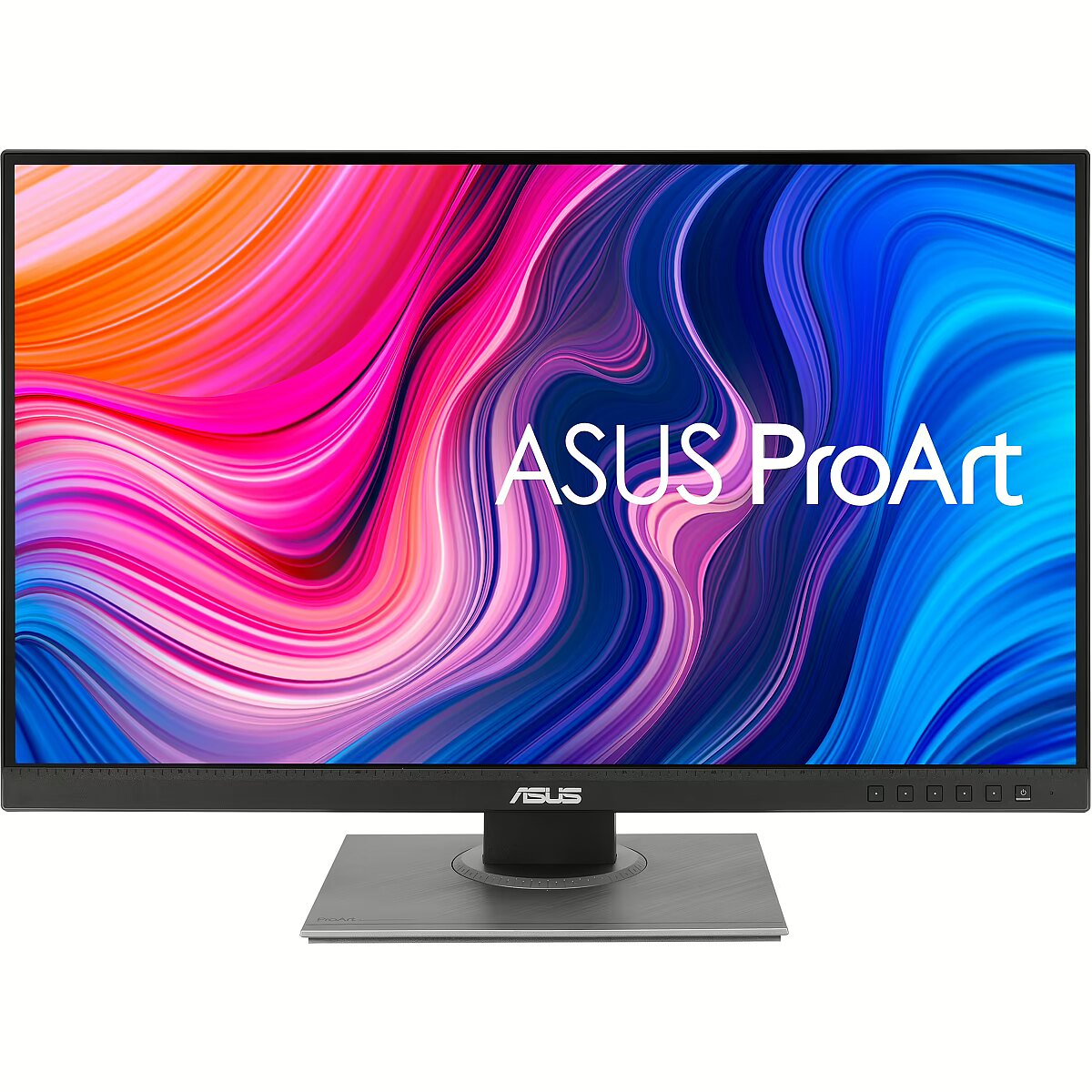
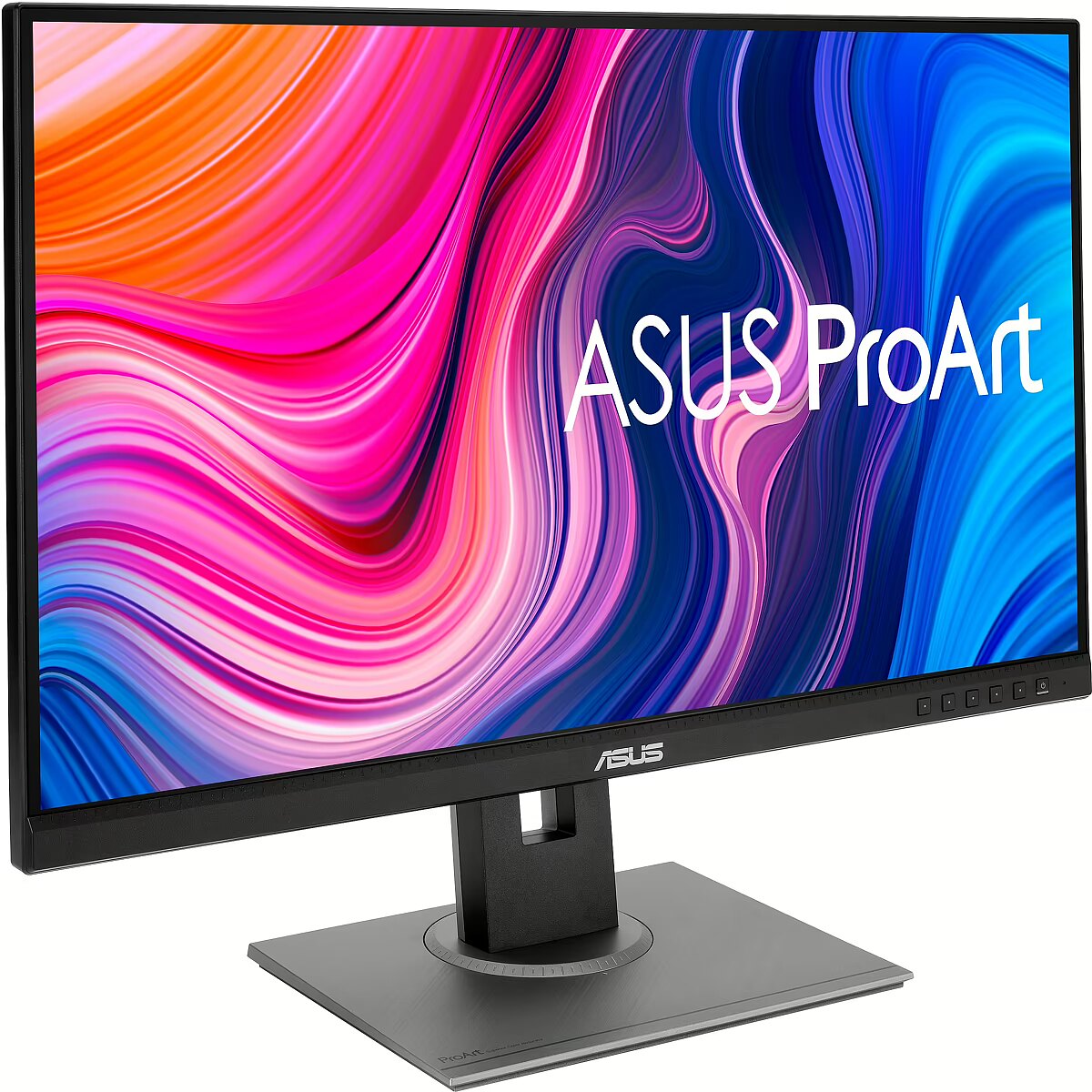
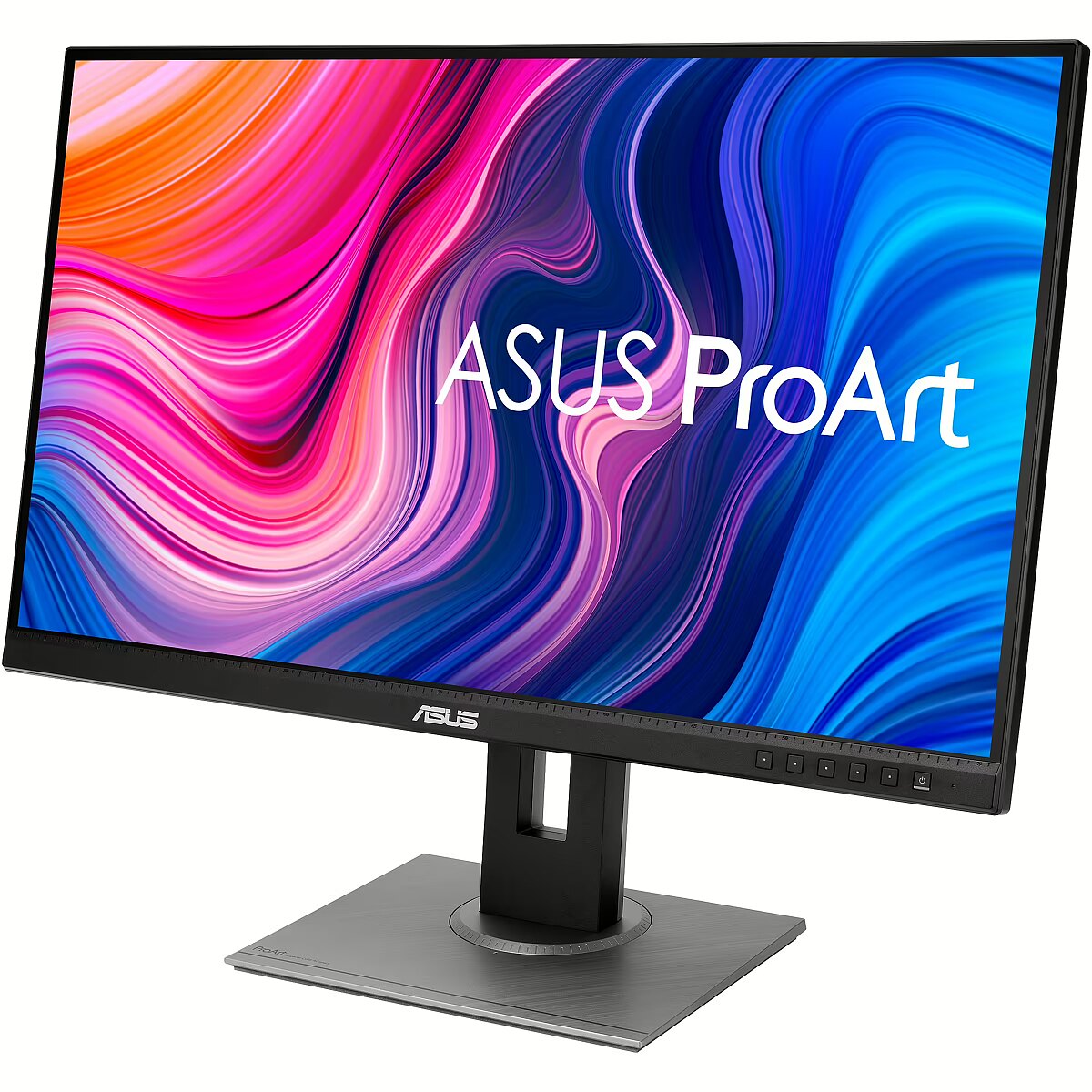
Description - PA278QV The ProArt Display PA278QV is a 27-inch monitor designed to meet the needs of professional creative users such as photographers, video editors, and graphic designers. The ProArt Display PA278QV is factory-calibrated and Calman-validated, ensuring excellent color accuracy (E2). It also offers industry-standard 100% sRGB / 100% Rec. 709 color gamut coverage. With exclusive ASUS features like ProArt Preset and ProArt Palette with six-axis color adjustment, black level, and brightness tuning, the PA278QV lets you quickly, easily, and precisely achieve your desired look.
Highlight the true beauty of your photos
The ProArt monitor offers industry-standard 100% sRGB and 100% Rec. 709 color gamut coverage, delivering vibrant, vivid colors and ensuring every detail in your photos is accurately and realistically reproduced.
High Color Accuracy for Truly Vivid Colors
Enjoy pure, vibrant colors with accurate, lifelike color reproduction. ProArt monitors can achieve an accuracy of E2. This exceptionally accurate image reproduction ensures that when you view your work on screen, you see it exactly as it will appear in the final product.
Faithful Color Reproduction Right Out of the Box
Professional color users rely on their monitor's color accuracy to ensure their work looks exactly as they envision it. The ProArt PA278QV monitor is factory-calibrated and validated by Calman to guarantee industry-leading color accuracy. Each ProArt monitor undergoes rigorous and meticulous testing to ensure smoother color gradations. Consumers working on professional projects can be assured of the highest color accuracy and a superior content creation experience.
Quickly adjust your color space
The exclusive ASUS ProArt Preset feature provides several modes for quickly customizing your color palette. Whether you're color grading, video editing, or photo editing, you can easily switch between settings to suit your needs. A Personalized Content Experience
ASUS ProArt Palette lets you adjust numerous display parameters, including color, color temperature, and gamma, all via an easily accessible and intuitive on-screen menu. Additionally, sliders for two-point grayscale calibration for all six colors are available, providing greater color adjustment flexibility than many monitors from other brands. ProArt Palette lets you quickly create creative works with consistent color consistency while simplifying color management.
Extensive Connectivity
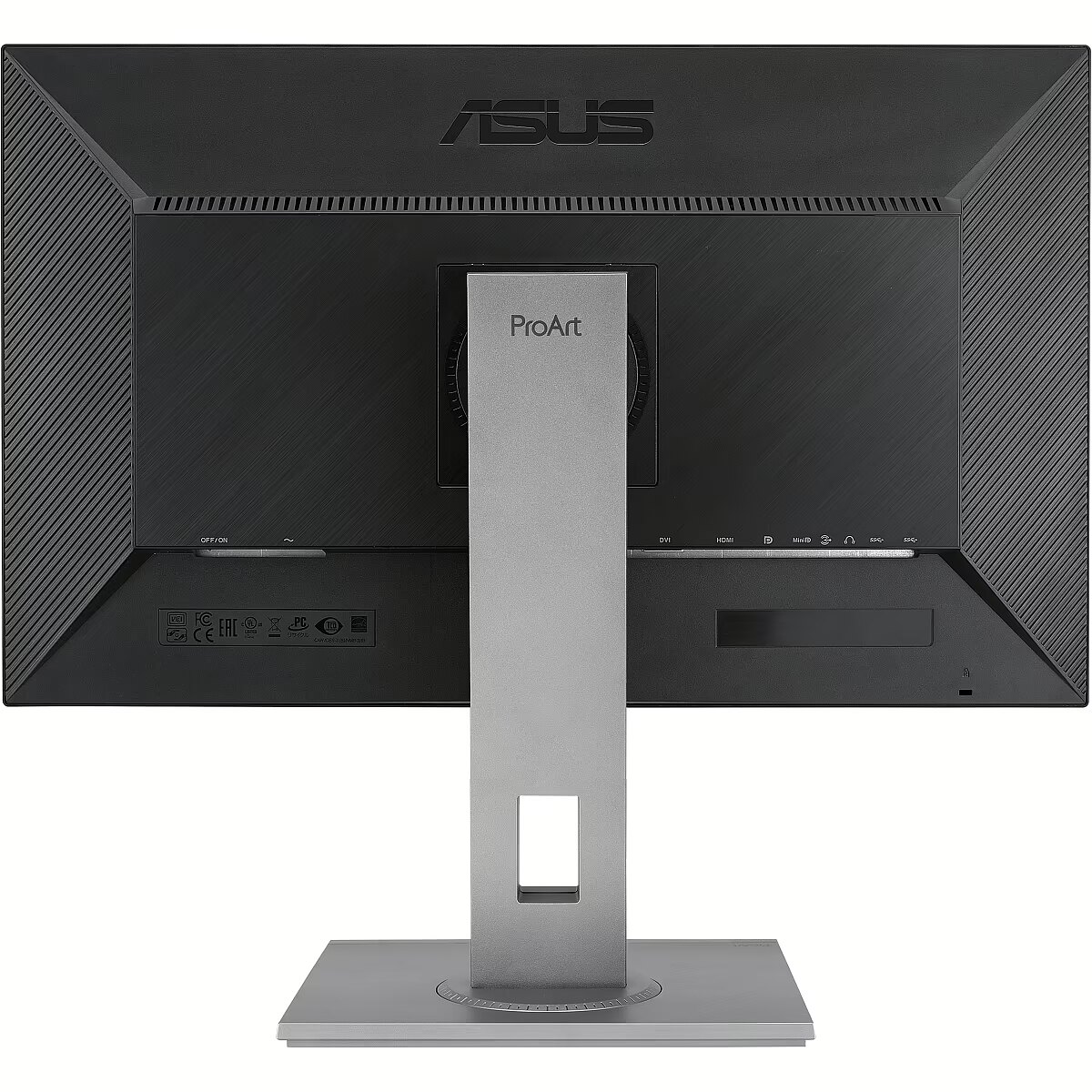
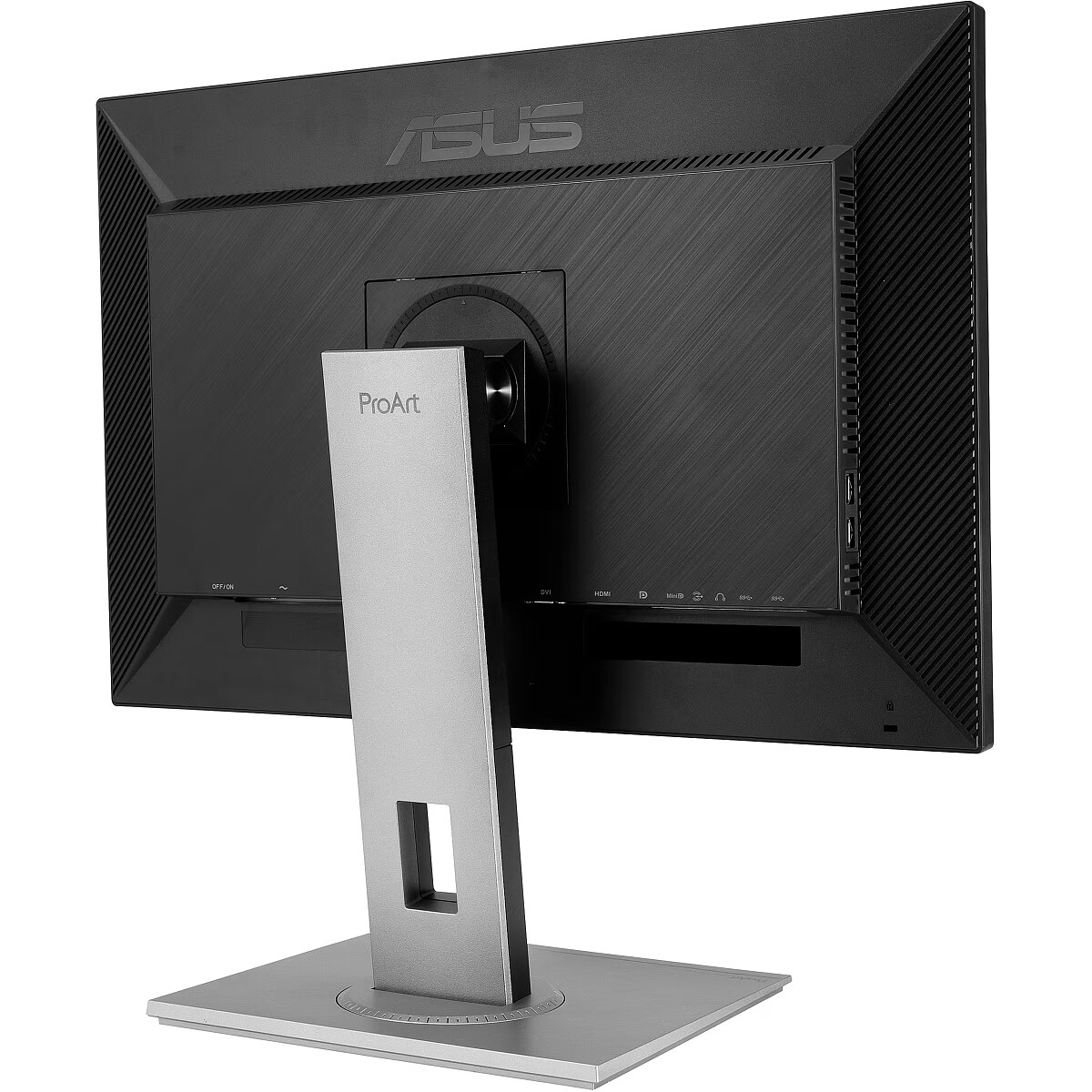
The ProArt Display PA278QV offers extensive connectivity options, including DisplayPort 1.2, mini DisplayPort, DVI-D, and HDMI (v 1.4) ports, plus an integrated USB hub. Easily connect to a wide range of devices and enjoy ultra-fast data transfers from external devices. This ensures the monitor meets the requirements for all types of content creation.
Preview your projects in their actual size
Save time and work even more efficiently with ASUS QuickFit Virtual Scale technology. This intelligent feature displays an on-screen grid that lets you position and preview documents in their actual size before printing.
ASUS Ultra-Low Blue Light Technology
Exclusive ASUS Ultra-Low Blue Light technology protects you from blue light emissions, which can be harmful to your eyes. It offers four blue light filter settings, conveniently accessible via an on-screen menu with a hotkey.
ASUS Flicker-Free Technology
ASUS Flicker-Free Technology provides a more comfortable user experience and a premium working environment by reducing screen flicker to minimize eye strain, headaches, and fatigue during long hours spent in front of a monitor.
Versatile comfort with an ergonomic stand design
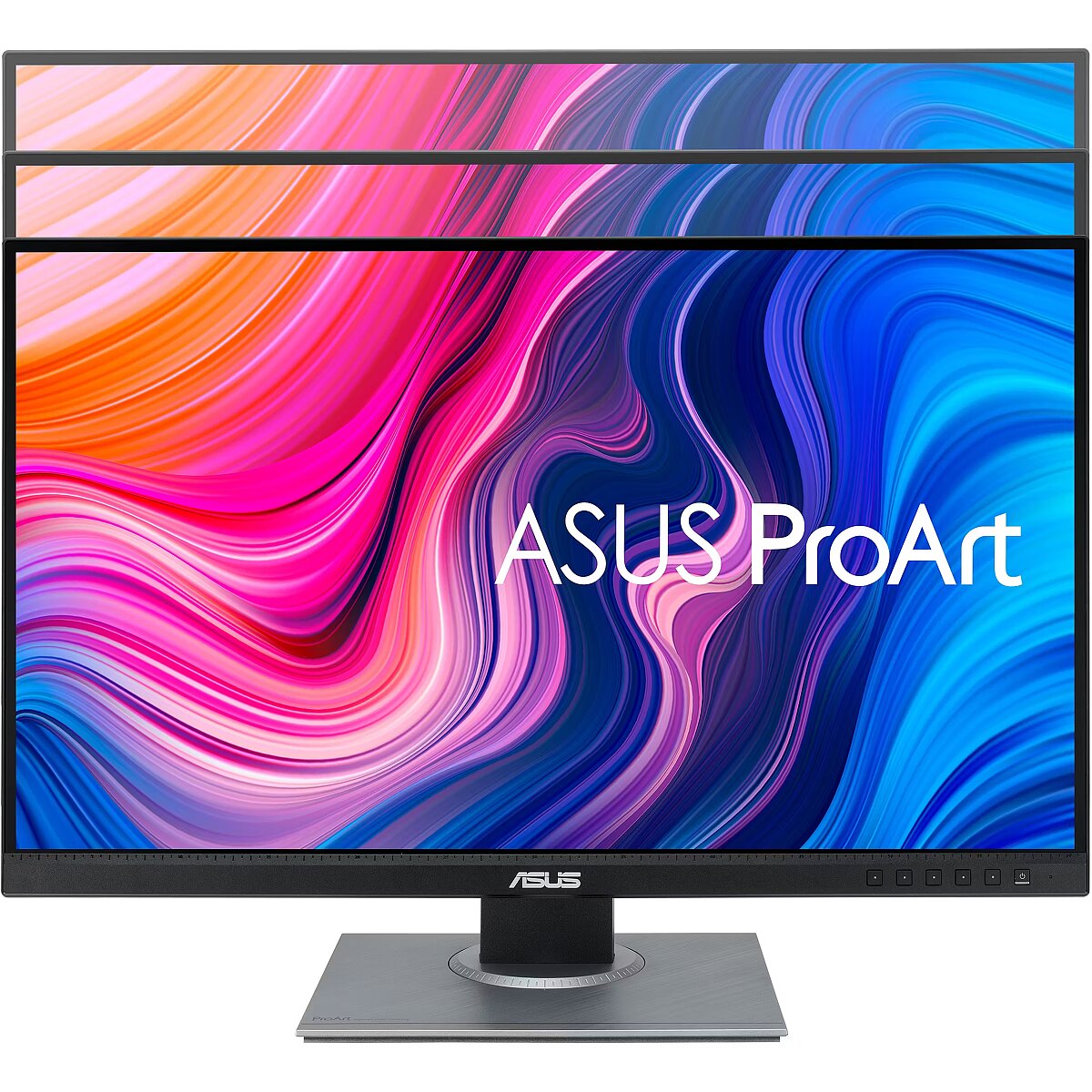
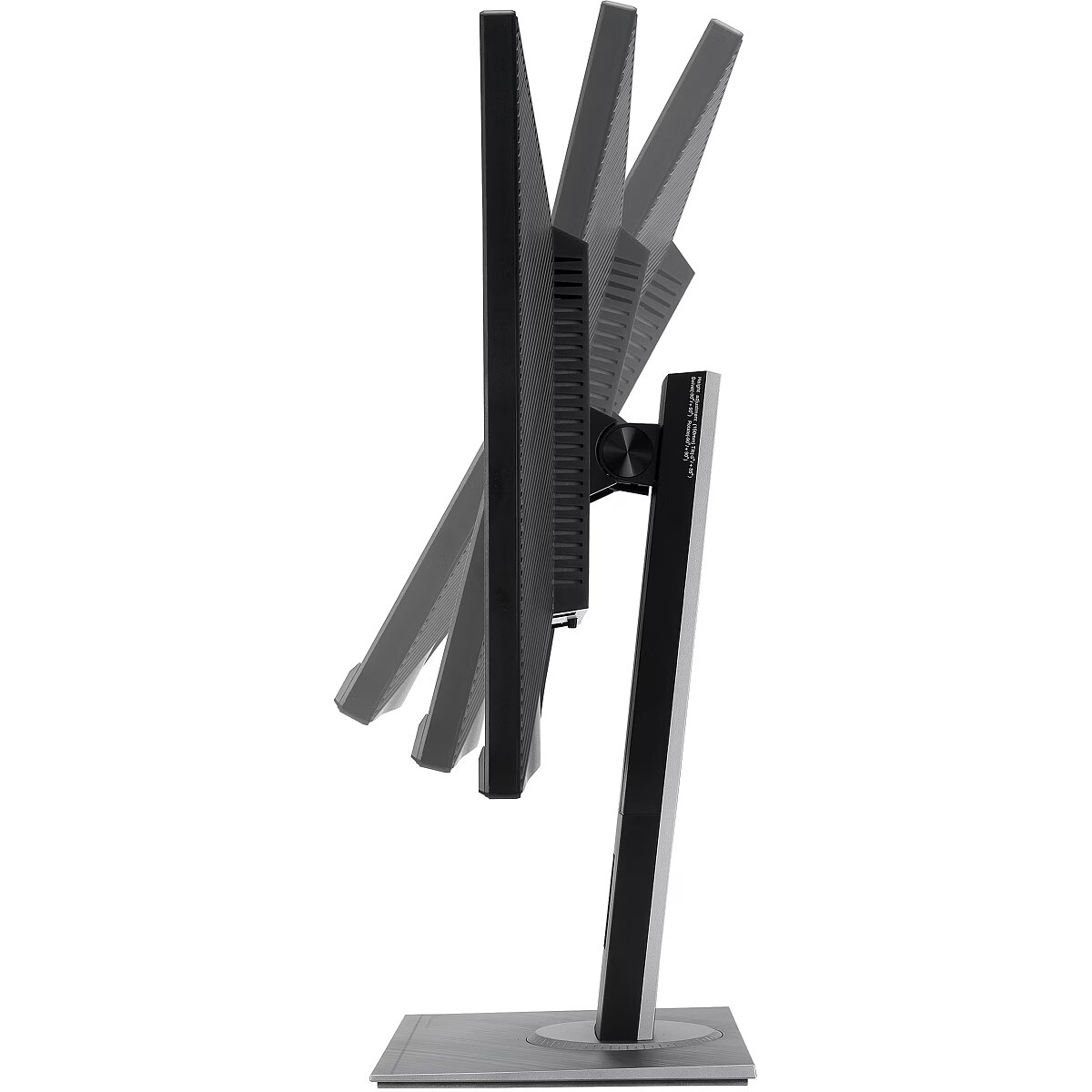
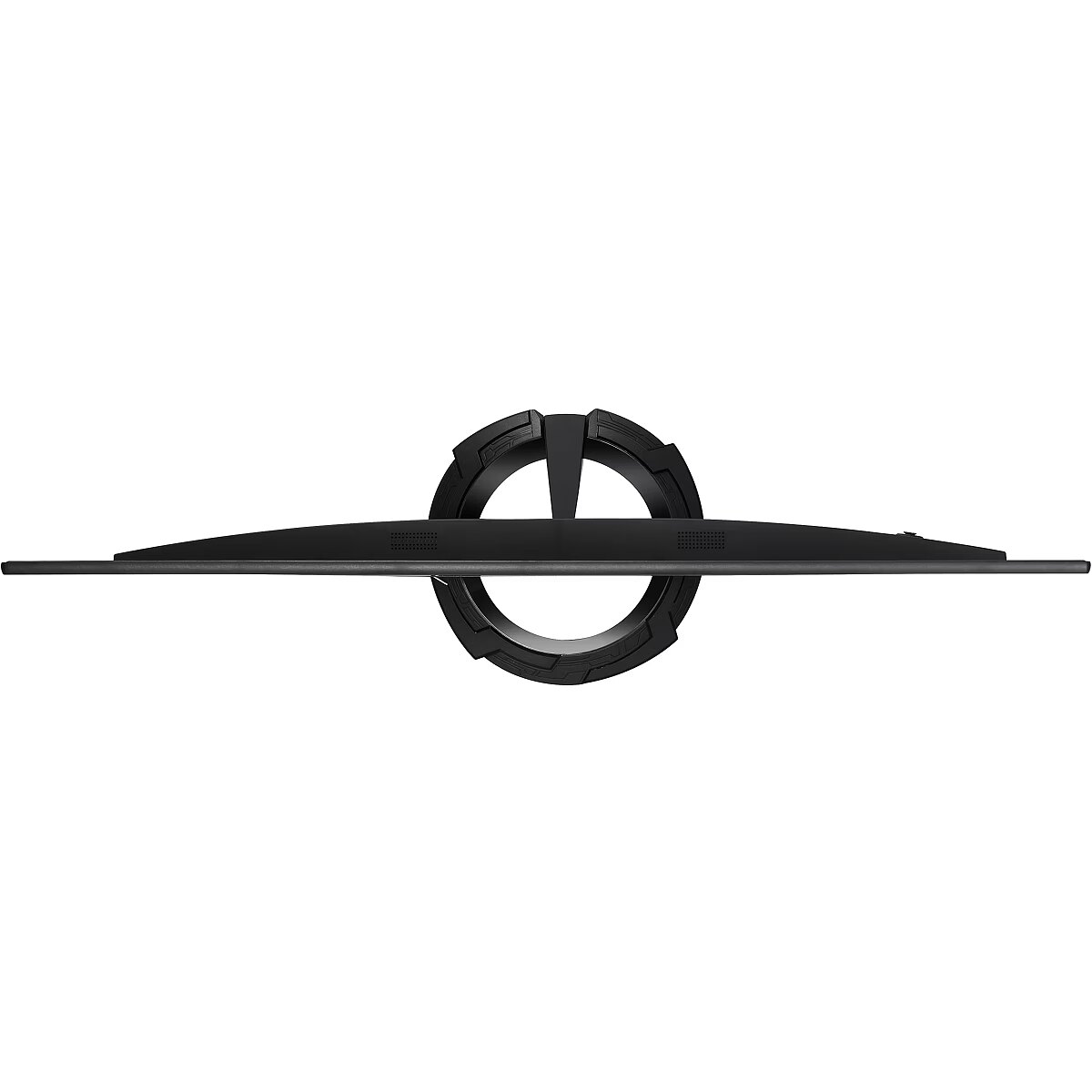
ProArt series monitors provide complete viewing and use comfort, offering ergonomically designed stands with tilt, swivel, pivot, and height adjustment. The ability to rotate 90° clockwise or counterclockwise for portrait viewing is very practical when working on long documents, programming, or browsing the web. Furthermore, the quick-release stand makes it easy to mount the screen using the integrated VESA wall mount without screws, practically in seconds!
Design - Feet colour - Black
Design - Frameless design - Yes
Design - Market positioning - Graphics design
Design - Product colour - Black
Designation - CE+WEEE
dimension depth - 820 mm
dimension height - 490 mm
dimension weight - 9000 g
dimension width - 160 mm
Display - Colour gamut standard - sRGB
Display - Contrast ratio (dynamic) - 100000000:1
Display - Contrast ratio (typical) - 1000:1
Display - Digital horizontal frequency - 30 - 112 kHz
Display - Digital vertical frequency - 46 - 75 Hz
Display - Display brightness (typical) - 350 cd/m²
Display - Display diagonal - 68.6 cm (27")
Display - Display number of colours - 16.78 million colours
Display - Display resolution - 2560 x 1440 pixels
Display - Display surface - Matt
Display - Display technology - LED
Display - Dynamic contrast ratio marketing name - SmartContrast
Display - HD type - Quad HD
Display - Maximum refresh rate - 75 Hz
Display - Native aspect ratio - 16:9
Display - Panel type - IPS
Display - Pixel pitch - 0.2331 x 0.2331 mm
Display - Response time - 5 ms
Display - Screen shape - Flat
Display - sRGB coverage (typical) - 100%
Display - Supported graphics resolutions - 640 x 480 (VGA), 720 x 400, 720 x 480, 720 x 576, 800 x 600 (SVGA), 1024 x 768 (XGA), 1152 x 864 (XGA+), 1280 x 1024 (SXGA), 1280 x 720 (HD 720), 1280 x 768 (WXGA), 1280 x 800 (WXGA), 1280 x 960, 1440 x 900 (WXGA+), 1680 x 1050 (WSXGA+), 1920 x 1080 (HD 1080), 1920 x 1200 (WUXGA)
Display - Supported video modes - 480p, 576p, 720p, 1080p
Display - Touchscreen - No
Display - Viewable size, horizontal - 59.7 cm
Display - Viewable size, vertical - 33.6 cm
Display - Viewable size diagonal - 68.5 cm
Display - Viewing angle, horizontal - 178°
Display - Viewing angle, vertical - 178°
Display surface - Matt
Dot pitch - 0.233 mm
ean - 4718017603614
Energy class - E
Energy label - Pobierz
Ergonomics - Adjustable height (max) - 15 cm
Ergonomics - Cable lock slot - Yes
Ergonomics - Cable lock slot type - Kensington
Ergonomics - Height adjustment - Yes
Ergonomics - LED indicators - Yes
Ergonomics - Number of OSD languages - 21
Ergonomics - On Screen Display (OSD) - Yes
Ergonomics - On Screen Display (OSD) languages - Simplified Chinese, Traditional Chinese, Croatian, Czech, German, Dutch, English, Spanish, French, Hungarian, Indonesian, Italian, Japanese, Korean, Polish, Portuguese, Romanian, Russian, Thai, Turkish
Ergonomics - Panel mounting interface - 100 x 100 mm
Ergonomics - Pivot - Yes
Ergonomics - Pivot angle - -90 - 90°
Ergonomics - Swivel angle range - -90 - 90°
Ergonomics - Swivelling - Yes
Ergonomics - Tilt adjustment - Yes
Ergonomics - Tilt angle range - -5 - 35°
Ergonomics - VESA mounting - Yes
GTIN - 4718017603614
guarantee - 36
guarantee_type - external
Height - 372 mm
Height (max) - 532 mm
Height adjustment - Yes
Height adjustment range - 150 mm
Height with stand - 382 mm
I/O connectors - 1 x 3,5 mm minijack
I/O connectors - 1 x Audio in
I/O connectors - 1 x DisplayPort
I/O connectors - 1 x DVI
I/O connectors - 1 x HDMI
I/O connectors - 1 x mini-DisplayPort
I/O connectors - 4 x USB 3.2 Type-A Gen 1
Logistics data - Harmonized System (HS) code - 85285210
LongDesc - Incomparable Color. Unlimited Creativity.ProArt Display PA278QV is a 27-inch monitor designed to satisfy the needs of creative professionals, from photo and video editing to graphic design. ProArt Display PA278QV is factory calibrated and Calman Verified to deliver superb color accuracy (∆E < 2). It also provides industry-standard 100% sRGB / 100% Rec. 709 color space coverage. With ASUS-exclusive features, such as ProArt Preset and ProArt Palette with six-axis color, black-level and brightness adjustments, PA278QV makes it easy to achieve the exact look you desire quickly, easily and precisely.Bring out the true beauty of your picturesThe ProArt display delivers industry-standard 100% sRGB and 100% Rec. 709 color gamut for rich, vivid reproduction that ensures every detail of your photos is clear and lifelike.High color fidelity for truly expressive huesRevel in pure, expressive hues thanks to accurate, true-to-life color reproduction. ProArt displays achieve ∆E < 2, so your images are accurately reproduced on screen – allowing you to see exactly how your work is going to look when it's finished.True color, right out of boxColor professionals rely on color-accurate displays to ensure that their creations look exactly as intended. ProArt Display PA278QV is factory calibrated and Calman Verified to guarantee industry-leading color accuracy. Every ProArt display undergoes stringent, meticulous testing to ensure smoother color gradation. Consumer of pro, you're assured color-accurate viewing and content-creation experiences.Quick color-gamut adjustmentASUS-exclusive ProArt Preset provides multiple modes for quick color-gamut adjustment. Whether you're color grading, video editing or manipulating photos, you can switch and match your needs easily.Personalized editing experienceASUS ProArt Palette lets you customize your display via a wide range of parameters, including color hue, temperature and gamma adjustments – all easily accessed via intuitive on-screen menus. There are also two-point grayscale sliders for all six colors, providing greater color-adjustment flexibility than many competing monitors. ProArt Palette empowers you to produce quickly and consistently, and makes it easy to keep your color management in check.Rich ConnectivityProArt Display PA278QV offers rich connectivity with DisplayPort 1.2, Mini DisplayPort, DVI-D, and HDMI (v 1.4) ports and a built-in USB hub, so it's easy to hook up to a wide variety of devices and enjoy ultrafast transfer speeds with external storage – catering to every content-creation demand.Real-size artwork previewSave time and work smarter with ASUS QuickFit Virtual Scale. This clever feature overlays a grid on the screen that allows to align and preview documents in their actual sizes prior to printing.Protect your eyes with ASUS Eye Care technologyASUS Ultra-Low Blue Light technologyExclusive ASUS Ultra-Low Blue Light technology protects you from blue-light emissions that may be harmful to your vision. It offers four blue-light filter settings that are easily accessed through the on-screen menu via the hotkey.ASUS Flicker-Free technologyASUS Flicker-Free technology provides a more comfortable viewing experience and work environment by reducing on-screen flicker to minimize eye strain, headaches and eye fatigue when you spend long hours in front of the display.Versatile comfort with ergonomic stand designWith an ergonomically-designed stand with tilt, swivel, pivot and height adjustments, ProArt displays provide comfortable viewing and usage experiences. The ability to pivot the screen clockwise or counterclockwise 90 degrees for use in portrait mode comes in handy when working with long documents, coding or website browsing. Furthermore, the quick-release stand makes it easy to attach the display via the integrated VESA wall mount – screw-free, so it's done in seconds!
LongProductName - 27", 16:9, 2560x1440, IPS, RMS 2x 2W, HDMI, DL DVI-D, DP, 3.5mm, 4x USB 3.0, 615x382-532x226 mm, black
LongSummaryDescription - ASUS ProArt PA278QV. Display diagonal: 68.6 cm (27"), Display resolution: 2560 x 1440 pixels, HD type: Quad HD, Display technology: LED, Display surface: Matt, Response time: 5 ms, Native aspect ratio: 16:9, Viewing angle, horizontal: 178°, Viewing angle, vertical: 178°. Built-in speaker(s). Built-in USB hub, USB hub version: 3.2 Gen 1 (3.1 Gen 1). VESA mounting, Height adjustment. Product colour: Black
Matrix type - TFT IPS
Model - PA278QV
Multimedia - Built-in camera - No
Multimedia - Built-in speaker(s) - Yes
Multimedia - Number of speakers - 2
Multimedia - RMS rated power - 4 W
name - Monitor 27 inches PA278QV
Number of colors - 16,7 mln
Operational conditions - Operating temperature (T-T) - 0 - 40 °C
Operational conditions - Storage temperature (T-T) - -20 - 60 °C
Optional accessory -
Other features -
Other features - Certification - Energy Star, BSMI, CB, CCC, CEL level , CU, ErP, FCC, ISO-9241-307, J-MOSS, KCC, PSE, TUV-Ergo, TUV-GS, UkrSEPRO, UL/cUL, VCCI, WEEE, WHQL (Windows 10, Windows 7), RCM, TUV Flicker-free , KC , eStandby, TUV Low Blue Light, TCO, ICES-3, PC recycle
Packaging content - Cables included - AC
Packaging content - Stand included - Yes
Packaging data - Package depth - 216 mm
Packaging data - Package height - 464 mm
Packaging data - Package weight - 10.8 kg
Packaging data - Package width - 735 mm
Performance - AMD FreeSync - No
Performance - Flicker-free technology - Yes
Performance - Low Blue Light technology - Yes
Performance - NVIDIA G-SYNC - No
Performance - VESA Adaptive Sync support - Yes
Ports & interfaces - Audio input - Yes
Ports & interfaces - Built-in USB hub - Yes
Ports & interfaces - DisplayPorts quantity - 1
Ports & interfaces - DisplayPort version - 1.2
Ports & interfaces - DVI-D ports quantity - 1
Ports & interfaces - DVI port - Yes
Ports & interfaces - HDCP - Yes
Ports & interfaces - HDMI - Yes
Ports & interfaces - HDMI ports quantity - 1
Ports & interfaces - HDMI version - 1.4
Ports & interfaces - Headphone connectivity - 3.5 mm
Ports & interfaces - Headphone out - Yes
Ports & interfaces - Headphone outputs - 1
Ports & interfaces - Mini DisplayPorts quantity - 1
Ports & interfaces - Number of upstream ports - 1
Ports & interfaces - USB hub version - 3.2 Gen 1 (3.1 Gen 1)
Ports & interfaces - USB Type-A downstream ports quantity - 4
Power - AC input voltage - 100 - 240 V
Power - Energy consumption (SDR) per 1000 hours - 32 kWh
Power - Energy efficiency class (SDR) - G
Power - Energy efficiency scale - A to G
Power - Power consumption (off) - 0.3 W
Power - Power consumption (standby) - 0.5 W
Power - Power consumption (typical) - 32.1 W
Power consumption - 12.5 W
producer - Asus
ProductName - PA278QV
Refresh rate - 75 Hz
Resolution - 2560 x 1440
Response time - 5 ms
Screen size (diag.) - 27"
ShortSummaryDescription - ASUS ProArt PA278QV, 68.6 cm (27"), 2560 x 1440 pixels, Quad HD, LED, 5 ms, Black
Speakers built-in - Yes
Static contrast - 1 000:1
TCO Certified - Yes
Title - ASUS ProArt PA278QV computer monitor 68.6 cm (27") 2560 x 1440 pixels Quad HD LED Black
Touch screen - No
Transreflective technology - LED
TV tuner built-in - No
URL - https://www.asus.com/Monitors/ProArt-Display-PA278QV/
vendpn - PA278QV
VESA - 100 x 100
Viewing angle, horizontal - 178 °
Viewing angle, vertical - 178 °
Visible area, horizontal - 596.74 mm
Visible area, vertical - 335.66 mm
Warranty -
WarrantyInfo - 3 years
Web camera - None
Weight & dimensions - Depth (without stand) - 51 mm
Weight & dimensions - Depth (with stand) - 226 mm
Weight & dimensions - Height (without stand) - 372 mm
Weight & dimensions - Height (with stand) - 532 mm
Weight & dimensions - Weight (without stand) - 4.96 kg
Weight & dimensions - Weight (with stand) - 7.72 kg
Weight & dimensions - Width (without stand) - 615 mm
Weight & dimensions - Width (with stand) - 615 mm
Width - 615 mm
WiFi - No




 DVI is a digital standard and ensures high image quality, however, thanks to the big size of the plug and the inability of the standard to develop further due to a few technical restrictions this type of connection is gradually losing its popularity to modern HDMI and DisplayPort standards.