ARTIKEL1 - 27IN WHITE IPS-PANEL 4-SIDE
ARTIKEL1 - B-WARE XB2797HSU-W1 27IN
ARTIKEL2 - B-WARE
ARTIKEL2 - SLIM BEZEL1920X1080 120HZ EYECOM
Brand - iiyama
BrandPartCode - XB2797HSU-W1
Category - Computer Monitors
Category - Root/Electronics/PC peripherals/Monitors
Category_1 - Monitors and TV
Category_2 - LED Monitors up to 27 inches
Dane fizyczne: Głębokość - 209.5 mm
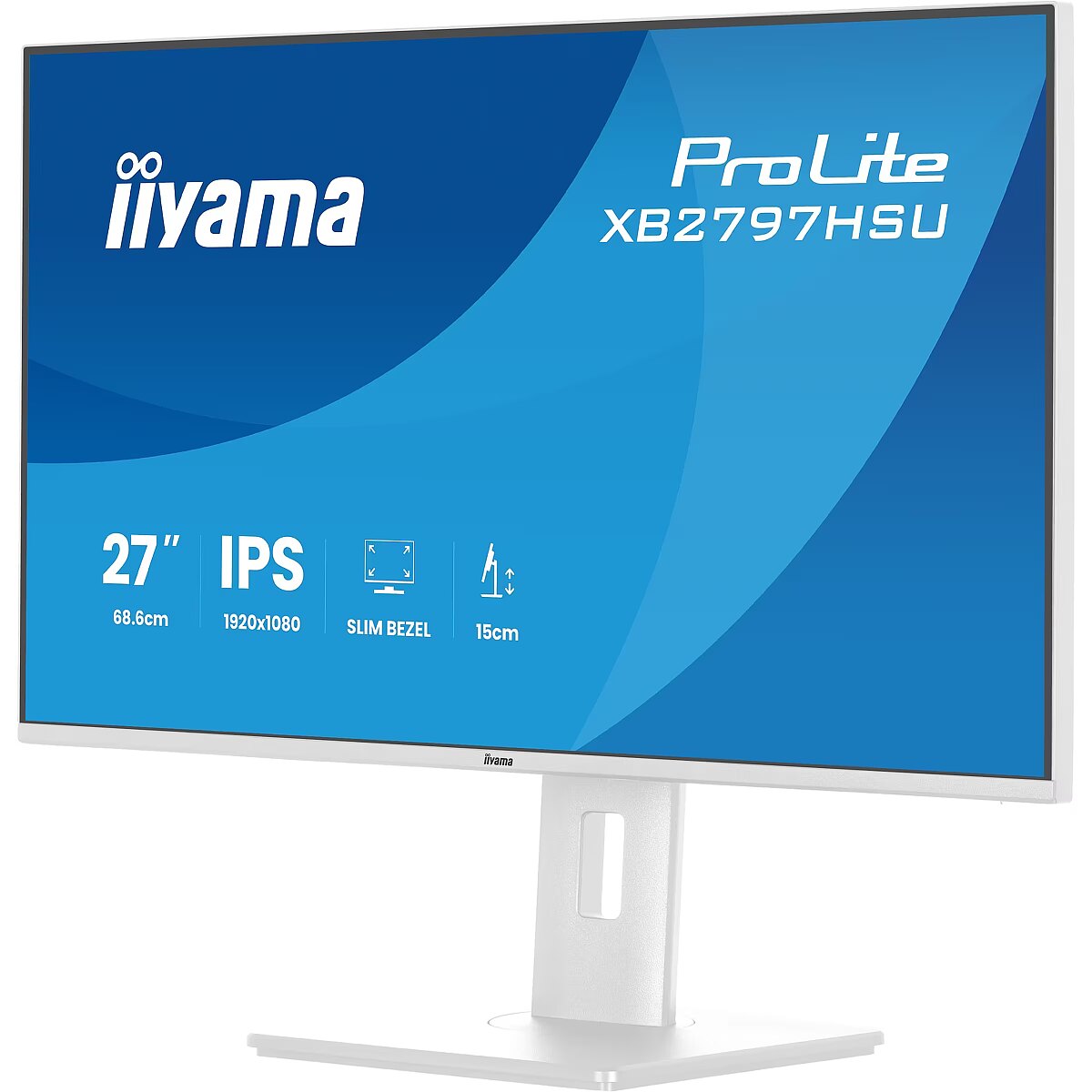
Dane fizyczne: Kolor obudowy - biały
Dane fizyczne: Standard VESA - 100 x 100
Dane fizyczne: Szerokość - 611.5 mm
Dane fizyczne: Waga - 5.4 kg
Dane fizyczne: Wysokość - 402 mm
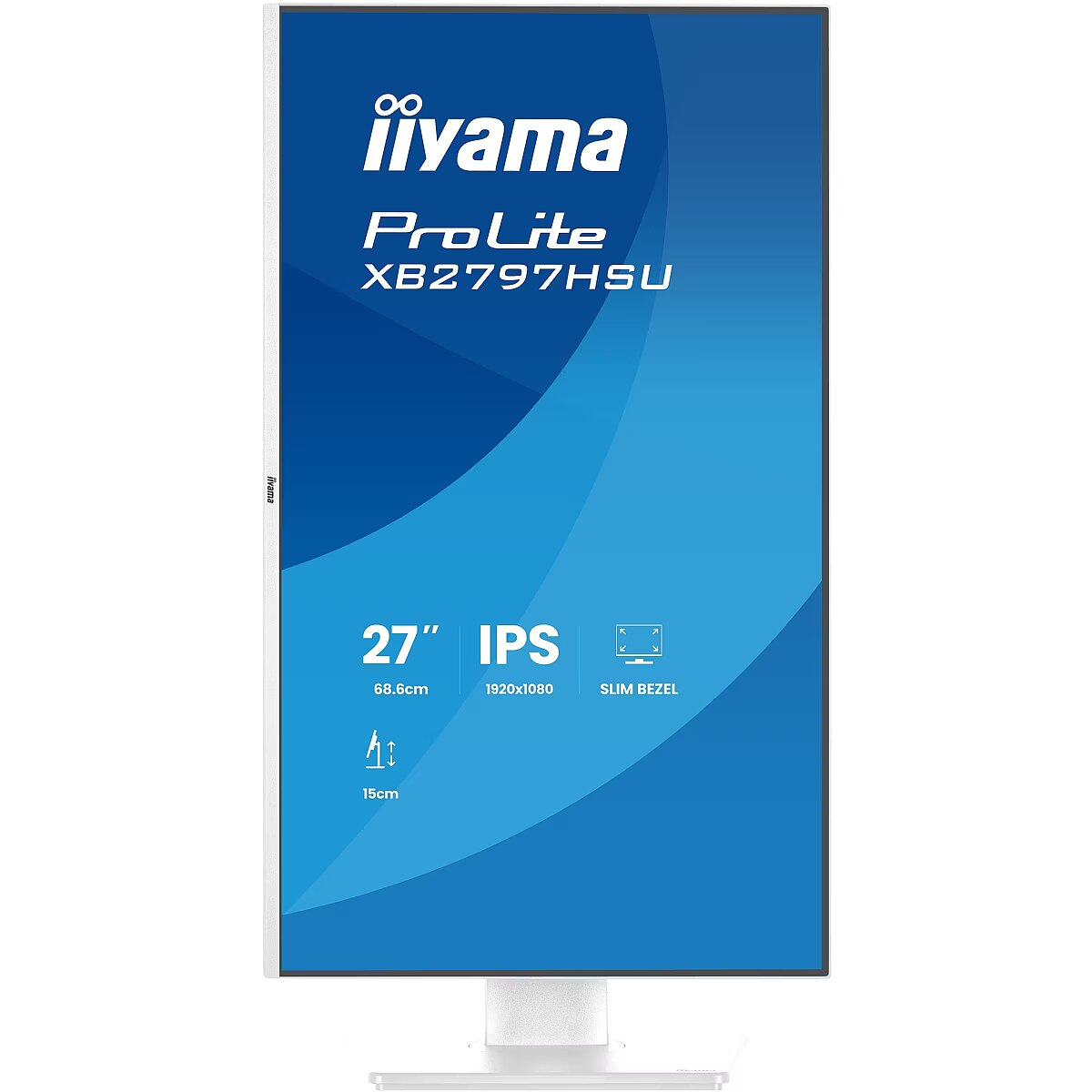
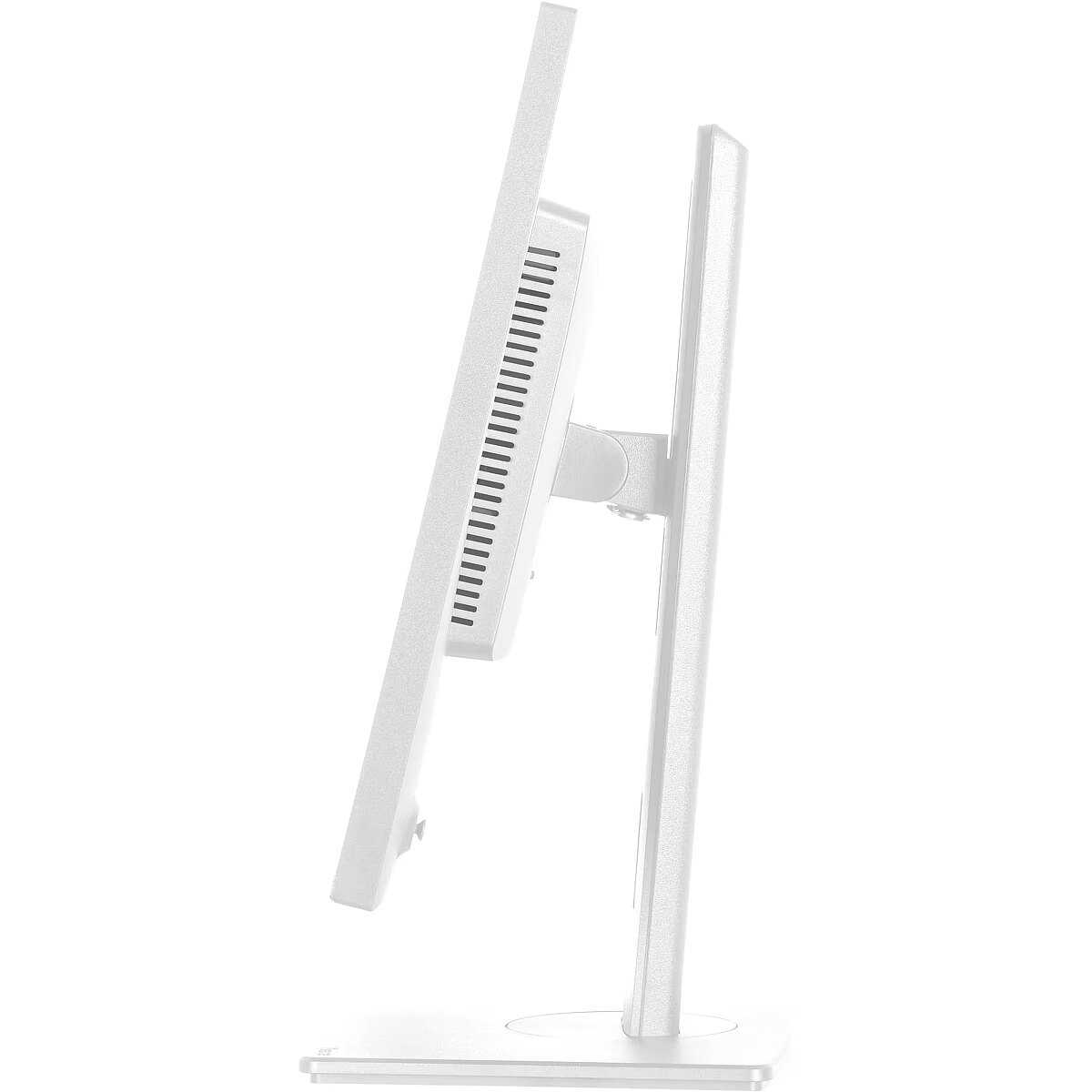
Dane fizyczne: Zakres obrotu (PIVOT) - 90 °
Dane fizyczne: Zakres regulacji obrotu (Swivel) - 120 °
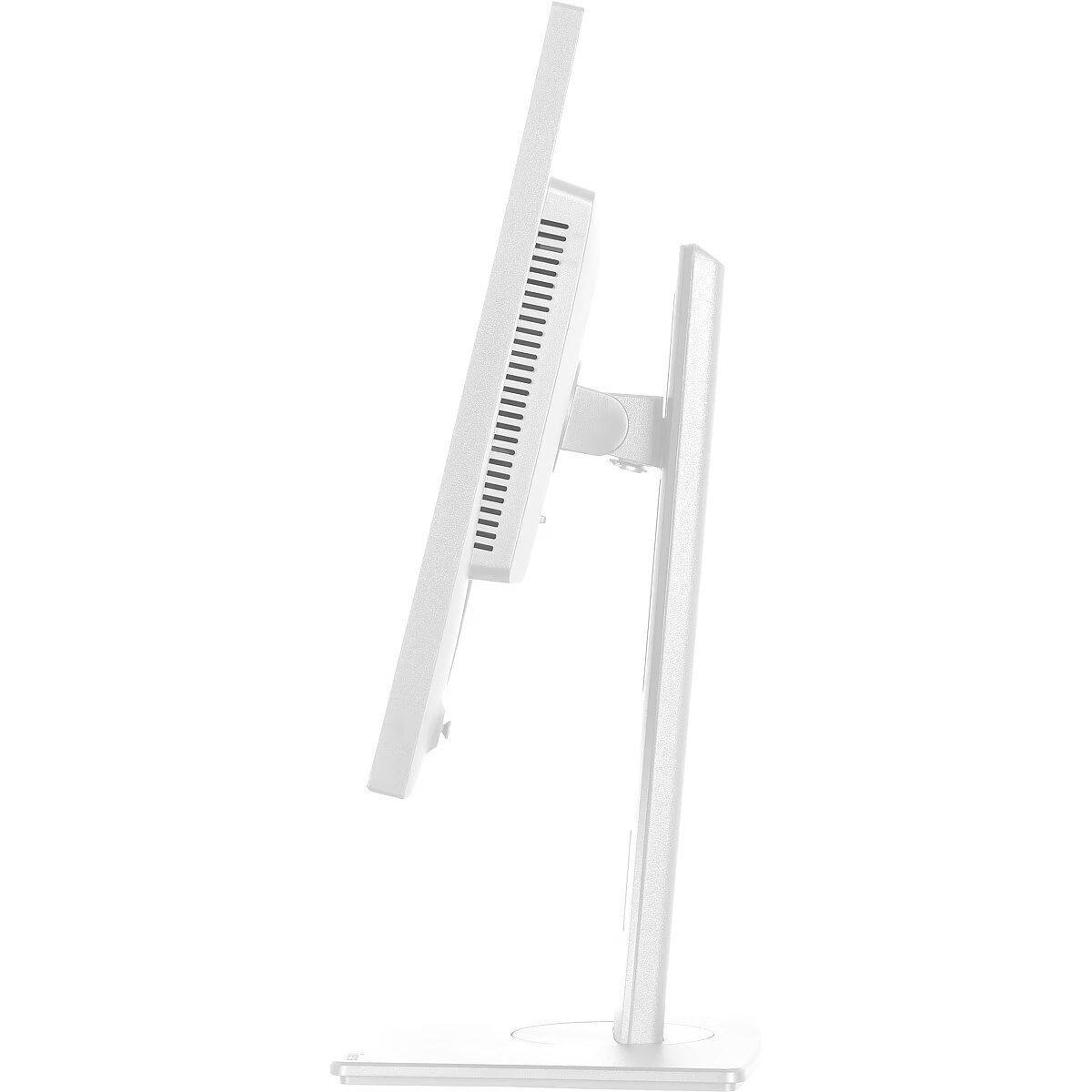
Dane fizyczne: Zakres regulacji pochylenia (Tilt) - 28 °
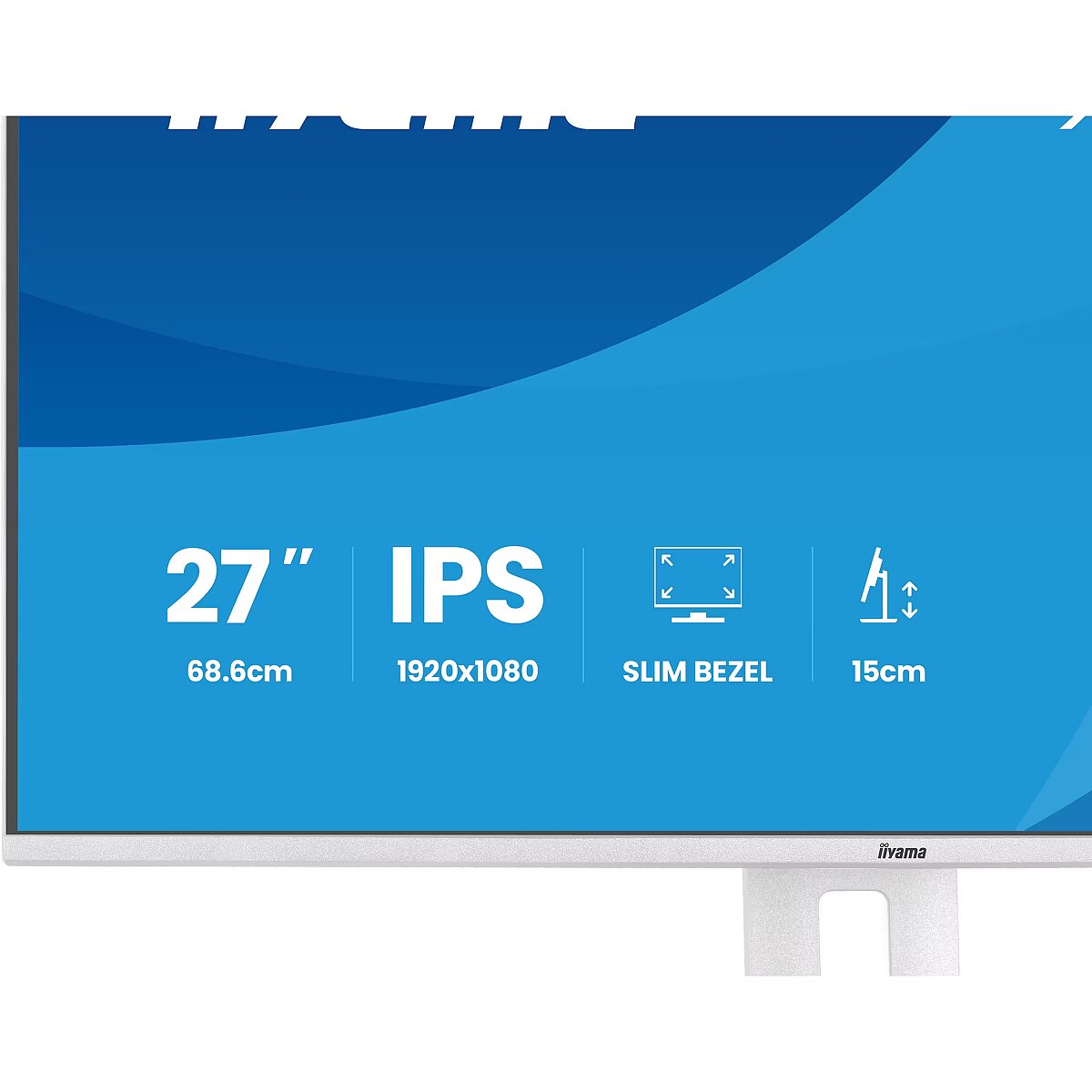
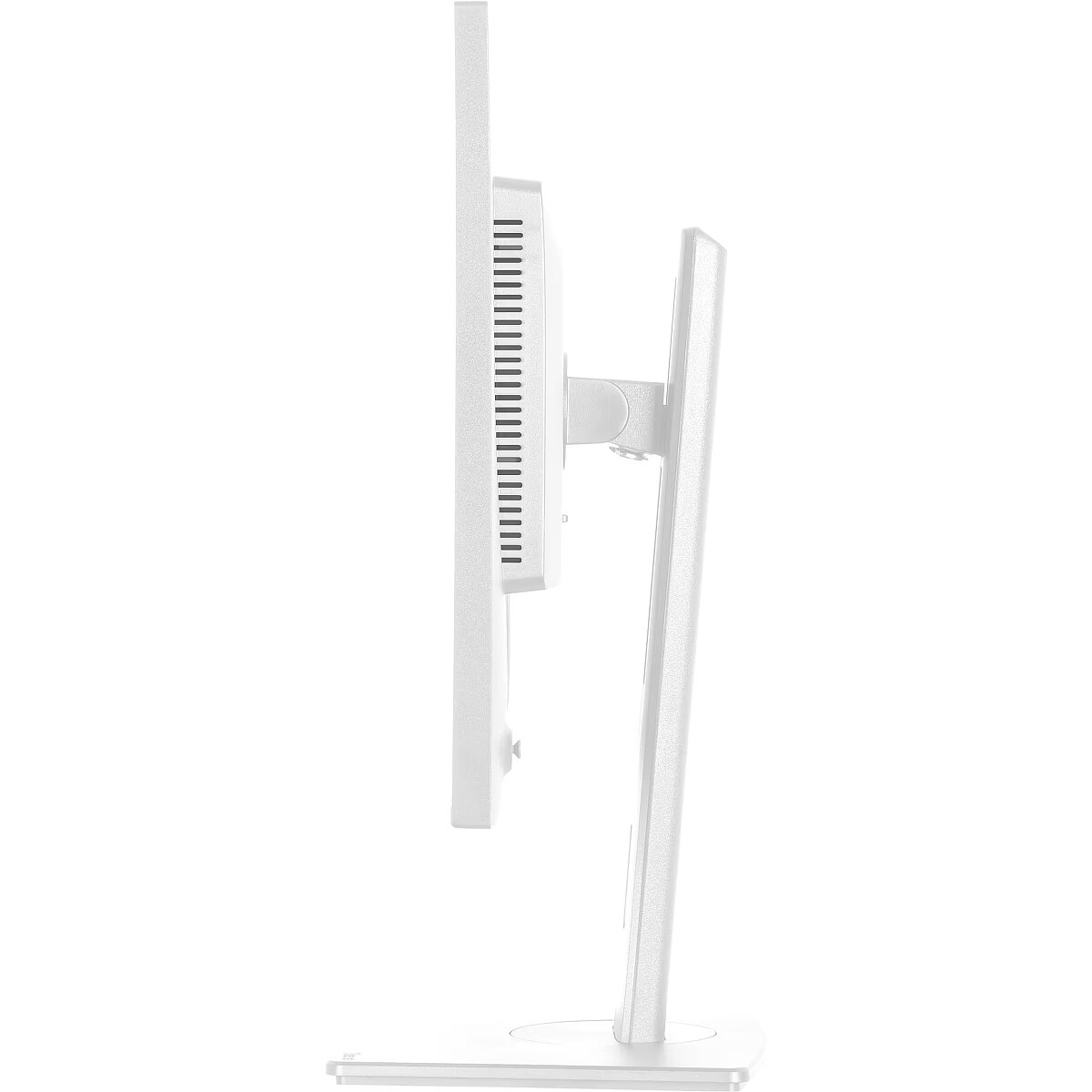
Dane fizyczne: Zakres regulacji wysokości (Height) - 150 mm
Dane techniczne: Czas reakcji - 4 ms
Dane techniczne: Częstotliwość odświeżania - 120 Hz
Dane techniczne: Grupa produktowa - Monitory iiyama
Dane techniczne: Gwarancja - 3 lata w serwisie zewnętrznym
Dane techniczne: Głośniki - yes
Dane techniczne: Jasność - 350 cd/m²
Dane techniczne: Model - iiyama ProLite XB97HSU
Dane techniczne: Możliwość regulacji - obrotowy ekran (pivot)
Dane techniczne: Możliwość regulacji - obrót na podstawie (swivel)
Dane techniczne: Możliwość regulacji - pochył
Dane techniczne: Możliwość regulacji - wysokość
Dane techniczne: Powłoka matrycy - matowa
Dane techniczne: Producent - iiyama
Dane techniczne: Przekątna - 27 cali
Dane techniczne: Rodzaj podświetlenia - LED
Dane techniczne: Rozdzielczość ekranu - 1920 x 1080 (Full HD) piksele
Dane techniczne: Rozmiar plamki - 0.275 mm
Dane techniczne: Standard portów wideo - DisplayPort 1.4
Dane techniczne: Standard portów wideo - HDMI
Dane techniczne: Typ - dla graczy
Dane techniczne: Typ ekranu - płaski
Dane techniczne: Typ matrycy - IPS
Design - Market positioning - Business
Design - Product colour - White
dimensionalWeight - 8500
Display - Colour gamut standard - NTSC
Display - Colour gamut standard - NTSC, sRGB
Display - Colour gamut standard - sRGB
Display - Contrast ratio (dynamic) - 80000000:1
Display - Contrast ratio (typical) - 1500:1
Display - Display brightness (typical) - 350 cd/m²
Display - Display diagonal - 68.6 cm (27")
Display - Display diagonal (metric) - 68.6 cm
Display - Display number of colours - 16.7 million colours
Display - Display resolution - 1920 x 1080 pixels
Display - Display surface - Matt
Display - Display technology - LED
Display - HD type - Full HD
Display - Horizontal scan range - 30 - 140 kHz
Display - Maximum refresh rate - 120 Hz
Display - Native aspect ratio - 16:9
Display - NTSC coverage (typical) - 72%
Display - Panel type - IPS
Display - Pixel pitch - 0.311 x 0.311 mm
Display - Response time - 1 ms
Display - Response time (MPRT) - 1 ms
Display - Screen shape - Flat
Display - sRGB coverage (typical) - 99%
Display - Touchscreen - No
Display - Viewable size, horizontal - 59.8 cm
Display - Viewable size, vertical - 36.3 cm
Display - Viewing angle, horizontal - 178°
Display - Viewing angle, vertical - 178°
Dodatkowe informacje o matrycy: Format obrazu - 16:9
Dodatkowe informacje o matrycy: Kontrast - 1500:1
Dodatkowe informacje o matrycy: Kontrast dynamiczny - 80 000 000:1
Dodatkowe informacje o matrycy: Kąt widzenia w pionie - 178 °
Dodatkowe informacje o matrycy: Kąt widzenia w poziomie - 178 °
Dodatkowe informacje o matrycy: Liczba wyświetlanych kolorów - 16.7 mln
EANCode - 4948570125869
Eans - 4948570125869
EAN_code - 4948570125869
Efektywność energetyczna: Klasa energetyczna - C
Efektywność energetyczna: Zużycie energii - 14 kWh/1000h
Ergonomics - Adjustable height (max) - 15 cm
Ergonomics - Cable lock slot - Yes
Ergonomics - Cable lock slot type - Kensington
Ergonomics - Cable management - Yes
Ergonomics - Height adjustment - Yes
Ergonomics - On Screen Display (OSD) languages - Czech
Ergonomics - On Screen Display (OSD) languages - Czech, German, English, Spanish, French, Italian, Japanese, Dutch, Polish, Russian, Ukrainian
Ergonomics - On Screen Display (OSD) languages - Dutch
Ergonomics - On Screen Display (OSD) languages - English
Ergonomics - On Screen Display (OSD) languages - French
Ergonomics - On Screen Display (OSD) languages - German
Ergonomics - On Screen Display (OSD) languages - Italian
Ergonomics - On Screen Display (OSD) languages - Japanese
Ergonomics - On Screen Display (OSD) languages - Polish
Ergonomics - On Screen Display (OSD) languages - Russian
Ergonomics - On Screen Display (OSD) languages - Spanish
Ergonomics - On Screen Display (OSD) languages - Ukrainian
Ergonomics - Panel mounting interface - 100 x 100 mm
Ergonomics - Pivot - Yes
Ergonomics - Swivel angle range - -60 - 60°
Ergonomics - Swivelling - Yes
Ergonomics - Tilt adjustment - Yes
Ergonomics - VESA mounting - Yes
Funkcje Gamingowe: Pozostale technologie - Adaptive Sync
GRUPPE1 - Displays
GRUPPE2 - Lcd Monitor
GTIN - 4948570125869
HERSTELLER - IIYAMA CONSIGNMENT
HSTNUMMER - XB2797HSU-W1
Informacje podstawowe: Moc głośników - 2 x 2W
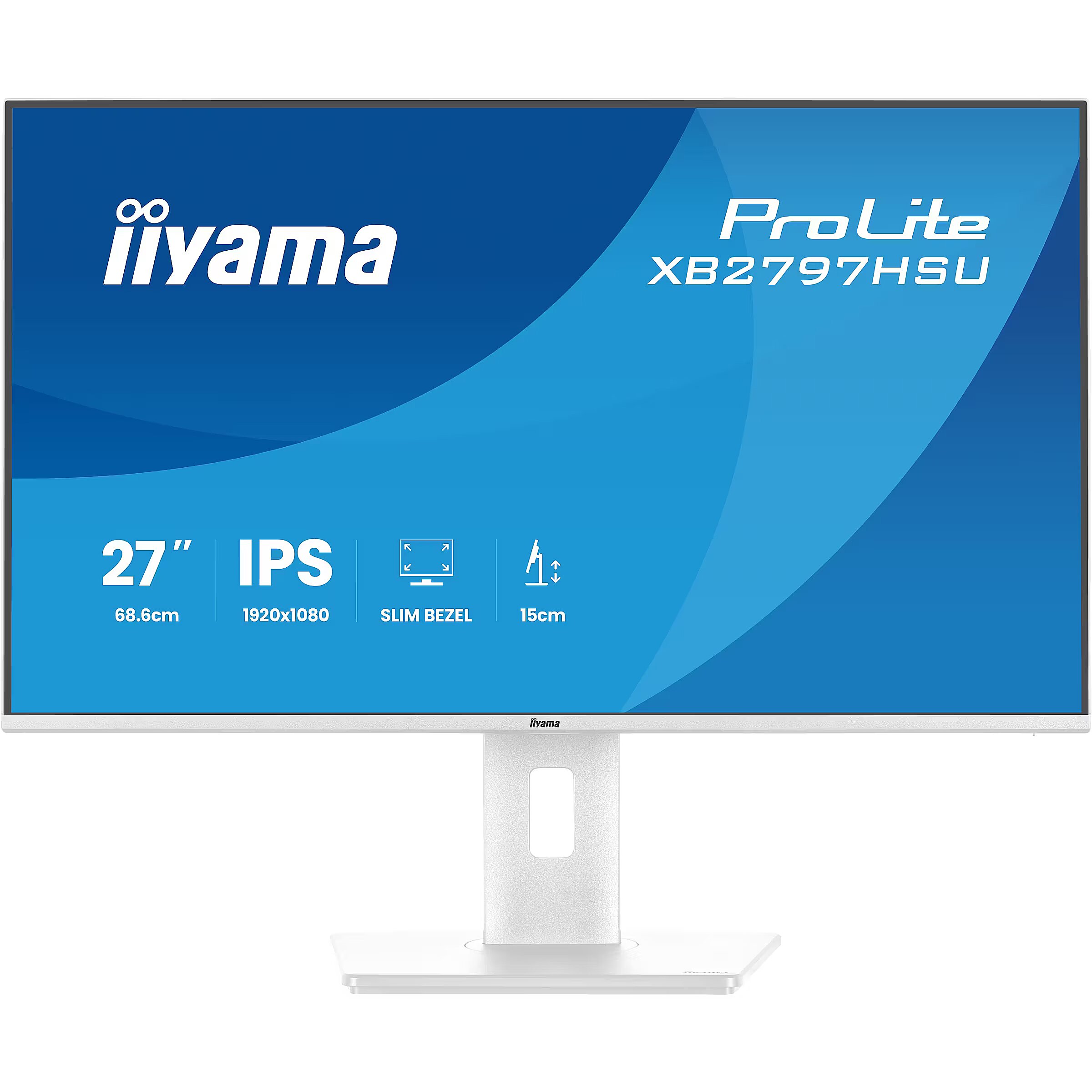
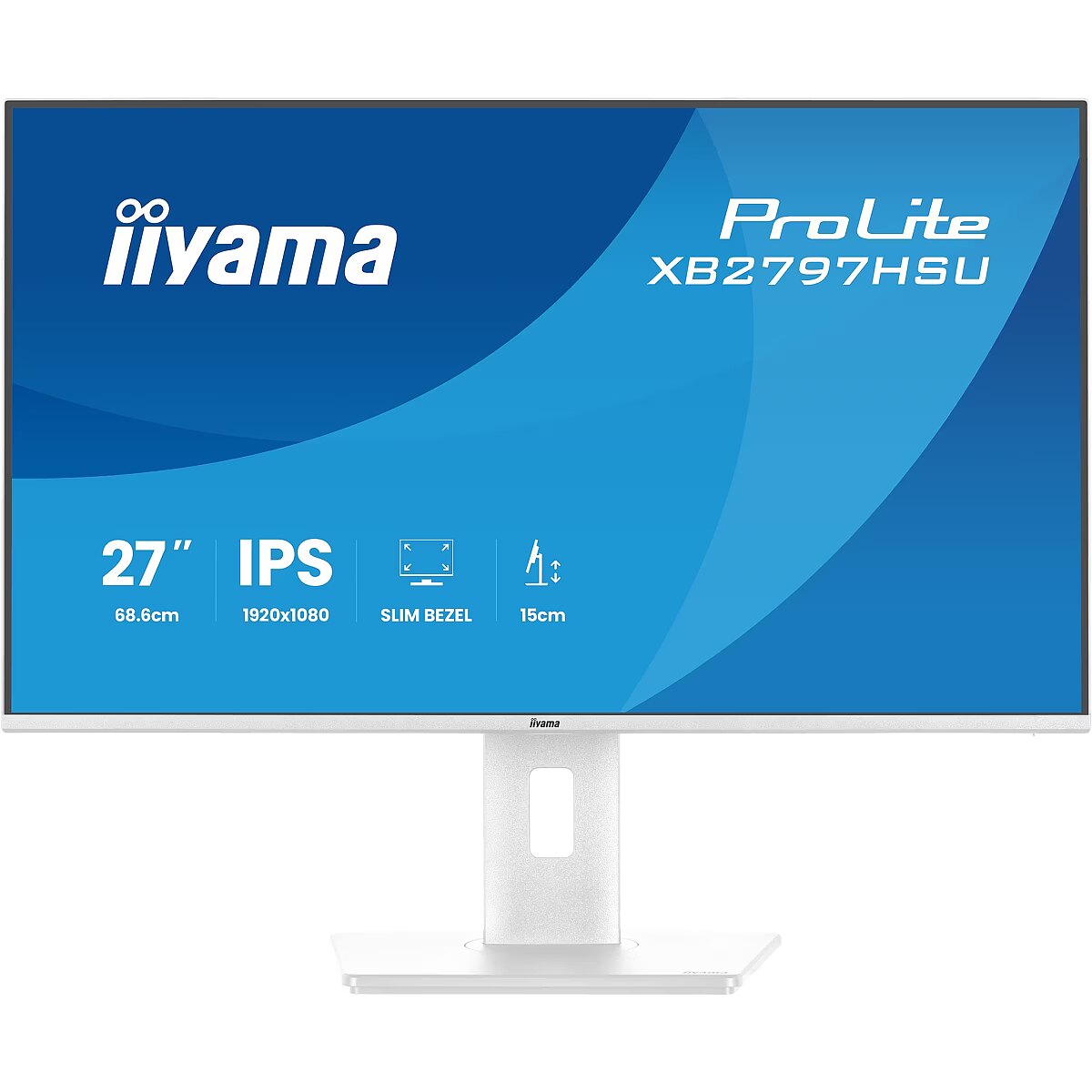
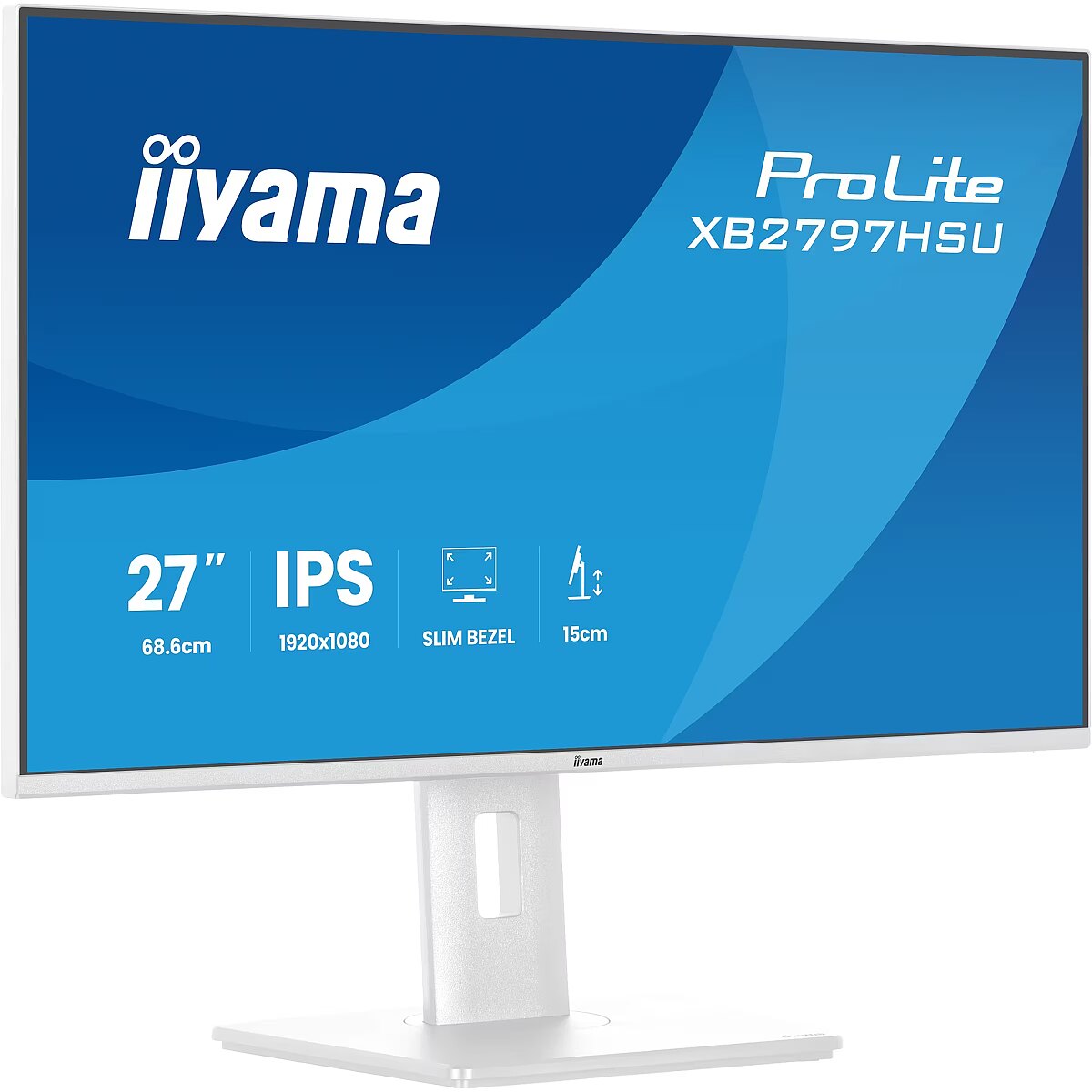
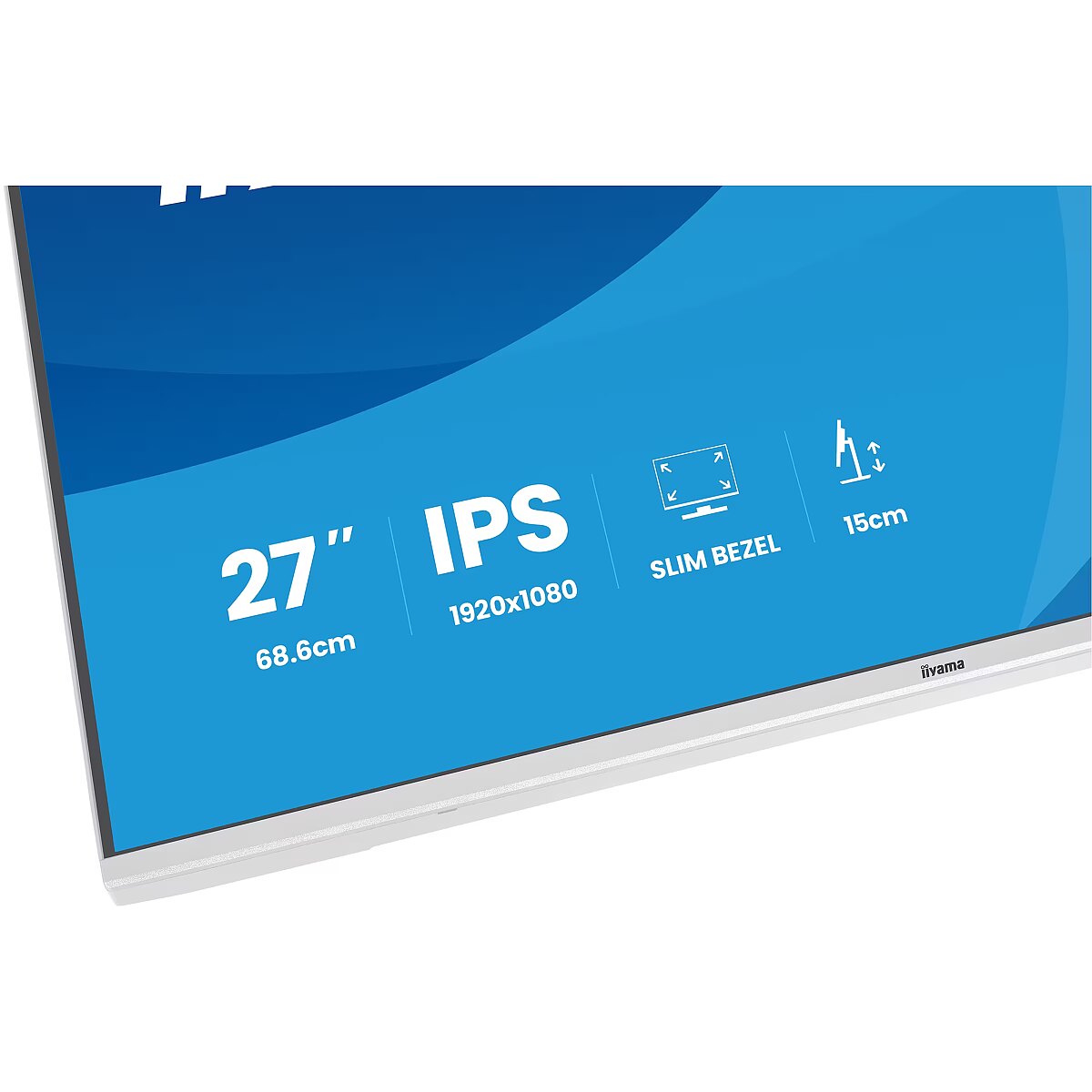
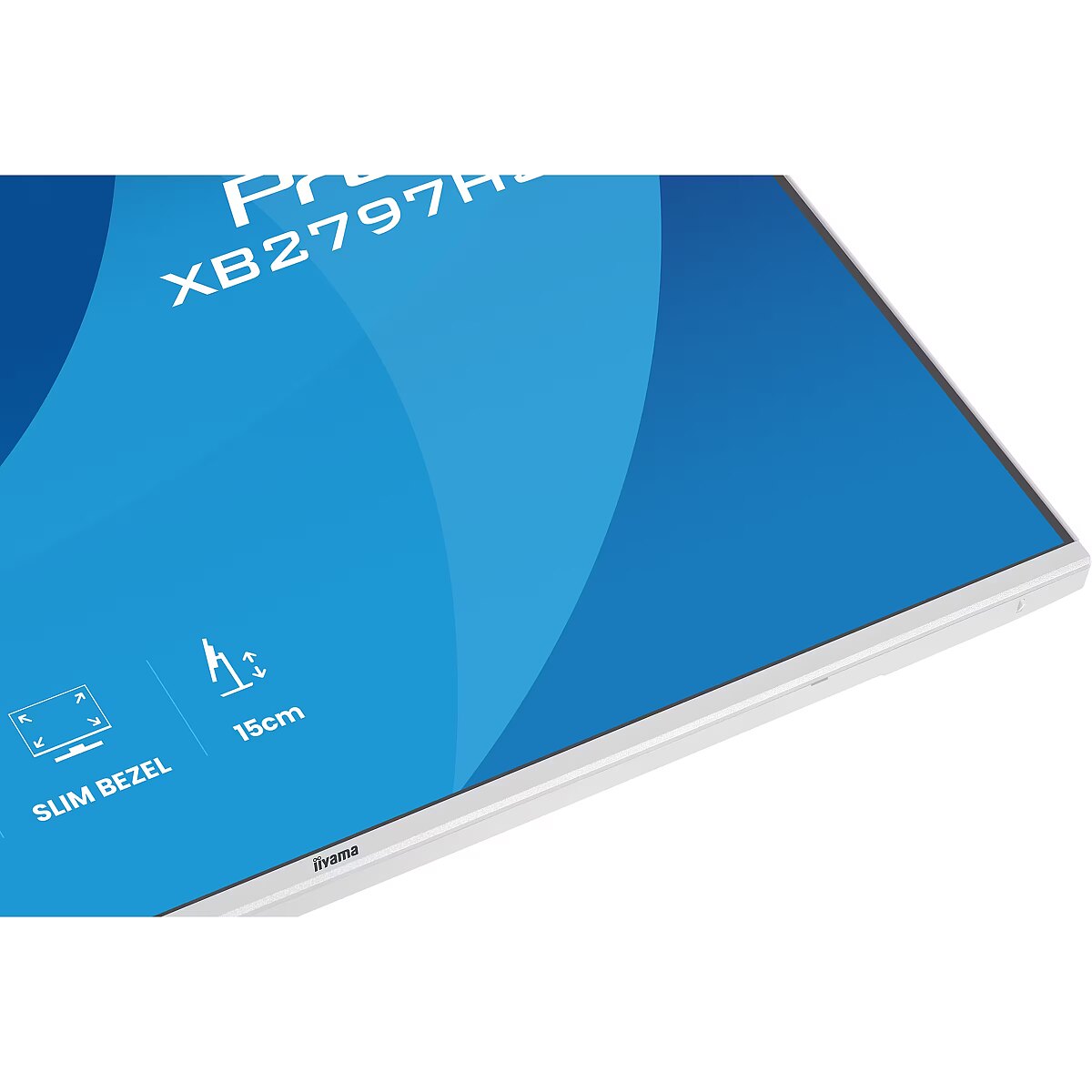
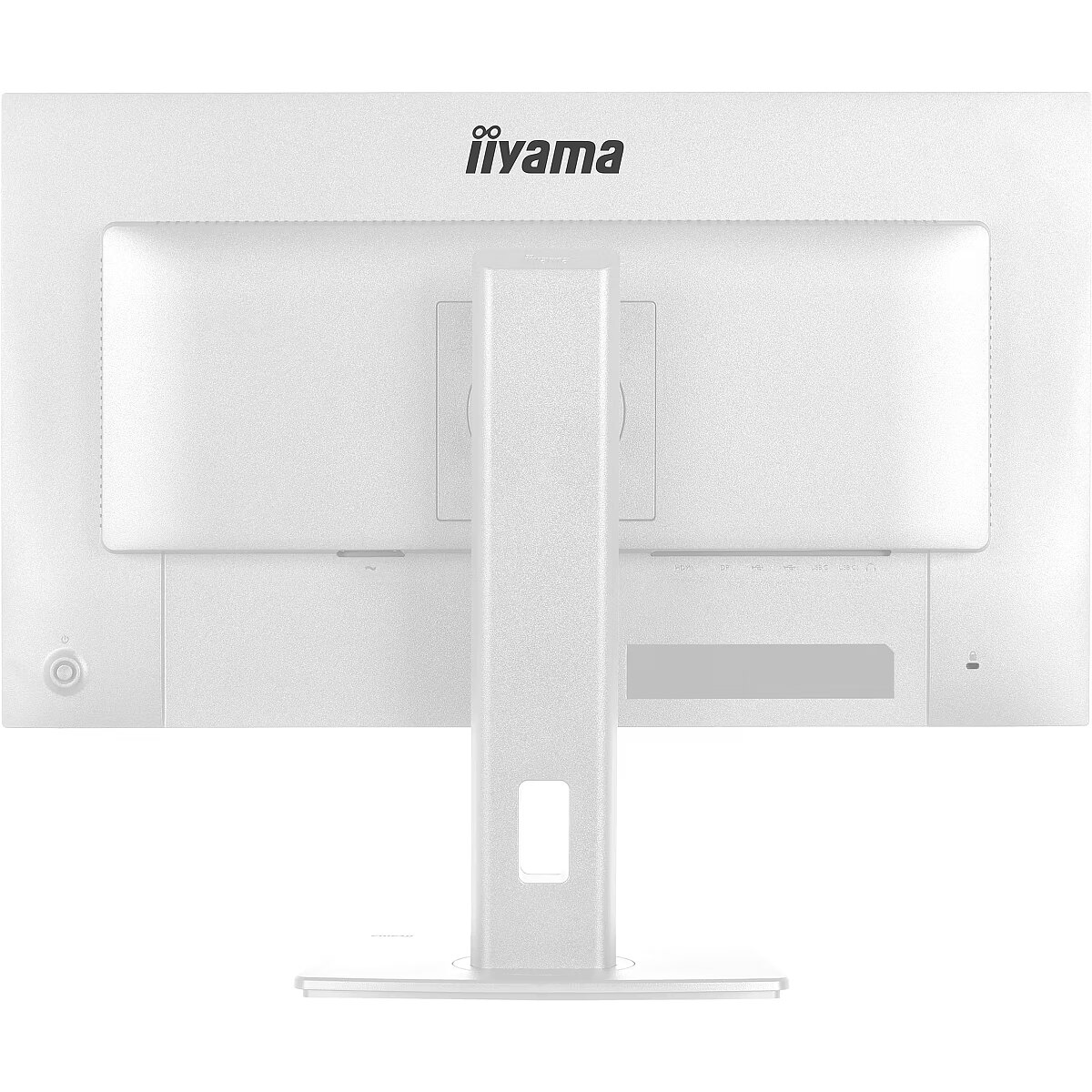
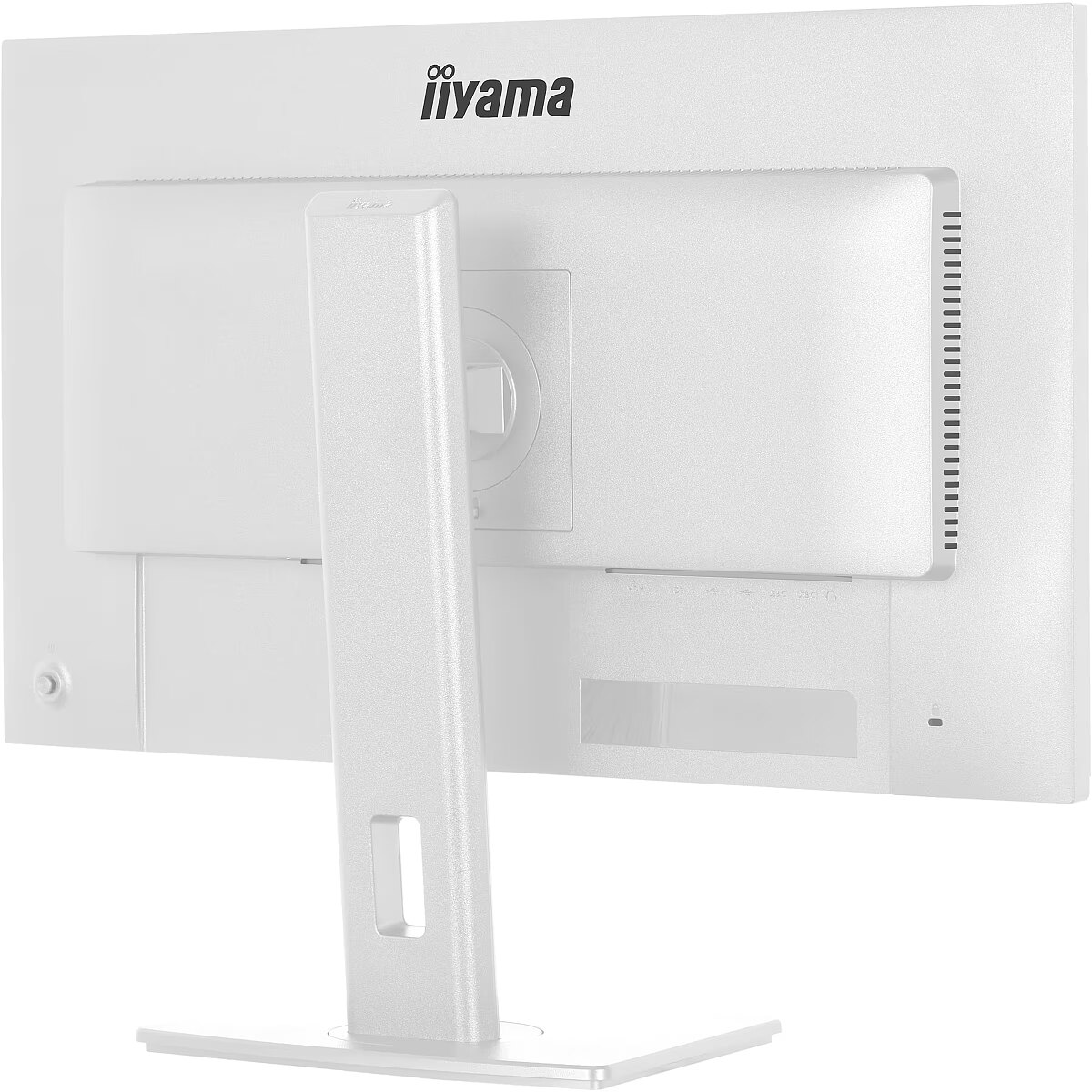
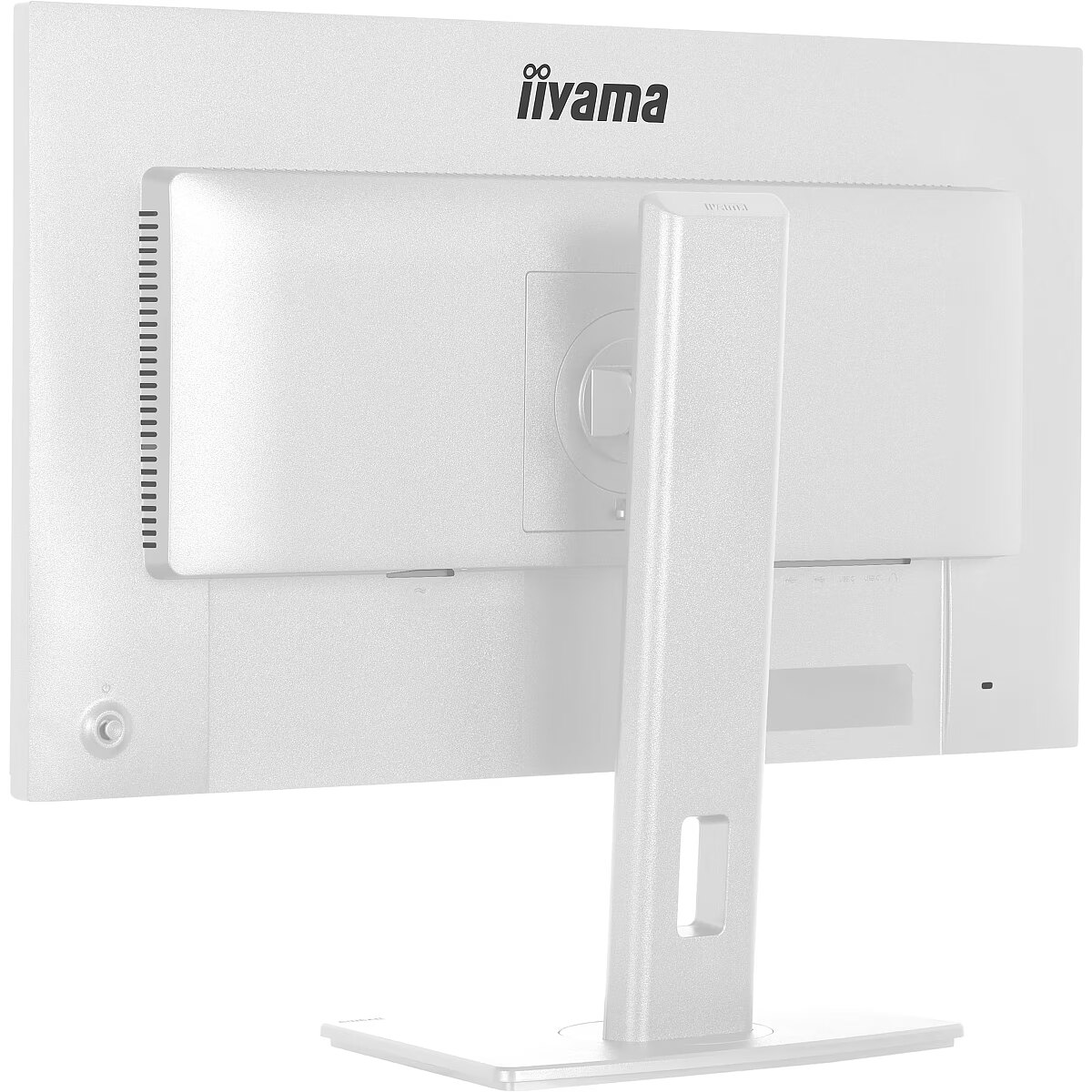
LongDesc - The ProLite XB2797HSU is perfect if you want a compact, high-performance display that fits seamlessly into a multi-monitor setup. The four-side slim bezel gives you a clean, modern workspace and uninterrupted visuals across screens. You’ll enjoy sharp, accurate colours and wide viewing angles thanks to the IPS panel, while the 120Hz refresh rate keeps everything smooth and responsive. Whether you're working on documents, editing content or browsing, flicker-free technology and a blue light reducer help protect your eyes during long sessions. Adjust the screen to suit your posture with a fully ergonomic stand offering 15cm height adjustment, tilt, swivel and pivot. Built-in speakers, a four-port USB hub, HDMI, DisplayPort and a headphone socket keep your setup simple and efficient. And with EPEAT and TCO certifications and an Energy label C, you’re choosing a monitor that supports sustainability without compromising on performance.
LongProductName - Eco-conscious 27” IPS monitor for modern workplaces
LongSummaryDescription - iiyama ProLite XB2797HSU-W1. Display diagonal: 68.6 cm (27"), Display resolution: 1920 x 1080 pixels, HD type: Full HD, Display technology: LED, Display surface: Matt, Response time: 1 ms, Native aspect ratio: 16:9, Viewing angle, horizontal: 178°, Viewing angle, vertical: 178°. Built-in speaker(s). Built-in USB hub, USB hub version: 3.2 Gen 1 (3.1 Gen 1). VESA mounting, Height adjustment. Product colour: White
Manufacturer - Iiyama
Manufacturer_code - XB2797HSU-W1
Multimedia - Built-in camera - No
Multimedia - Built-in speaker(s) - Yes
Multimedia - Number of speakers - 2
Multimedia - RMS rated power - 4 W
Name - Iiyama ProLite XB2797HSU-W1 (68.6 cm (27 Zoll), weiß (matt), FullHD, IPS, HDMI, DP, USB-Hub, erg. Standfuß, 120Hz Panel)
Name - iiyama ProLite XB2797HSU-W1 - 120Hz | Full HD | IPS | 27" | 4ms | USB-C
Ochrona oczu: Filtr światła niebieskiego - yes
Ochrona oczu: Redukcja migotania - yes
Other features - Compliance certificates - CE
Other features - Compliance certificates - CE, EAC, PSE, REACH, RoHS, TÜV mark, UKCA, VCCI, WEEE
Other features - Compliance certificates - EAC
Other features - Compliance certificates - PSE
Other features - Compliance certificates - REACH
Other features - Compliance certificates - RoHS
Other features - Compliance certificates - TÜV mark
Other features - Compliance certificates - UKCA
Other features - Compliance certificates - VCCI
Other features - Compliance certificates - WEEE
Other features - Control panel - Joystick: (Centre) Power/MenuPower, Up/Signal Select, Down, Left/Shortcut, Right/Volume
Other features - Depth - 209.5 mm
Other features - Manufacturer warranty - 5 years (for details and eligible countries please check the Warranty section of our website)
Other features - Packaging content - quick start guide, safety guide
Other features - User controls - picture adjust (brightness, contrast, ECO, ACR, OD, motion blur reduction, Adpative Sync), colour settings (i-Style colour, RGB range, colour temperature, user preset), OSD (OSD H. position, OSD V. position, OSD rotate, OSD background, DDC/CI control, display information), language, extra1 (sharpness, video mode adjust, opening logo, power LED), Extra2 (shortcut, FW version), input select, audio settings (volume, mute audio), reset
Other features - Weight - 5.4 kg
Other features - Width - 611.5 mm
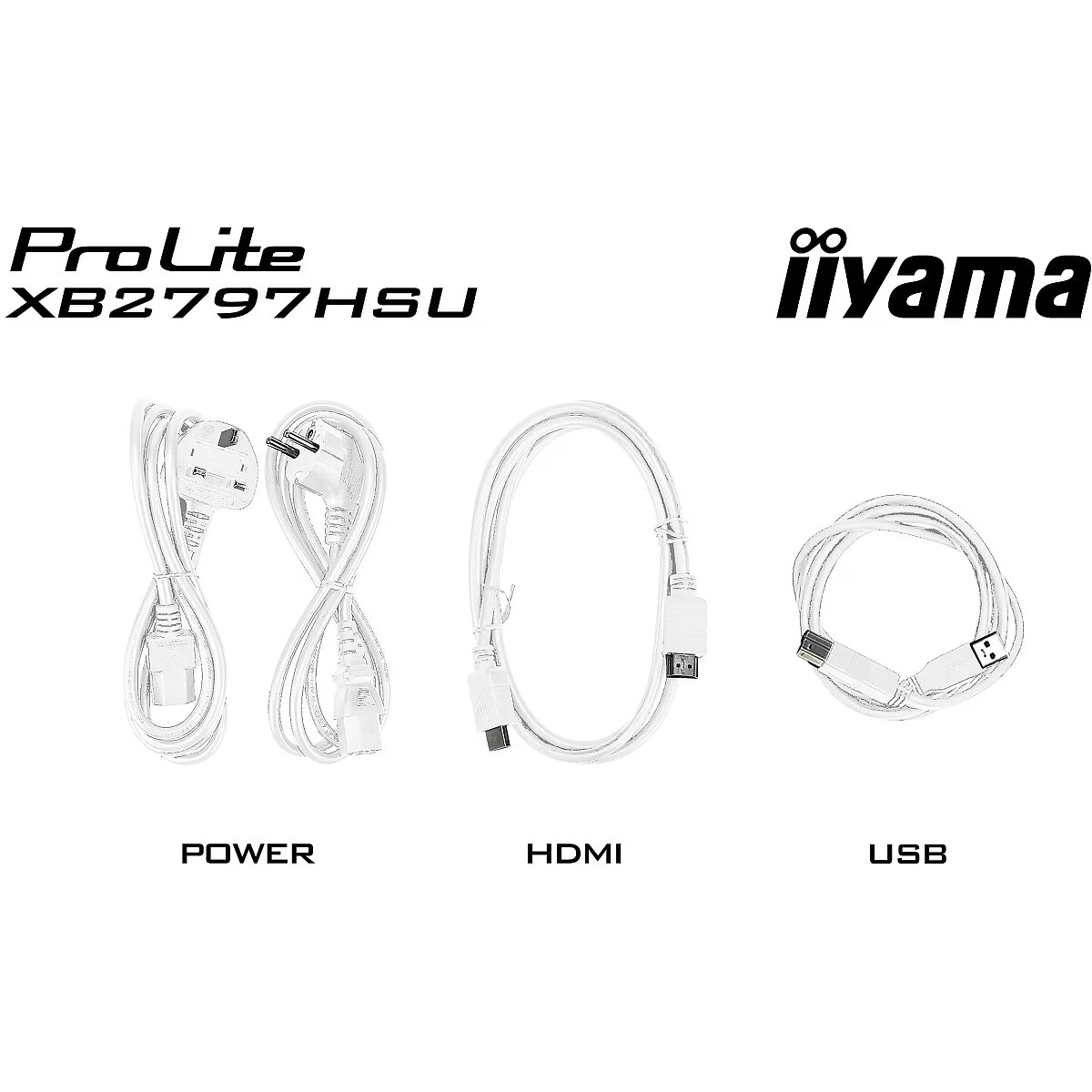
Packaging content - Cables included - AC
Packaging content - Cables included - AC, USB, HDMI, DisplayPort
Packaging content - Cables included - DisplayPort
Packaging content - Cables included - HDMI
Packaging content - Cables included - USB
Packaging content - DisplayPort cable length - 1.8 m
Packaging content - HDMI cable length - 1.5 m
Packaging content - Power cable length - 1.5 m
Packaging data - Package depth - 142 mm
Packaging data - Package height - 447 mm
Packaging data - Package weight - 7.8 kg
Packaging data - Package width - 691 mm
Packaging data - USB cable length - 1.5 m
Performance - AMD FreeSync - Yes
Performance - Flicker-free technology - Yes
Performance - Low Blue Light technology - Yes
Performance - NVIDIA G-SYNC - No
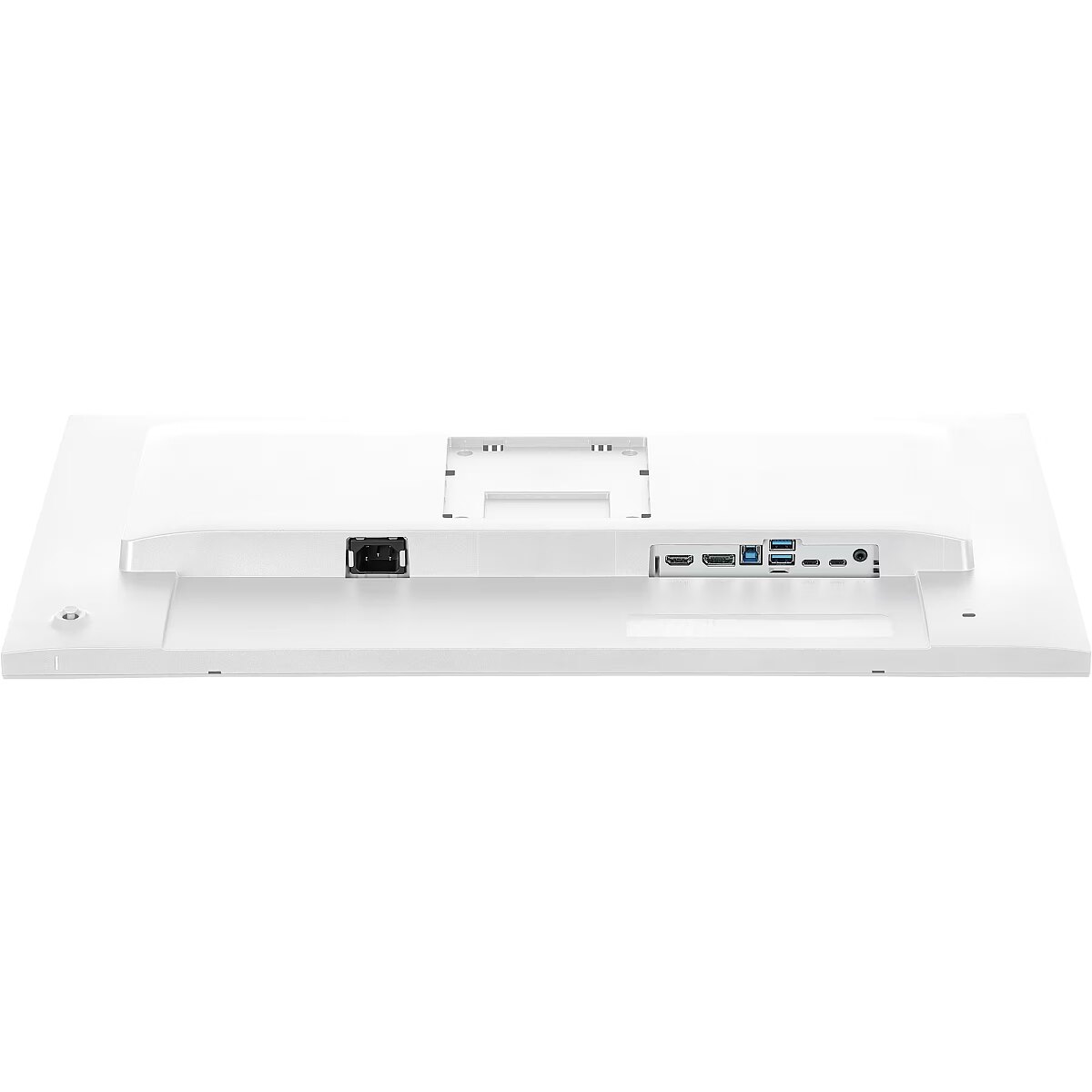
Ports & interfaces - Built-in USB hub - Yes
Ports & interfaces - DisplayPorts quantity - 1
Ports & interfaces - DisplayPort version - 1.2
Ports & interfaces - HDCP - Yes
Ports & interfaces - HDMI - Yes
Ports & interfaces - HDMI ports quantity - 1
Ports & interfaces - HDMI version - 1.4
Ports & interfaces - Headphone connectivity - 3.5 mm
Ports & interfaces - Headphone out - Yes
Ports & interfaces - Headphone outputs - 1
Ports & interfaces - Number of downstream ports - 4
Ports & interfaces - Number of USB Type-B upstream ports quantity - 1
Ports & interfaces - USB hub version - 3.2 Gen 1 (3.1 Gen 1)
Ports & interfaces - USB Type-A downstream ports quantity - 2
Ports & interfaces - USB Type-C downstream ports quantity - 2
Ports & interfaces - USB upstream port type - USB Type-B
Power - AC input frequency - 50/60 Hz
Power - AC input voltage - 100 - 240 V
Power - Energy consumption (SDR) per 1000 hours - 14.1 kWh
Power - Energy efficiency class (HDR) - Not available
Power - Energy efficiency class (SDR) - C
Power - Energy efficiency scale - A to G
Power - Power consumption (off) - 0.3 W
Power - Power consumption (standby) - 14 W
Power - Power consumption (typical) - 14 W
Power - Power supply type - Internal
Pozostałe cechy: Akcesoria - kabel DisplayPort
Pozostałe cechy: Akcesoria - kabel HDMI
Pozostałe cechy: Akcesoria - kabel USB
Pozostałe cechy: Akcesoria - kabel zasilający
Pozostałe cechy: Seria - iiyama ProLite
Producer - iiyama
producerCode - XB2797HSU-W1
ProducerCode - XB2797HSU-W1
productName - iiyama ProLite XB2797HSU-W1 computer monitor 68.6 cm (27") 1920 x 1080 pixels Full HD LED White
ProductName - XB2797HSU-W1
productSize - Normal
Safety warning - Warnings - Do not disassemble the monitor casing to avoid risk of electric shock.
Safety warning - Warnings - Place the monitor on a flat and stable surface to avoid tipping and damage.
Safety warning - Warnings - Unplug the monitor from the power source before cleaning.
ShortDescription - 27'' | IPS | Full HD | 4ms | 120Hz
ShortSummaryDescription - iiyama ProLite XB2797HSU-W1, 68.6 cm (27"), 1920 x 1080 pixels, Full HD, LED, 1 ms, White
sizeX - 440
sizeY - 140
sizeZ - 690
Stck_Kart - 1
Stck_Pal - 0
Stck_Pal - 22
Storno - N
Storno - Y
Sustainability - European Product Registry for Energy Labelling (EPREL) code - 2436210
Sustainability - Sustainability certificates - ErP
Sustainability - Sustainability certificates - ErP, TCO
Sustainability - Sustainability certificates - TCO
Technical details - Native refresh rate - 60 Hz
Title - iiyama ProLite XB2797HSU-W1 computer monitor 68.6 cm (27") 1920 x 1080 pixels Full HD LED White
URL - https://iiyama.com/
WarrantyInfo -
warrantyLength - 36
warrantyType - F
Weight - 7,75
weight - 7800
Weight & dimensions - Depth (with stand) - 209.5 mm
Weight & dimensions - Height (without stand) - 402 mm
Weight & dimensions - Height (with stand) - 547 mm
Weight & dimensions - Weight (with stand) - 5.4 kg
Weight & dimensions - Width (with stand) - 611.5 mm
Złącza: Złącza - 1 x DisplayPort
Złącza: Złącza - 1 x HDMI
Złącza: Złącza - 1 x słuchawkowe
Złącza: Złącza - 2 x USB 3.2 gen 1 Type A
Złącza: Złącza - 2 x USB Type-C



 DVI is a digital standard and ensures high image quality, however, thanks to the big size of the plug and the inability of the standard to develop further due to a few technical restrictions this type of connection is gradually losing its popularity to modern HDMI and DisplayPort standards.