Brand - iiyama
BrandPartCode - XUB2293HSU-W7
Category - Computer Monitors
Category - Root/Electronics/PC peripherals/Monitors
Category_1 - Monitors and TV
Category_2 - LED Monitors up to 22 inches
Dane fizyczne: Głębokość - 209.5 mm
Dane fizyczne: Kolor obudowy - biały
Dane fizyczne: Standard VESA - 100 x 100
Dane fizyczne: Szerokość - 492 mm
Dane fizyczne: Waga - 3.9 kg
Dane fizyczne: Wysokość - 328.5 mm
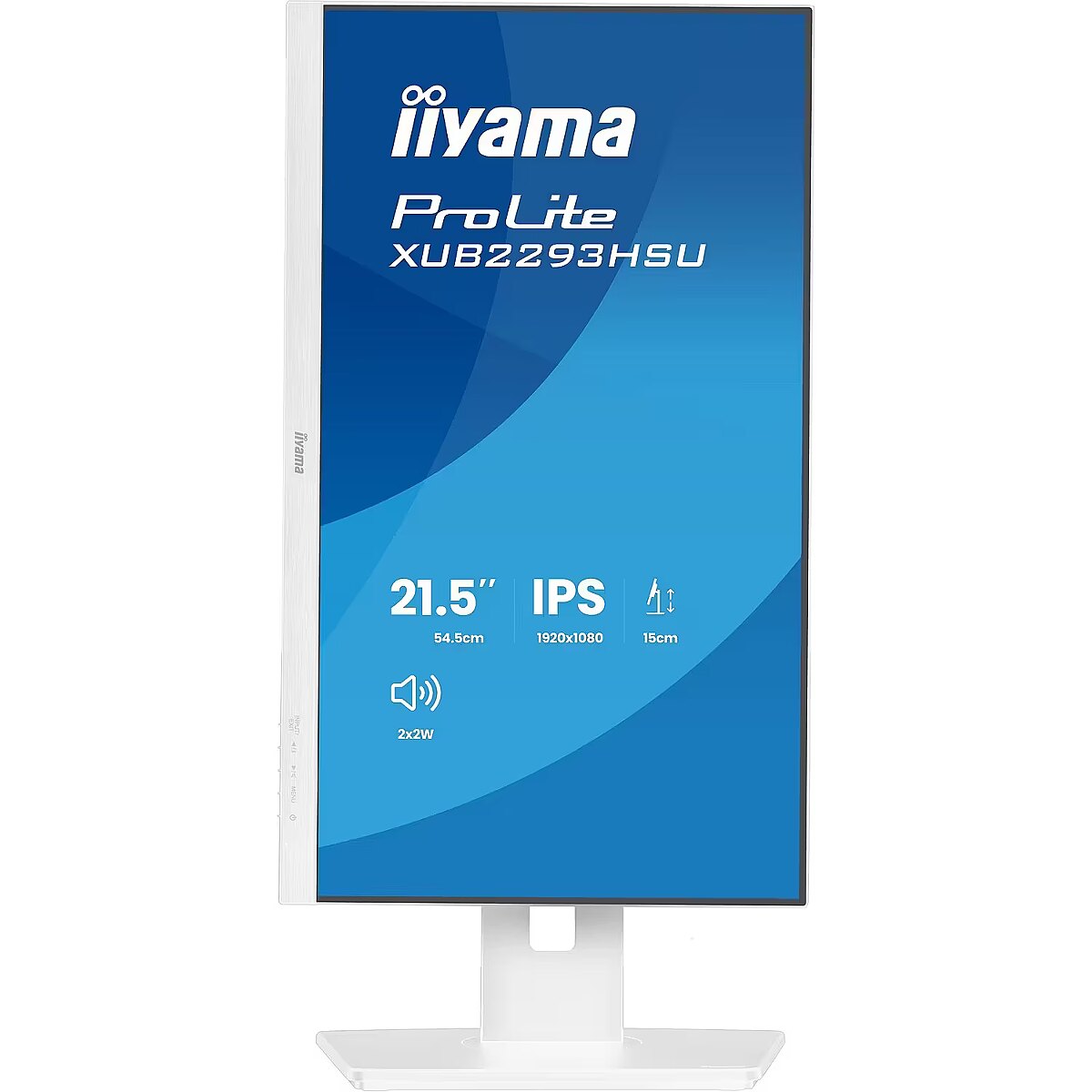
Dane fizyczne: Zakres obrotu (PIVOT) - 90 °
Dane fizyczne: Zakres regulacji obrotu (Swivel) - 120 °
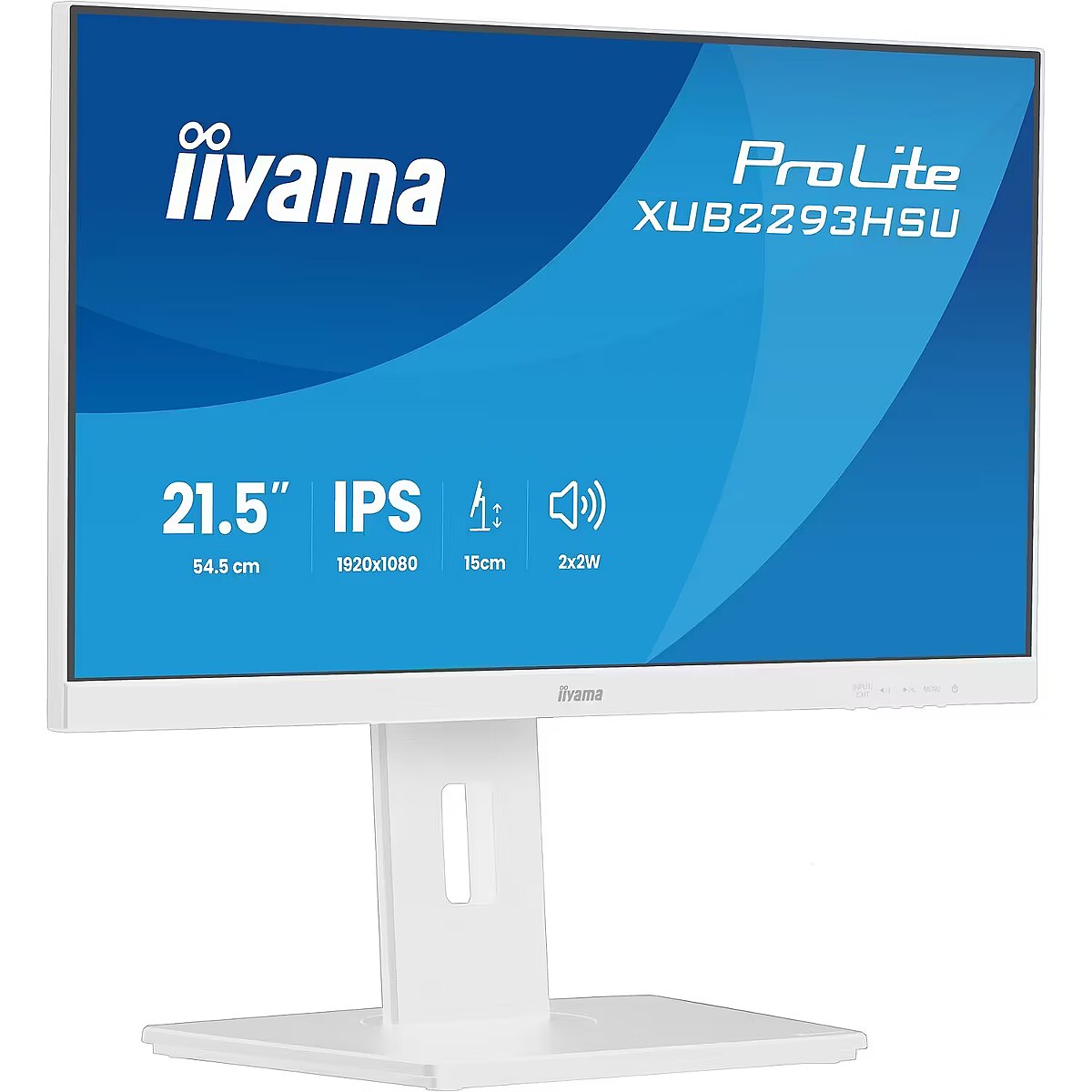
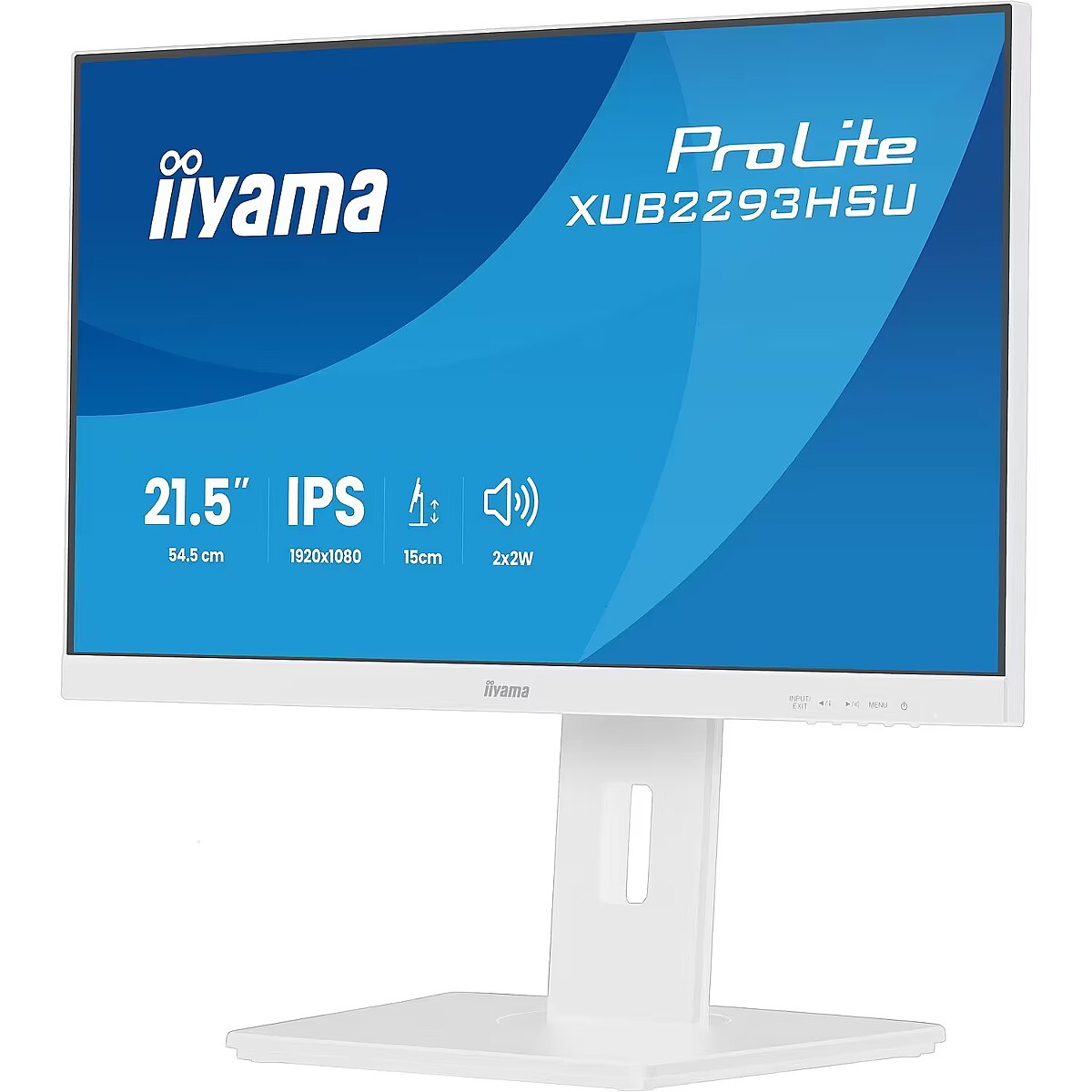
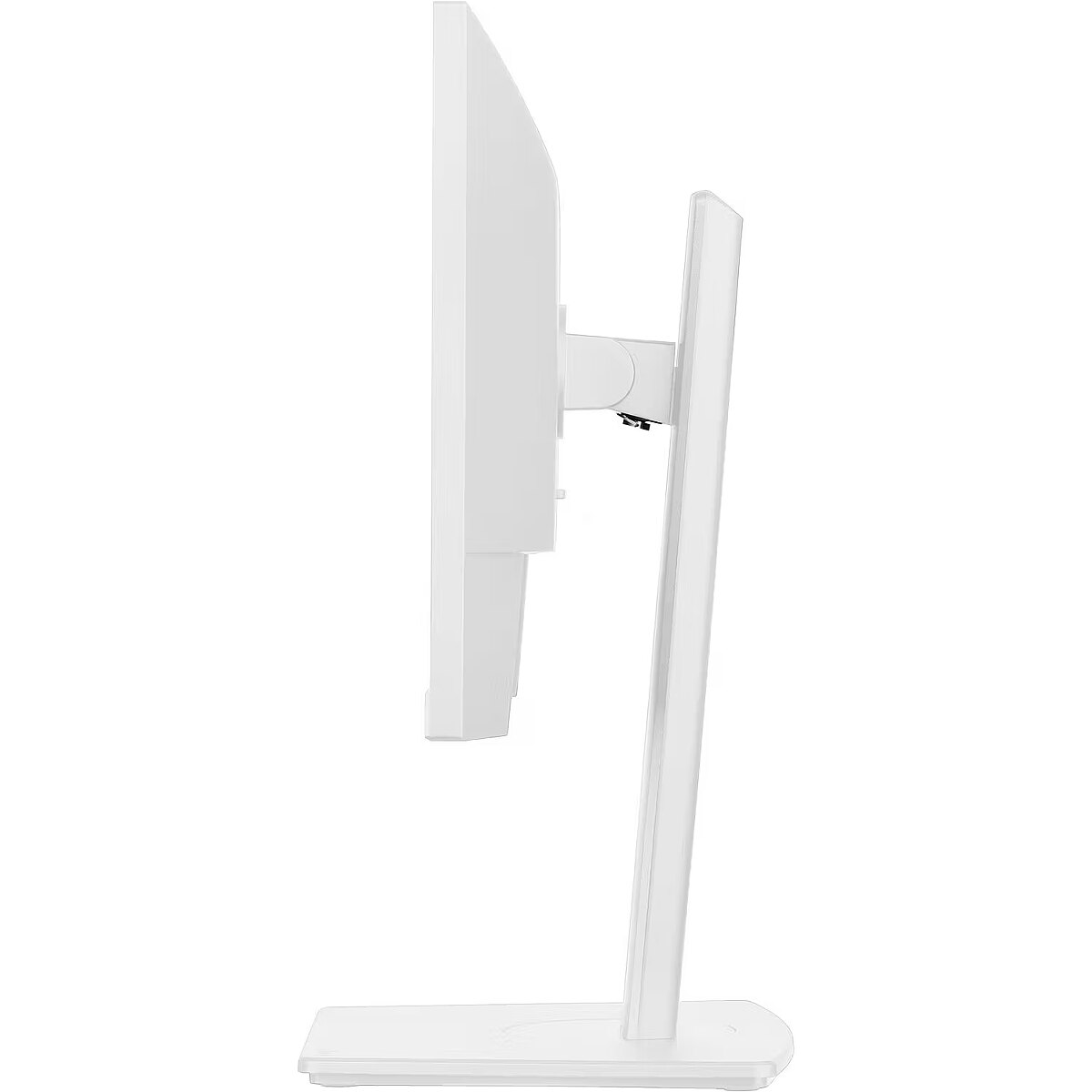
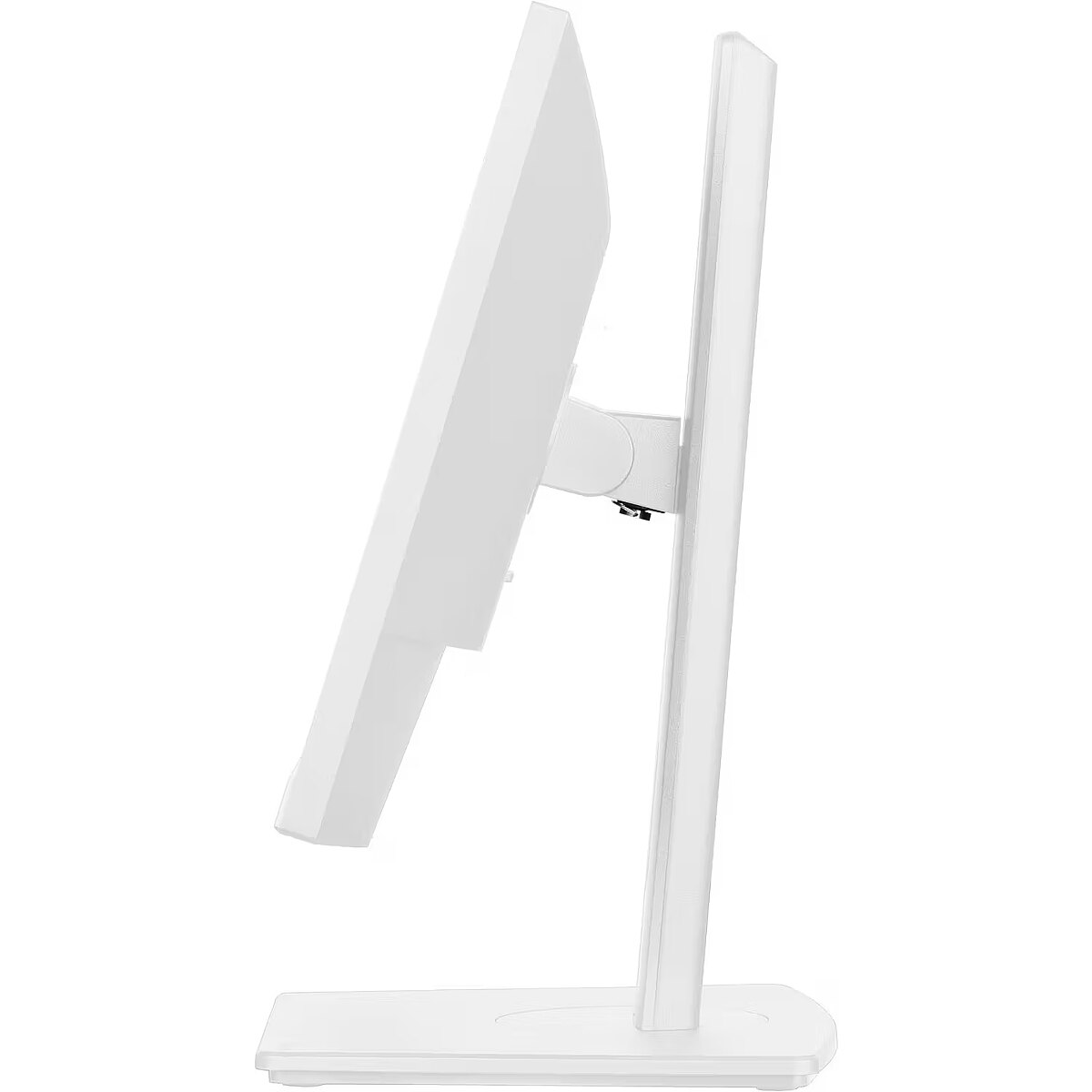
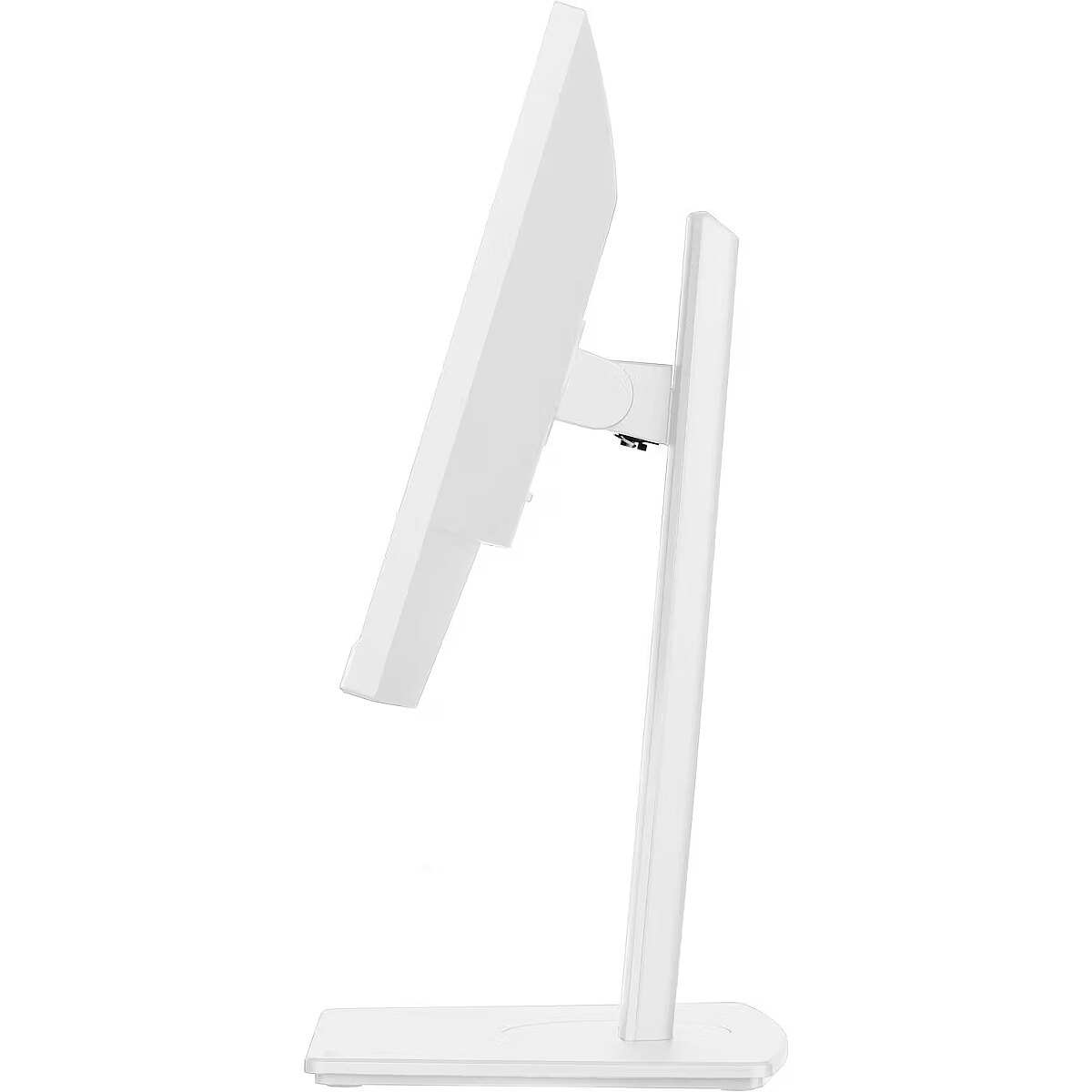
Dane fizyczne: Zakres regulacji pochylenia (Tilt) - 28 °
Dane fizyczne: Zakres regulacji wysokości (Height) - 150 mm
Dane techniczne: Czas reakcji - 1 ms
Dane techniczne: Częstotliwość odświeżania - 100 Hz
Dane techniczne: Grupa produktowa - Monitory iiyama
Dane techniczne: Gwarancja - 3 lata w serwisie zewnętrznym
Dane techniczne: Głośniki - tak
Dane techniczne: Jasność - 300 cd/m²
Dane techniczne: Możliwość regulacji - obrotowy ekran (pivot)
Dane techniczne: Możliwość regulacji - obrót na podstawie (swivel)
Dane techniczne: Możliwość regulacji - pochył
Dane techniczne: Możliwość regulacji - wysokość
Dane techniczne: Powłoka matrycy - matowa
Dane techniczne: Producent - iiyama
Dane techniczne: Przekątna - 22 cali
Dane techniczne: Rodzaj podświetlenia - LED
Dane techniczne: Rozdzielczość ekranu - 1920 x 1080 (Full HD) piksele
Dane techniczne: Rozmiar plamki - 0.249 mm
Dane techniczne: Standard portów wideo - DisplayPort
Dane techniczne: Standard portów wideo - HDMI
Dane techniczne: Typ - do biura i domu
Dane techniczne: Typ ekranu - płaski
Dane techniczne: Typ matrycy - IPS
Design - Market positioning - Business
Design - Product colour - White
Display - Colour gamut standard - NTSC, sRGB
Display - Contrast ratio (dynamic) - 80000000:1
Display - Contrast ratio (typical) - 1000:1
Display - DDC/CI - Yes
Display - Display brightness (typical) - 300 cd/m²
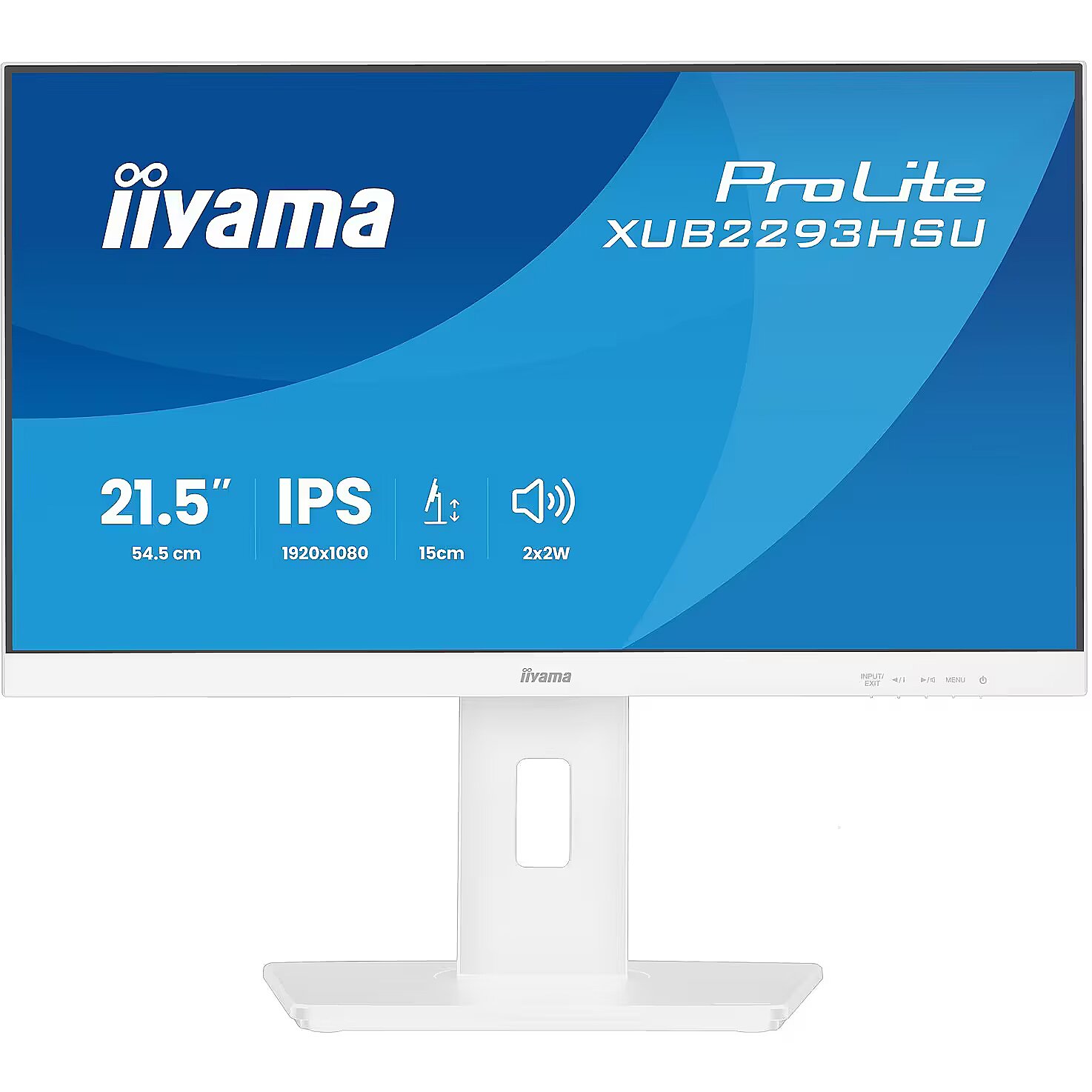
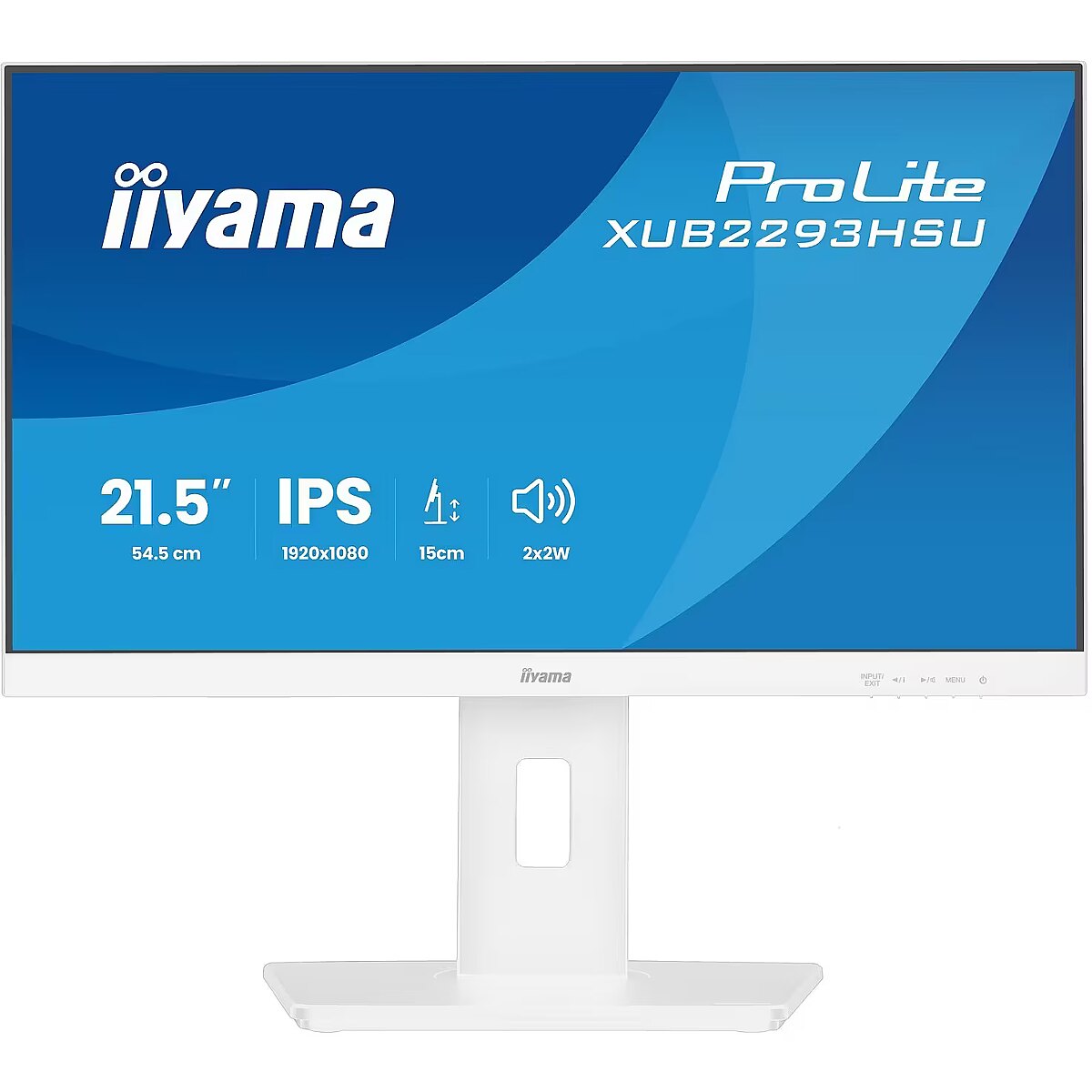
Display - Display diagonal - 54.6 cm (21.5")
Display - Display diagonal (metric) - 54.5 cm
Display - Display number of colours - 16.7 million colours
Display - Display resolution - 1920 x 1080 pixels
Display - Display surface - Matt
Display - Display technology - LED
Display - HD type - Full HD
Display - Horizontal scan range - 30 - 110 kHz
Display - Maximum refresh rate - 100 Hz
Display - Native aspect ratio - 16:9
Display - NTSC coverage (typical) - 72%
Display - Panel type - IPS
Display - Pixel pitch - 0.249 x 0.249 mm
Display - Response time - 1 ms
Display - Response time (MPRT) - 1 ms
Display - Screen shape - Flat
Display - sRGB coverage (typical) - 96%
Display - Touchscreen - No
Display - Viewable size, horizontal - 47.9 cm
Display - Viewable size, vertical - 26 cm
Display - Viewing angle, horizontal - 178°
Display - Viewing angle, vertical - 178°
Dodatkowe informacje o matrycy: Format obrazu - 16:9
Dodatkowe informacje o matrycy: Kontrast - 1000:1
Dodatkowe informacje o matrycy: Kąt widzenia w pionie - 178 °
Dodatkowe informacje o matrycy: Kąt widzenia w poziomie - 178 °
Dodatkowe informacje o matrycy: Liczba wyświetlanych kolorów - 16.7 mln
Eans - 4948570126910
EAN_code - 4948570126910
Efektywność energetyczna: Klasa energetyczna - E
Efektywność energetyczna: Zużycie energii w trybie pracy - 17 W
Ergonomics - Adjustable height (max) - 15 cm
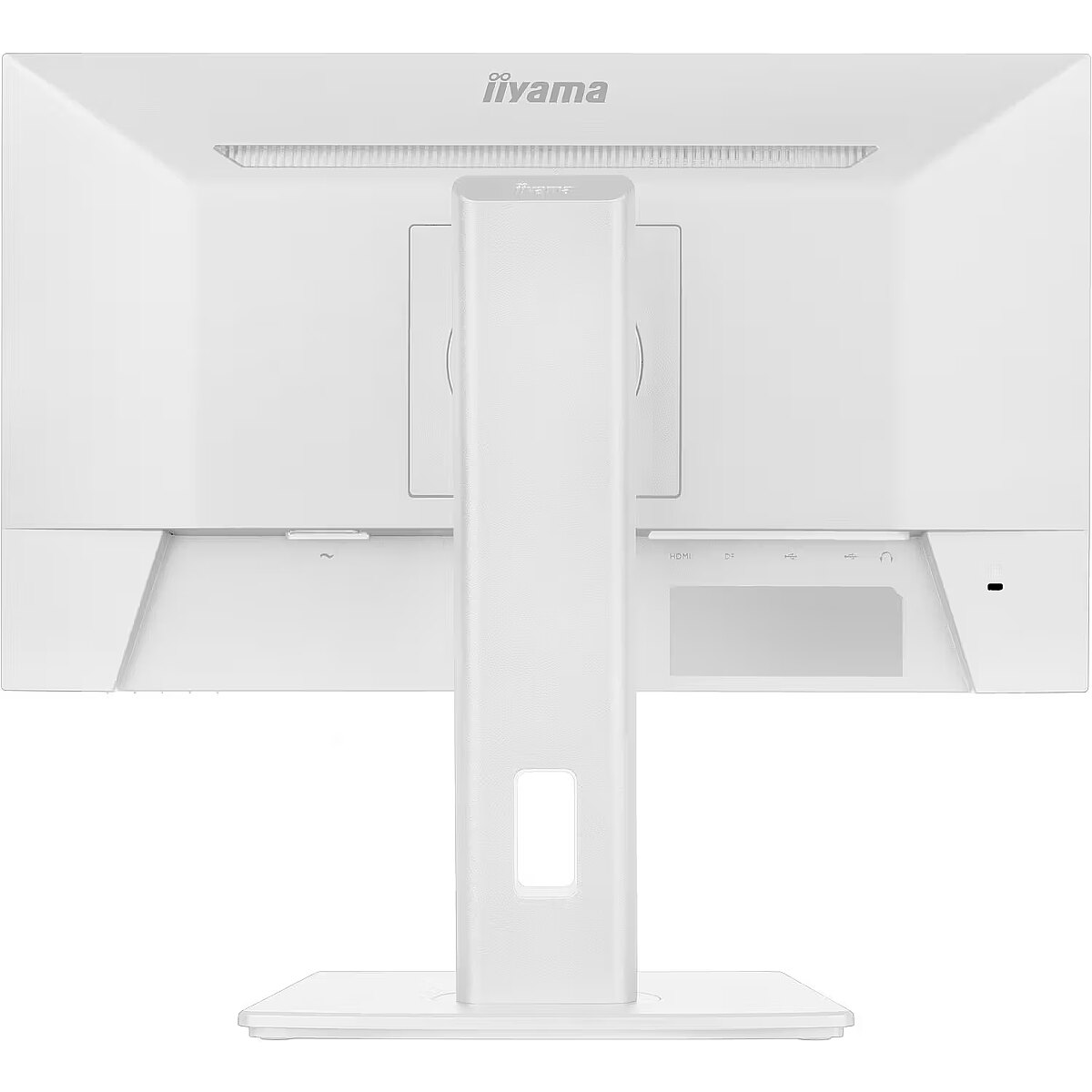
Ergonomics - Cable lock slot - Yes
Ergonomics - Cable lock slot type - Kensington
Ergonomics - Cable management - Yes
Ergonomics - Height adjustment - Yes
Ergonomics - Number of OSD languages - 10
Ergonomics - On Screen Display (OSD) - Yes
Ergonomics - On Screen Display (OSD) languages - Czech, German, English, Spanish, French, Italian, Japanese, Dutch, Polish, Russian
Ergonomics - Panel mounting interface - 100 x 100 mm
Ergonomics - Pivot - Yes
Ergonomics - Pivot angle - 0 - 90°
Ergonomics - Swivel angle range - -60 - 60°
Ergonomics - Swivelling - Yes
Ergonomics - Tilt adjustment - Yes
Ergonomics - Tilt angle range - 5 - 23°
Ergonomics - VESA mounting - Yes
GTIN - 4948570126910
Informacje podstawowe: Moc głośników - 2 x 2W
LongDesc - The ProLite XUB2293HSU is an excellent choice for professionals seeking a compact and high-performance monitor for multi-monitor setups and office work. Its sleek edge-to-edge design ensures seamless visuals, making it perfect for dual or triple screen configurations. With IPS panel technology, the XUB2293HSU delivers precise colour reproduction, wide viewing angles and excellent contrast and brightness. This makes it ideal for photo editing, design, and web content. A blue light reducer helps minimise eye strain, while the 150mm height-adjustable stand with tilt, swivel, and pivot offers optimal ergonomic comfort. Connectivity includes HDMI, DisplayPort, a 2-port USB hub, built-in speakers, and a headphone socket. Compact and feature-rich, it is designed to enhance comfort and productivity.
LongProductName - 21.5” IPS monitor with a three-side borderless design, integrated USB hub, 100Hz refresh rate and height-adjustable stand
LongSummaryDescription - iiyama ProLite XUB2293HSU-W7. Display diagonal: 54.6 cm (21.5"), Display resolution: 1920 x 1080 pixels, HD type: Full HD, Display technology: LED, Display surface: Matt, Response time: 1 ms, Native aspect ratio: 16:9, Viewing angle, horizontal: 178°, Viewing angle, vertical: 178°. Built-in speaker(s). Built-in USB hub, USB hub version: 2.0. VESA mounting, Height adjustment. Product colour: White
Manufacturer - Iiyama
Manufacturer_code - XUB2293HSU-W7
Multimedia - Built-in camera - No
Multimedia - Built-in speaker(s) - Yes
Multimedia - Number of speakers - 2
Multimedia - RMS rated power - 4 W
Name - iiyama ProLite XUB2293HSU-W7 - 100Hz | Full HD | IPS | 21.5"
Name - iiyama Prolite XUB2293HSU-W7, LED monitor - 21.5 - white (matte), FullHD, IPS, Adaptive-Sync, adjustable stand, 100Hz panel
Ochrona oczu: Filtr światła niebieskiego - tak
Ochrona oczu: Redukcja migotania - tak
Other features - Compliance certificates - CE, EAC, PSE, REACH, RoHS, TÜV mark, UKCA, VCCI, WEEE
Other features - Control panel - Power, Menu, Adjustment/ Volume, Adjustment/ i-Style Colour, Input/ Exit
Other features - Depth - 209.5 mm
Other features - Packaging content - quick start guide, safety guide
Other features - User controls - picture adjust (brightness, contrast, Eco, ACR, OD, MBR, Adaptive Sync), colour settings (i-Style colour, blue light reducer, colour temp., user preset), OSD (OSD H. position, OSD V. position, OSD rotate, OSD time), language, recall, miscellanous (soft and sharp, video mode adjust, opening logo, RGB range, LED, display information), input select, audio settings (volume, mute)
Other features - Weight - 3.9 kg
Other features - Width - 492 mm
Packaging content - Cables included - AC, USB, HDMI
Packaging content - HDMI cable length - 1.5 m
Packaging content - Power cable length - 1.5 m
Packaging data - Package depth - 126 mm
Packaging data - Package height - 395 mm
Packaging data - Package type - Box
Packaging data - Package weight - 5.3 kg
Packaging data - Package width - 620 mm
Packaging data - USB cable length - 1.5 m
Performance - AMD FreeSync - Yes
Performance - Flicker-free technology - Yes
Performance - Low Blue Light technology - Yes
Performance - VESA Adaptive Sync support - Yes
Ports & interfaces - Built-in USB hub - Yes
Ports & interfaces - DisplayPorts quantity - 1
Ports & interfaces - HDCP - Yes
Ports & interfaces - HDMI - Yes
Ports & interfaces - HDMI ports quantity - 1
Ports & interfaces - Headphone out - Yes
Ports & interfaces - Number of downstream ports - 2
Ports & interfaces - Number of upstream ports - 1
Ports & interfaces - USB hub version - 2.0
Ports & interfaces - USB Type-A downstream ports quantity - 2
Power - AC input frequency - 50/60 Hz
Power - AC input voltage - 100 - 240 V
Power - Energy consumption (SDR) per 1000 hours - 15.4 kWh
Power - Energy efficiency class (HDR) - Not available
Power - Energy efficiency class (SDR) - E
Power - Energy efficiency scale - A to G
Power - Power consumption (off) - 0.3 W
Power - Power consumption (standby) - 0.4 W
Power - Power consumption (typical) - 17 W
Power - Power supply type - Internal
Pozostałe cechy: Akcesoria - kabel HDMI
Pozostałe cechy: Akcesoria - kabel USB
Pozostałe cechy: Akcesoria - kabel zasilający
Pozostałe cechy: Model - iiyama Prolite XUB93HSU-B7
Producer - iiyama
ProducerCode - XUB2293HSU-W7
ProductName - XUB2293HSU-W7
ShortDescription - 100Hz | Full HD | IPS | 21.5"
ShortSummaryDescription - iiyama ProLite XUB2293HSU-W7, 54.6 cm (21.5"), 1920 x 1080 pixels, Full HD, LED, 1 ms, White
Sustainability - Sustainability certificates - ErP, TCO
Technical details - Native refresh rate - 60 Hz
Title - iiyama ProLite XUB2293HSU-W7 computer monitor 54.6 cm (21.5") 1920 x 1080 pixels Full HD LED White
URL - https://iiyama.com/
WarrantyInfo -
Weight - 5,10
Weight & dimensions - Depth (without stand) - 47.5 mm
Weight & dimensions - Depth (with stand) - 209.5 mm
Weight & dimensions - Height (without stand) - 328.5 mm
Weight & dimensions - Height (with stand) - 478.5 mm
Weight & dimensions - Weight (with stand) - 3.9 kg
Weight & dimensions - Width (without stand) - 492 mm
Weight & dimensions - Width (with stand) - 492 mm
Złącza: Złącza - 1 x DisplayPort
Złącza: Złącza - 1 x HDMI
Złącza: Złącza - 1 x słuchawkowe
Złącza: Złącza - 2 x USB



 DVI is a digital standard and ensures high image quality, however, thanks to the big size of the plug and the inability of the standard to develop further due to a few technical restrictions this type of connection is gradually losing its popularity to modern HDMI and DisplayPort standards.