ARTIKEL1 - 24IN GB2441HSU-B1 144HZ HD
ARTIKEL2 - GAMING DISPLAY 1MS (MPRT) IPS LC
Brand - iiyama
BrandPartCode - GB2441HSU-B1
Breite - 0
Category - Computer Monitors
Category - Root/Electronics/PC peripherals/Monitors
Category_1 - Monitors and TV
Category_2 - LED Monitors up to 24 inches
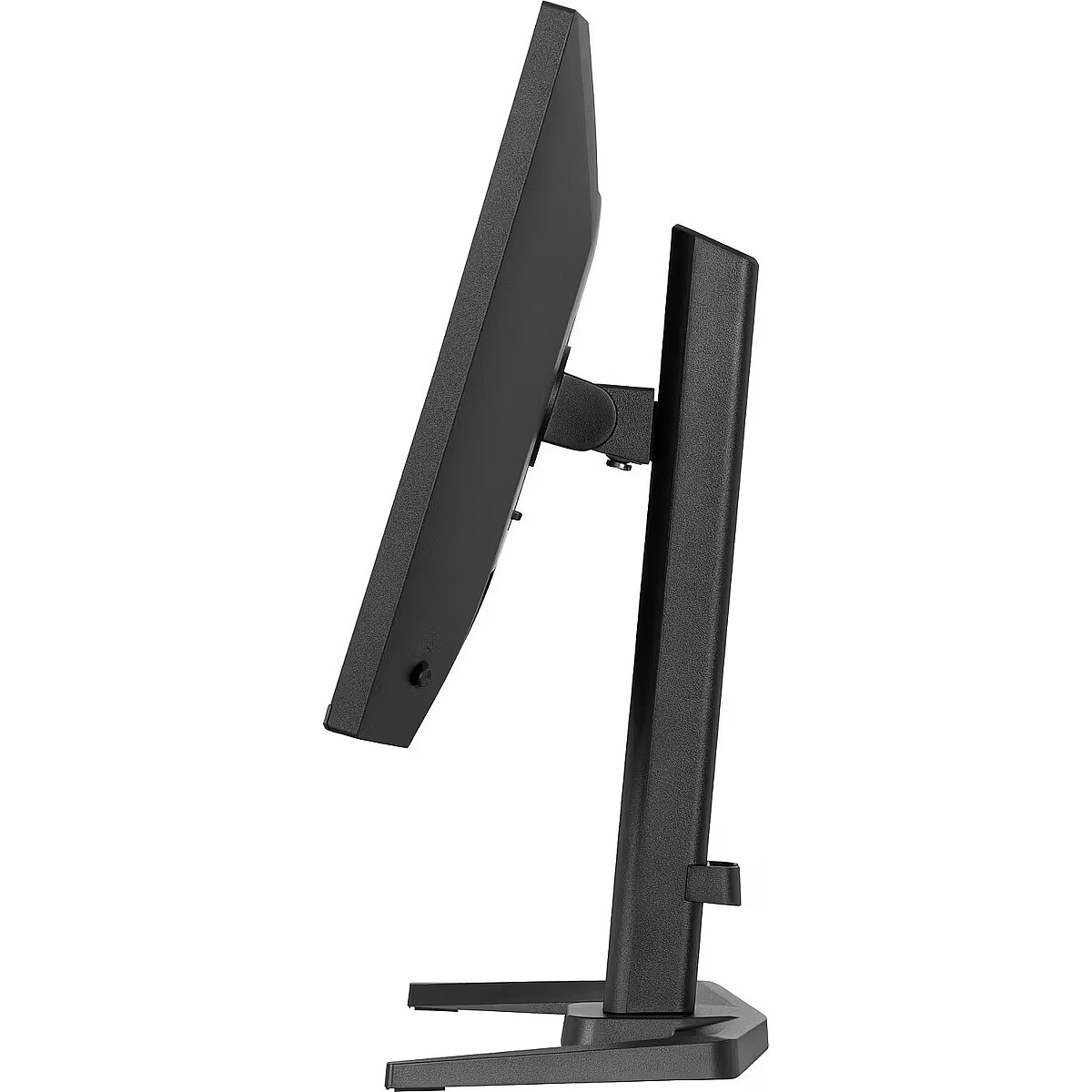
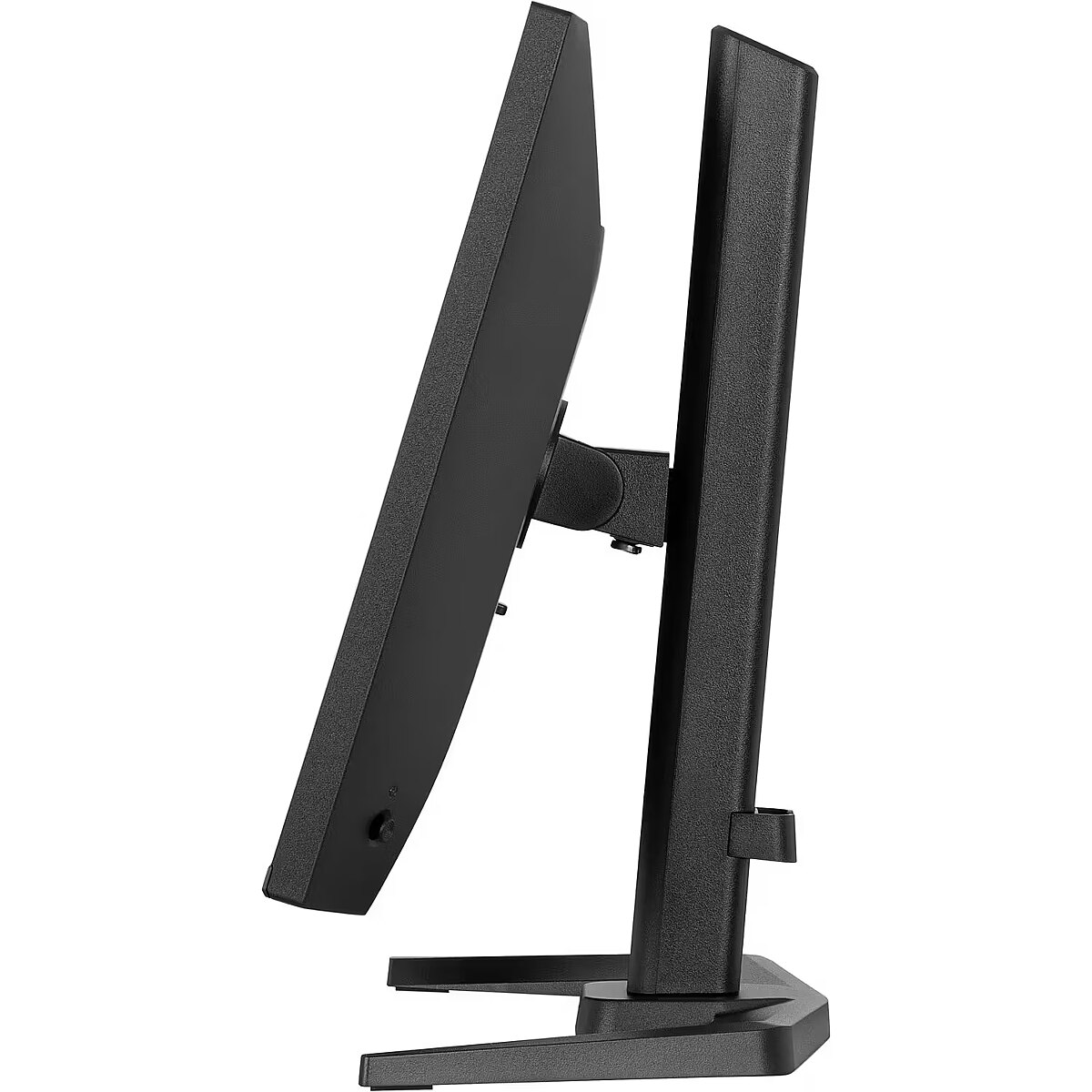
Dane fizyczne: Głębokość - 390 mm
Dane fizyczne: Kolor obudowy - czarny
Dane fizyczne: Standard VESA - 100 x 100
Dane fizyczne: Szerokość - 539 mm
Dane fizyczne: Waga - 4.6 kg
Dane fizyczne: Wysokość - 351 mm
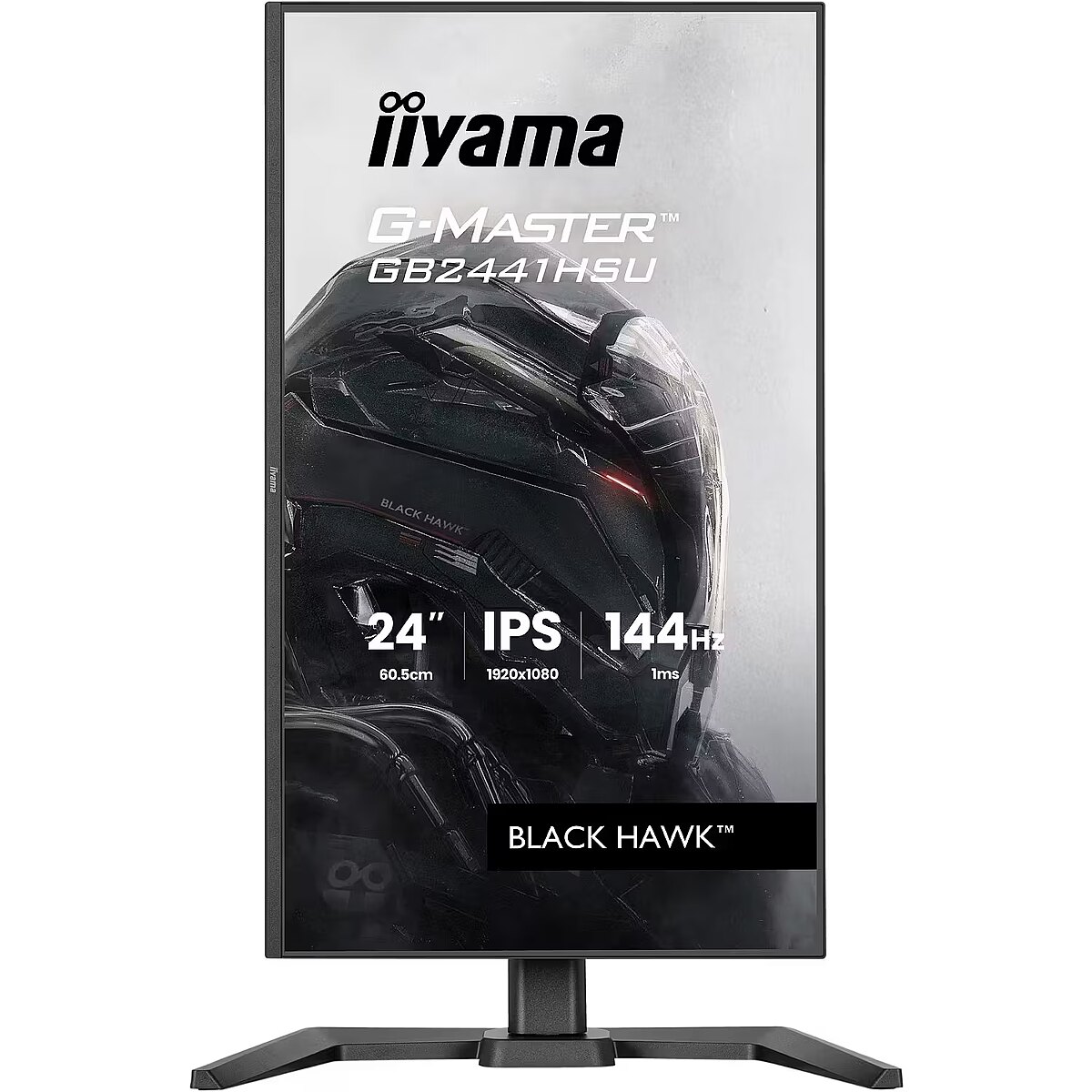
Dane fizyczne: Zakres obrotu (PIVOT) - 90 °
Dane fizyczne: Zakres regulacji obrotu (Swivel) - 90 °
Dane fizyczne: Zakres regulacji pochylenia (Tilt) - 28 °
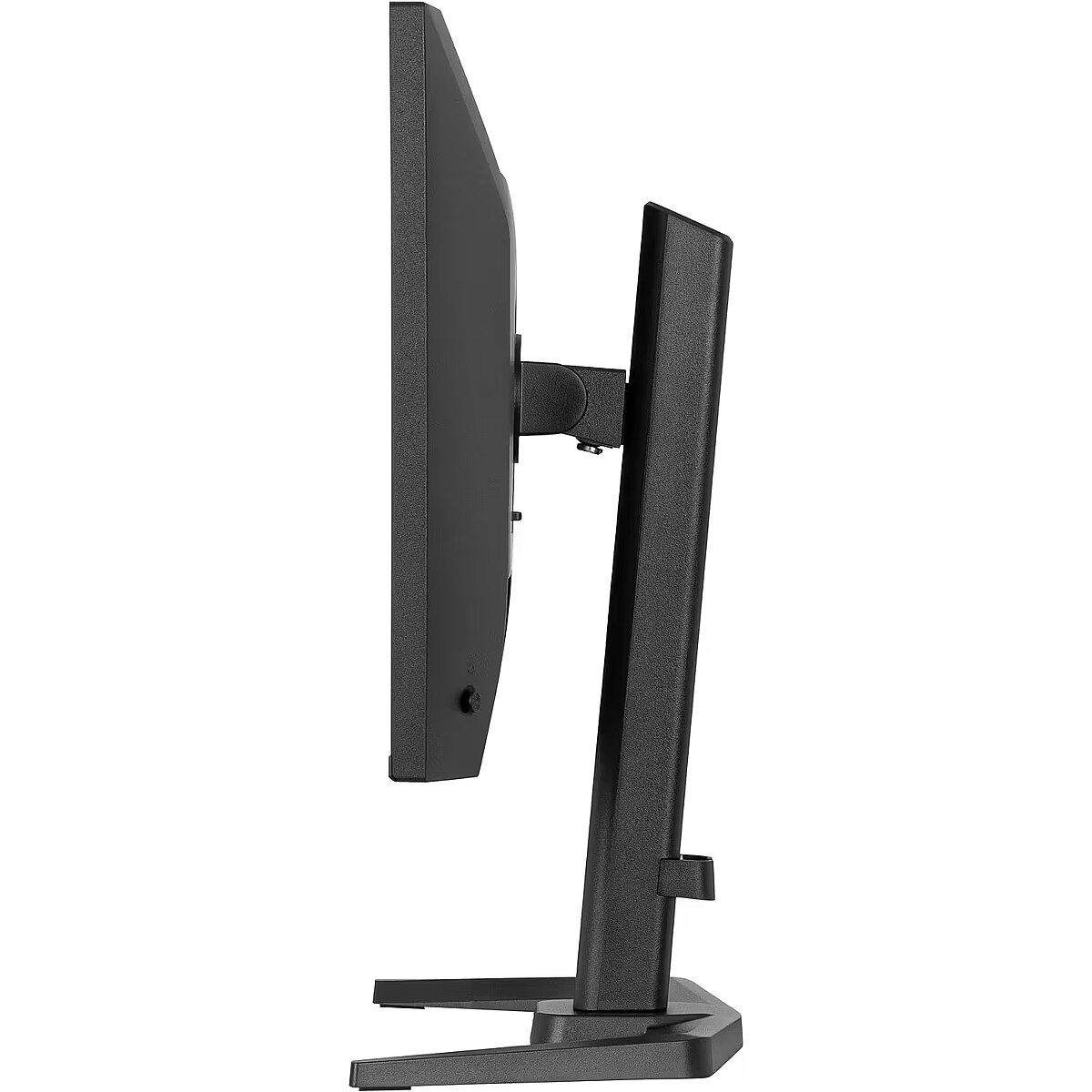
Dane fizyczne: Zakres regulacji wysokości (Height) - 150 mm
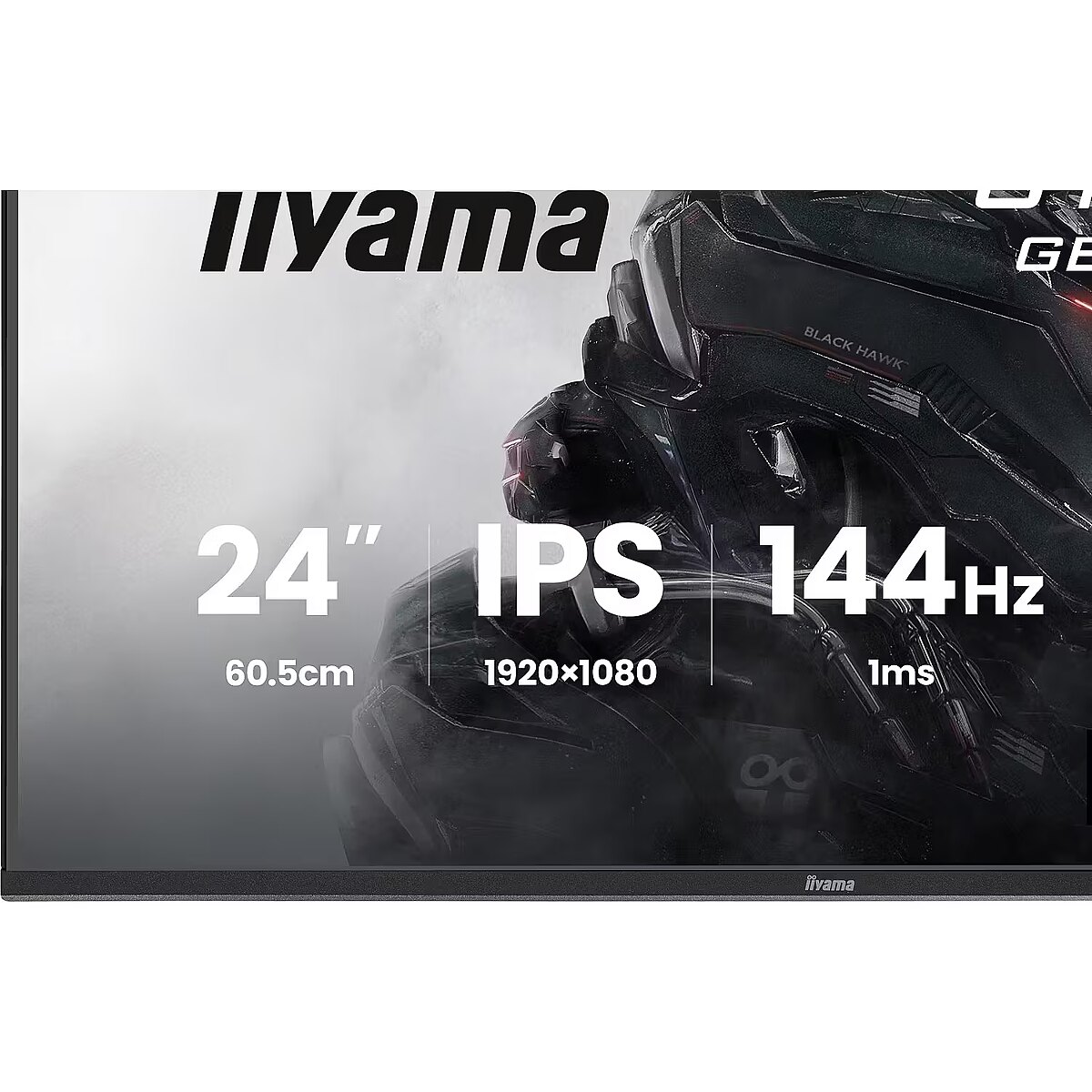
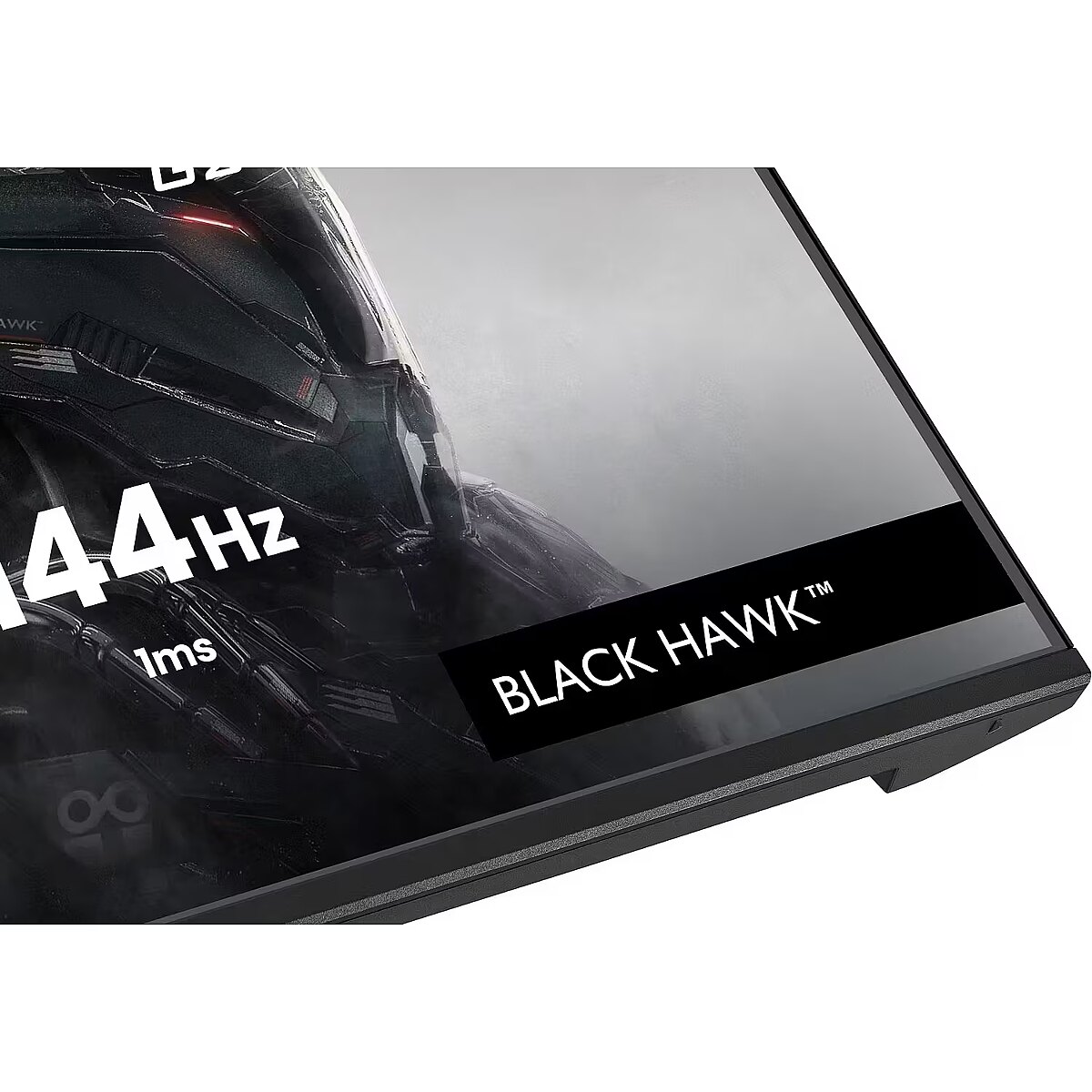
Dane techniczne: Czas reakcji - 1 ms
Dane techniczne: Częstotliwość odświeżania - 144 Hz
Dane techniczne: Grupa produktowa - Monitory iiyama
Dane techniczne: Gwarancja - 3 lata w serwisie zewnętrznym
Dane techniczne: Głośniki - tak
Dane techniczne: Jasność - 350 cd/m²
Dane techniczne: Możliwość regulacji - obrotowy ekran (pivot)
Dane techniczne: Możliwość regulacji - obrót na podstawie (swivel)
Dane techniczne: Możliwość regulacji - pochył
Dane techniczne: Możliwość regulacji - wysokość
Dane techniczne: Obszar aktywny - 527 x 297 mm
Dane techniczne: Powłoka matrycy - matowa
Dane techniczne: Producent - iiyama
Dane techniczne: Przekątna - 23.8 cali
Dane techniczne: Rodzaj podświetlenia - LED
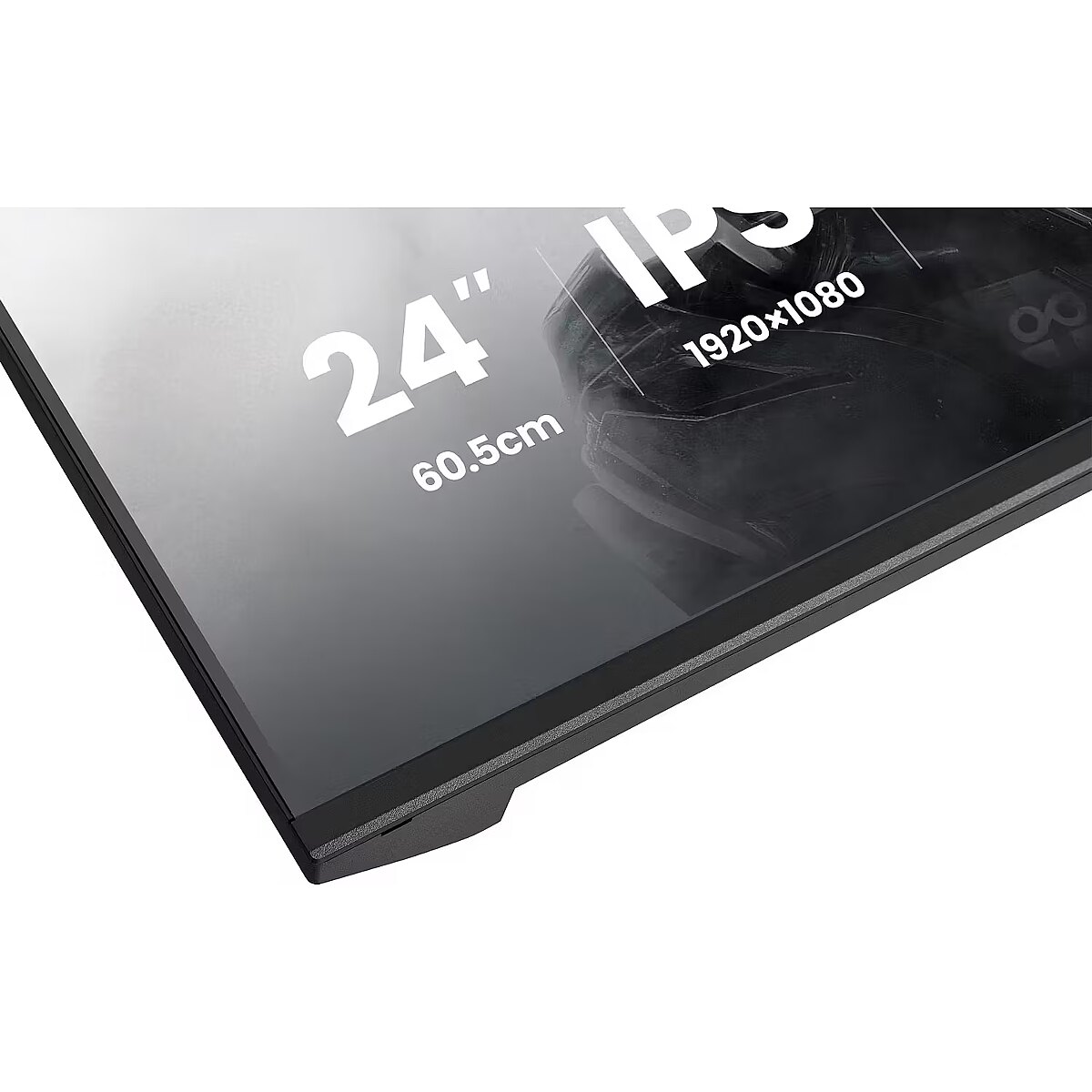
Dane techniczne: Rozdzielczość ekranu - 1920 x 1080 (Full HD) piksele
Dane techniczne: Rozmiar plamki - 0.275 mm
Dane techniczne: Standard portów wideo - DisplayPort
Dane techniczne: Standard portów wideo - HDMI
Dane techniczne: Typ - dla graczy
Dane techniczne: Typ ekranu - płaski
Dane techniczne: Typ matrycy - IPS
Design - Market positioning - Gaming
Design - Product colour - Black
dimensionalWeight - 7153
Display - Colour gamut standard - sRGB
Display - Contrast ratio (dynamic) - 80000000:1
Display - Contrast ratio (typical) - 1500:1
Display - DDC/CI - Yes
Display - Display brightness (typical) - 350 cd/m²
Display - Display diagonal - 60.5 cm (23.8")
Display - Display diagonal (metric) - 60.5 cm
Display - Display number of colours - 16.7 million colours
Display - Display resolution - 1920 x 1080 pixels
Display - Display surface - Matt
Display - Display technology - LED
Display - HD type - Full HD
Display - Horizontal scan range - 30 - 163 kHz
Display - Maximum refresh rate - 144 Hz
Display - Native aspect ratio - 16:9
Display - Panel type - IPS
Display - Pixel pitch - 0.2745 x 0.2745 mm
Display - Response time (MPRT) - 1 ms
Display - Screen shape - Flat
Display - sRGB coverage (typical) - 100%
Display - Touchscreen - No
Display - Viewable size, horizontal - 52.7 cm
Display - Viewable size, vertical - 29.6 cm
Display - Viewing angle, horizontal - 178°
Display - Viewing angle, vertical - 178°
Dodatkowe informacje o matrycy: Format obrazu - 16:9
Dodatkowe informacje o matrycy: Kontrast - 1500:1
Dodatkowe informacje o matrycy: Kontrast dynamiczny - 80 000 000:1
Dodatkowe informacje o matrycy: Kąt widzenia w pionie - 178 °
Dodatkowe informacje o matrycy: Kąt widzenia w poziomie - 178 °
Dodatkowe informacje o matrycy: Liczba wyświetlanych kolorów - 16.7 mln
EANCode - 4948570126323
Eans - 4948570126323
EAN_code - 4948570126323
Efektywność energetyczna: Klasa energetyczna - C
Efektywność energetyczna: Zużycie energii - 14 kWh/1000h
Ergonomics - Adjustable height (max) - 15 cm
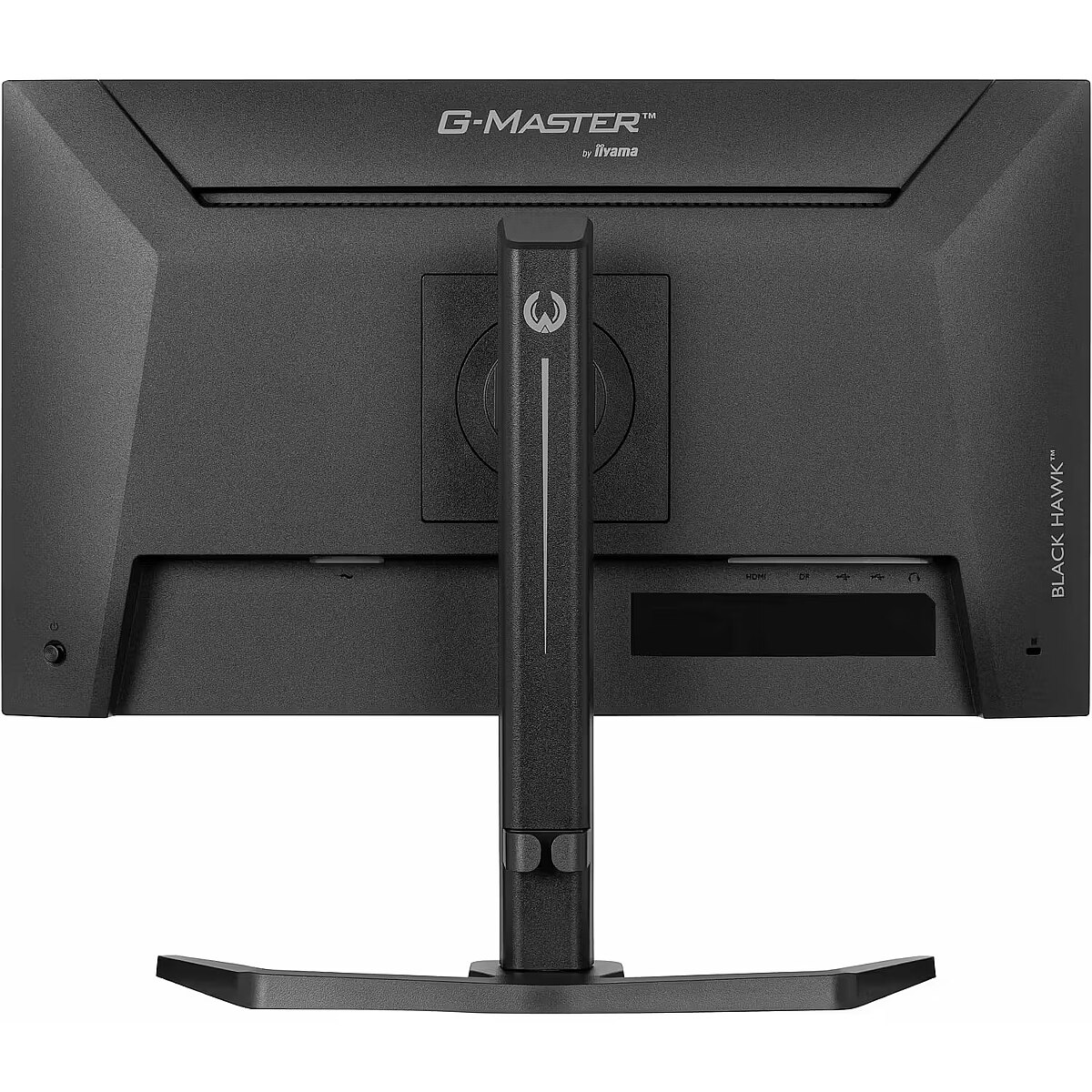
Ergonomics - Cable lock slot - Yes
Ergonomics - Cable lock slot type - Kensington
Ergonomics - Cable management - Yes
Ergonomics - Height adjustment - Yes
Ergonomics - Number of OSD languages - 11
Ergonomics - On Screen Display (OSD) - Yes
Ergonomics - On Screen Display (OSD) languages - Czech, German, English, Spanish, French, Italian, Japanese, Dutch, Polish, Russian, Ukrainian
Ergonomics - On Screen Display (OSD) languages - Multi
Ergonomics - Panel mounting interface - 100 x 100 mm
Ergonomics - Pivot - Yes
Ergonomics - Pivot angle - -90 - 90°
Ergonomics - Swivel angle range - -45 - 45°
Ergonomics - Swivelling - Yes
Ergonomics - Tilt adjustment - Yes
Ergonomics - Tilt angle range - -5 - 23°
Ergonomics - VESA mounting - Yes
Funkcje Gamingowe: Obsługa FreeSync - tak
Funkcje Gamingowe: Rodzaj FreeSync - FreeSync
GRUPPE1 - Displays
GRUPPE2 - Lcd Monitor
GTIN - 4948570126323
HERSTELLER - IIYAMA CONSIGNMENT
Hoehe - 0
HSTNUMMER - GB2441HSU-B1
Informacje podstawowe: Moc głośników - 2 x 2W
Laenge - 0
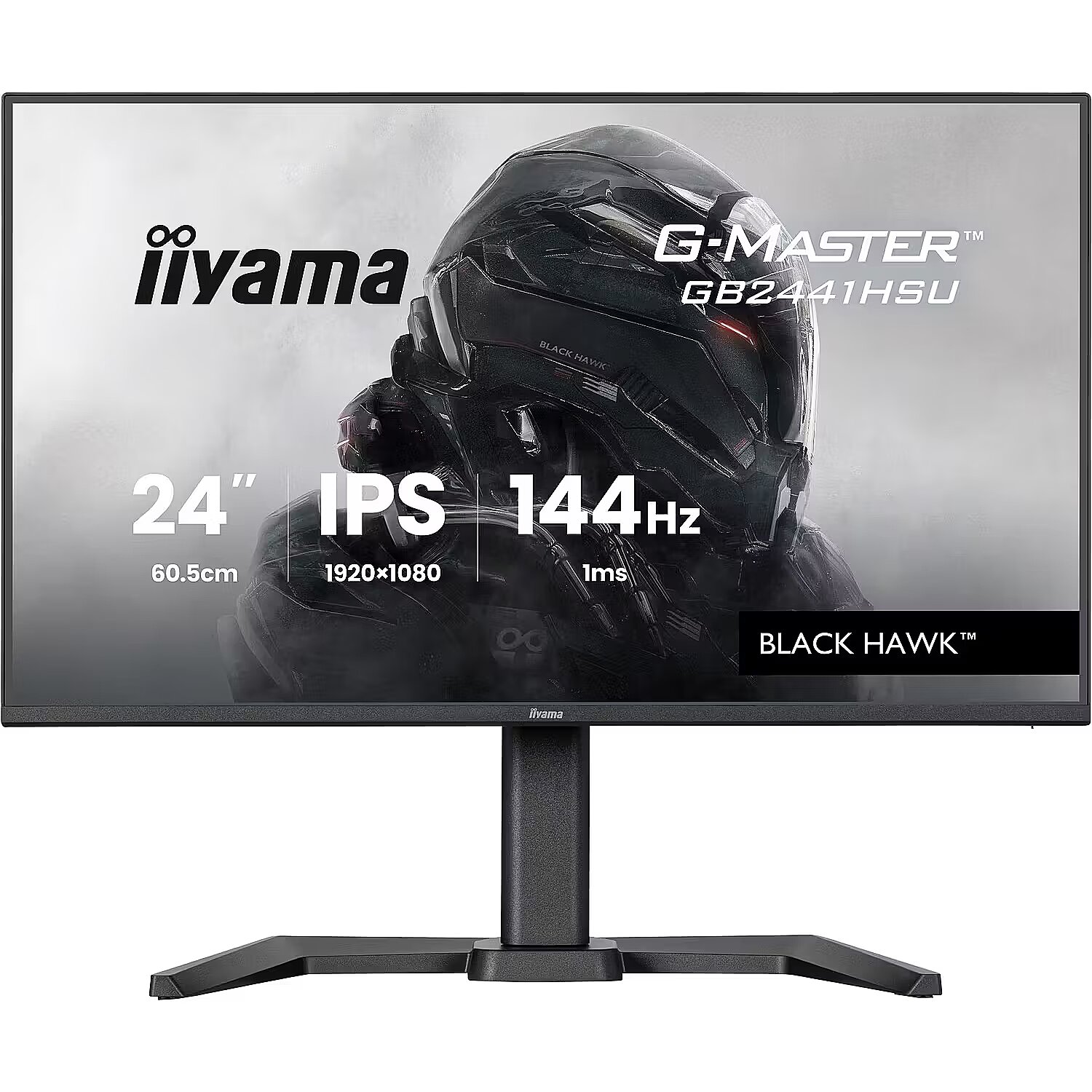
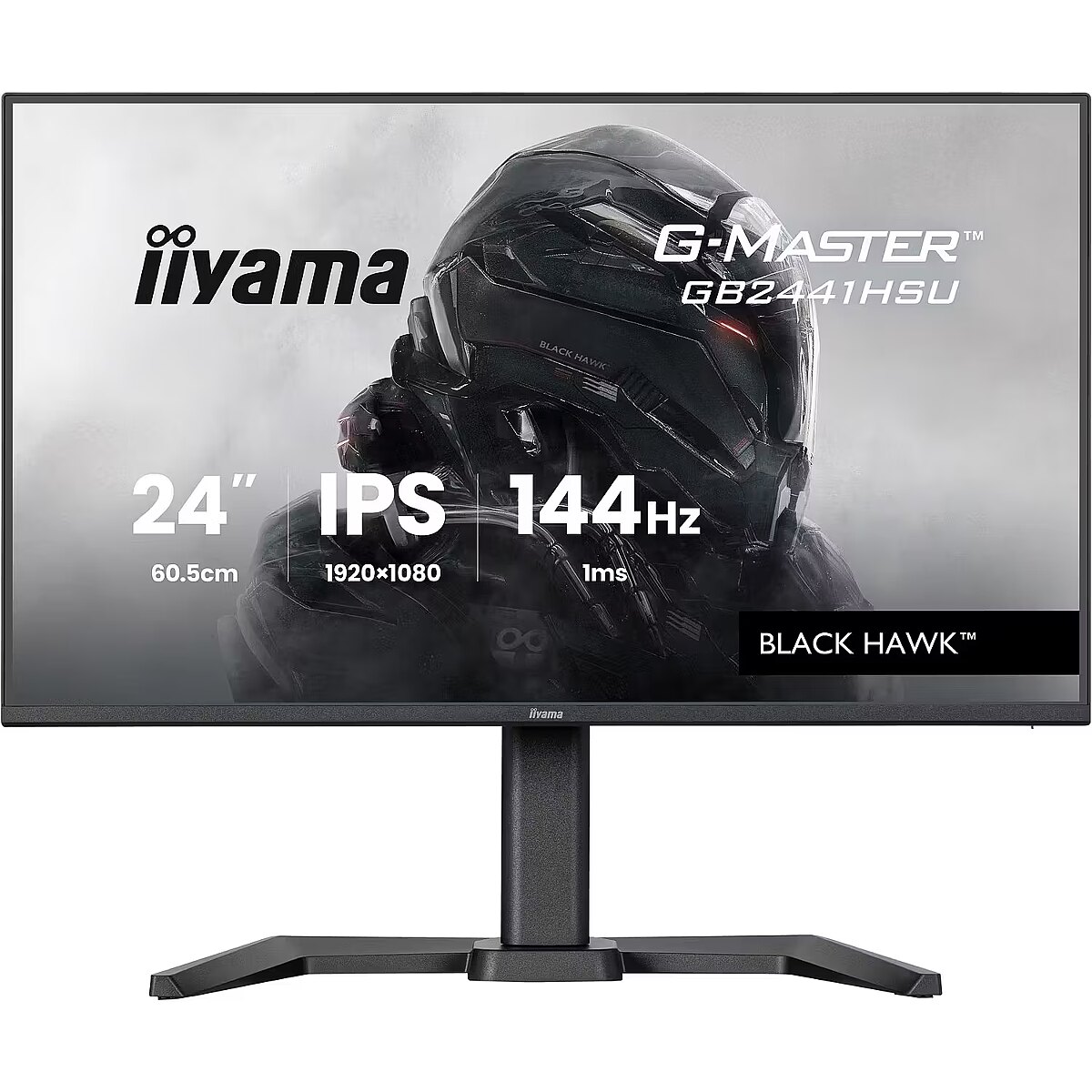
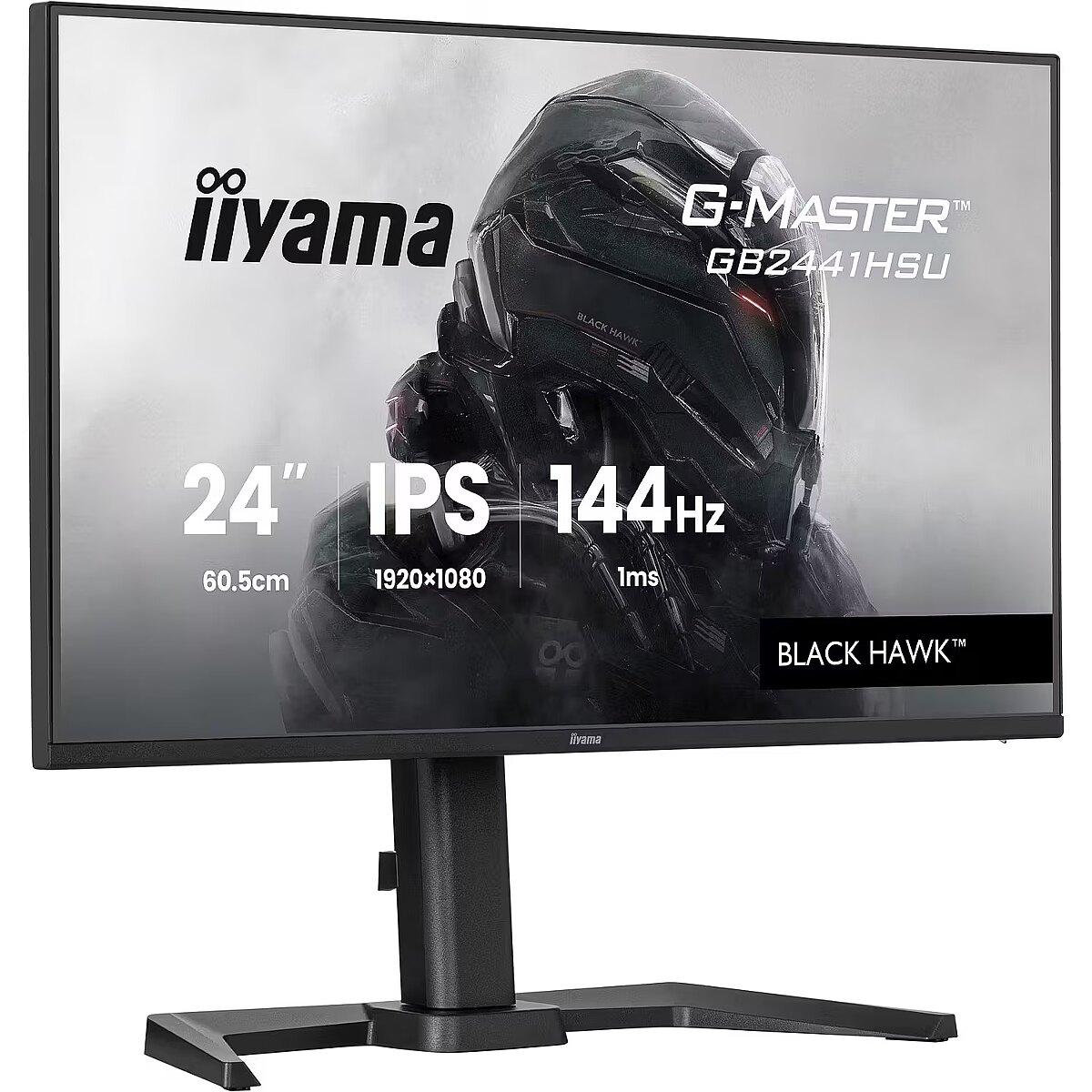
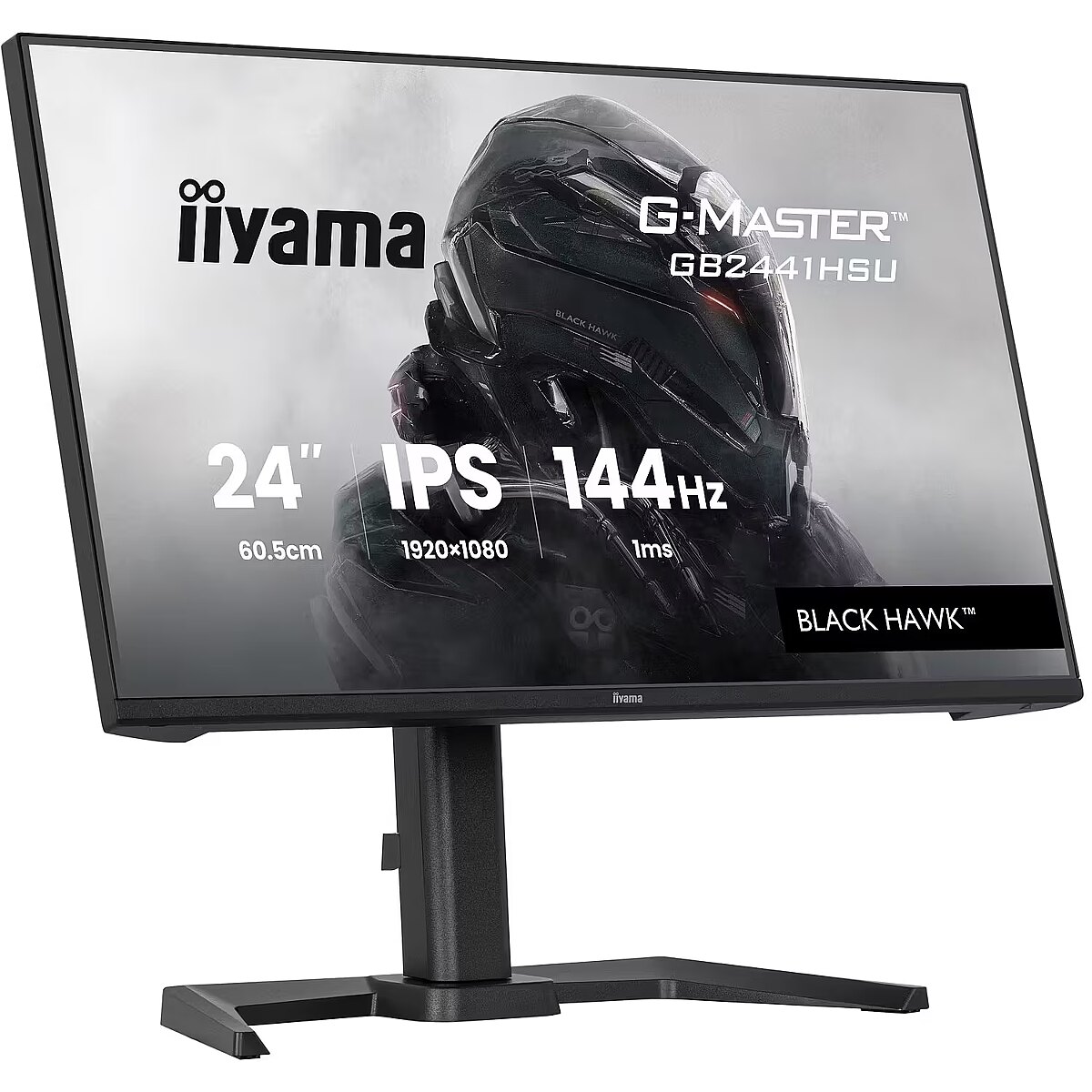
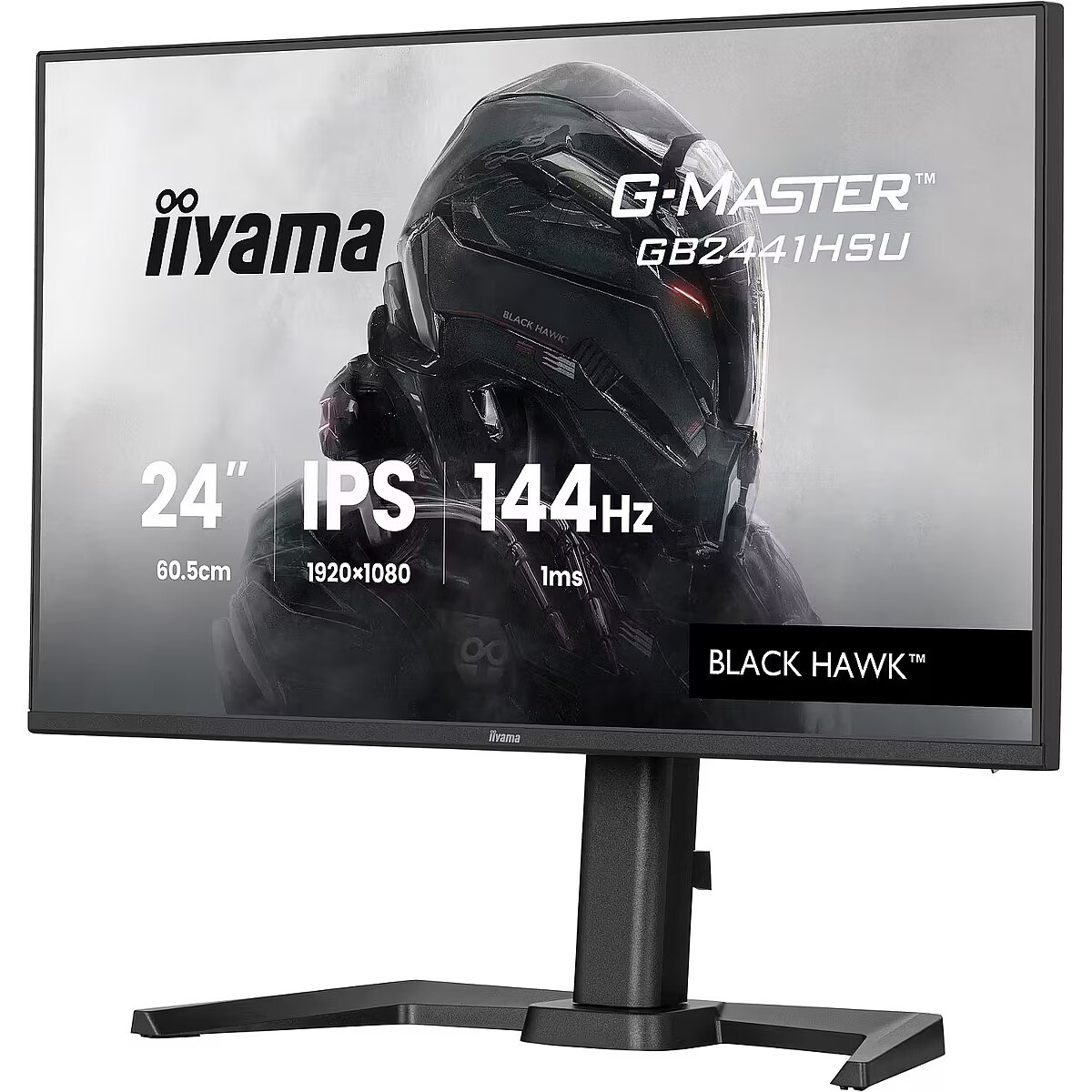
LongDesc - Indulge in exceptional gaming excellence with the 24" GB2441HSU monitor. This display boasts cutting-edge IPS panel technology, a 144Hz refresh rate, and an ultra-swift 1ms MPRT response time. Elevate your gaming adventure to the next level, thanks to FreeSync Technology and the Black Tuner function, ensuring crystal-clear visibility even in the darkest scenes. In addition, equipped with a height adjustable stand (15cm).
LongProductName - Get ahead with the 24" GB2441HSU Black Hawk monitor with IPS Panel Technology, 1ms MPRT and height adjustabe stand
LongSummaryDescription - iiyama G-MASTER GB2441HSU-B1. Display diagonal: 60.5 cm (23.8"), Display resolution: 1920 x 1080 pixels, HD type: Full HD, Display technology: LED, Display surface: Matt, Native aspect ratio: 16:9, Viewing angle, horizontal: 178°, Viewing angle, vertical: 178°. Built-in speaker(s). Built-in USB hub, USB hub version: 2.0. VESA mounting, Height adjustment. Product colour: Black
Manufacturer - Iiyama
Manufacturer_code - GB2441HSU-B1
Multimedia - Built-in camera - No
Multimedia - Built-in speaker(s) - Yes
Multimedia - Number of speakers - 2
Multimedia - RMS rated power - 4 W
Name - iiyama G-Master GB2441HSU-B1 Black Hawk, Gaming Monitor - 23.8 - black, FullHD, IPS, HDMI, DP, FreeSync, USB hub, height adjustment, 144Hz panel
Name - iiyama G-Master GB2441HSU-B1 Black Hawk - 144Hz | Full HD | IPS | 23.8"
Ochrona oczu: Filtr światła niebieskiego - tak
Ochrona oczu: Redukcja migotania - tak
Operational conditions - Operating relative humidity (H-H) - 10 - 80%
Operational conditions - Operating temperature (T-T) - 5 - 35 °C
Operational conditions - Storage relative humidity (H-H) - 10 - 90%
Operational conditions - Storage temperature (T-T) - -20 - 60 °C
Other features - Certification - CE, TÜV-Bauart, EAC, VCCI-B, PSE, RoHS support, ErP, WEEE, REACH, UKCA
Other features - Compliance certificates - CE, EAC, PSE, REACH, RoHS, TÜV mark, UKCA, VCCI, WEEE
Other features - Control panel - Joystick / Power Button: Power / Menu (Center), Up / Input Select, Down, Right / Volume / Mute Audio, Left / Brightness / Adaptive Syncf / Night Mode / Motion Blur Reduction / i-Style Colour / ECO
Other features - Depth - 390 mm
Other features - Packaging content - quick start guide, safety guide
Other features - User controls - picture adjust (contrast, brightness, OD, Adaptive Sync, Adv. Contrast, Night Mode, Motion Blur Reduction, Gamma), input select (Auto/Manual, HDMI, DP), audio settings (volume, mute audio), store user settings (user modes), colour settings (6-Axis, colour temperature, user preset, i-style colour, blue light reducer, black tuner), image adjust (sharpness, RGB range, video mode adjust, x-res technology), language, setup menu (OSD h. position, OSD v. position, OSD time, OSD background, OSD rotate, opening logo, power LED, ddc/ci control), display information, reset (reset all)
Other features - Weight - 4.6 kg
Other features - Width - 539 mm
Packaging content - Cables included - AC
Packaging content - Cables included - AC, USB, HDMI
Packaging content - Cables included - HDMI
Packaging content - Cables included - USB
Packaging content - HDMI cable length - 1.5 m
Packaging content - Power cable length - 1.5 m
Packaging content - Quick start guide - Yes
Packaging data - Package depth - 126 mm
Packaging data - Package depth - 685 mm
Packaging data - Package height - 395 mm
Packaging data - Package weight - 5.9 kg
Packaging data - Package width - 685 mm
Packaging data - USB cable length - 1.5 m
Performance - AMD FreeSync - Yes
Performance - Flicker-free technology - Yes
Performance - Low Blue Light technology - Yes
Performance - NVIDIA G-SYNC - Yes
Performance - NVIDIA G-SYNC type - G-SYNC Compatible
Performance - VESA Adaptive Sync support - Yes
Ports & interfaces - Built-in USB hub - Yes
Ports & interfaces - DisplayPorts quantity - 1
Ports & interfaces - DisplayPort version - 1.2
Ports & interfaces - HDCP - Yes
Ports & interfaces - HDMI - Yes
Ports & interfaces - HDMI ports quantity - 1
Ports & interfaces - HDMI version - 1.4
Ports & interfaces - Headphone out - Yes
Ports & interfaces - Number of downstream ports - 2
Ports & interfaces - USB hub version - 2.0
Power - AC input frequency - 50/60 Hz
Power - AC input voltage - 100 - 240 V
Power - Energy consumption (SDR) per 1000 hours - 12 kWh
Power - Energy efficiency class (HDR) - Not available
Power - Energy efficiency class (SDR) - C
Power - Energy efficiency scale - A to G
Power - Input current - 1.5 A
Power - Power consumption (off) - 0.3 W
Power - Power consumption (standby) - 0.5 W
Power - Power consumption (typical) - 12 W
Power - Power supply type - Internal
Pozostałe cechy: Akcesoria - kabel HDMI
Pozostałe cechy: Akcesoria - kabel USB
Pozostałe cechy: Akcesoria - kabel zasilający
Pozostałe cechy: Model - iiyama G-Master GB41HSU-B1 Black Hawk
Pozostałe cechy: Seria - iiyama G-Master
Producer - iiyama
producerCode - GB2441HSU-B1
ProducerCode - GB2441HSU-B1
ProductName - GB2441HSU-B1
productName - iiyama G-MASTER GB2441HSU-B1 computer monitor 60.5 cm (23.8") 1920 x 1080 pixels Full HD LED Black
productSize - Normal
Safety warning - Warnings - Avoid direct contact with liquids.
Safety warning - Warnings - Do not expose to water or excessive moisture.
Safety warning - Warnings - The monitor contains materials that may be harmful to the environment; follow local regulations for the disposal of electronic devices.
ShortDescription - 144Hz | Full HD | IPS | 23.8"
ShortSummaryDescription - iiyama G-MASTER GB2441HSU-B1, 60.5 cm (23.8"), 1920 x 1080 pixels, Full HD, LED, Black
sizeX - 129
sizeY - 403
sizeZ - 688
Stck_Kart - 1
Stck_Pal - 28
Storno - Y
Sustainability - European Product Registry for Energy Labelling (EPREL) code - 2415466
Sustainability - Sustainability certificates - ErP
Title - iiyama G-MASTER GB2441HSU-B1 computer monitor 60.5 cm (23.8") 1920 x 1080 pixels Full HD LED Black
URL - https://iiyama.com/
WarrantyInfo -
warrantyLength - 36
warrantyType - F
Weight - 5,85
weight - 5844
Weight & dimensions - Depth (without stand) - 47.5 mm
Weight & dimensions - Depth (with stand) - 390 mm
Weight & dimensions - Height (without stand) - 351 mm
Weight & dimensions - Height (with stand) - 501 mm
Weight & dimensions - Weight (with stand) - 4.6 kg
Weight & dimensions - Width (without stand) - 539 mm
Weight & dimensions - Width (with stand) - 539 mm
Złącza: Złącza - 1 x DisplayPort
Złącza: Złącza - 1 x HDMI
Złącza: Złącza - 1 x słuchawkowe
Złącza: Złącza - 2 x USB 2.0 Type-B



 DVI is a digital standard and ensures high image quality, however, thanks to the big size of the plug and the inability of the standard to develop further due to a few technical restrictions this type of connection is gradually losing its popularity to modern HDMI and DisplayPort standards.