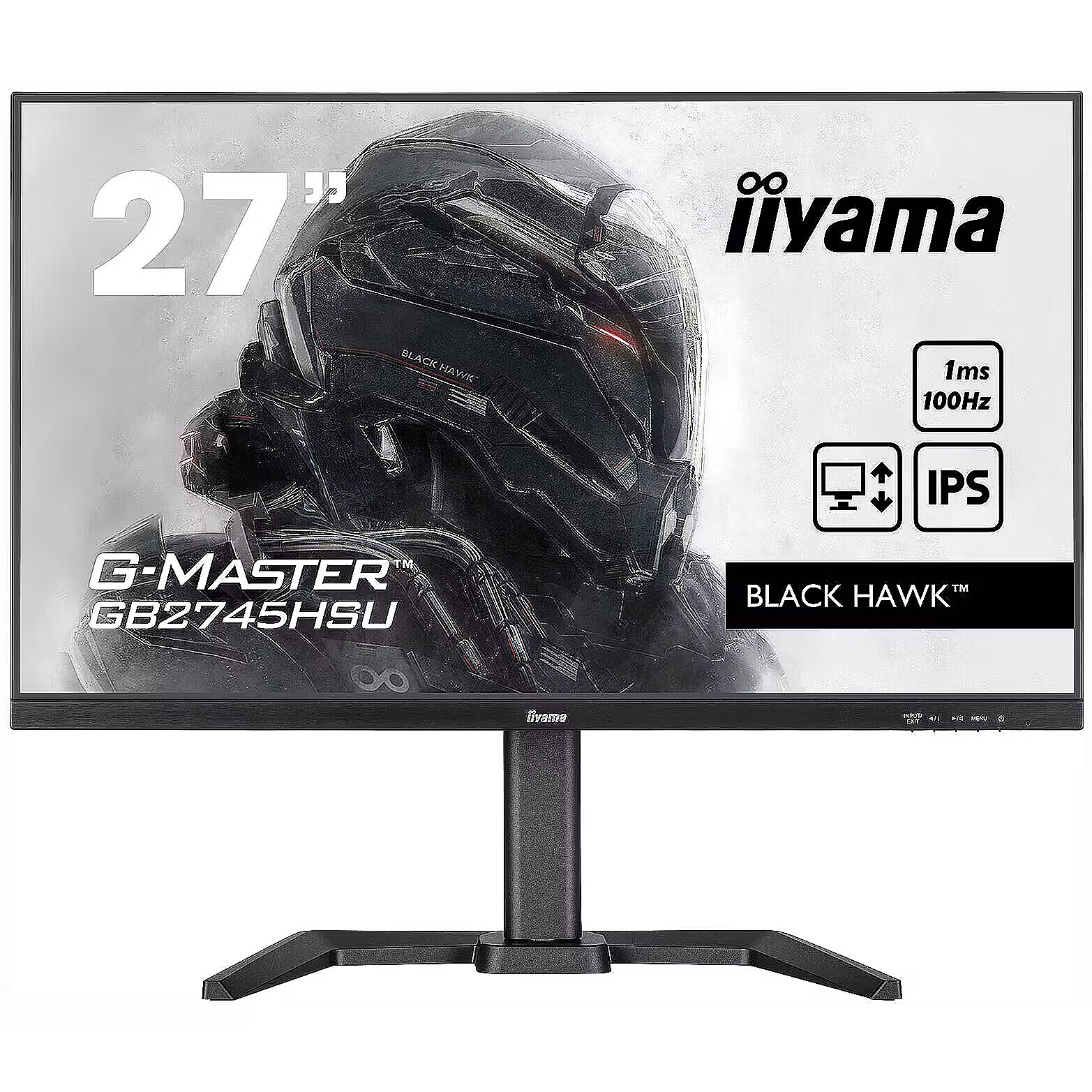
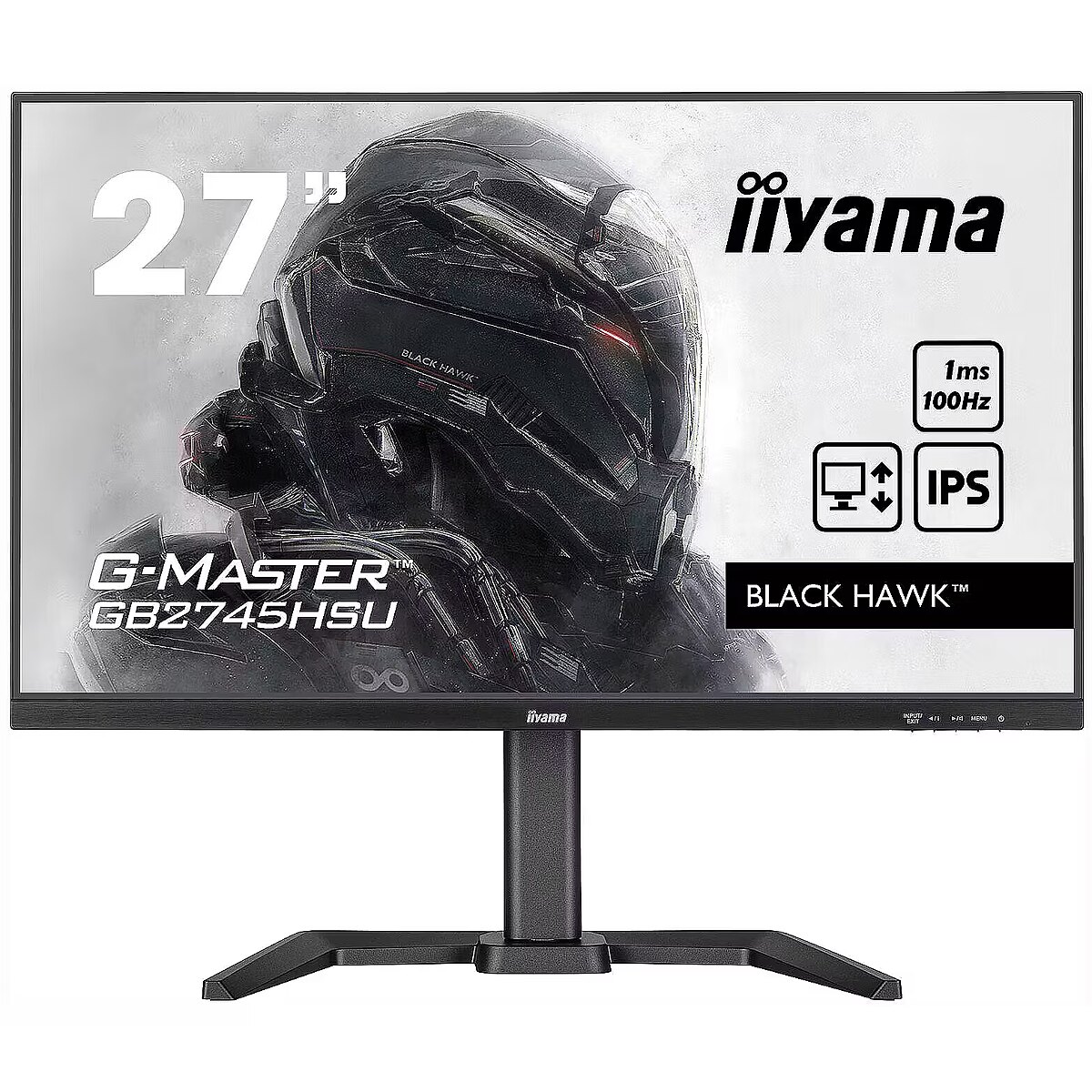
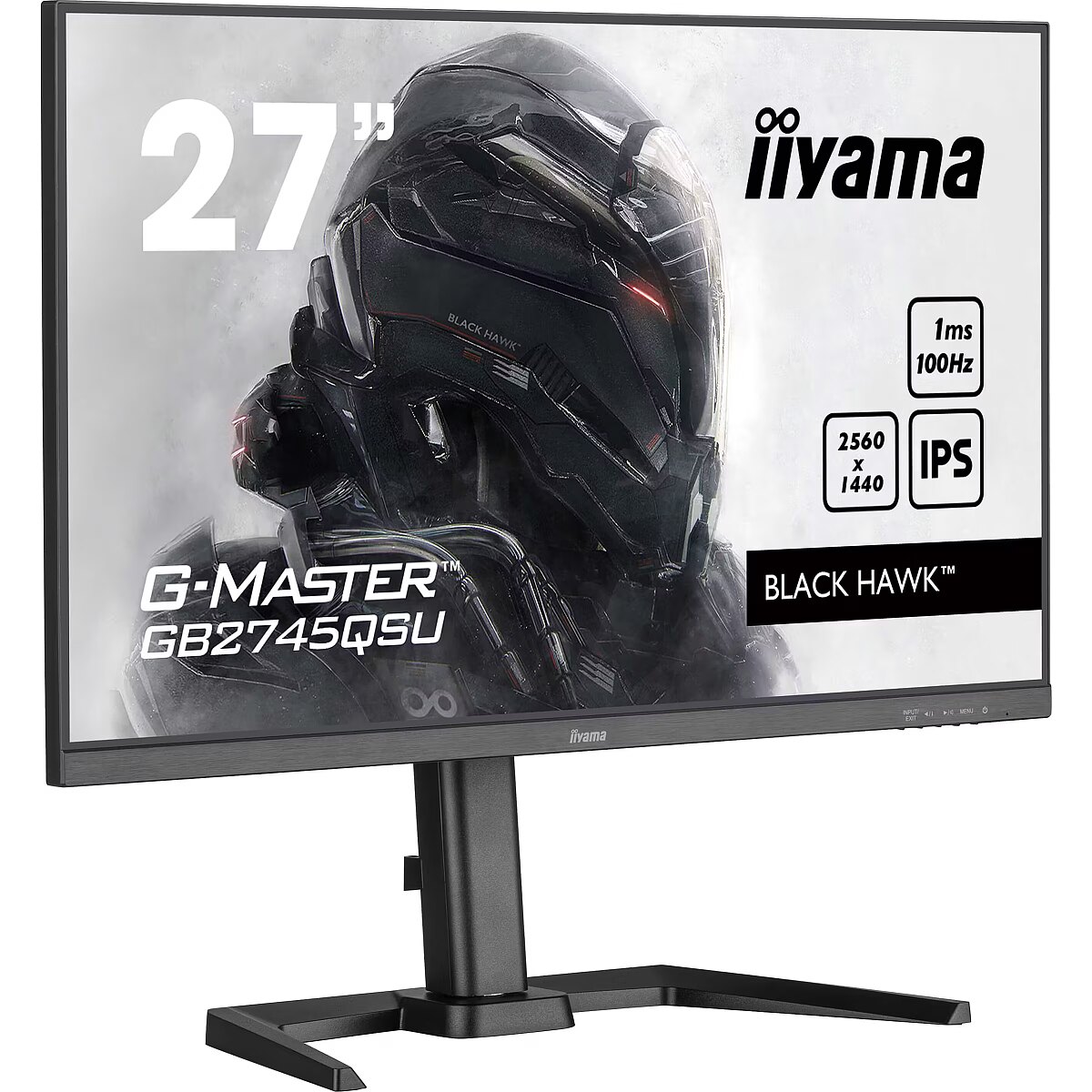
This Iiyama GB2745QSU-B2, 27" monitor with WQHD 2560x1440 resolution ensures comfortable conditions for prolonged work and online activities. It offers a clear image, extensive usage possibilities and fits perfectly in a home or office working environment.
IPS technology ensures more accurate color representation and stable image when viewed from the side. Compared to TN and VA, it changes brightness and contrast less with viewing angle, making the displayed data visually more reliable and technically more accurate.
AMD FreeSync dynamically synchronizes the panel's refresh rate with the variable frame rate, reducing motion artifacts. Thanks to a flexible synchronization range, the technology improves motion accuracy and reduces flickering in scenes with rapid transitions.
This monitor is compatible with NVIDIA G-SYNC (G-SYNC Compatible). NVIDIA G-SYNC uses a hardware module to precisely synchronize the monitor's refresh rate with the video card's frame rate. This approach reduces image tearing, stabilizes the representation of moving objects, and minimizes brightness fluctuations. The technology ensures smooth dynamic scene rendering with minimal artifacts.
Flicker-Free ensures a stable light flow without sudden intensity fluctuations, which may not be visible, but cause discomfort during prolonged usage. The technology improves visual perception, helps to reduce eye strain, and increases comfort when working with texts and static images.
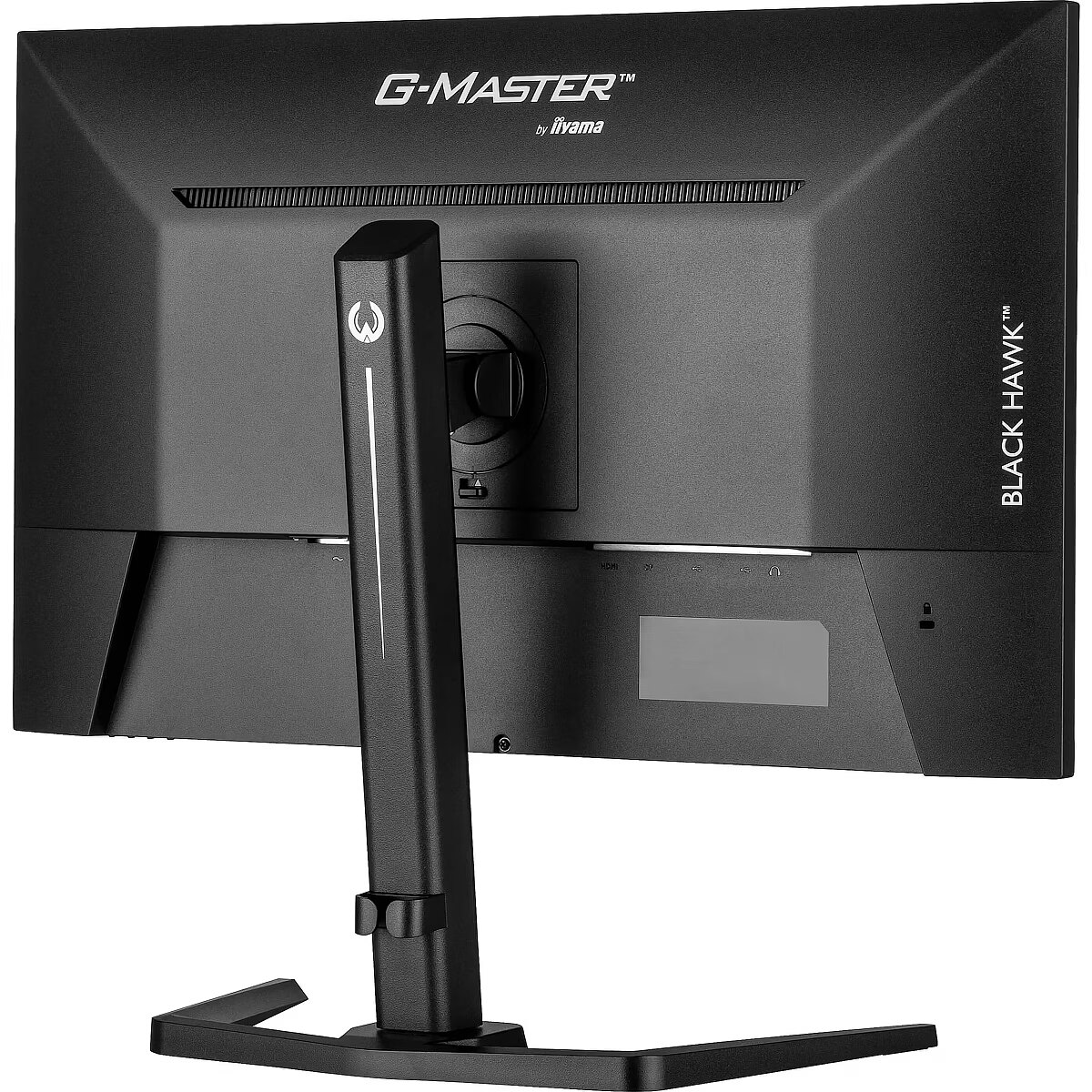
The Pivot technology allows the screen to be rotated into vertical orientation, ensuring more efficient use of workspace when working with text, documents, or long lists. This design improves readability, reduces the need for scrolling, and enhances convenience.
The Swivel feature ensures smooth horizontal rotation of the monitor, allowing quick adjustment of screen orientation to the user's position changes. This is particularly useful in work at a shared desk, project discussions or use of multiple devices where flexible viewing direction adjustment is required.
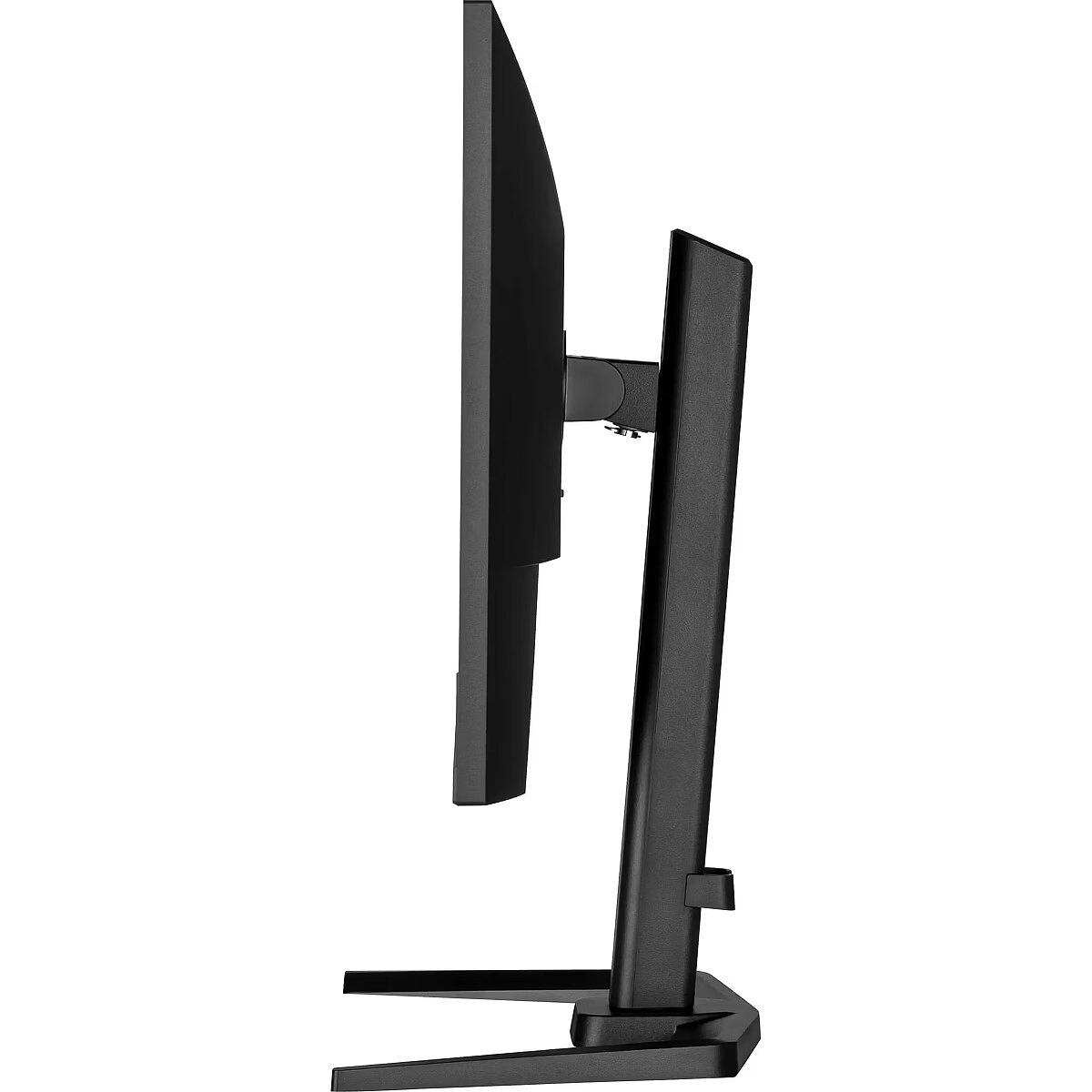
The Tilt function ensures flexible adjustment of the panel's vertical tilt, allowing for precise adaptation of the screen to the working position. This reduces the risk of discomfort during prolonged use, maintains an optimal viewing angle, and helps avoid image distortion in various lighting conditions.
Built-in speakers provide sound playback without having to connect separate acoustic systems, reducing the amount of equipment in the workplace. They provide basic audio signals for video conferencing, system announcements, and multimedia. This solution enhances convenience and reduces the number of additional cables.
The USB-C connection provides video, audio, and power transmission through a single cable, reducing the number of wires and facilitating the connection. It offers fast data transmission and a stable picture, making the monitor convenient for use with modern laptops and mobile devices without multiple separate connections.
Warranty
Iiyama provides this model with a 2 year warranty at all certified service centres.
*When purchasing a monitor on the legal entity's details - manufacturer's warranty 1 year.



 DVI is a digital standard and ensures high image quality, however, thanks to the big size of the plug and the inability of the standard to develop further due to a few technical restrictions this type of connection is gradually losing its popularity to modern HDMI and DisplayPort standards.