Aspect ratio - 16:9
Brand - DELL
Brand-specific features - Dell Display Manager (DDM) compatibility - Yes
BrandPartCode - DELL-P2725HE
Built-in camera - No
Built-in speakers - Yes
Carbon footprint - Carbon emissions, end-of-life (kg of CO2e) - 8.69
Carbon footprint - Carbon emissions, energy usage (kg of CO2e) - 79.9
Carbon footprint - Carbon emissions, logistics (kg of CO2e) - 16.35
Carbon footprint - Carbon emissions, manufacturing (kg of CO2e) - 102.05
Carbon footprint - PAIA version - GaBi version 1, 2024
Carbon footprint - Total carbon footprint (kg of CO2e) - 207
Category - Computer Monitors
Category - Datortehnika :: Monitori un piederumi :: Monitori
Category - Root/Electronics/PC peripherals/Monitors
Category 1 - Displays
Category 2 - Monitore
Category_1 - Monitors and TV
Category_2 - LED Monitors up to 27 inches
Code - 210-BMJC
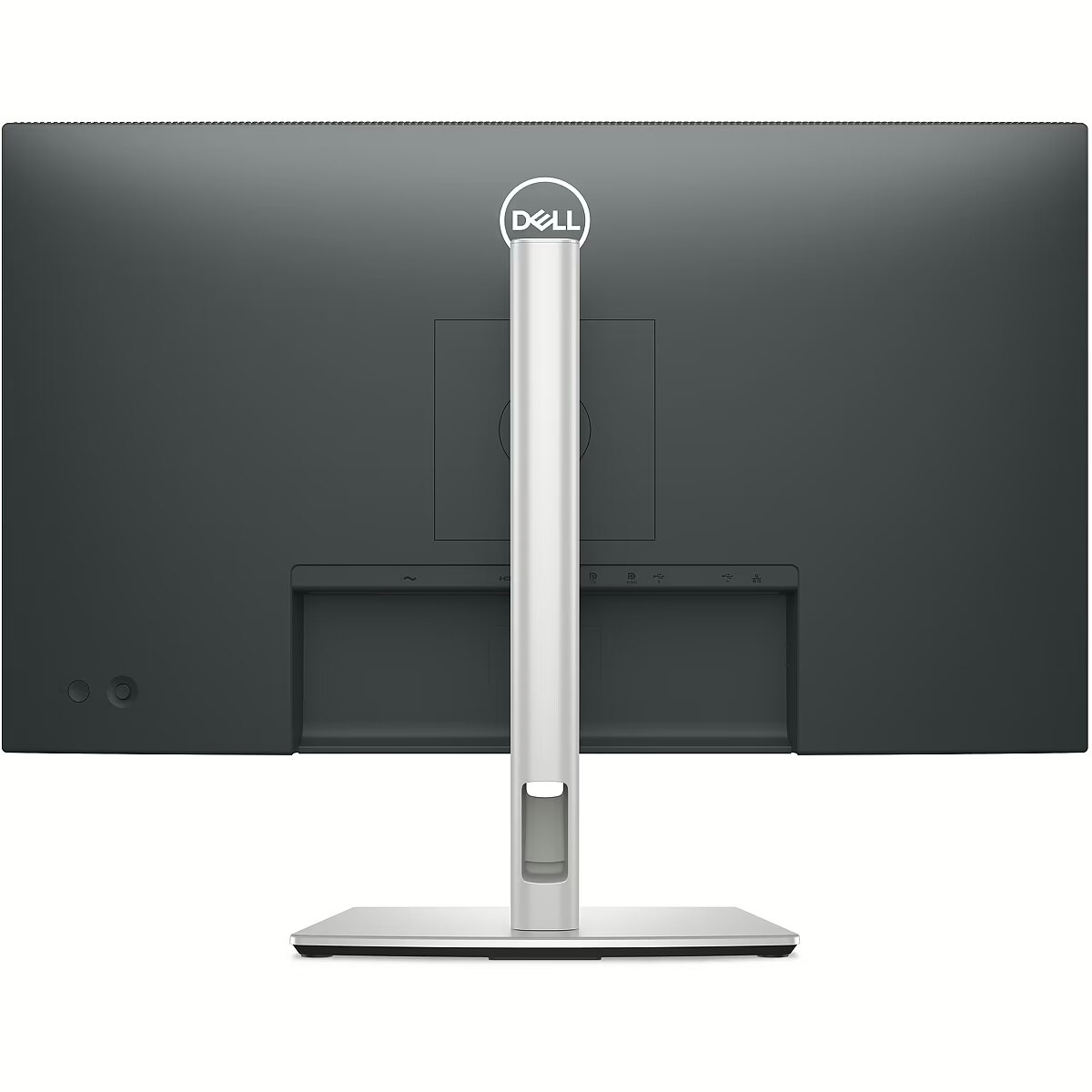
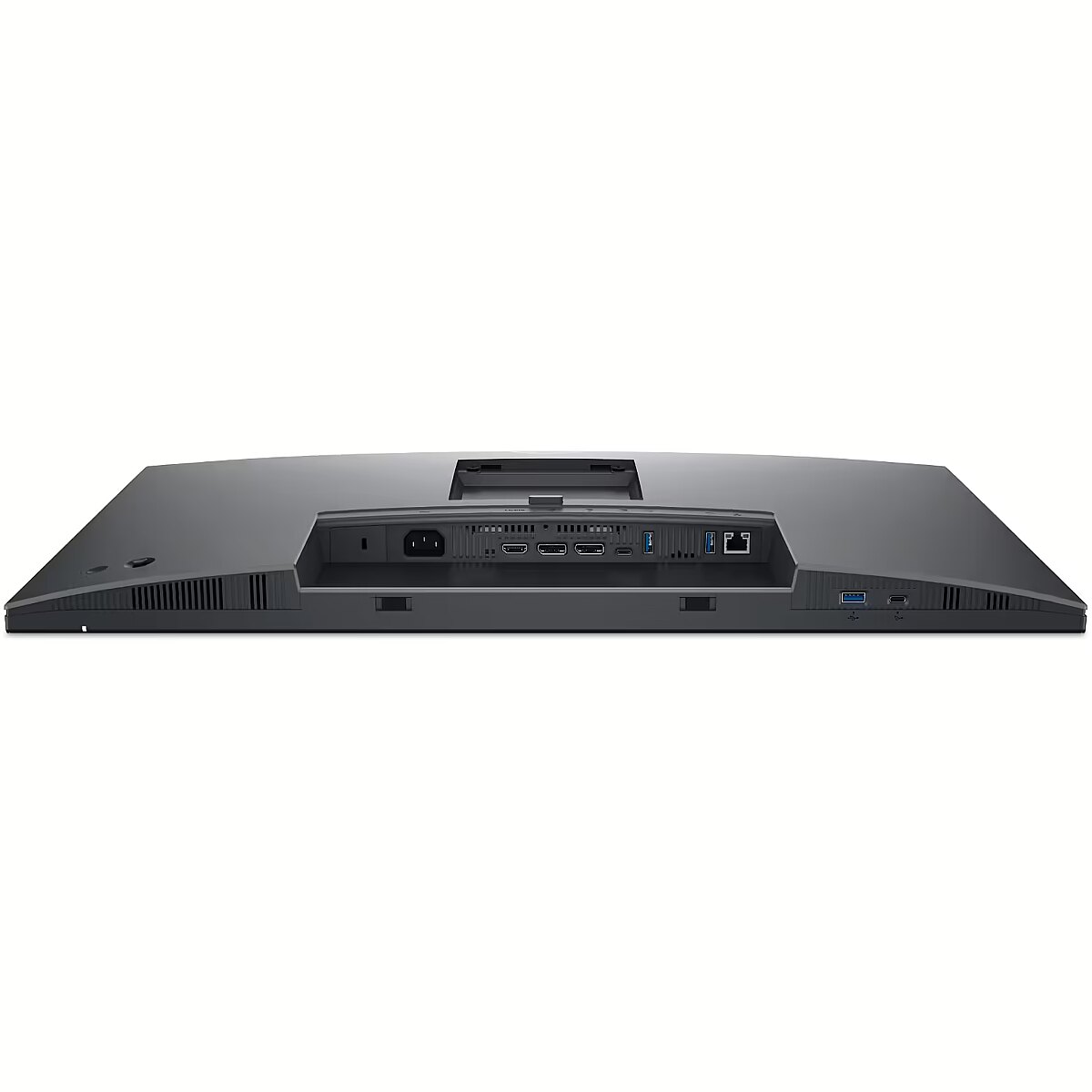
Connections - DisplayPort 1.4
Connections - Ethernet (RJ-45)
Connections - HDMI
Connections - USB-A (USB 3.x)
Connections - USB-C (Gen1)
Contrast ratio (typical) - 1500:1
Curved - No
Dane fizyczne: Głębokość - 192.28 mm
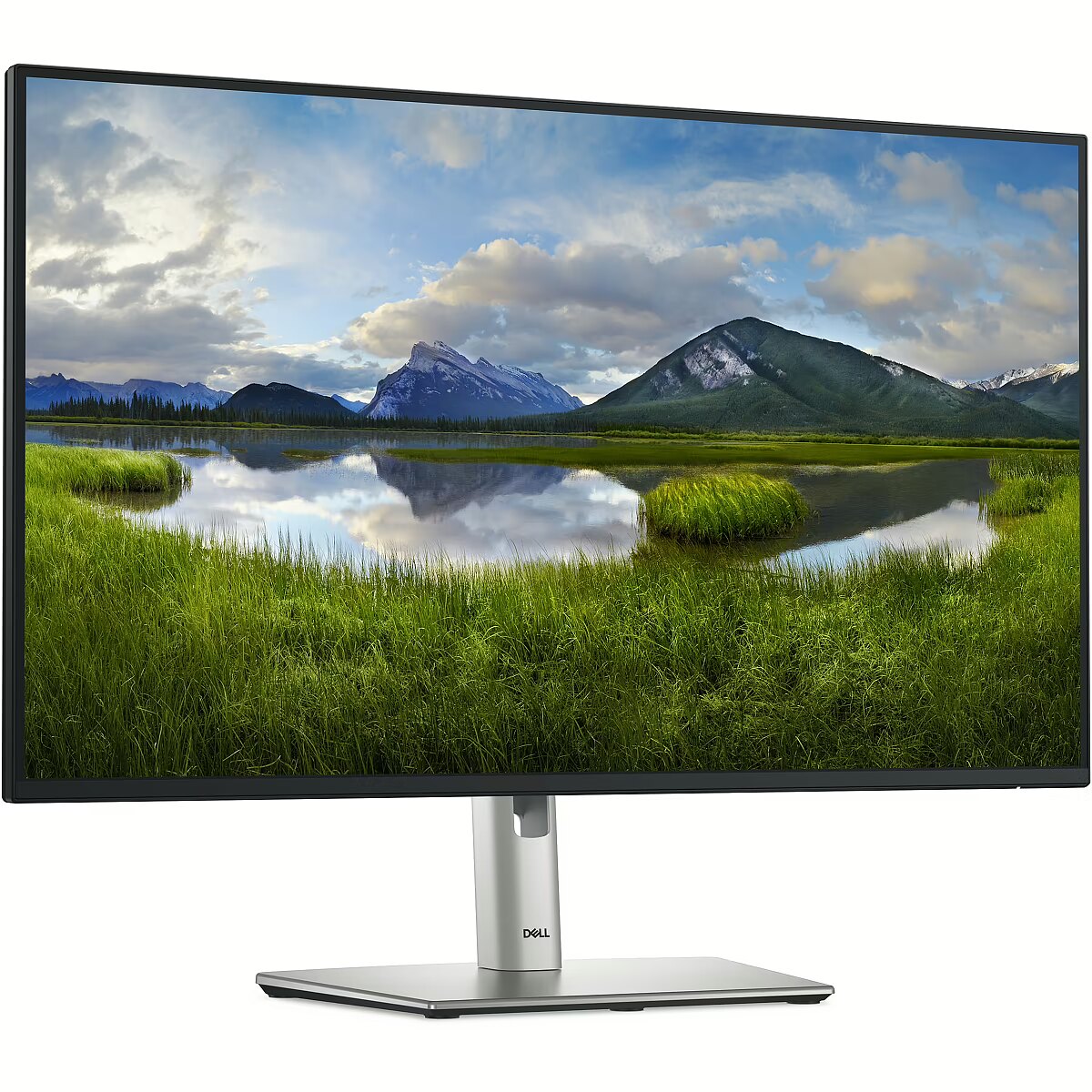
Dane fizyczne: Kolor obudowy - czarno-srebrny
Dane fizyczne: Standard VESA - 100 x 100
Dane fizyczne: Szerokość - 610.68 mm
Dane fizyczne: Waga - 4.36 kg
Dane fizyczne: Wysokość - 384.56 mm (384.56-534.56 mm)
Dane techniczne: Czas reakcji - 5 ms
Dane techniczne: Częstotliwość odświeżania - 100 Hz
Dane techniczne: Grupa produktowa - Monitory Dell
Dane techniczne: Gwarancja - 3 lata w serwisie zewnętrznym
Dane techniczne: Jasność - 250 cd/m²
Dane techniczne: Model - Dell P25HE
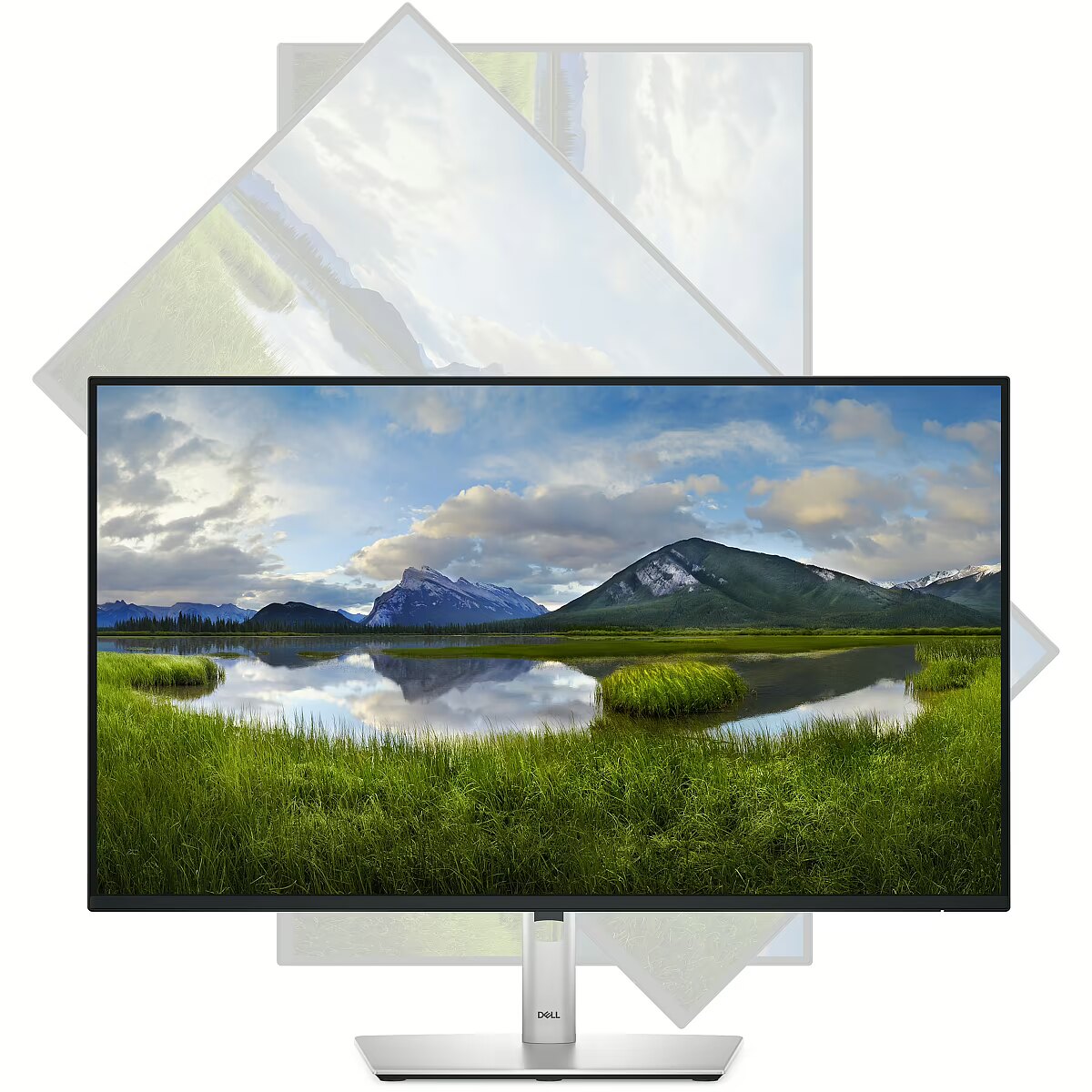
Dane techniczne: Możliwość regulacji - obrotowy ekran (pivot)
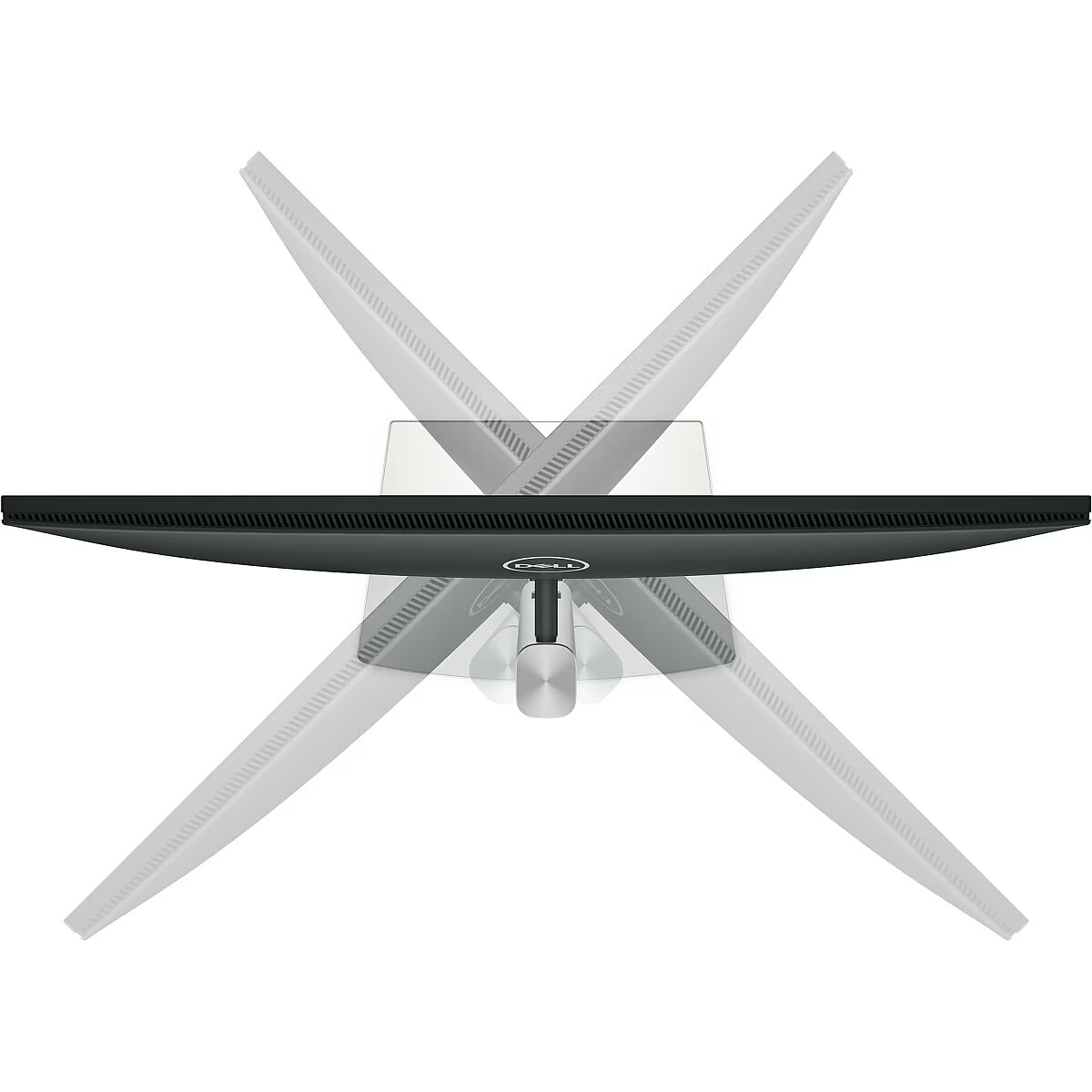
Dane techniczne: Możliwość regulacji - obrót na podstawie (swivel)
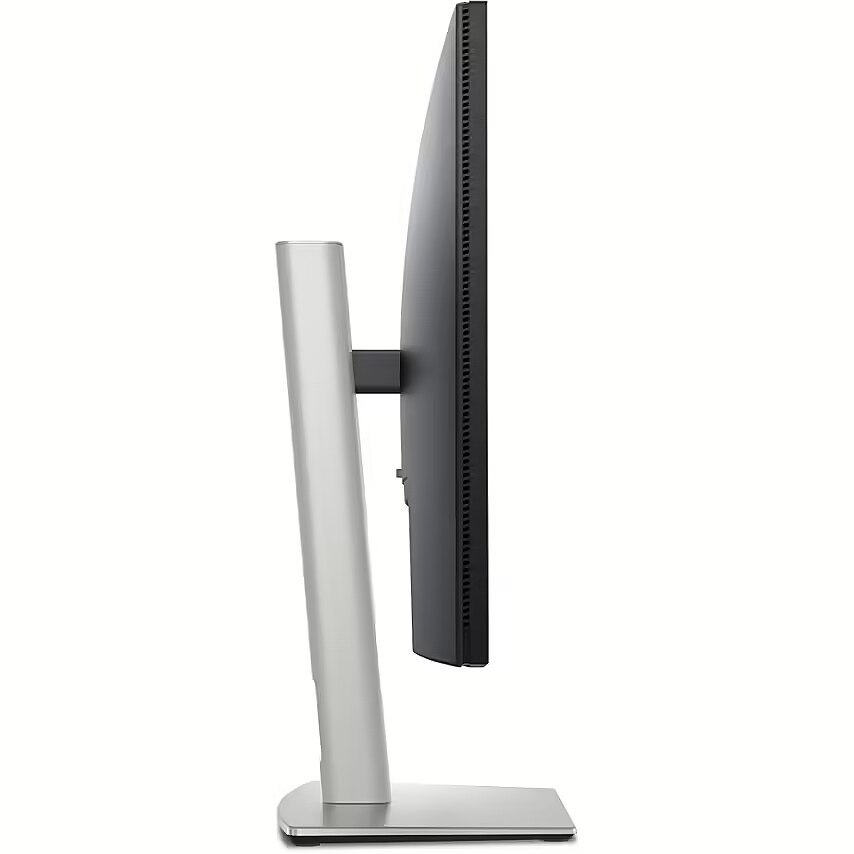
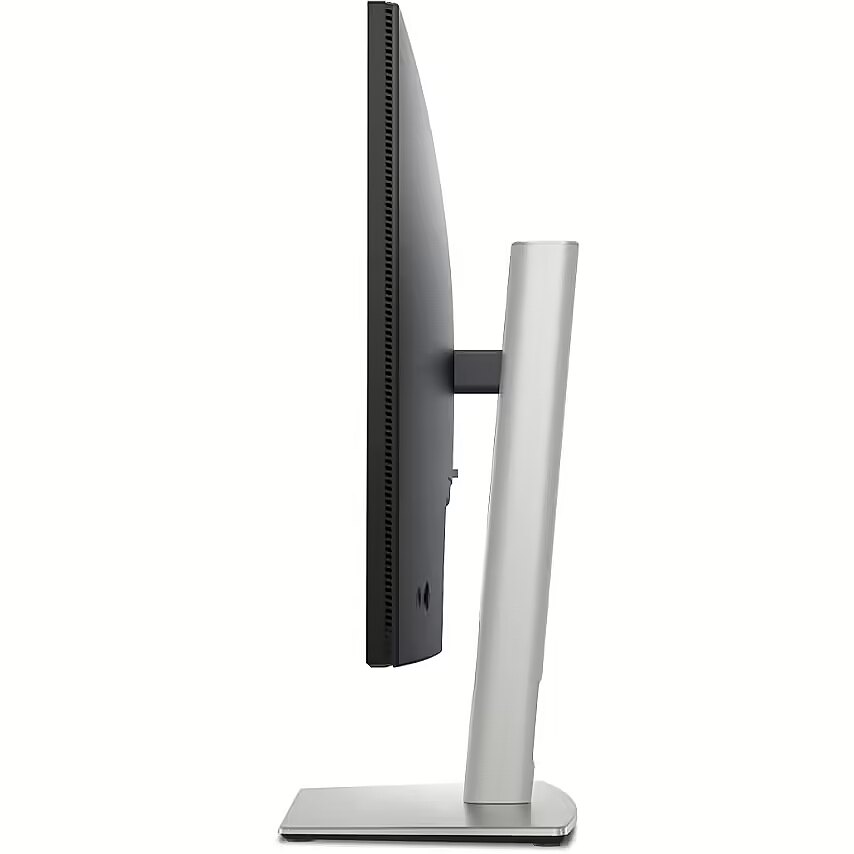
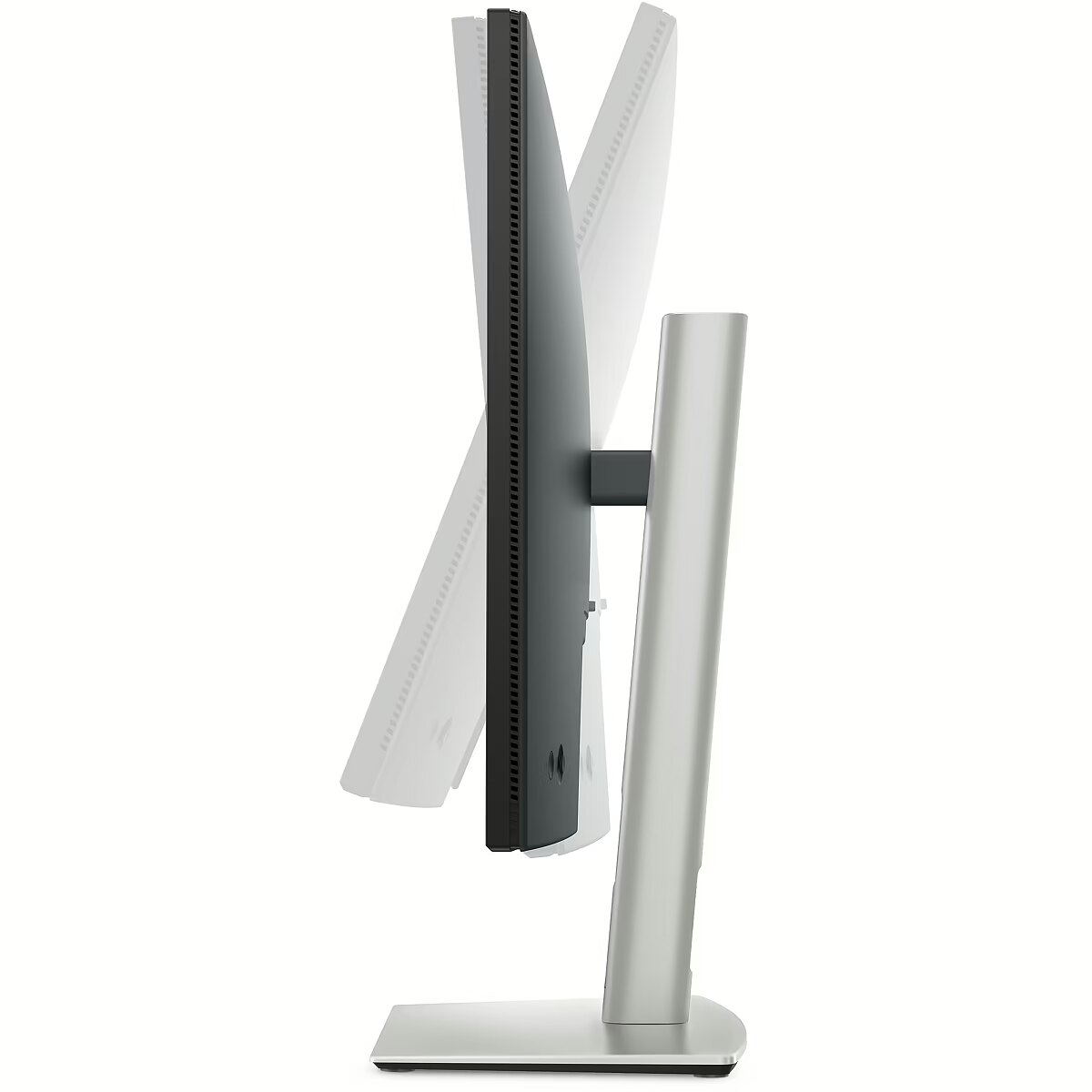
Dane techniczne: Możliwość regulacji - pochył
Dane techniczne: Możliwość regulacji - wysokość
Dane techniczne: Obszar aktywny - 597 x 336 mm
Dane techniczne: Powłoka matrycy - antyrefleksyjna
Dane techniczne: Producent - Dell
Dane techniczne: Przekątna - 27 cali
Dane techniczne: Rodzaj podświetlenia - LED
Dane techniczne: Rozdzielczość ekranu - 1920 x 1080 (Full HD) piksele
Dane techniczne: Rozmiar plamki - 0.311 mm
Dane techniczne: Standard portów wideo - DisplayPort
Dane techniczne: Standard portów wideo - HDMI
Dane techniczne: Standard portów wideo - USB-C
Dane techniczne: Typ - do biura i domu
Dane techniczne: Typ ekranu - płaski
Dane techniczne: Typ matrycy - IPS
Desc - Ekrāna izmērs: 27", Izšķirtspēja: 1920 x 1080, Panelis: IPS, Atjaunošanās frekvence: 100 Hz, Reakcijas laiks: 5 ms, Spilgtums: 300 cd/m2, Skata leņķis - vertikāls/horizontāls: 178° / 178°, Saliekšana (Tilt): Ir, Rotācija (Swivel): Ir, Pivot: Ir, Regulējams augstums: Ir, HDMI: Ir, DisplayPort: Ir, VGA (D-sub): Nav, DVI: Nav, USB: Ir, USB-C: Ir, Audio ieeja: Nav, Audio izeja: Ir, VESA stiprinājums: Ir, Garantija: 2 gadi
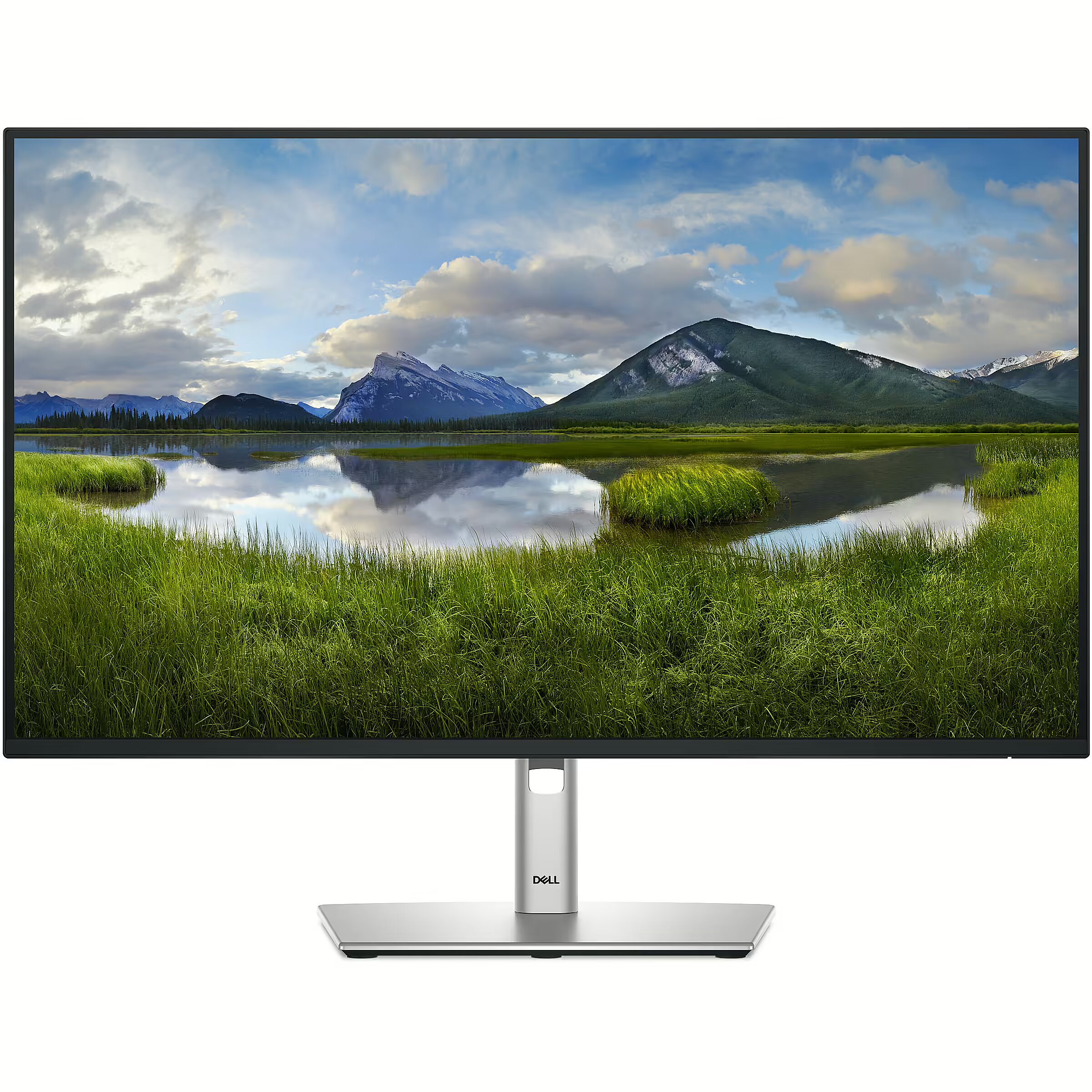
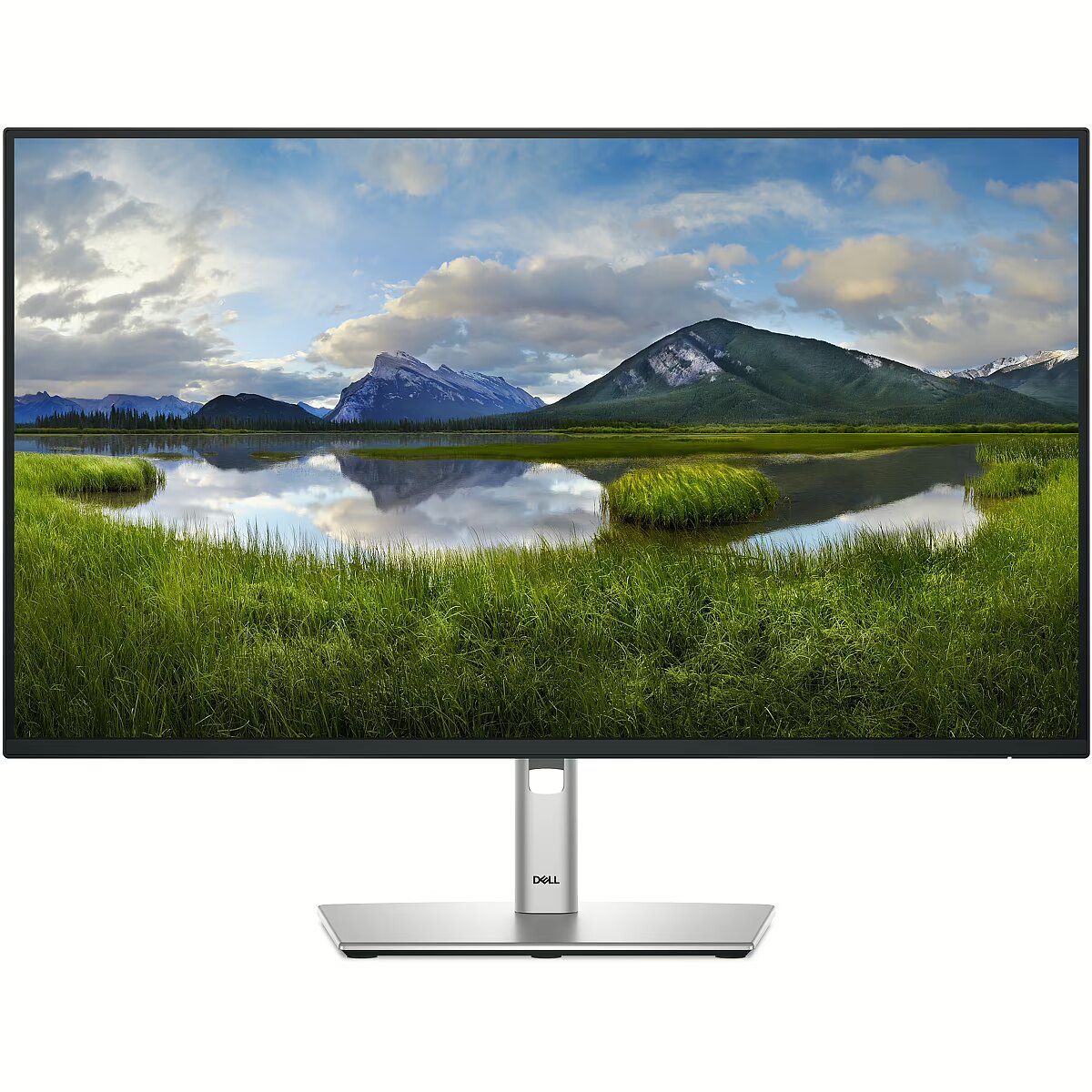
Description - DELL 27 PRO P2725HE FHD 100HZ IPS 16:9 HAS PIVOT USBC-90W RJ45
Design - Feet colour - Grey
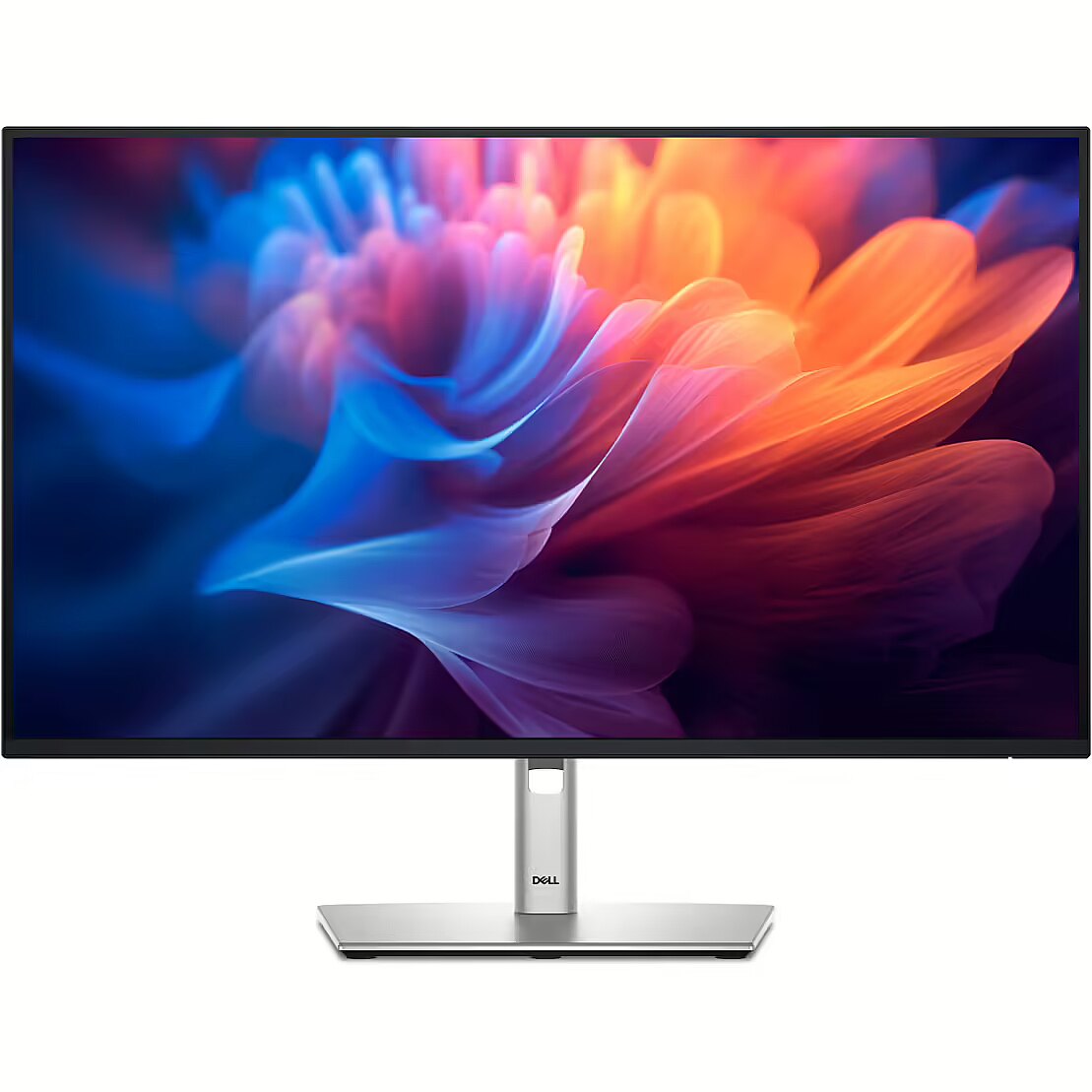
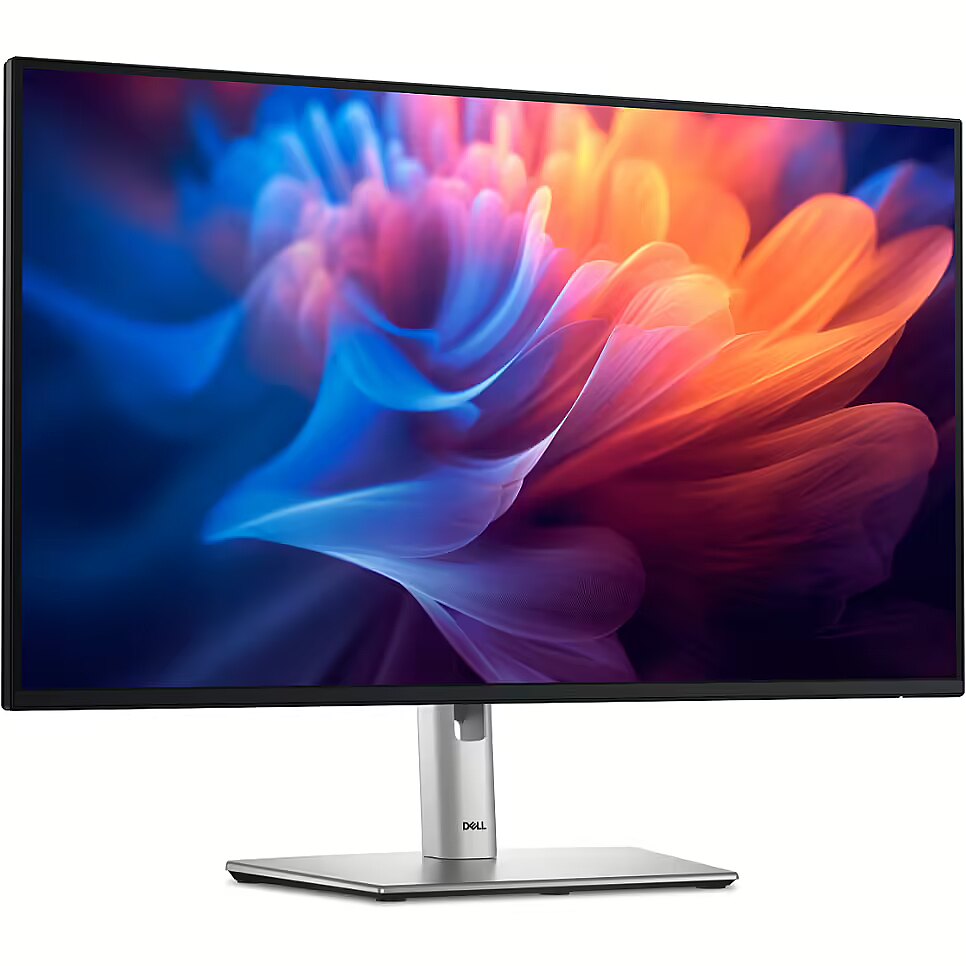
Design - Front bezel colour - Black
Design - Product colour - Black
dimensionalWeight - 11070
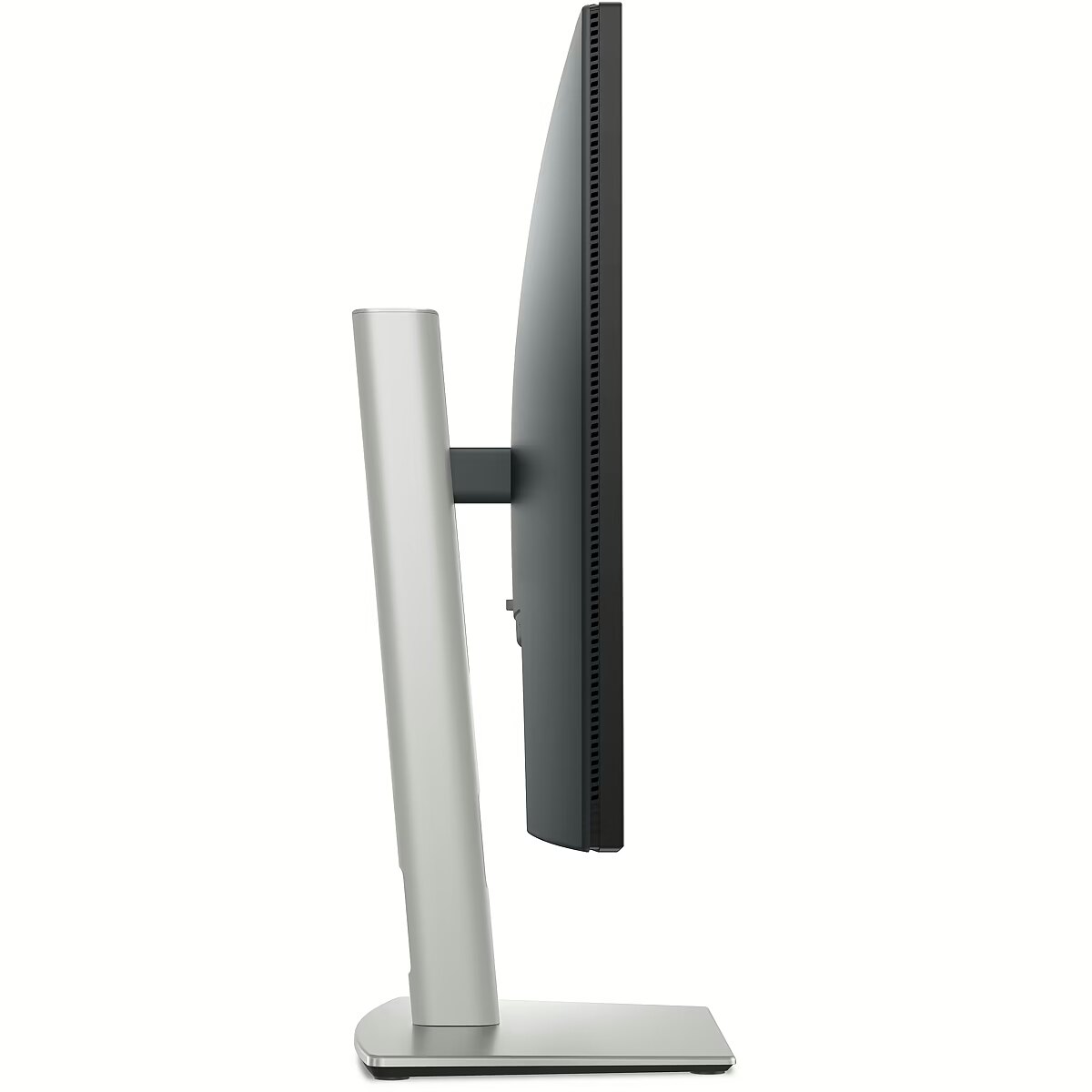
Dimensions (W x D x H) with stand, mm - 610.68 x 192.28 x 384.56 ~ 534.56
Dimensions W x D x H, mm - 610.68 x 50.03 x 354.71
Display - Anti-glare screen - Yes
Display - Backlight type - LED
Display - Contrast ratio (typical) - 1500:1
Display - Dell ComfortView technology - Yes
Display - Display brightness (typical) - 300 cd/m²
Display - Display diagonal - 68.6 cm (27")
Display - Display number of colours - 16.7 million colours
Display - Display resolution - 1920 x 1080 pixels
Display - Display technology - LCD
Display - HD type - Full HD
Display - Horizontal scan range - 30 - 110 kHz
Display - LED backlight - Yes
Display - Maximum refresh rate - 100 Hz
Display - Native aspect ratio - 16:9
Display - Panel type - IPS
Display - Pixel density - 81.57 ppi
Display - Pixel pitch - 0.3114 x 0.3114 mm
Display - Response time - 8 ms
Display - Response time (fast) - 5 ms
Display - Screen shape - Flat
Display - sRGB coverage (typical) - 99%
Display - Supported graphics resolutions - 640 x 480 (VGA)
Display - Supported graphics resolutions - 640 x 480 (VGA), 720 x 400, 800 x 600 (SVGA), 1024 x 768 (XGA), 1152 x 864 (XGA+), 1280 x 1024 (SXGA), 1280 x 720 (HD 720), 1600 x 900, 1920 x 1080 (HD 1080)
Display - Supported graphics resolutions - 720 x 400
Display - Supported graphics resolutions - 800 x 600 (SVGA)
Display - Supported graphics resolutions - 1024 x 768 (XGA)
Display - Supported graphics resolutions - 1152 x 864 (XGA+)
Display - Supported graphics resolutions - 1280 x 720 (HD 720)
Display - Supported graphics resolutions - 1280 x 1024 (SXGA)
Display - Supported graphics resolutions - 1600 x 900
Display - Supported graphics resolutions - 1920 x 1080 (HD 1080)
Display - Supported video modes - 480p
Display - Supported video modes - 480p, 576p, 720p, 1080p
Display - Supported video modes - 576p
Display - Supported video modes - 720p
Display - Supported video modes - 1080p
Display - Surface hardness - 3H
Display - Touchscreen - No
Display - Vertical scan range - 48 - 100 Hz
Display - Viewable size, horizontal - 59.8 cm
Display - Viewable size, vertical - 33.6 cm
Display - Viewable size diagonal - 68.6 cm
Display - Viewing angle, horizontal - 178°
Display - Viewing angle, vertical - 178°
Display brightness, cd/m² - 300
Display color - Black
Display diagonal, " - 27
Display number of colours - 16.7 M
Display resolution, pixels - 1920 x 1080
Dodatkowe informacje o matrycy: Format obrazu - 16:9
Dodatkowe informacje o matrycy: Kontrast - 1500:1
Dodatkowe informacje o matrycy: Kąt widzenia w pionie - 178 °
Dodatkowe informacje o matrycy: Kąt widzenia w poziomie - 178 °
Dodatkowe informacje o matrycy: Liczba wyświetlanych kolorów - 16.7 mln
EAN - 5397184821763
Eans - 5397184821763
EAN_code - 5397184821763
Efektywność energetyczna: Klasa energetyczna - C
Efektywność energetyczna: Zużycie energii w trybie pracy - 16.2 W
Ergonomics - Adjustable height (max) - 15 cm
Ergonomics - Cable lock slot - Yes
Ergonomics - Cable lock slot type - Kensington
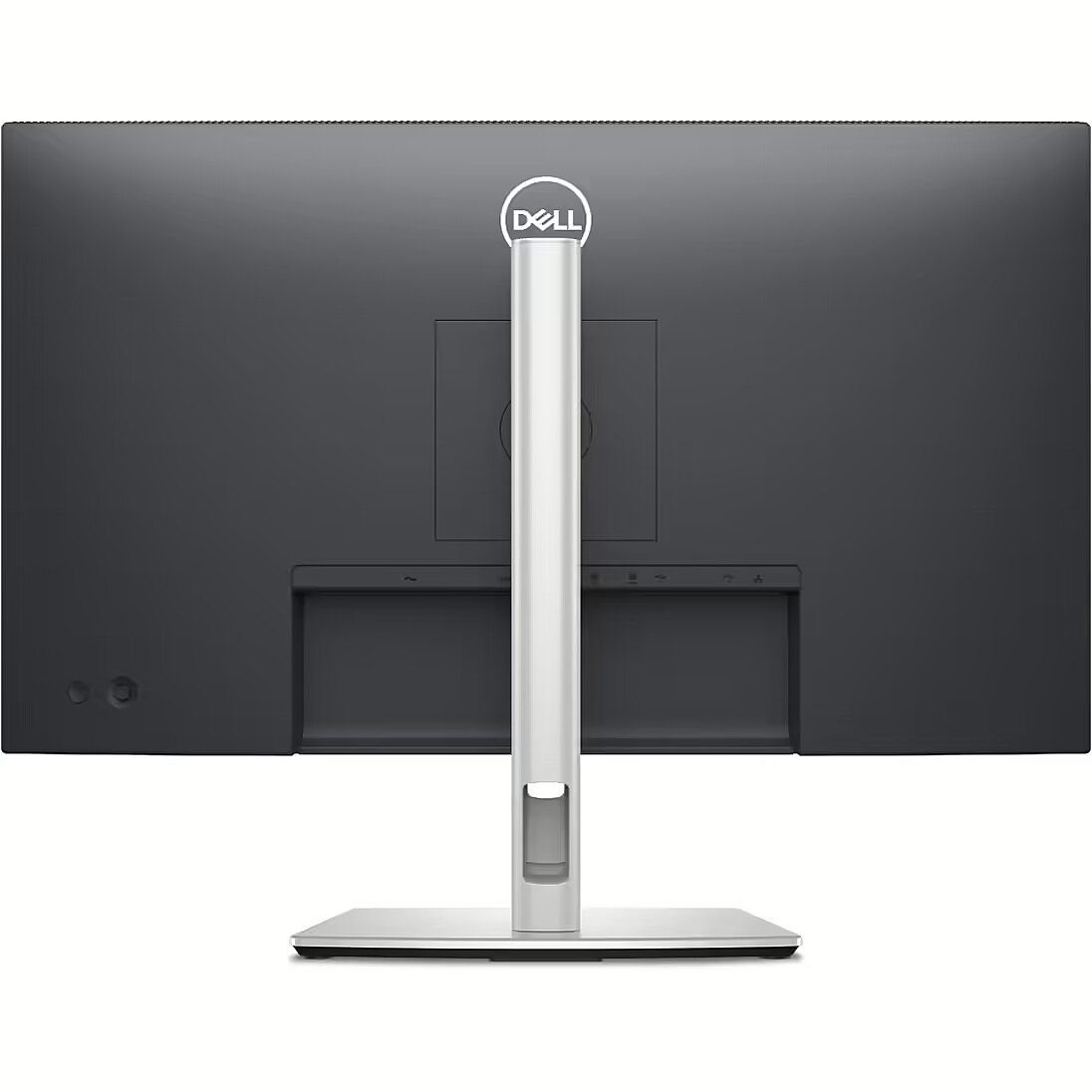
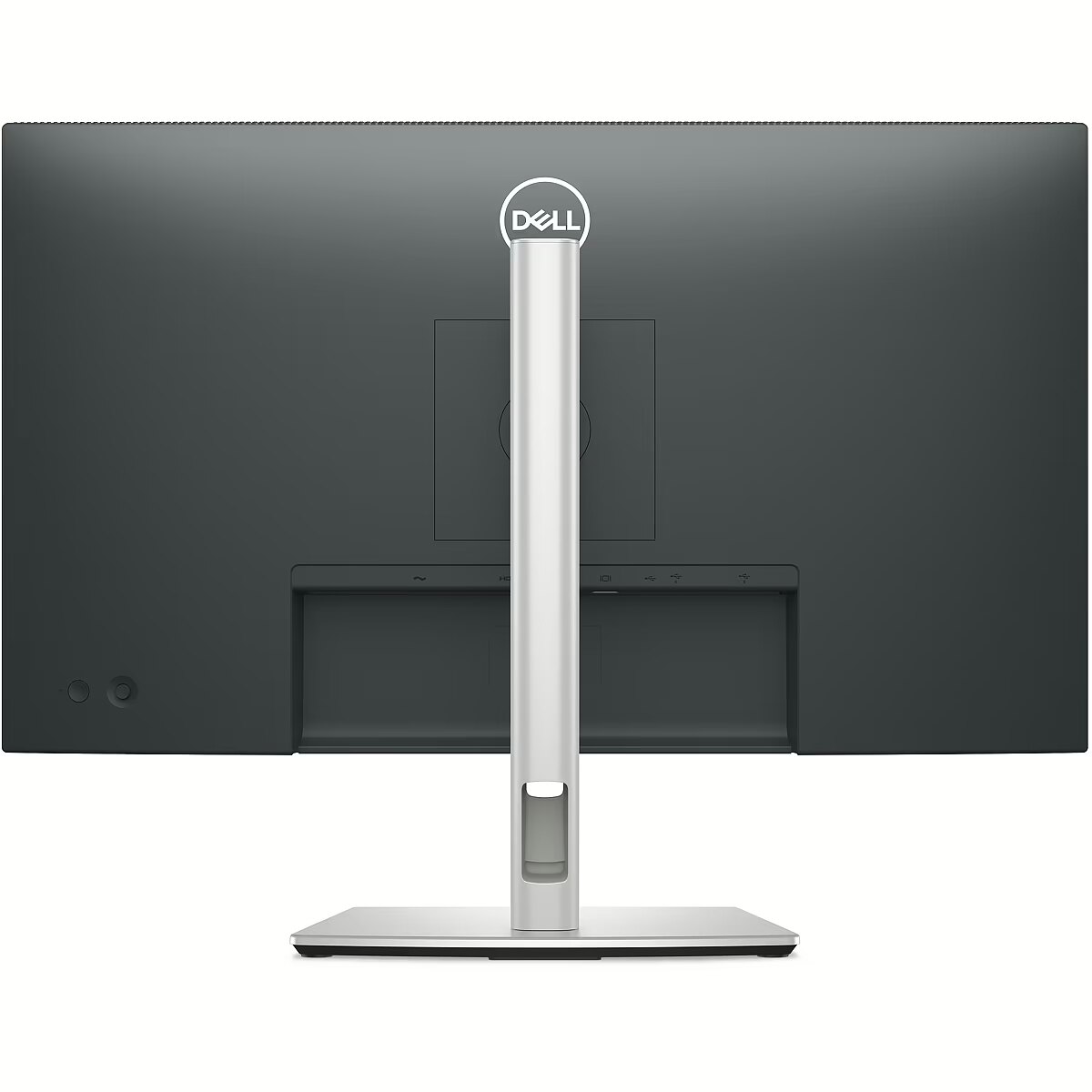
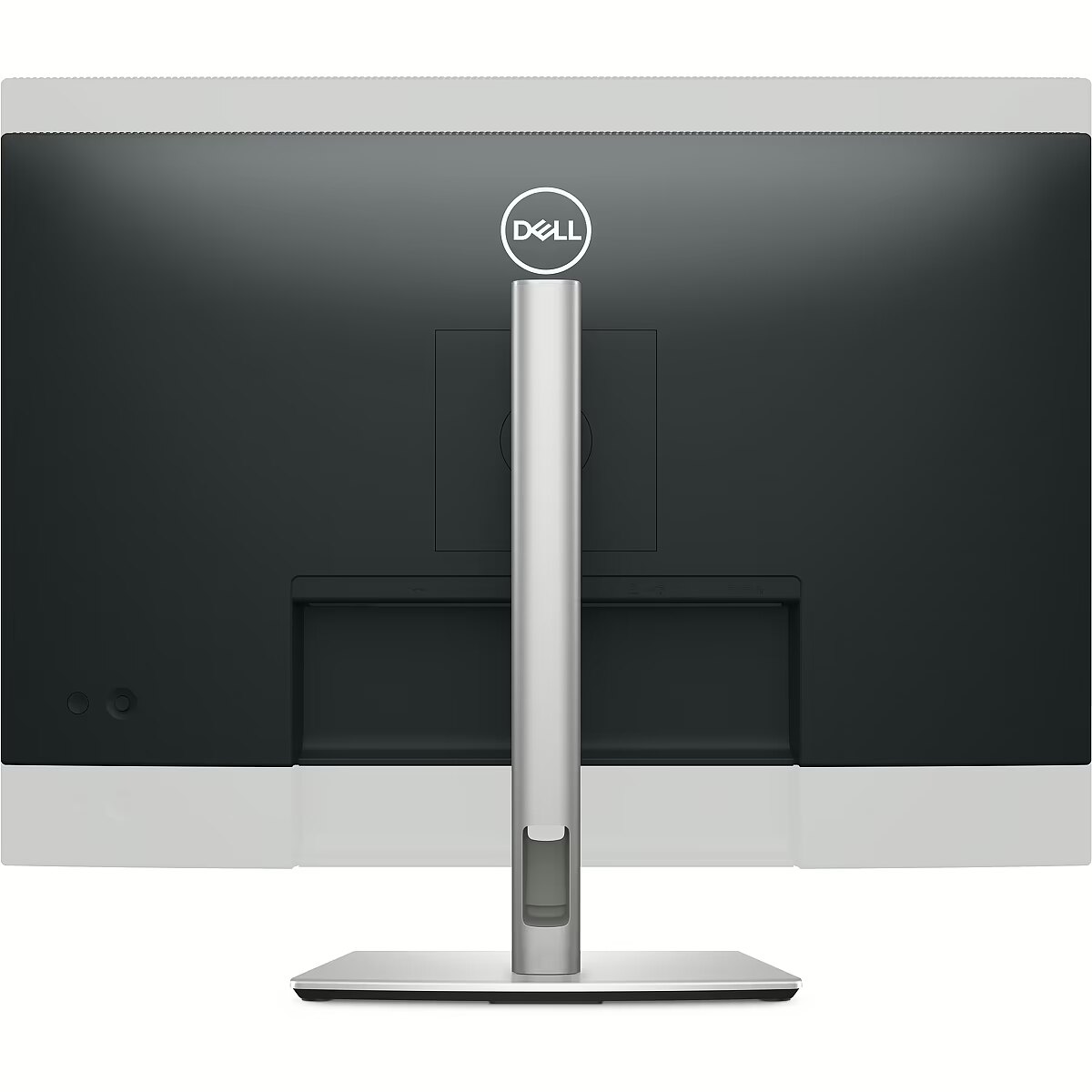
Ergonomics - Cable management - Yes
Ergonomics - Height adjustment - 15 cm
Ergonomics - Height adjustment - Yes
Ergonomics - LED indicators - Yes
Ergonomics - On Screen Display (OSD) - Yes
Ergonomics - Panel mounting interface - 100 x 100 mm
Ergonomics - Pivot - Yes
Ergonomics - Pivot angle - -90 - 90°
Ergonomics - Plug and Play - Yes
Ergonomics - Swivel angle range - -45 - 45°
Ergonomics - Swivelling - Yes
Ergonomics - Tilt adjustment - Yes
Ergonomics - Tilt angle range - -5 - 21°
Ergonomics - VESA mounting - Yes
Glossy display - No
Green certifications - Energy Star
Green certifications - EPEAT Climate+
Green certifications - EPEAT Gold
Green certifications - RoHS compliant
Green certifications - TCO
GTIN - 0884116468769
GTIN - 884116468769
GTIN - 5397184821763
HDMI ports quantity - 1
Height - 825.000000
Height adjustment - Yes
Height adjustment, mm - 150
LargeDescHTML -
Length - 457.000000
LongDesc - Connect to productivity. Certified by TÜV for 4-star eye comfort, this 27-inch FHD hub monitor offers enhanced visual comfort and offers up to 90W of power delivery.
LongProductName - 68.6cm (27") Full HD 1920 x 1080 LED IPS, 16:9, 300cd/m², 16.7M, 8ms, 178°/178°, 1500:1
LongSummaryDescription - DELL Pro Plus P2725HE. Display diagonal: 68.6 cm (27"), Display resolution: 1920 x 1080 pixels, HD type: Full HD, Display technology: LCD, Response time: 8 ms, Native aspect ratio: 16:9, Viewing angle, horizontal: 178°, Viewing angle, vertical: 178°. Built-in USB hub, USB hub version: 3.2 Gen 1 (3.1 Gen 1). VESA mounting, Height adjustment. Product colour: Black
Manufacturer - Dell
Manufacturer - DELL
Manufacturer - Dell Technologies
Manufacturer's estimate: Product life cycle used in emission assessments, years - 6
Manufacturer?s estimate: Product life cycle CO2 emissions, kg - 597
ManufacturerPartNumber - DELL-P2725HE
Manufacturer_code - DELL-P2725HE
MPN - DELL-P2725HE
Multimedia - Built-in camera - No
Multimedia - Built-in speaker(s) - No
Name - 68,6cm/27" (1920x1080) Dell P2725HE 16:9 FHD IPS 5ms 100Hz HDMI DP USB-C RJ45 Black/Silver
Name - Dell P2725HE - 27 - black/silver, FullHD, IPS, USB-C, daisy-chaining option, 100Hz panel
Name - Dell P2725HE - 100Hz | Full HD | 27'' | IPS | 5ms
Name - Monitors Dell 27" IPS 1920 x 1080 P2725HE
Ochrona oczu: Filtr światła niebieskiego - tak
Ochrona oczu: Redukcja migotania - tak
Operational conditions - Non-operating altitude - 0 - 12192 m
Operational conditions - Operating altitude - 0 - 5000 m
Operational conditions - Operating relative humidity (H-H) - 10 - 80%
Operational conditions - Operating temperature (T-T) - 0 - 40 °C
Operational conditions - Storage relative humidity (H-H) - 5 - 90%
Operational conditions - Storage temperature (T-T) - -20 - 60 °C
Other features - Compliance certificates - RoHS, TÜV mark
Other features - RJ-45 ports quantity - 1
Packaging content - Stand included - Yes
Packaging data - Package weight - 8.67 kg
Panel type - IPS
Performance - AMD FreeSync - No
Performance - Flicker-free technology - Yes
Performance - Low Blue Light technology - Yes
Performance - Mac operating systems supported - MacOS
Performance - NVIDIA G-SYNC - No
Performance - Windows operating systems supported - Windows 10
Performance - Windows operating systems supported - Windows 10, Yes
Performance - Windows operating systems supported - Yes
PeriodofWarranty -
Pivot - Yes
Pixel pitch, mm - 0.3114 x 0.3114
Ports & interfaces - AC (power) in - Yes
Ports & interfaces - Built-in USB hub - Yes
Ports & interfaces - DisplayPorts quantity - 2
Ports & interfaces - DisplayPort version - 1.4
Ports & interfaces - HDCP - Yes
Ports & interfaces - HDCP version - 1.4
Ports & interfaces - HDMI - Yes
Ports & interfaces - HDMI ports quantity - 1
Ports & interfaces - HDMI version - 1.4
Ports & interfaces - Headphone out - No
Ports & interfaces - Number of USB Type-C upstream ports quantity - 1
Ports & interfaces - USB hub version - 3.2 Gen 1 (3.1 Gen 1)
Ports & interfaces - USB Power Delivery (USB PD) - Yes
Ports & interfaces - USB Power Delivery up to - 90 W
Ports & interfaces - USB Type-A downstream ports quantity - 3
Ports & interfaces - USB Type-C DisplayPort Alternate Mode - Yes
Ports & interfaces - USB Type-C downstream ports quantity - 1
Power - AC input frequency - 50/60 Hz
Power - AC input voltage - 100 - 240 V
Power - Energy efficiency class (SDR) - D
Power - Input current - 2 A
Power - Power consumption (max) - 180 W
Power - Power consumption (off) - 0.3 W
Power - Power consumption (standby) - 0.4 W
Power - Power consumption (typical) - 16.2 W
Power consumption (standby), W - 0.3
Power consumption, W - 16.2
Pozostałe cechy: Akcesoria - kabel DP
Pozostałe cechy: Akcesoria - kabel USB
Pozostałe cechy: Akcesoria - kabel zasilający
Pozostałe cechy: Wersja - standardowa gwarancja
Producent: Nazwa producenta / importera - Dell
DELL sp. z o.o
ul. Inflancka 4A
00-189 Warszawa
<
Producer - Dell
producerCode - 210-BMJC
ProducerCode - 210-BMJC
productName - DELL P Series P2725HE 68.6 cm (27") 1920 x 1080 px Full HD LCD computer monitor, black
ProductName - P2725HE
productSize - Normal
Refresh rate, Hz - 100
Response time, ms - 8
Safety warning - Warnings - Do not disassemble the monitor casing to avoid risk of electric shock.
Safety warning - Warnings - Place the monitor on a flat and stable surface to avoid tipping and damage.
Safety warning - Warnings - Unplug the monitor from the power source before cleaning.
ShortDescription - 27'' | IPS | Full HD | 100Hz
Short summary - The Dell Pro 27 Plus P2725HE is a 27? FHD display that offers comfort and excellent connectivity at an affordable price. Utilize the enhanced ComfortView Plus feature, a built-in function that reduces blue light to below 35% while maintaining vibrant colors with 99% sRGB coverage and a 100Hz refresh rate for smoother motion.
Thanks to In-Plane Switching (IPS) technology, this display provides a wide 178°/178° viewing angle, ensuring consistent colors and excellent image quality from almost any angle. Experience deeper blacks and brighter whites with a 1500:1 contrast ratio.
Reduce cable clutter with the built-in USB-C dock, which transfers data and video while charging your laptop with up to 90W of power. Get a stable Ethernet connection with RJ45, which includes PXE boot, MAC address pass-through, and Wake on LAN features. Connect your additional accessories to versatile ports, including a USB-C charging port that provides up to 15W of power.
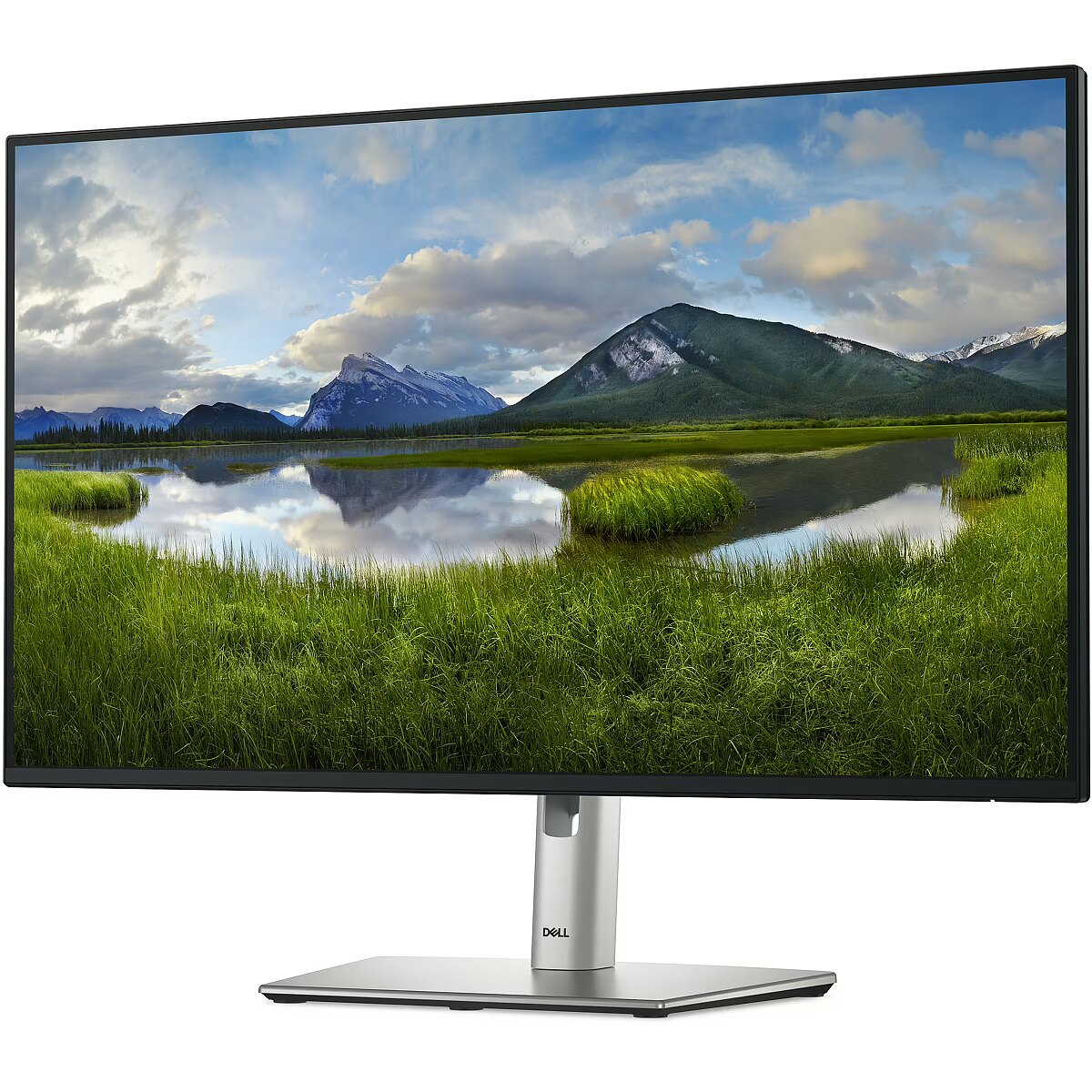
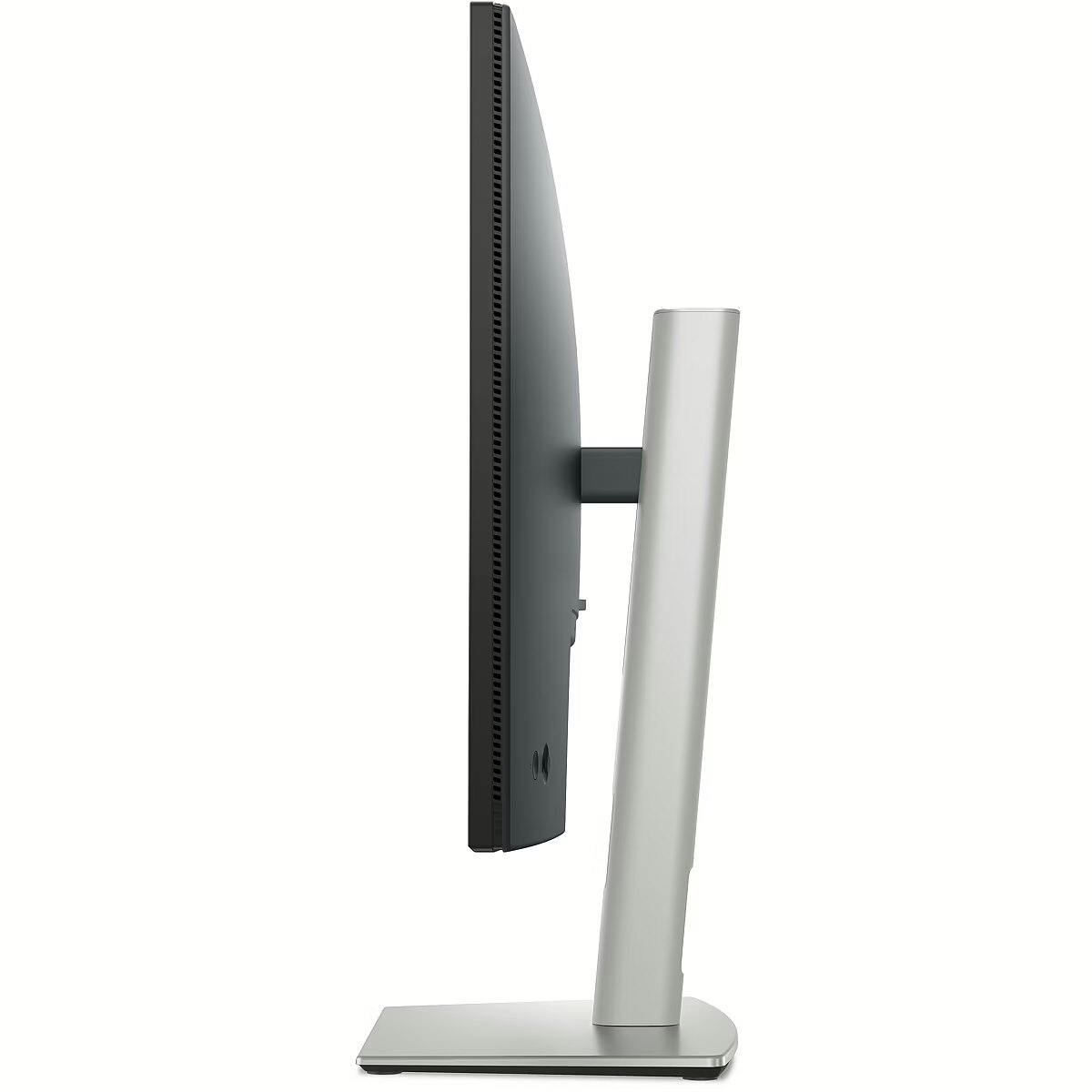
Experience customized comfort by tilting, swiveling, and adjusting the height of the display (up to 150 mm).
The Dell Premium Panel Exchange allows for a free screen replacement during the warranty period if even one bright pixel appears. This display includes a 3-year Advanced Exchange Service, ensuring a replacement screen is shipped to you the next business day during the 3-year limited hardware warranty.
ShortSummaryDescription - DELL Pro Plus P2725HE, 68.6 cm (27"), 1920 x 1080 pixels, Full HD, LCD, 8 ms, Black
sizeX - 820
sizeY - 450
sizeZ - 150
Sustainability - Doesn't contain - Arsenic
Sustainability - Doesn't contain - Arsenic, Mercury, PVC/BFR
Sustainability - Doesn't contain - Mercury
Sustainability - Doesn't contain - PVC/BFR
Sustainability - European Product Registry for Energy Labelling (EPREL) code - 1874340
Sustainability - Sustainability certificates - ENERGY STAR
Sustainability - Sustainability certificates - ENERGY STAR, TCO
Sustainability - Sustainability certificates - RoHS
Sustainability - Sustainability certificates - TCO
Sustainability - Sustainability certificates - TÜV mark
Sustainability - Sustainability compliance - Yes
Title - DELL Pro Plus P2725HE computer monitor 68.6 cm (27") 1920 x 1080 pixels Full HD LCD Black
Touch sensitive screen - No
URL - https://www.dell.com/en-uk/shop/
USB-C charging power max, W - 90
USB-C power delivery - Yes
VESA-standard, mm - 100 x 100
Viewing angle, horizontal, ° - 178
Viewing angle, vertical, ° - 178
WarrantyInfo - 3 Years Base Adv Ex
warrantyLength - 36
warrantyType - F
Weight - 8,60
Weight - 8.62
Weight - 8.880000
weight - 8100
Weight & dimensions - Bezel width (bottom) - 1.2 cm
Weight & dimensions - Bezel width (side) - 6.4 mm
Weight & dimensions - Bezel width (top) - 6.4 mm
Weight & dimensions - Depth (without stand) - 50 mm
Weight & dimensions - Depth (with stand) - 192.3 mm
Weight & dimensions - Height (without stand) - 354.7 mm
Weight & dimensions - Height (with stand) - 384.6 mm
Weight & dimensions - Weight (without stand) - 4.36 kg
Weight & dimensions - Weight (with stand) - 6.01 kg
Weight & dimensions - Width (without stand) - 610.7 mm
Weight & dimensions - Width (with stand) - 610.7 mm
Weight, g - 4360
Weight with stand, g - 8670
Width - 150.000000
Złącza: Złącza - 1 x HDMI
Złącza: Złącza - 1 x RJ-45 (LAN)
Złącza: Złącza - 2 x DisplayPort
Złącza: Złącza - 2 x USB Type-C
Złącza: Złącza - 3 x USB 3.2 Gen 1 Type A



 DVI is a digital standard and ensures high image quality, however, thanks to the big size of the plug and the inability of the standard to develop further due to a few technical restrictions this type of connection is gradually losing its popularity to modern HDMI and DisplayPort standards.