Accessories included - QSG Karta gwarancyjna Instrukcje dotyczące bezpieczeństwa
Aspect ratio - 3:2
Auto Pivot - Yes
Bluetooth - No
Brand - BenQ
BrandPartCode - 9H.LM2LJ.TBE
Brightness - 350 nits
Brightness HDR - 400 nits
Category - Computer Monitors
Category - Root/Electronics/PC peripherals/Monitors
Category 1 - Displays
Category 2 - Monitore
Certificates - Energy Star
Certificates - EPEAT
Certificates - TCO
Certificates - TUV
Color - Gray
Dane fizyczne: Głębokość - 476 mm
Dane fizyczne: Kolor obudowy - czarny
Dane fizyczne: Standard VESA - 100 x 100
Dane fizyczne: Szerokość - 732.2 mm
Dane fizyczne: Waga - 11.4 kg
Dane fizyczne: Wysokość - 610.4 mm
Dane techniczne: Czas reakcji - 5 ms
Dane techniczne: Częstotliwość odświeżania - 60 Hz
Dane techniczne: Grupa produktowa - Monitory BenQ
Dane techniczne: Gwarancja - 2 lata w serwisie zewnętrznym
Dane techniczne: Głośniki - tak
Dane techniczne: HDR - tak
Dane techniczne: Jasność - 400 cd/m²
Dane techniczne: Możliwość regulacji - obrotowy ekran (pivot)
Dane techniczne: Możliwość regulacji - obrót na podstawie (swivel)
Dane techniczne: Możliwość regulacji - pochył
Dane techniczne: Możliwość regulacji - wysokość
Dane techniczne: Powłoka matrycy - antyrefleksyjna
Dane techniczne: Producent - BenQ
Dane techniczne: Przekątna - 28.2 cali
Dane techniczne: Rodzaj podświetlenia - LED
Dane techniczne: Rozdzielczość ekranu - 3840 x 2560 piksele
Dane techniczne: Standard portów wideo - DisplayPort 1.4
Dane techniczne: Standard portów wideo - HDMI 2.0
Dane techniczne: Standard portów wideo - USB-C
Dane techniczne: Typ - do biura i domu
Dane techniczne: Typ ekranu - płaski
Dane techniczne: Typ matrycy - IPS
Depth - 476 mm
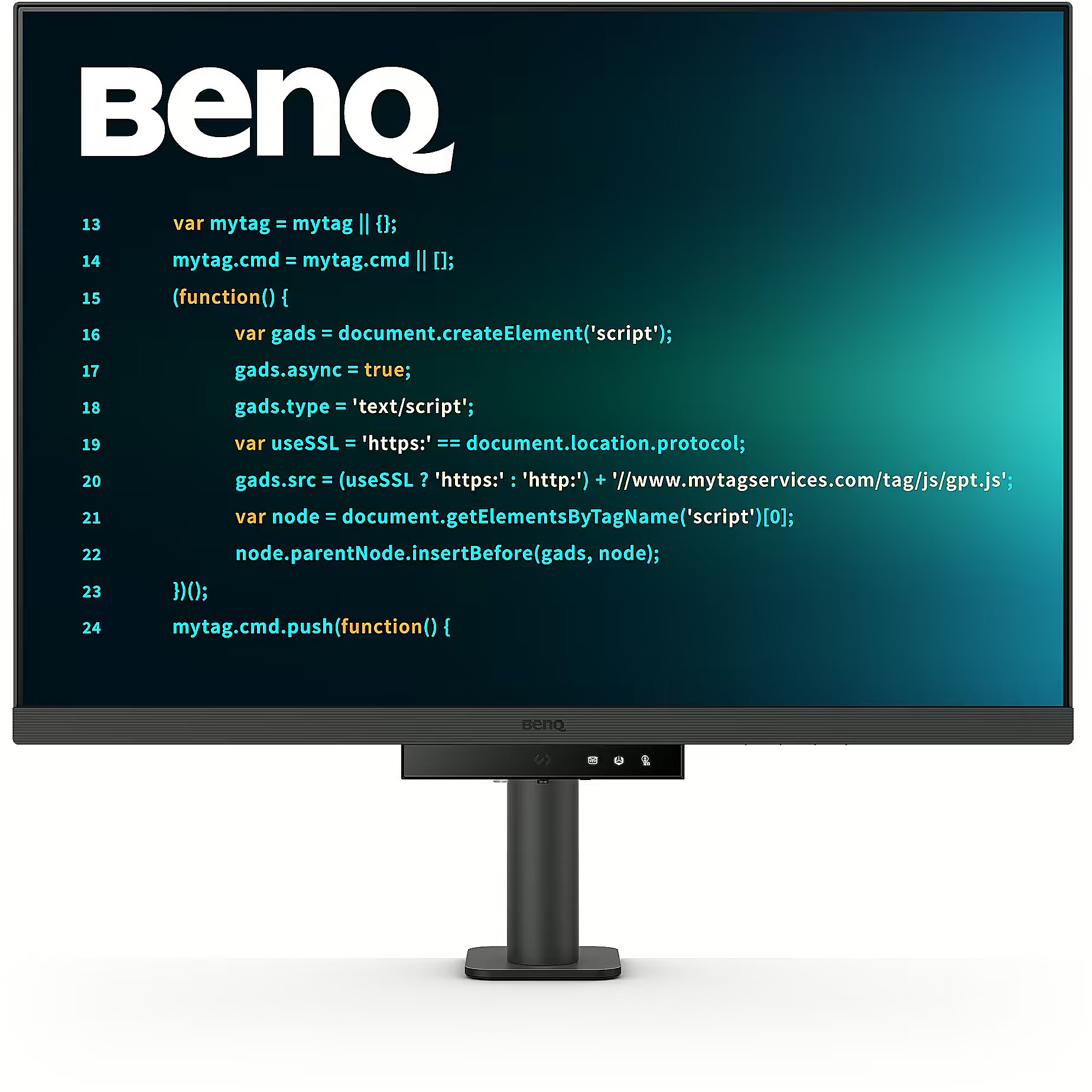
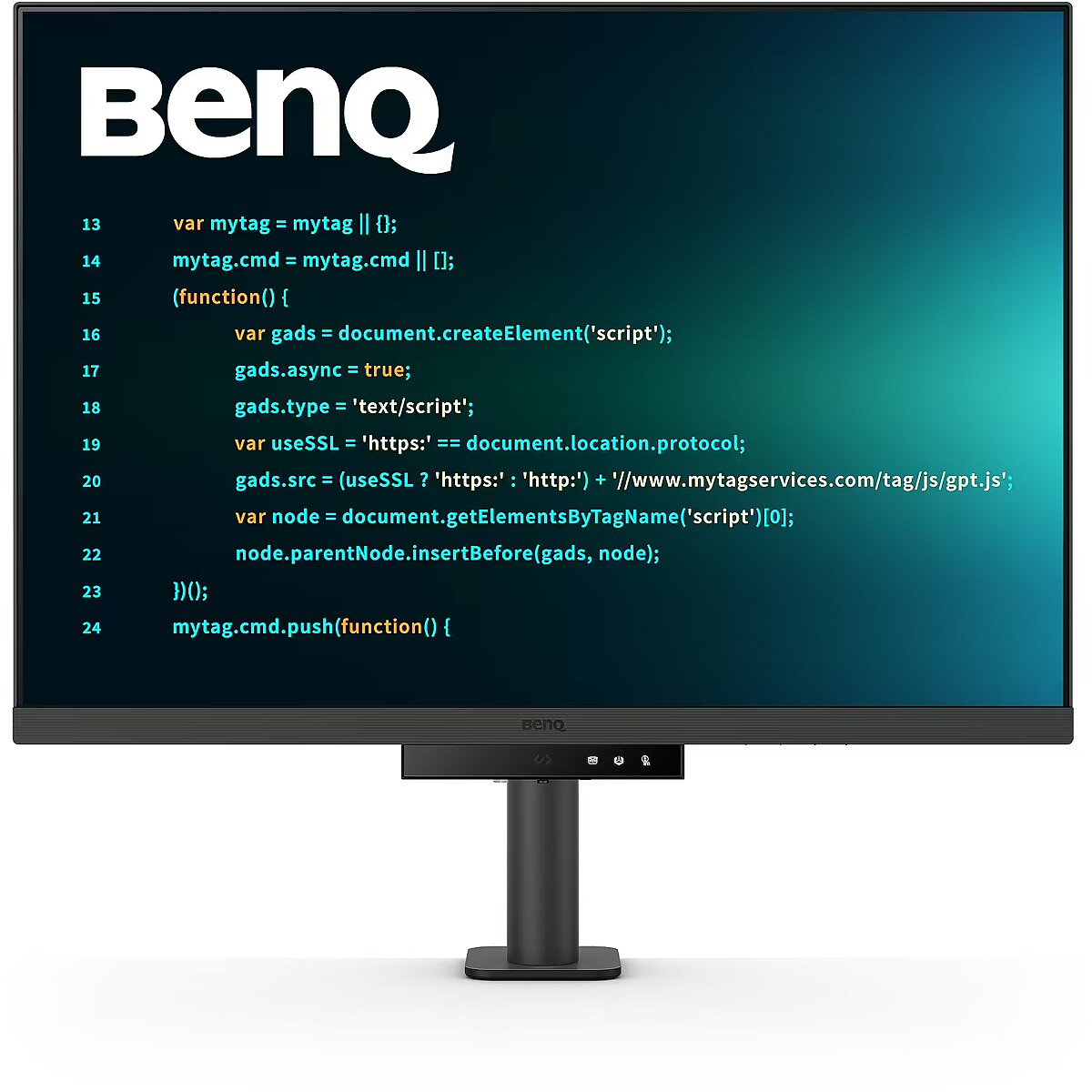
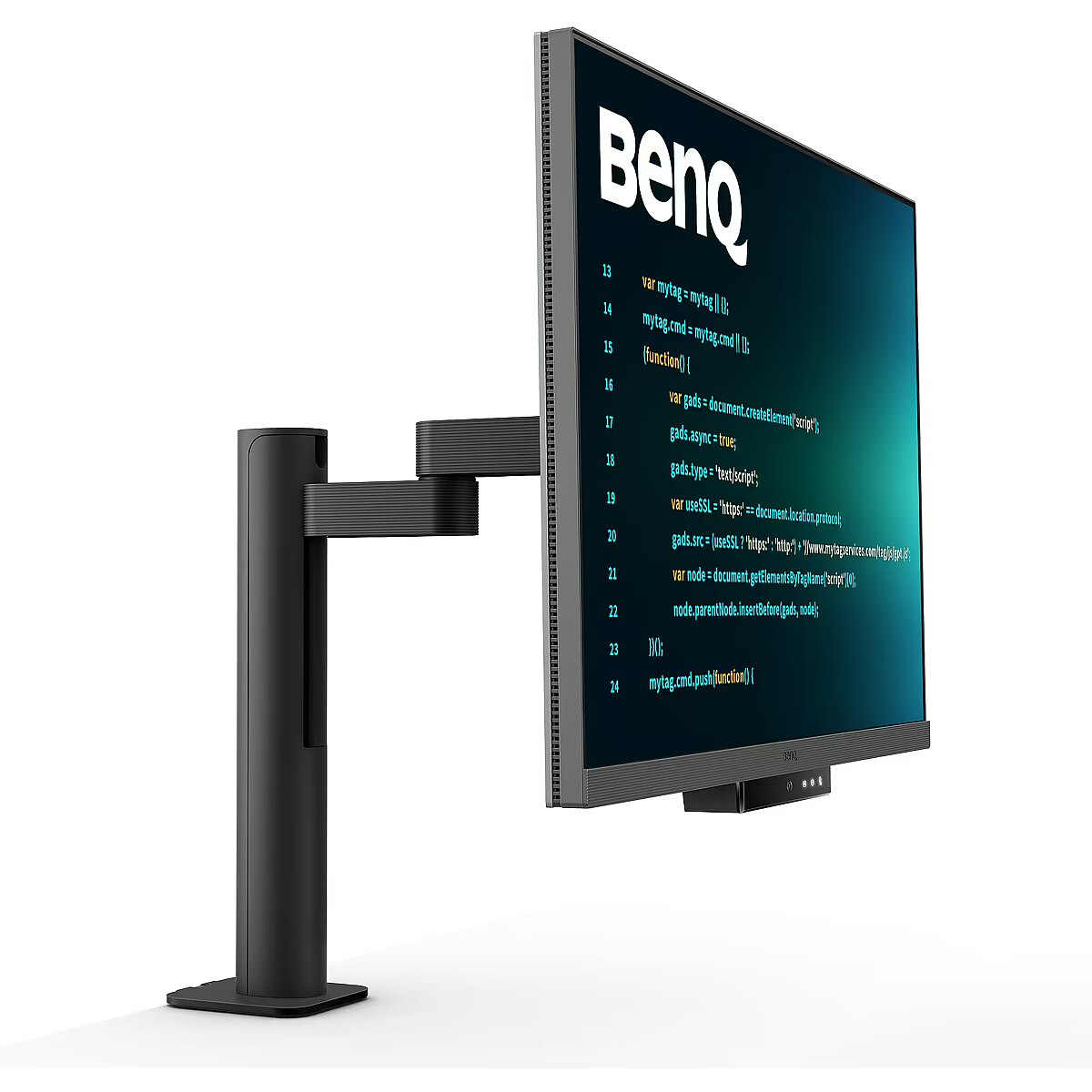
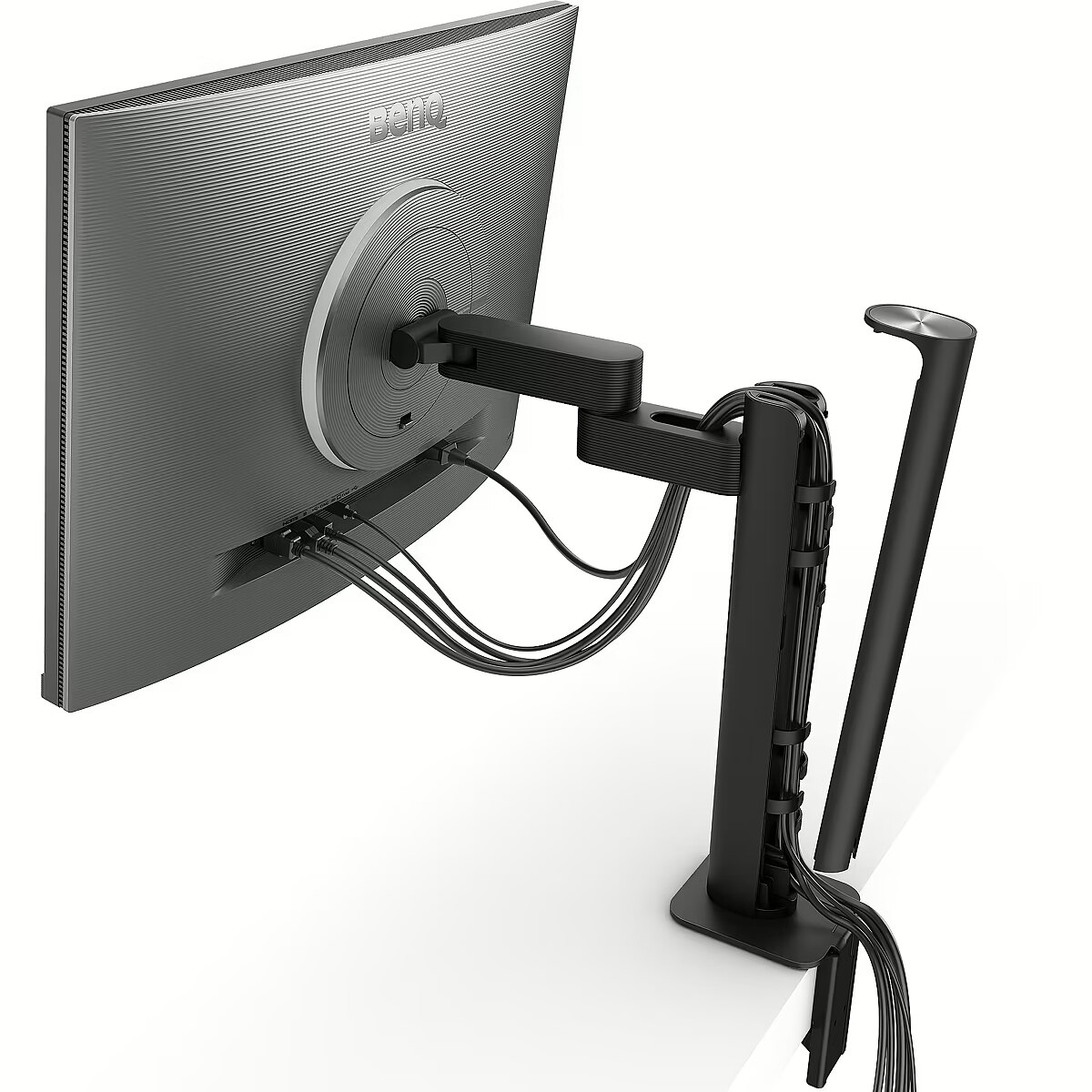
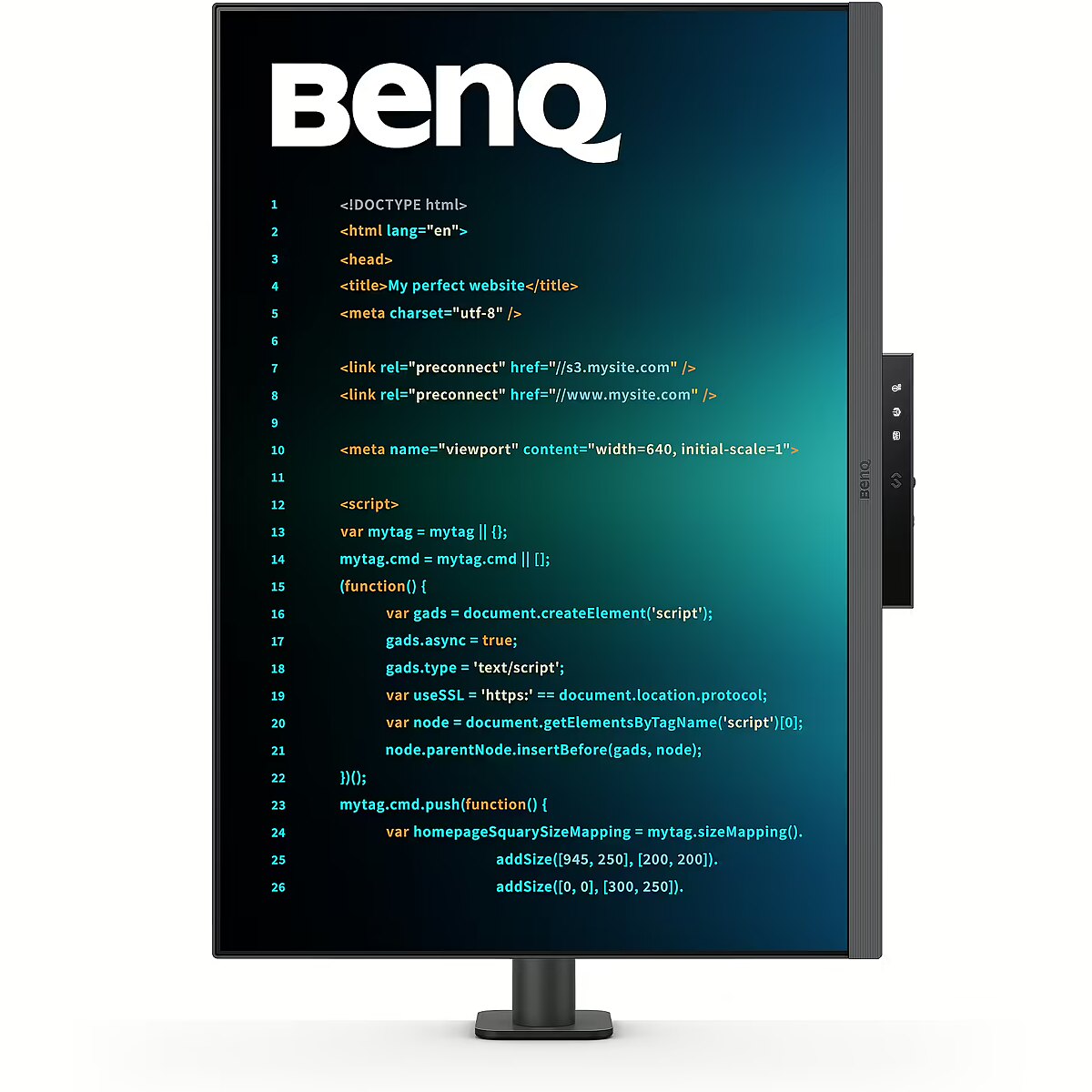
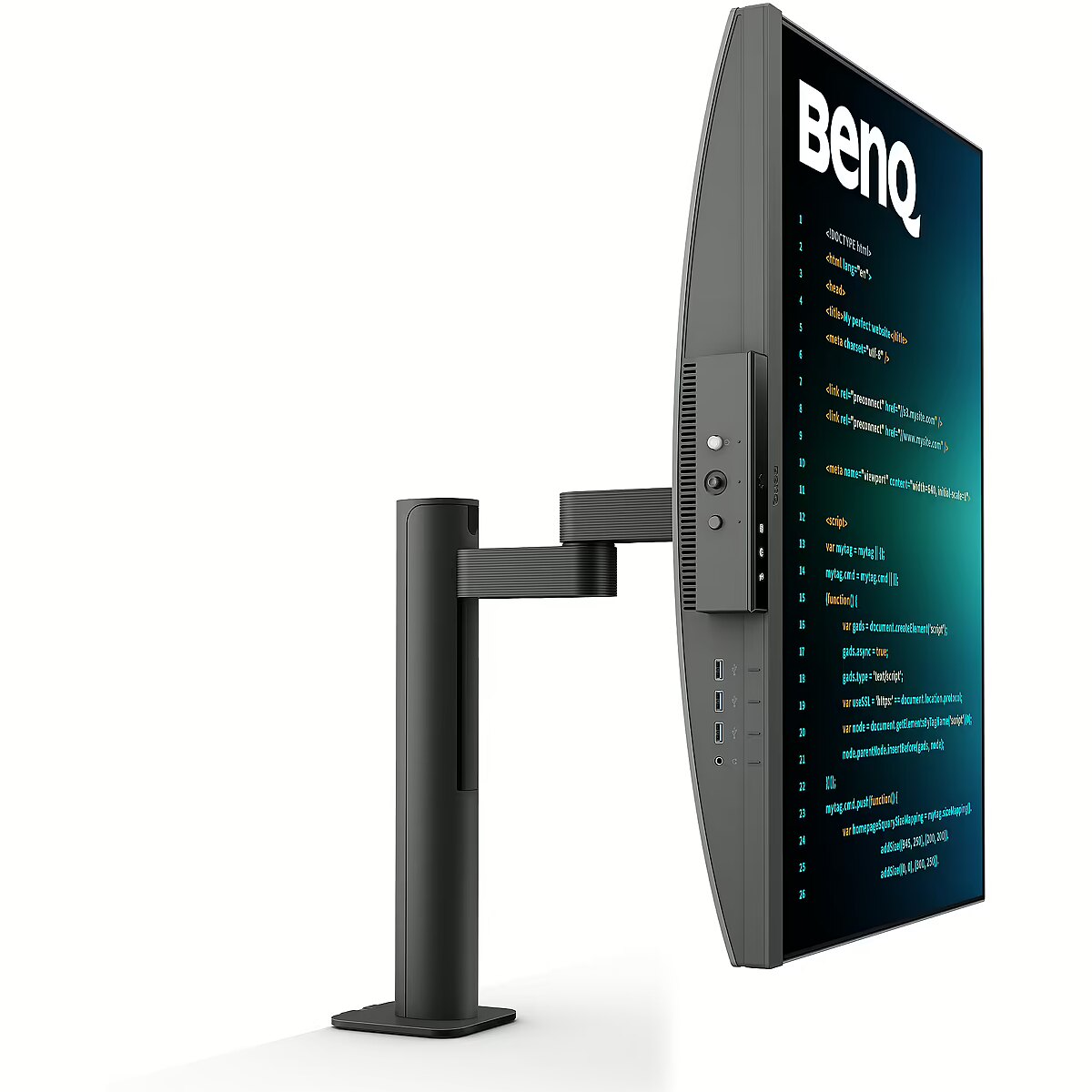
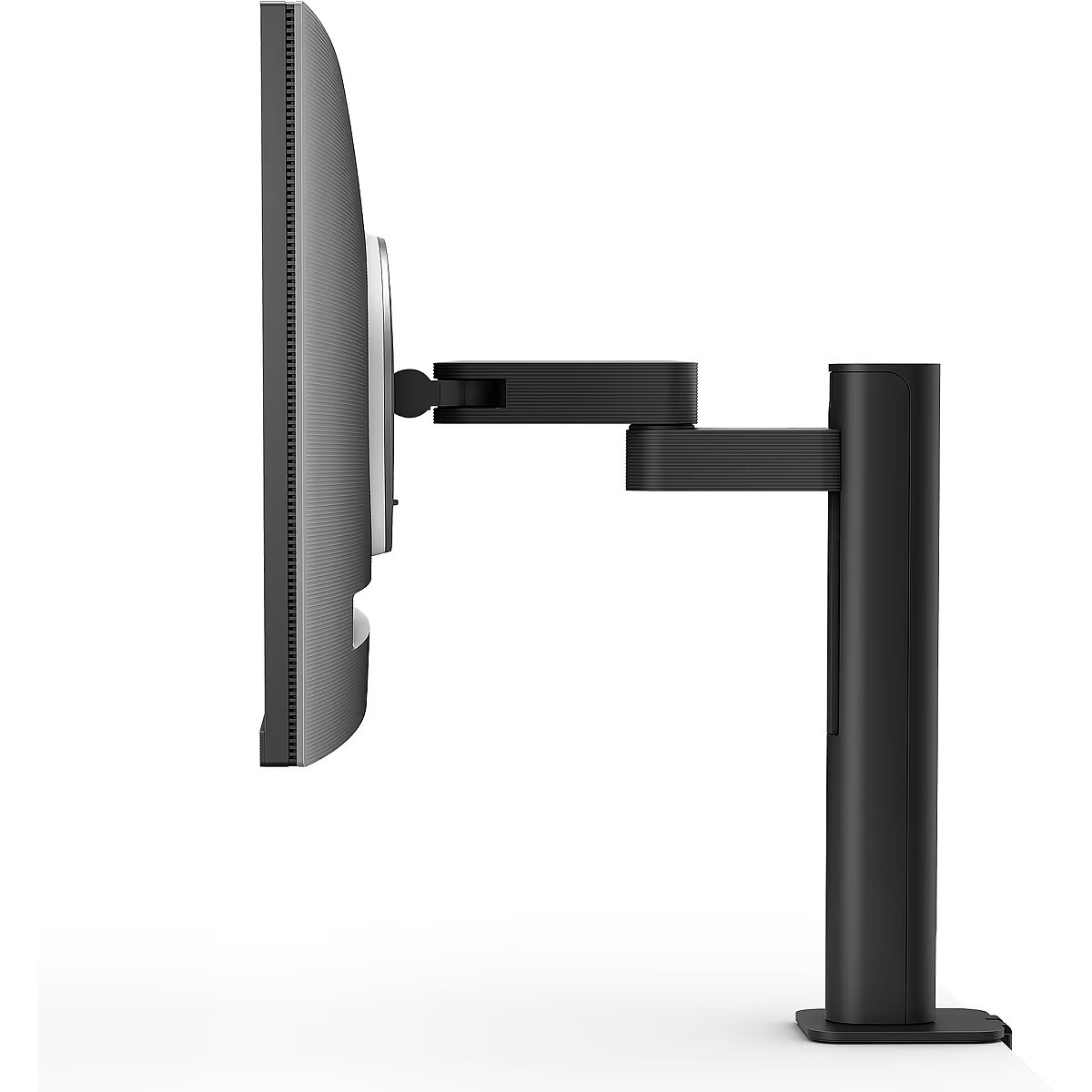
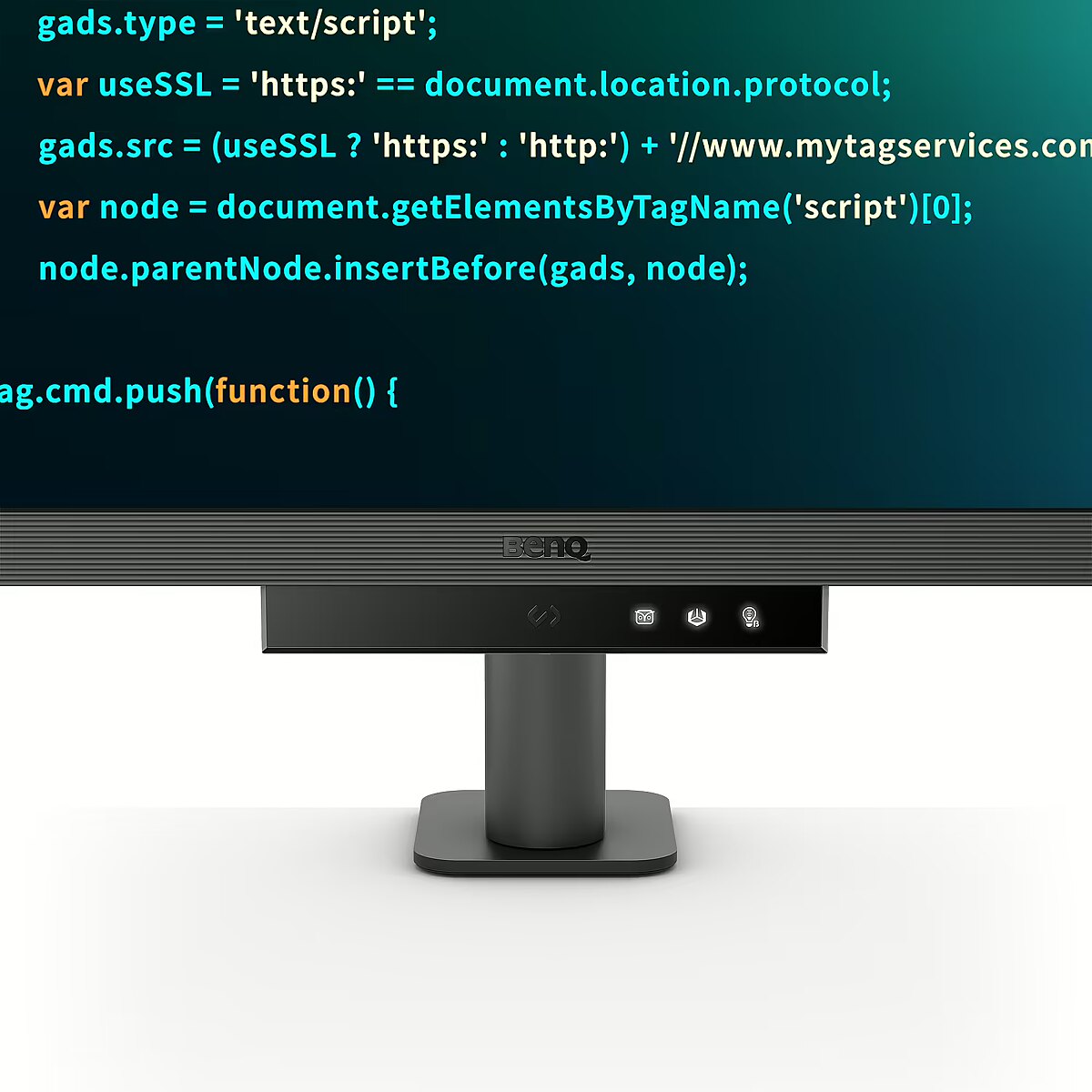
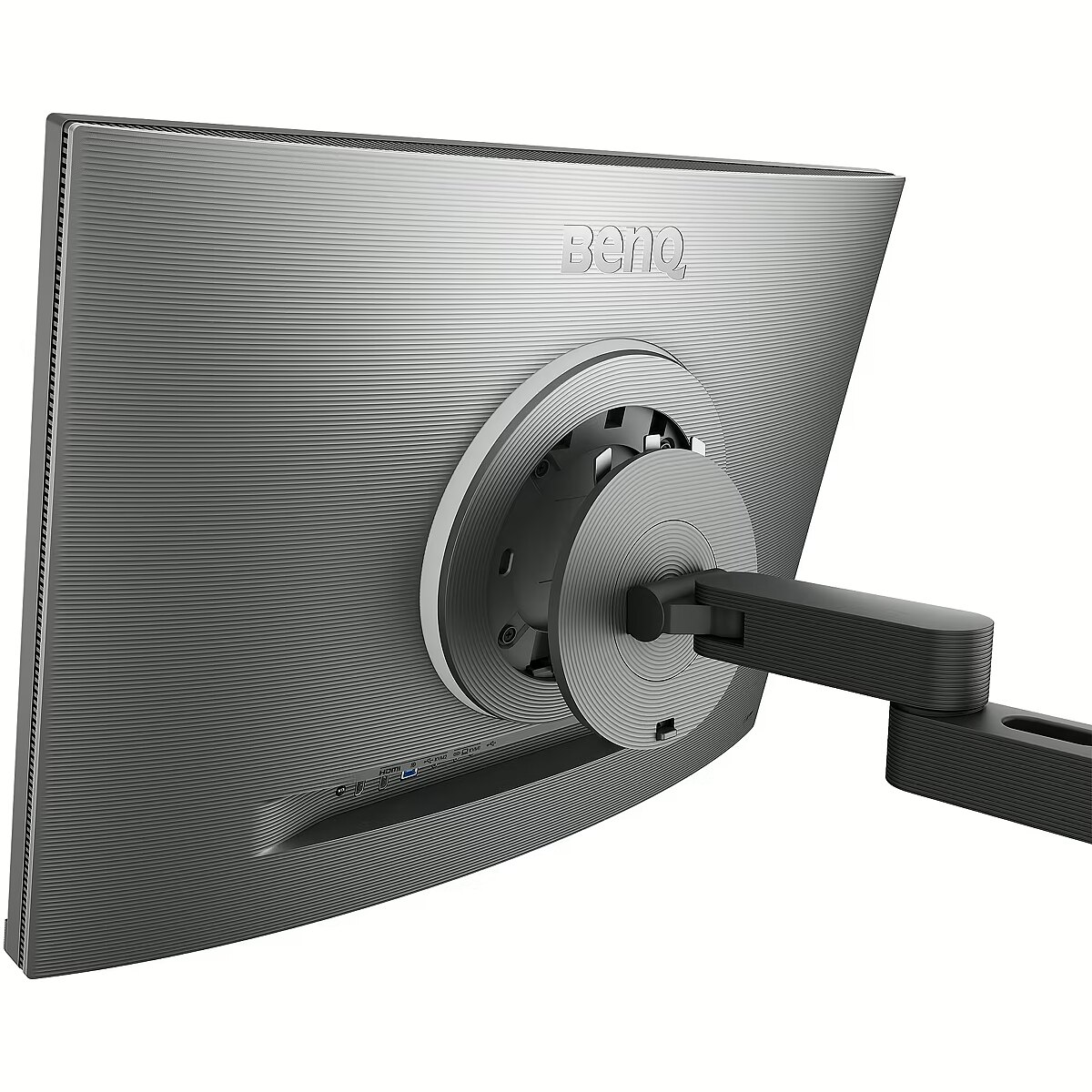
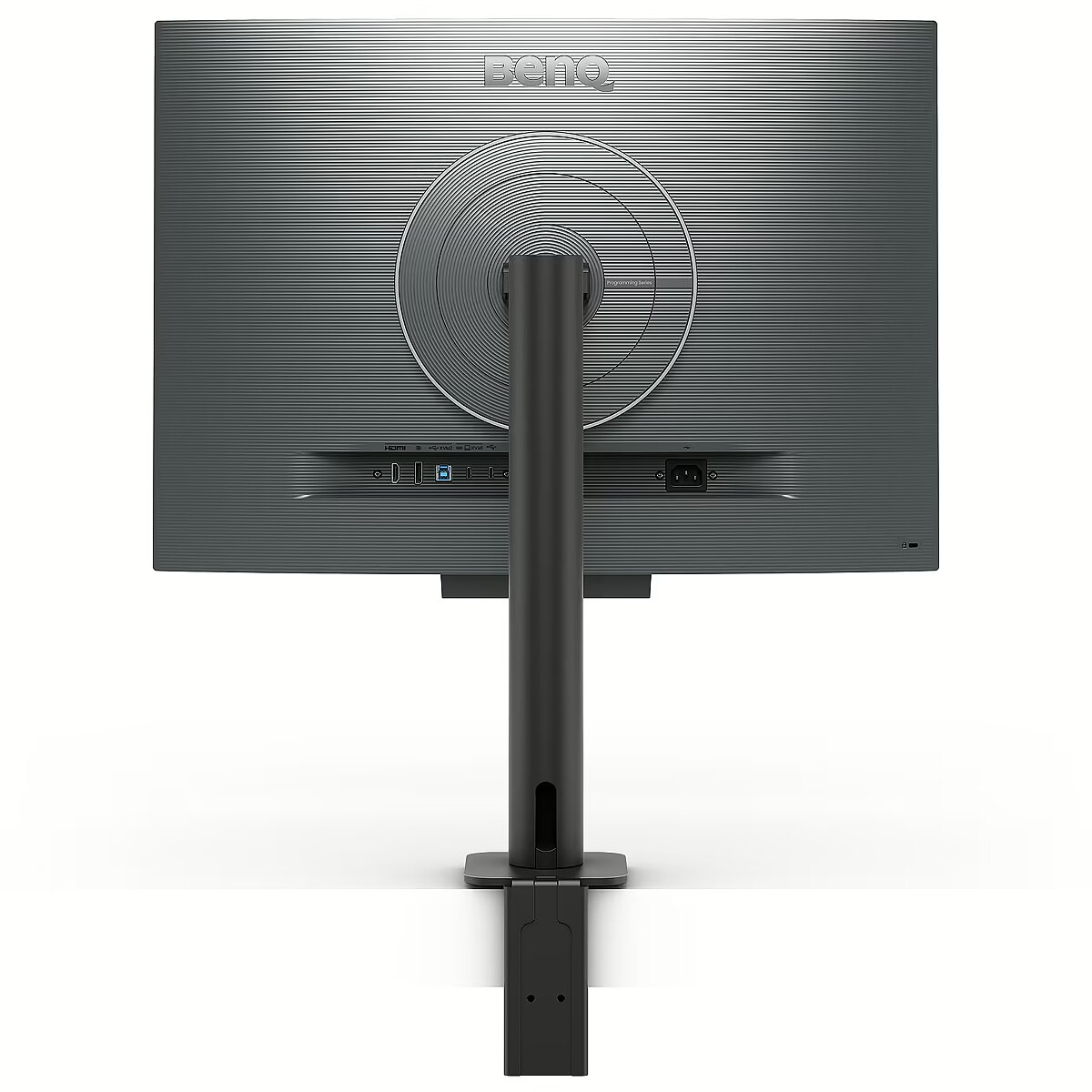
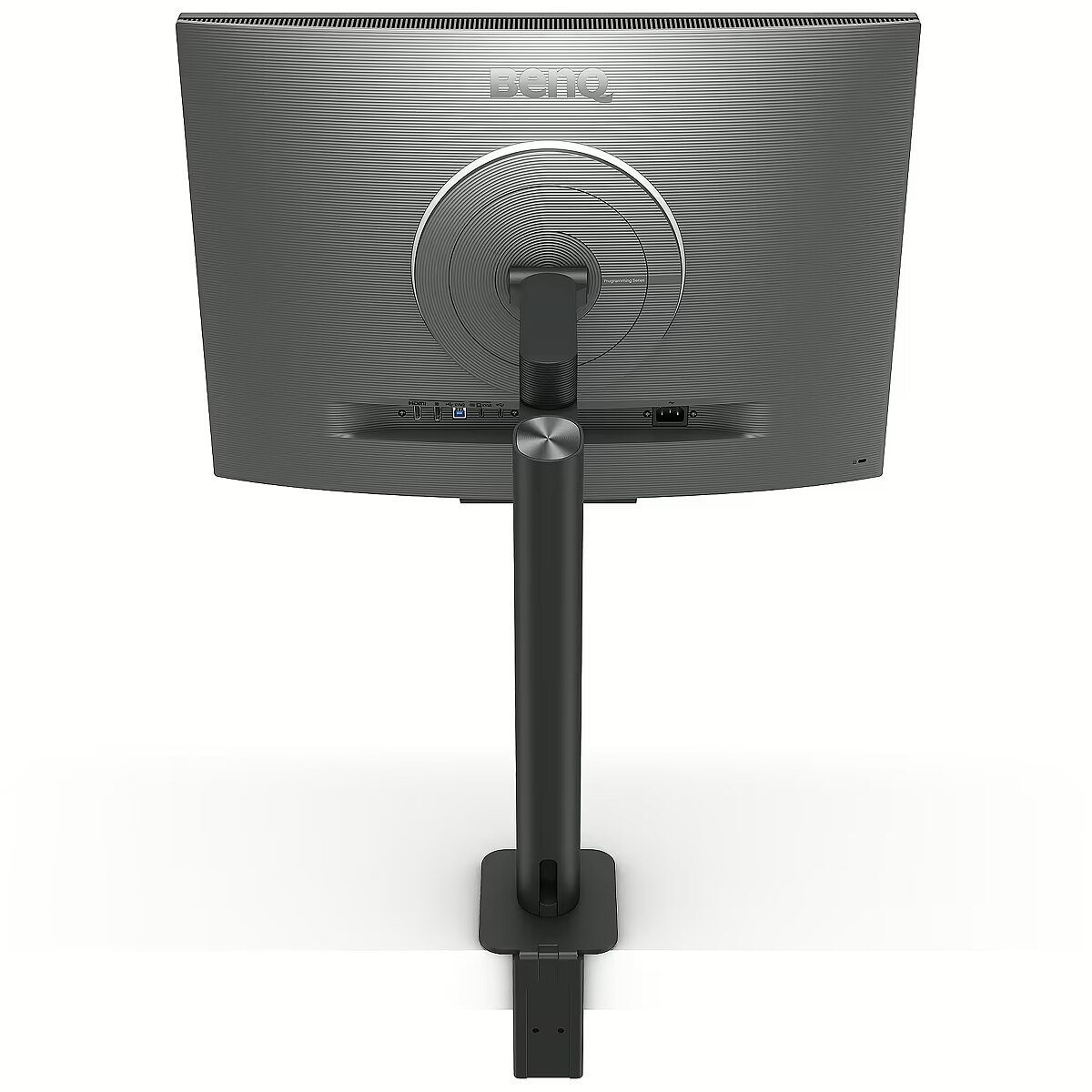
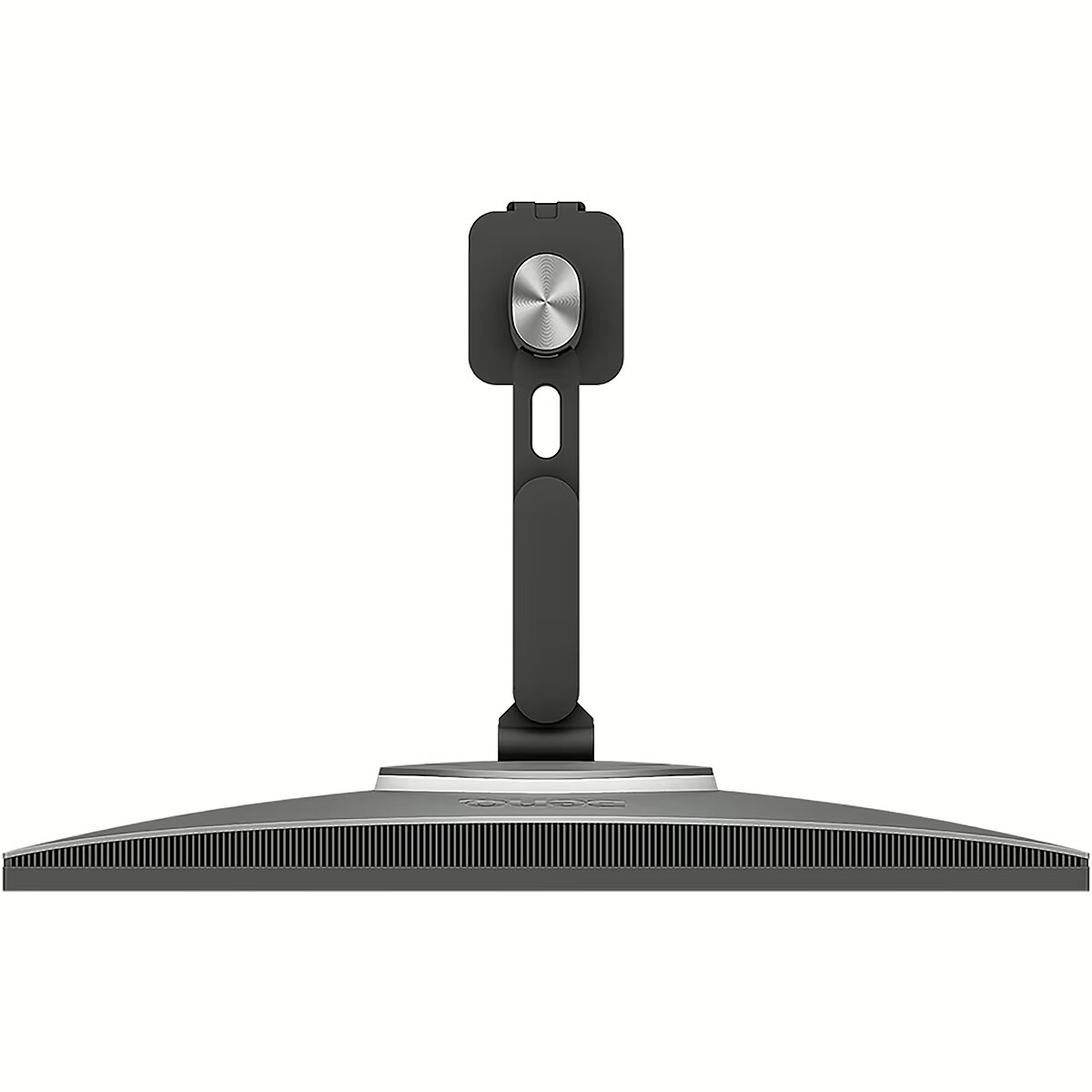
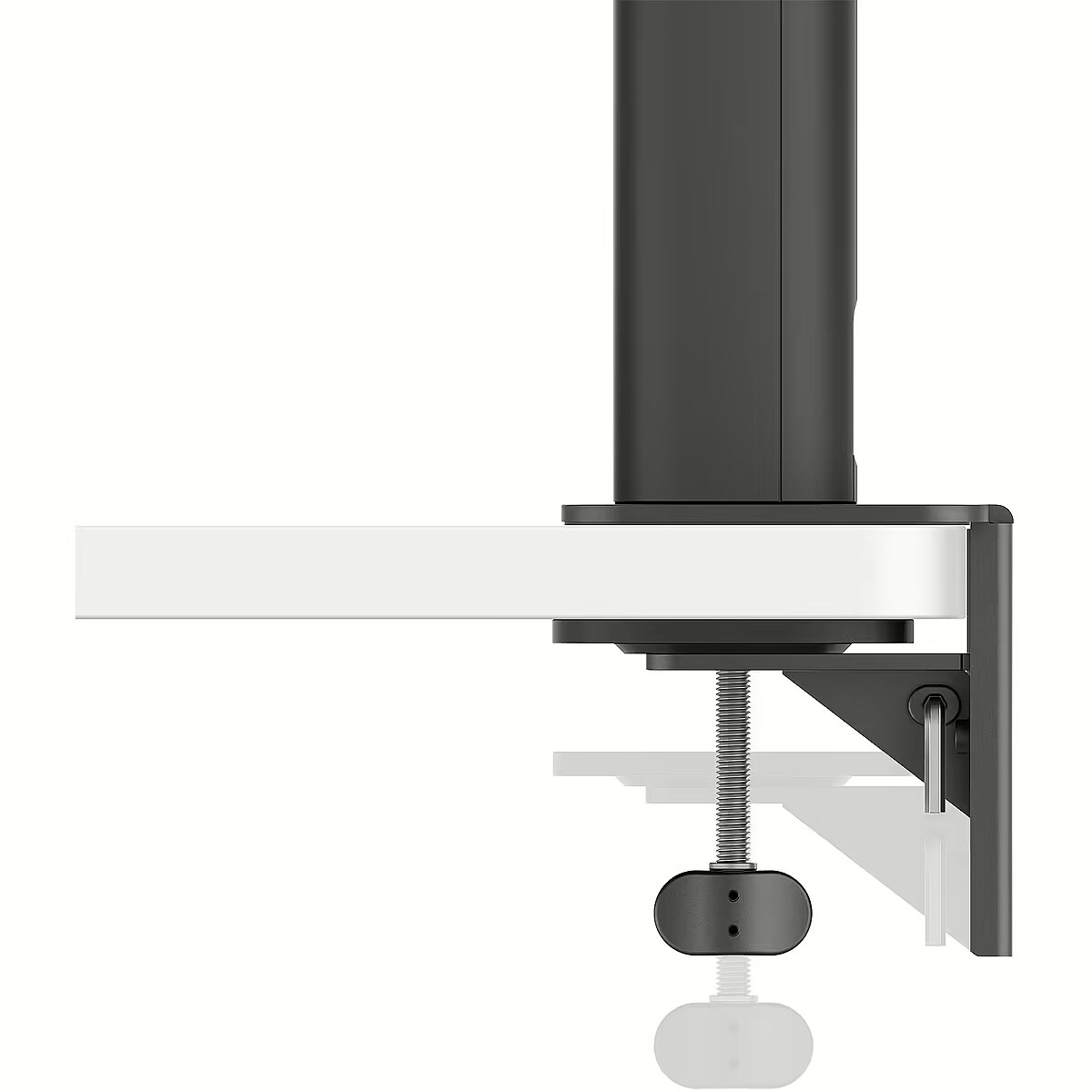
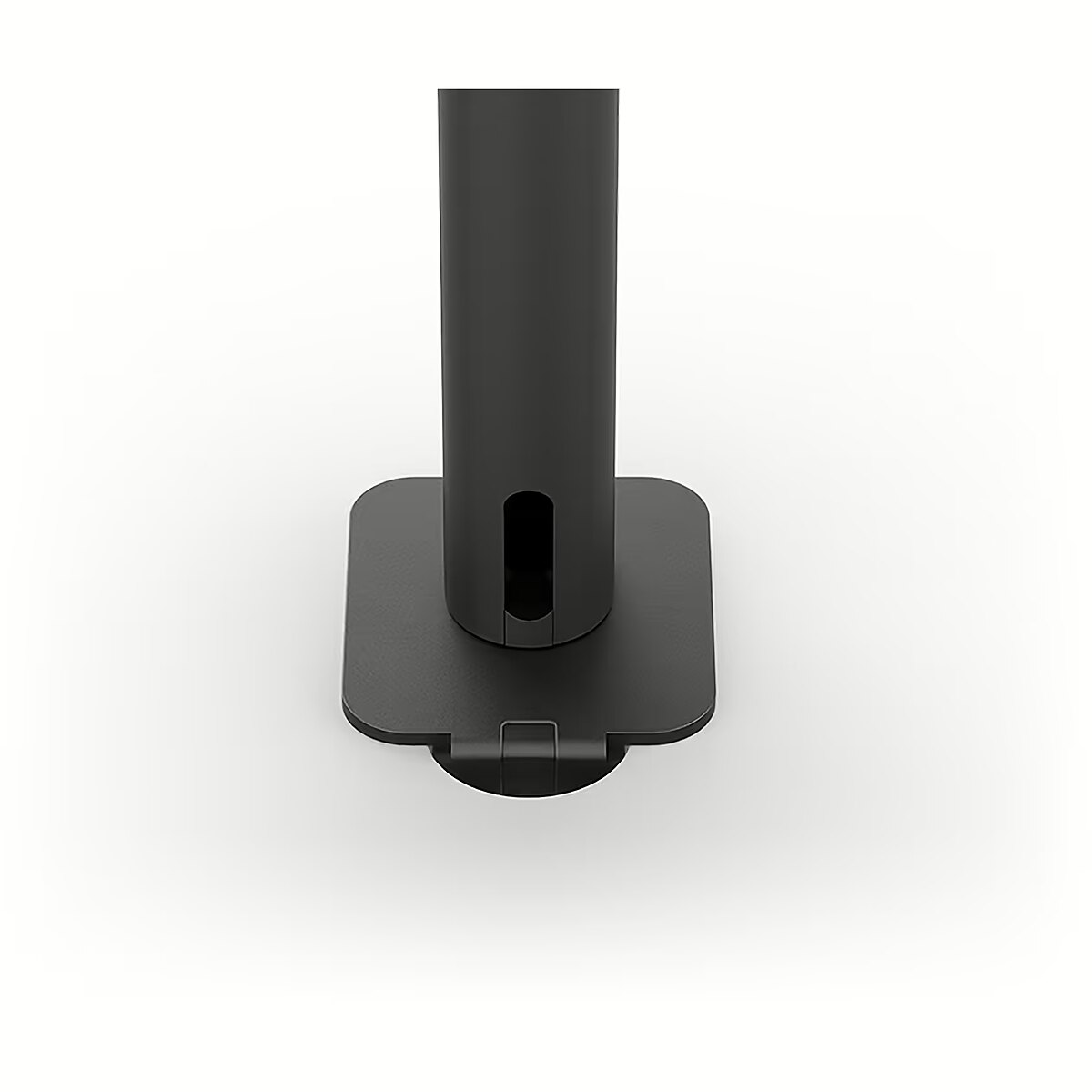
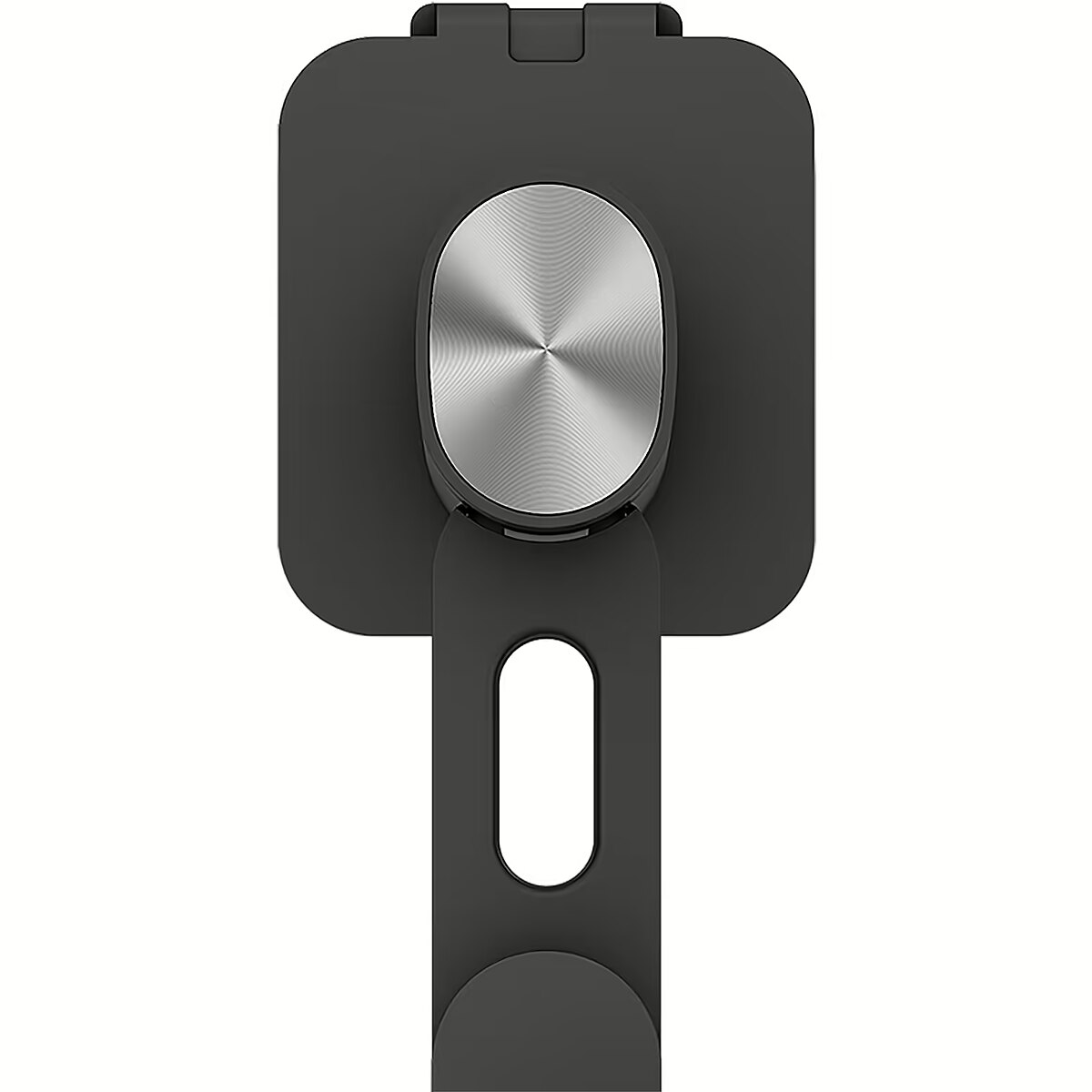
Description - Krystalicznie czyste kodowanie, jasność bez odblasków Stworzone dla programistów: Monitory programistyczne BenQ umożliwiają pełne zanurzenie się w kodzie, niezależnie od tego, gdzie się znajdujesz. Innowacyjny panel BenQ Nano Matte Wprowadź kodowanie w ciągu kilku sekund dzięki panelowi Nano Matte. Dzięki właściwości niskiego odbicia, aby zminimalizować rozproszenie, ta zaawansowana technologia poprawia koncentrację. Wyższe różnicowanie kodu Zaawansowane tryby kodowania BenQ gwarantują krystalicznie czyste czcionki i lepsze rozróżnianie kodu, zmniejszając zmęczenie oczu podczas długotrwałego użytkowania. Koduj wygodnie i wydajnie Oferuje zarówno ciemne, jak i jasne motywy dla adaptowalnych środowisk kodowania. Szybko dostosuj jasność, ostrość i kontrast, aby uzyskać optymalne warunki kodowania. Skup się w dowolnym momencie dzięki MoonHalo Poznaj MoonHalo firmy BenQ - system oświetlenia wbudowany z tyłu monitora. Możliwość dostosowania temperatury barwowej, jasności i trybów oświetlenia, a także funkcja automatycznego przyciemniania obsługiwana przez B.I. Gen2, MoonHalo zapewnia optymalną ochronę oczu i koncentrację w dowolnym momencie, niezależnie od tego, czy pracujesz w domu, czy w biurze. Przejmij kontrolę nad ustawieniami wyświetlacza za pomocą Display Pilot 2 Oprogramowanie Display Pilot 2 zapewnia pełną kontrolę nad ustawieniami wyświetlacza. Użytkownicy mogą z łatwością ustawić preferowane funkcje, w tym sterowanie MoonHalo, skróty, partycję pulpitu, tryb aplikacji, przyciemnianie programowe, tryb okołodobowy i inne. Przypisz różne tryby do aplikacji Tryb aplikacji ułatwia przypisywanie różnych trybów kolorów i zapamiętuje często używane ustawienia dla przyszłych aplikacji. Połącz swoje IDE z zaawansowanymi trybami kodowania serii RD, aby uzyskać najlepszy przepływ pracy! Tryb okołodobowy zapewnia wygodę oczu BenQ Low Blue Light Plus zawiera tryb okołodobowy, który automatycznie dostosowuje temperaturę barwową ekranu w ciągu dnia, odzwierciedlając naturalny cykl od wschodu do zachodu słońca. Ciesz się komfortem oczu bez obaw. Zwiększ wydajność dzięki skrótom Display Pilot 2 Ekskluzywne skróty umożliwiają łatwe powiązanie często używanych funkcji z klawiszami skrótu. Dzięki Display Pilot 2 kopiowanie i wklejanie skrótów nie jest już ograniczone do jednego zestawu na raz; wygodnie zapamiętuje dwa zestawy treści jednocześnie. Monitoruj ergonomię dla swojego komfortu Wzbogać swoje miejsce pracy z kodowaniem dzięki możliwościom regulacji wysokości, pochylenia i obrotu monitora, co zapewnia optymalną wydajność i wygodę. Optymalna postawa, doskonała wydajność Uwolnij długotrwałe bóle szyi i ciała. Monitory programujące BenQ traktują priorytetowo Twój komfort w przypadku długoterminowych projektów. Uchwyt Ergo Arm: biurka programistów z nieskończoną elastycznością Ramię BenQ Ergo Arm zwiększa elastyczność i zapewnia optymalną pozycję ekranu, zapewniając wygodę i produktywność użytkownika. Niekończące się horyzonty, intuicyjne przepływy pracy Niezależnie od tego, czy jest to integracja wielu ekranów, czy porównywanie danych na jednym ekranie, monitor programowania BenQ spełnia Twoje potrzeby w zakresie wielozadaniowości. Osiągaj więcej i przewijaj mniej Dzięki rzadkiej konstrukcji o współczynniku 3:2, RD280UA został stworzony dla programistów, aby zapewnić im szerokie pole widzenia. Bezproblemowa łączność dzięki łatwemu podłączaniu Monitory do programowania BenQ oferują wiele opcji portów, w tym USB-C do połączeń typu wszystko w jednym. Maksymalna wydajność, wielozadaniowość z łatwością Maksymalna wydajność dzięki ujednoliconej integracji z różnorodnymi urządzeniami i wbudowanemu KVM (klawiatura, wideo, mysz) do płynnego przełączania źródeł. Połączenie szeregowe z portem USB typu C o mocy 90 W Technologia transportu wielostrumieniowego umożliwia rozszerzenie ekranów na wiele wyświetlaczy za pomocą złącza USB typu C. USB Type-C o mocy 90 W bezproblemowo przesyła obrazy, filmy i inne dane, a także ładuje urządzenia mobilne w tym samym czasie, a wszystko to za pomocą jednego kabla. Pamiętaj, że urządzenia Mac i MacBook obsługują tylko połączenie łańcuchowe przez Thunderbolt. Połączenie łańcuchowe nie jest obsługiwane przez złącze HDMI ani przy użyciu zwykłych portów USB na żadnym urządzeniu. Ponadto można podłączyć tylko jeden wyświetlacz zewnętrzny za pomocą urządzenia Mac z chipami M1 lub M2. Więcej informacji na temat podłączania różnych modeli urządzeń Mac do wyświetlaczy zewnętrznych można znaleźć w witrynie Apple. Klawisz skrótu kodowania i pasek funkcji Bez wysiłku zwiększ produktywność dzięki naszemu unikalnemu klawiszowi skrótu kodowania i paskowi funkcyjnemu. Dzięki szybkiemu naciśnięciu Coding HotKey w sercu paska funkcyjnego możesz natychmiast zanurzyć się w świecie kodowania. Utrzymuj oczy bez zmęczenia Doświadcz niezrównanego komfortu oczu w godzinach nocnych dzięki naszej ochronie Night Hours i zaawansowanej inteligencji jasności Gen2. Technologia BenQ Eye-Care ma na celu poprawę komfortu widzenia. Night Hours Protection Skorzystaj z technologii minimalnej jasności, aby zmniejszyć zmęczenie oczu i odkryj lepszą ochronę oczu w nocy dzięki naszej ochronie Night Hours. Inteligentne wykrywanie światła otoczenia i funkcje automatycznego przełączania wymagają minimalnej interwencji użytkownika, zapewniając łatwą i stałą ochronę oczu. Brightness Intelligence 2 BenQ B.I. Gen2 automatycznie wykrywa jasność w pomieszczeniu i dostosowuje jasność ekranu, zapewniając jednocześnie opcję ręcznego dostrojenia jasności. Koduj świeżym wzrokiem Posiadanie certyfikatu TUV Reflection Free zapewnia kodowanie przy minimalnej liczbie elementów rozpraszających, co sprzyja jaśniejszemu i wydajniejszemu procesowi programowania. Globalny organ ds. bezpieczeństwa TÜV Rheinland potwierdza również, że technologia Low Blue Light RD280UA jest naprawdę przyjazna dla ludzkiego oka. Certyfikat Eyesafe 2.0 gwarantuje, że wyświetlacz redukuje niebieskie światło, zachowując jednocześnie żywe kolory. Zielone zaangażowanie BenQ: wizja zrównoważonego rozwoju BenQ przy opracowywaniu naszych produktów traktuje priorytetowo praktyki przyjazne dla środowiska, podkreślając nasze zaangażowanie w zrównoważony rozwój. Monitory programujące BenQ wykorzystują technologię przyjazną dla środowiska, materiały pochodzące z recyklingu i energooszczędną konstrukcję.
Design - Market positioning - Business
Design - Product colour - Black
Designation - CE+WEEE
dimension depth - 775 mm
dimension height - 510 mm
dimension weight - 17000 g
dimension width - 275 mm
Display - Anti-glare screen - Yes
Display - Colour gamut - 95%
Display - Colour gamut standard - DCI-P3
Display - Contrast ratio (typical) - 1200:1
Display - Display brightness (peak) - 400 cd/m²
Display - Display brightness (typical) - 350 cd/m²
Display - Display diagonal - 71.6 cm (28.2")
Display - Display diagonal (metric) - 72 cm
Display - Display number of colours - 1.07 billion colours
Display - Display resolution - 3840 x 2560 pixels
Display - HD type - 4K Ultra HD
Display - High Dynamic Range (HDR) supported - Yes
Display - High Dynamic Range (HDR) technology - DisplayHDR 400, High Dynamic Range 10 (HDR10)
Display - LED backlight - Yes
Display - Maximum refresh rate - 60 Hz
Display - Native aspect ratio - 3:2
Display - Panel type - IPS
Display - Pixel density - 164 ppi
Display - Response time - 5 ms
Display - Screen shape - Flat
Display - Touchscreen - No
Display - Viewing angle, horizontal - 178°
Display - Viewing angle, vertical - 178°
Display surface - Matt
Dodatkowe informacje o matrycy: Format obrazu - 3:2
Dodatkowe informacje o matrycy: Kontrast - 1200:1
Dodatkowe informacje o matrycy: Kąt widzenia w pionie - 178 °
Dodatkowe informacje o matrycy: Kąt widzenia w poziomie - 178 °
Dodatkowe informacje o matrycy: Liczba wyświetlanych kolorów - 1070 mln
ean - 4718755093302
EAN - 4718755093302
Eans - 4718755093302
Efektywność energetyczna: Klasa energetyczna - G
Efektywność energetyczna: Zużycie energii w trybie pracy - 34 W
Energy class - G
Energy label - Pobierz
Ergonomics - Adjustable height (max) - 13 cm
Ergonomics - Cable lock slot - No
Ergonomics - Height adjustment - Yes
Ergonomics - On Screen Display (OSD) - Yes
Ergonomics - On Screen Display (OSD) languages - Arabic, Simplified Chinese, Traditional Chinese, Czech, German, Dutch, English, Spanish, French, Hungarian, Italian, Japanese, Korean, Polish, Portuguese, Romanian, Russian, Swedish
Ergonomics - Panel mounting interface - 100 x 100 mm
Ergonomics - Pivot - Yes
Ergonomics - Pivot angle - 0 - 90°
Ergonomics - Swivel angle range - -275 - 275°
Ergonomics - Swivelling - Yes
Ergonomics - Tilt adjustment - Yes
Ergonomics - Tilt angle range - -5 - 30°
Ergonomics - VESA mounting - Yes
Ergonomics - Wall mountable - Yes
GTIN - 4718755093302
guarantee - 24
guarantee_type - external
Height - 602.2 mm
Height (max) - 732.2 mm
Height adjustment - Yes
Height adjustment range - 130 mm
I/O connectors - 1 x 3,5 mm minijack
I/O connectors - 1 x DisplayPort
I/O connectors - 1 x HDMI
I/O connectors - 1 x USB (Type B)
I/O connectors - 2 x USB 3.2 Type-C Gen 1
I/O connectors - 3 x USB 3.2 Type-A Gen 1
Informacje podstawowe: Moc głośników - 2 x 2W
Informacje podstawowe: Standard HDR - HDR400
LongDesc - Astonishing Clarity for the Ultimate Coding ExperienceCrystal-Clear Coding, Glare-Free BrillianceCrafted for Programmers: BenQ Programming Monitors offer you full immersion in your code no matter where you are.Empowering Programmers with BenQ Nano Matte PanelEnter the coding flow in seconds with the Nano Matte Panel. Featuring a low reflection property to minimize distractions, this advanced technology enhances focus and boosts productivity, delivering unparalleled clarity for peak performance.Superior Code DifferentiationBenQ's advanced coding modes ensure crystal-clear fonts and improved code differentiation, reducing eye strain during prolonged use.Code with Comfort and EfficiencyOffer both dark and light themes for adaptable coding environments. Swiftly adjust brightness, sharpness, and contrast for optimal coding conditions.Experience Focus Anytime with MoonHaloExperience MoonHalo by BenQ – an illumination system built into the back of the monitor. With customizable color temperature, brightness, and light modes, along with Auto Dimming powered by B.I. Gen2, MoonHalo ensures optimal eye protection and focus anytime, whether you're working from home or the office.Take Control of Display Settings with Display Pilot 2The Display Pilot 2 software gives you complete control of your display settings. Users can set their preferred functions with ease, including MoonHalo Control, Shortcuts, Desktop Partition, Application Mode, Software Dimming, Circadian Mode, and more.Assign Different Modes to ApplicationsApplication Mode makes it easy to assign different color modes and remembers your frequently-used settings for upcoming applications. Bind your IDE with the RD series’ advanced coding modes for the ultimate workflow!Intelligent Circadian Displays for Comfortable EyesBenQ Low Blue Light Plus includes Circadian Mode, which automatically adjusts your screen's color temperature throughout the day, mirroring the natural sunrise to sunset cycle. Enjoy eye comfort worry-free.Boost Efficiency with Display Pilot 2 ShortcutsExclusive Shortcuts allows you to easily bind commonly used functions to the hotkeys. With Display Pilot 2, copying and pasting shortcuts is no longer limited to one set at a time; it conveniently remembers two sets of content at once.Monitor Ergonomics for Your ComfortEnhance your coding workspace with the monitor's adjustable height, tilt, pivot, and swivel capabilities for optimal efficiency and comfort.Optimal Posture, Superior OutputRelieve prolonged neck and body aches. BenQ Programming Monitors prioritize your comfort for long-term projects.Ergo Arm Stand : Elevating Coders' Desks with Infinite FlexibilityBenQ Ergo Arm enhances flexibility and provides the optimal screen position for a more comfortable and productive user experience.Endless Horizons, Intuitive WorkflowsWhether it's multi-screen integration or single-screen data comparison, a BenQ Programming Monitor meets your multitasking needs.Achieve More and Scroll LessWith a rare 3:2 ratio design, RD280UA is crafted for coders to provide them with an expansive field of view.Seamless Connectivity with Easy Plug and PlayBenQ Programming Monitors offer ample port options, including USB Type-C for all-in-one connectivity.Maximum Efficiency, Multitask with EaseMaximum efficiency through unified integration with diverse devices and built-in KVM (keyboard, video, mouse) for seamless source switching.Daisy Chain with the 90W USB Type-CMulti-Stream Transport Technology allows you to extend screens across multiple displays using the USB Type-C. The 90W USB Type-C carries images, videos, and other data seamlessly plus charges your mobile devices at the same time all with one cable. Please note that Mac® and MacBook® devices only support daisy chaining via Thunderbolt. Daisy chaining is not supported via HDMI or using regular USB ports on any device. Also, you can only connect a single external display using a Mac device with the M1 or M2 chips. For more information about connecting different models of Mac devices to external displays, please refer to the Apple website.Coding Hotkey and Function BarEffortlessly boost productivity with our unique Coding HotKey and Function Bar. With a swift press of the Coding HotKey at the heart of the function bar you can immerse yourself instantly into the coding realm.Keep Your Eyes Fatigue-FreeExperience unmatched eye comfort during night hours with our Night Hours Protection and advanced Brightness Intelligence Gen2. BenQ Eye-Care Technology is dedicated to enhancing your visual comfort.Night Hours ProtectionBenefit from minimum brightness technology for reduced eye strain and discover enhanced eye protection at night with our Night Hours Protection. Its intelligent ambient light detection and auto-switch capabilities require minimal user intervention, ensuring effortless and consistent eye care.Brightness Intelligence Gen2BenQ B.I. Gen2 automatically detects the brightness in your room and adjusts the screen brightness, while also providing the option to manually fine-tune the brightness.TUV Reflection Free Certified to Ensure Coding with Refreshed EyesBeing TUV Reflection Free Certificated ensures coding with minimized distractions, fostering a clearer and more efficient development process. Global safety authority TÜV Rheinland also certifies RD280UA's Low Blue Light as truly friendly to the human eye. Eyesafe 2.0 certification ensures that the display reduces blue light while maintaining vivid color.
LongProductName - RD280UA
LongSummaryDescription - BenQ RD280UA. Display diagonal: 71.6 cm (28.2"), Display resolution: 3840 x 2560 pixels, HD type: 4K Ultra HD, Response time: 5 ms, Native aspect ratio: 3:2, Viewing angle, horizontal: 178°, Viewing angle, vertical: 178°. Built-in speaker(s). Built-in USB hub, USB hub version: 3.2 Gen 1 (3.1 Gen 1). VESA mounting, Height adjustment. Product colour: Black
Manufacturer - BenQ Deutschland
Matrix type - TFT IPS
Model - RD280UA
MPN - 9H.LM2LJ.TBE
Multimedia - Built-in camera - No
Multimedia - Built-in speaker(s) - Yes
Multimedia - Number of speakers - 2
Multimedia - RMS rated power - 4 W
Name - BenQ 71.6cm RD280UA 3:2 HDMI/USB-C/DP sil. ErgoArm UHD
Name - BenQ RD280UA - 60Hz | 3840 x 2560 | 28.2'' | IPS | 5ms
name - Monitor 28 inches RD280UA 4K IPS 5ms/IPS/1200:1/HDMI/DP
Number of colors - 1,07 mld
Ochrona oczu: Filtr światła niebieskiego - tak
Ochrona oczu: Redukcja migotania - tak
Optional accessory -
Other features -
Packaging content - Bundled software - Display Pilot 2
Packaging content - Quick start guide - Yes
Performance - Flicker-free technology - Yes
Performance - Low Blue Light technology - Yes
Performance - Smart modes - ePaper
Ports & interfaces - Built-in USB hub - Yes
Ports & interfaces - DisplayPorts quantity - 1
Ports & interfaces - DisplayPort version - 1.4
Ports & interfaces - HDCP - Yes
Ports & interfaces - HDCP version - 2.2
Ports & interfaces - HDMI - Yes
Ports & interfaces - HDMI ports quantity - 1
Ports & interfaces - HDMI version - 2.0
Ports & interfaces - Headphone out - Yes
Ports & interfaces - Headphone outputs - 1
Ports & interfaces - Number of USB Type-B upstream ports quantity - 1
Ports & interfaces - USB hub version - 3.2 Gen 1 (3.1 Gen 1)
Ports & interfaces - USB Power Delivery (USB PD) - Yes
Ports & interfaces - USB Power Delivery up to - 90 W
Ports & interfaces - USB Type-A downstream ports quantity - 3
Ports & interfaces - USB Type-C DisplayPort Alternate Mode - Yes
Ports & interfaces - USB Type-C downstream ports quantity - 1
Power - AC input voltage - 100 - 240 V
Power - Energy consumption (HDR) per 1000 hours - 31 kWh
Power - Energy consumption (SDR) per 1000 hours - 29 kWh
Power - Energy efficiency class (HDR) - G
Power - Energy efficiency class (SDR) - G
Power - Energy efficiency scale - A to G
Power - Power consumption (max) - 205 W
Power - Power consumption (off) - 0.3 W
Power - Power consumption (standby) - 0.4 W
Power - Power consumption (typical) - 34 W
Power - Power supply type - Internal
Power consumption - 34 W
Pozostałe cechy: Model - Benq RD0UA
Producent: Nazwa producenta / importera - BenQ
BenQ Europe B.V.
Meerenakkerweg
1-17, 5652 AR Eindhoven, The Netherlands producer - Benq
Producer - BenQ
ProducerCode - 9H.LM2LJ.TBE
ProductName - RD280UA
Refresh rate - 60 Hz
Resolution - 3840 x 2560
Response time - 5 ms
Screen size (diag.) - 28.2"
ShortDescription - 28" | IPS | 3840 x 2160 | 8 ms | 60 Hz | Eye-Care, Pivot, USB-C
ShortSummaryDescription - BenQ RD280UA, 71.6 cm (28.2"), 3840 x 2560 pixels, 4K Ultra HD, 5 ms, Black
Speakers built-in - Yes
Static contrast - 1 200:1
Sustainability - Sustainability certificates - ENERGY STAR, EPEAT Bronze, TCO
TCO Certified - Yes
Title - BenQ RD280UA computer monitor 71.6 cm (28.2") 3840 x 2560 pixels 4K Ultra HD Black
Touch screen - No
Transreflective technology - LED
TV tuner built-in - No
URL - https://www.benq.eu
vendpn - 9H.LM2LJ.TBE
VESA - 100 x 100
Viewing angle, horizontal - 178 °
Viewing angle, vertical - 178 °
Warranty -
WarrantyInfo -
Web camera - None
Weight - 7.5 kg
Weight - 17
Weight & dimensions - Depth (without stand) - 87.1 mm
Weight & dimensions - Depth (with stand) - 476 mm
Weight & dimensions - Height (without stand) - 427.8 mm
Weight & dimensions - Height (with stand) - 602.2 mm
Weight & dimensions - Weight (without stand) - 7.5 kg
Weight & dimensions - Weight (with stand) - 11.4 kg
Weight & dimensions - Width (without stand) - 610.4 mm
Weight & dimensions - Width (with stand) - 610.4 mm
Weight with stand - 11.4 kg
Width - 610.4 mm
WiFi - No
Złącza: Złącza - 1 x DisplayPort
Złącza: Złącza - 1 x HDMI 2.0
Złącza: Złącza - 1 x USB Type-C
Złącza: Złącza - 4 x USB



 DVI is a digital standard and ensures high image quality, however, thanks to the big size of the plug and the inability of the standard to develop further due to a few technical restrictions this type of connection is gradually losing its popularity to modern HDMI and DisplayPort standards.