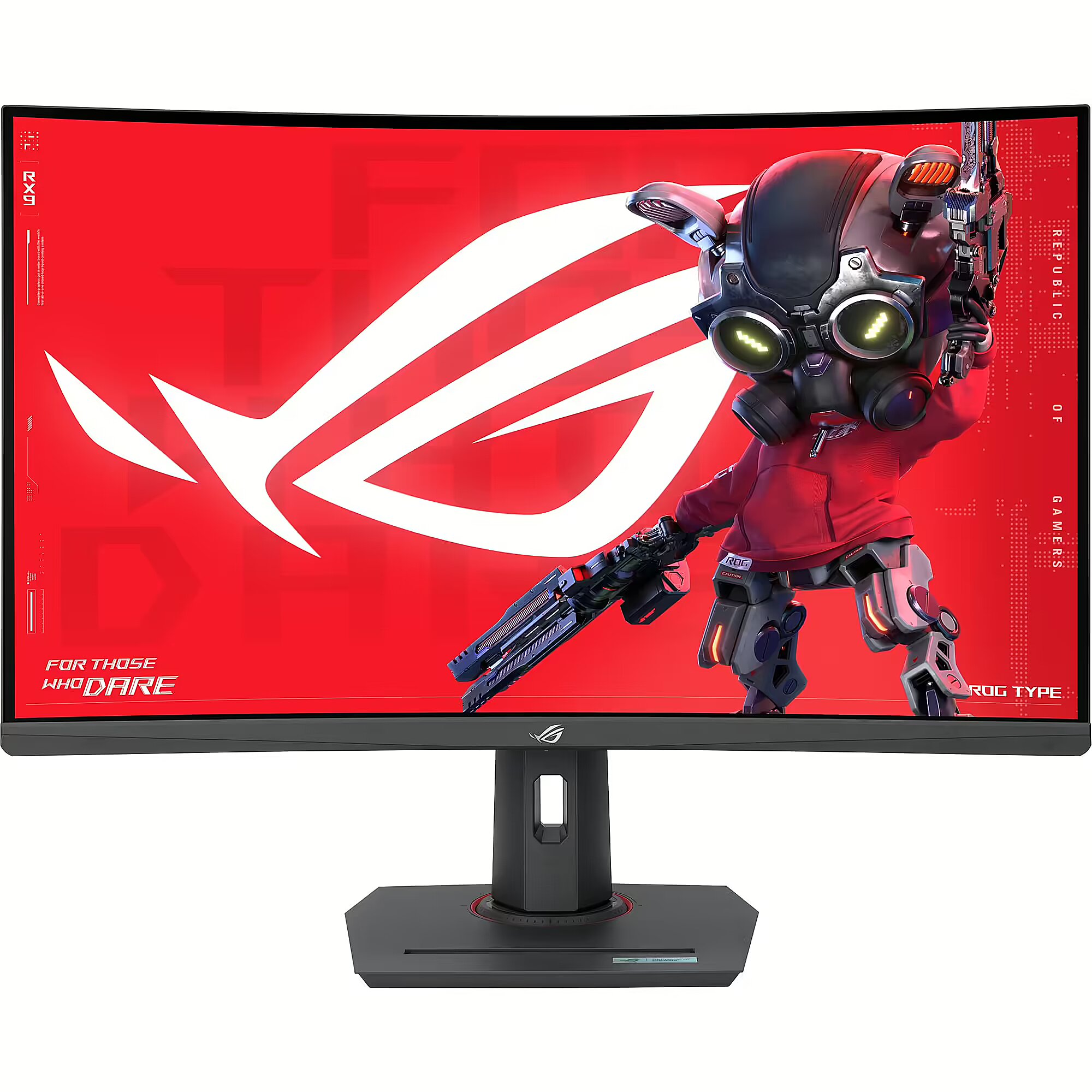
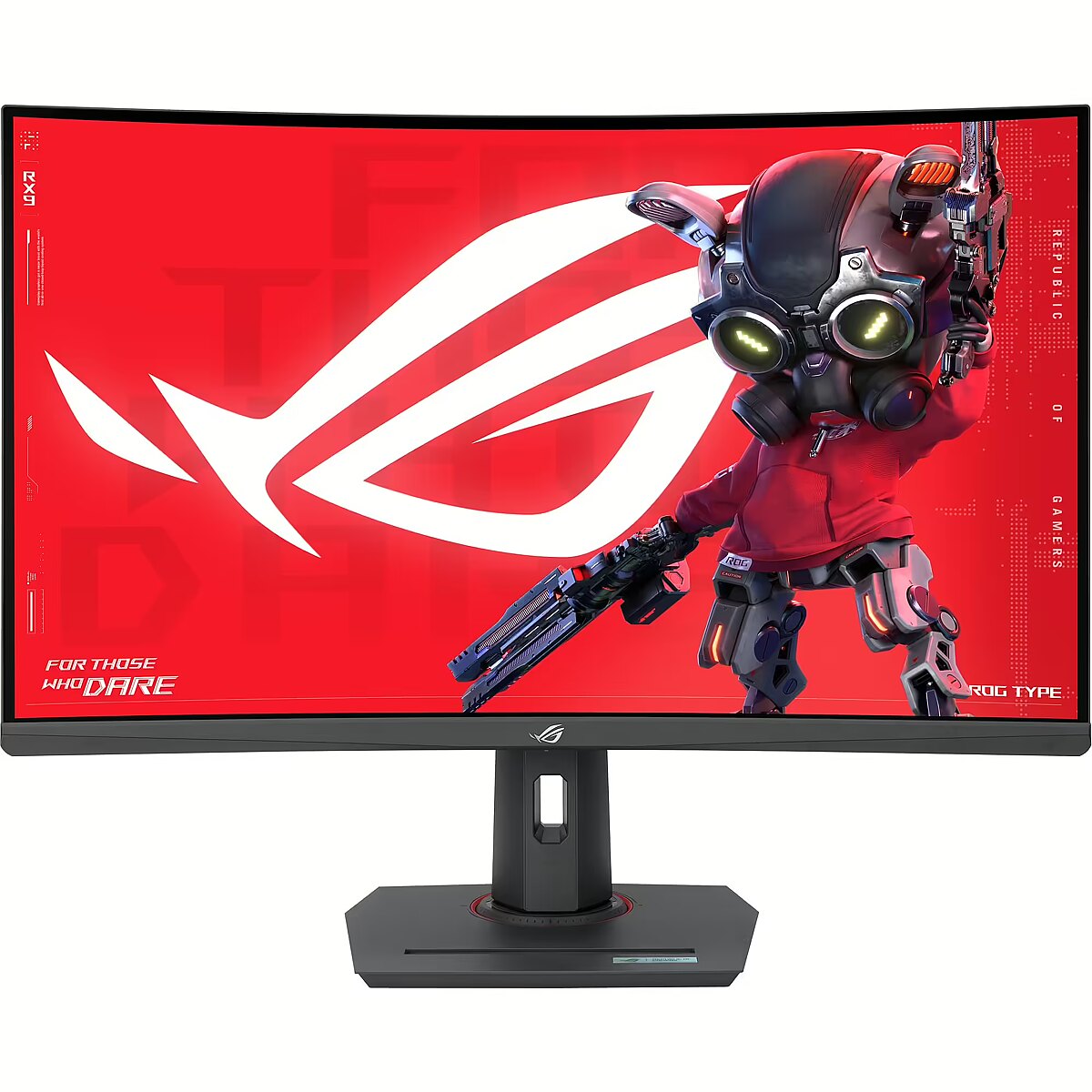
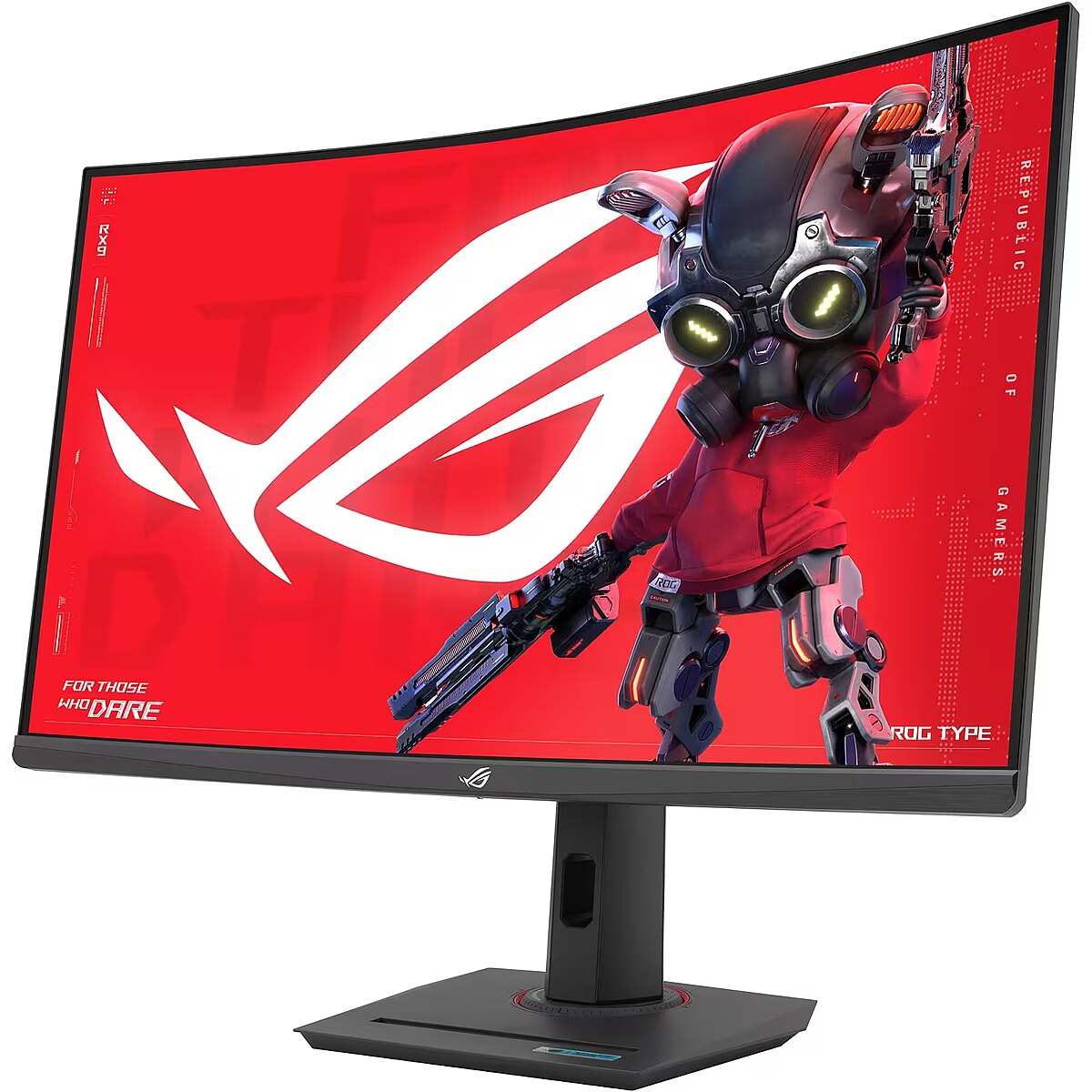
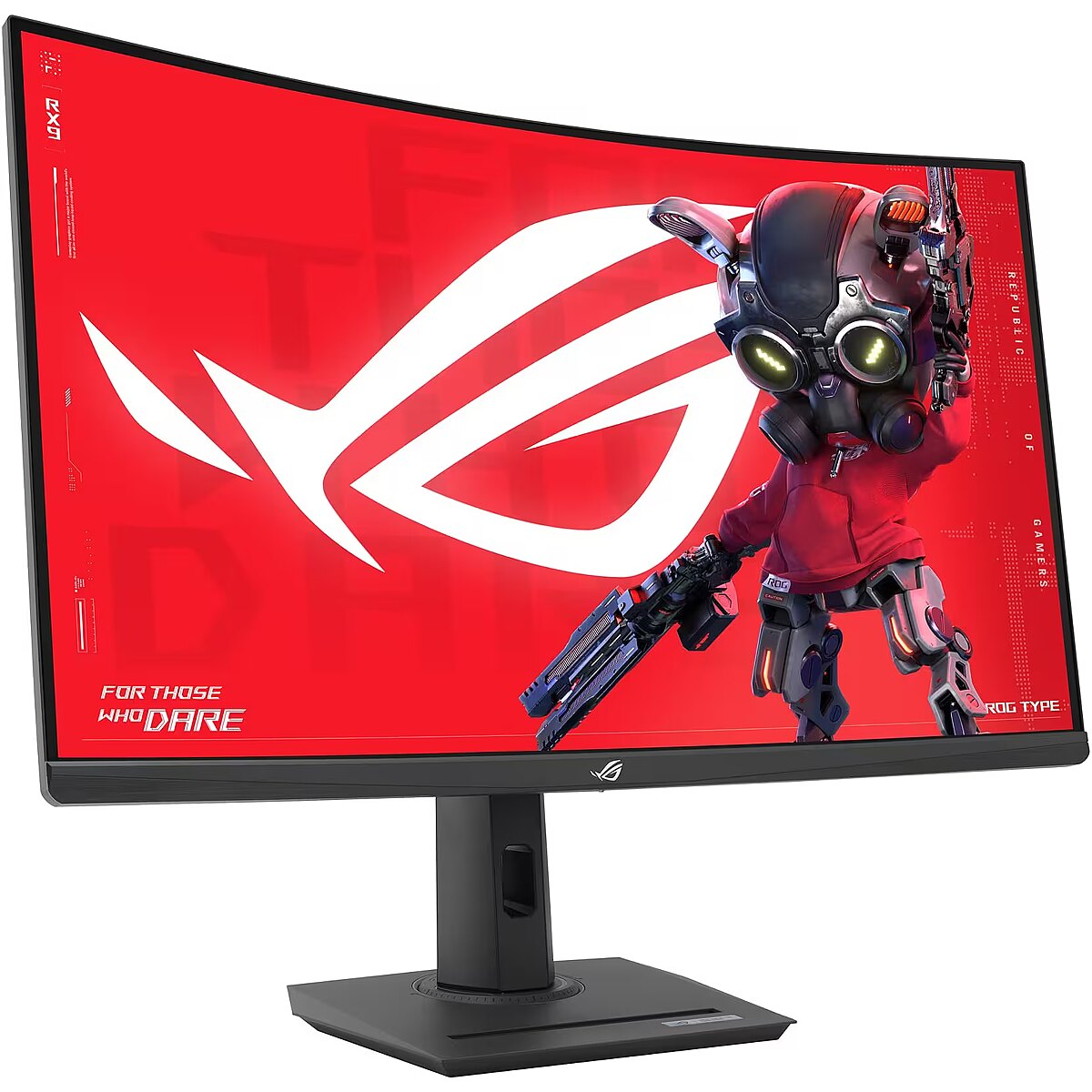
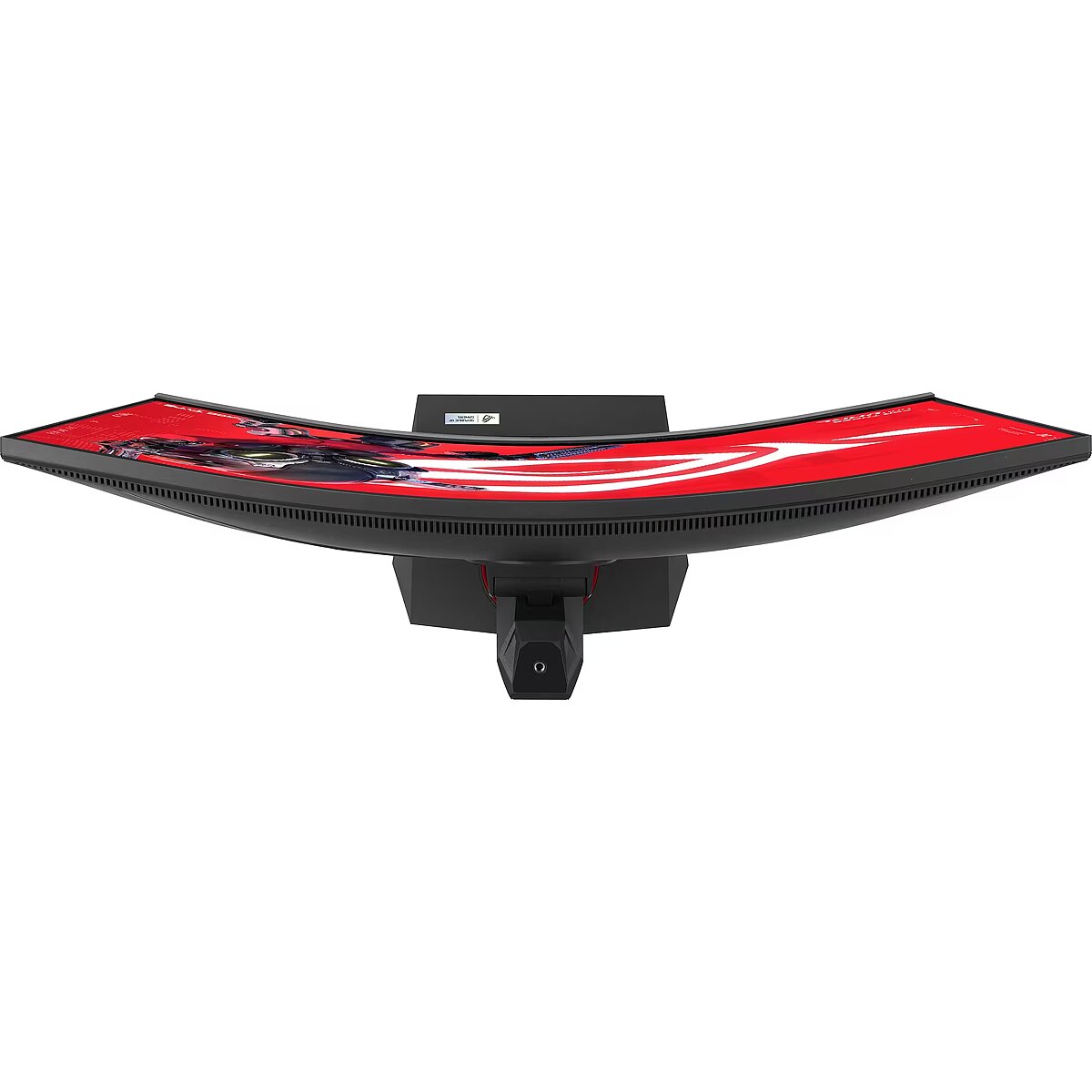
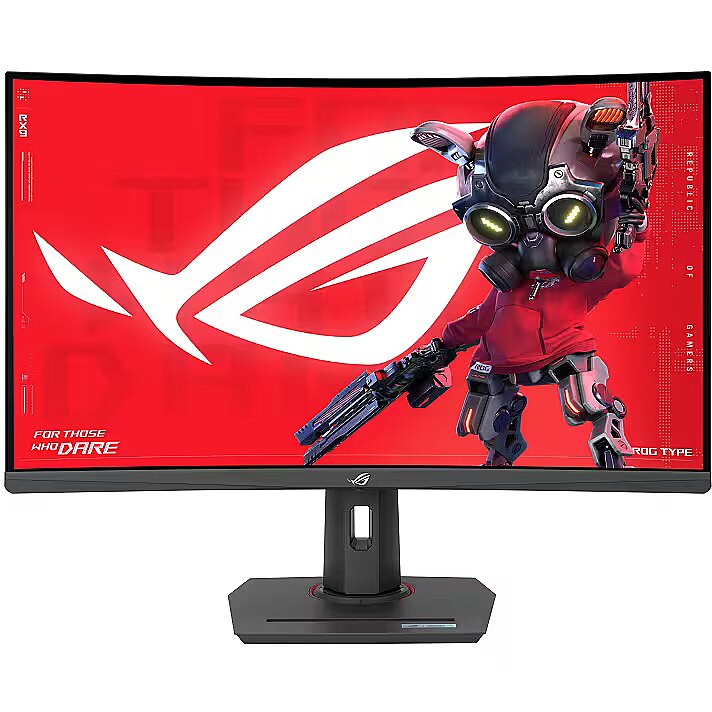
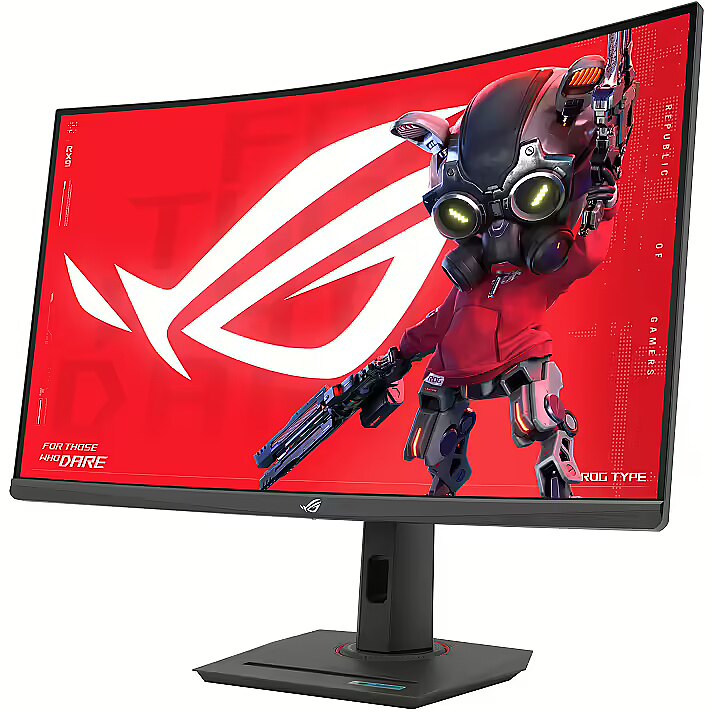
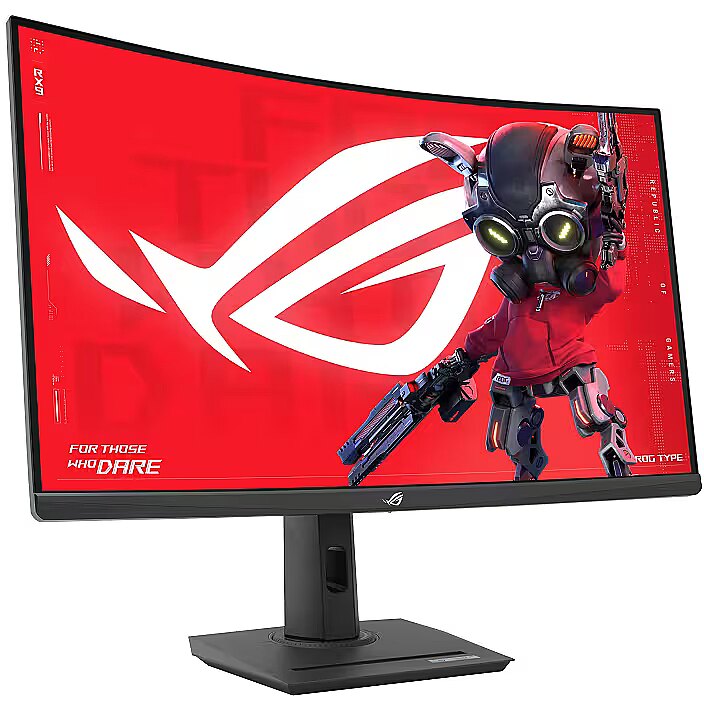
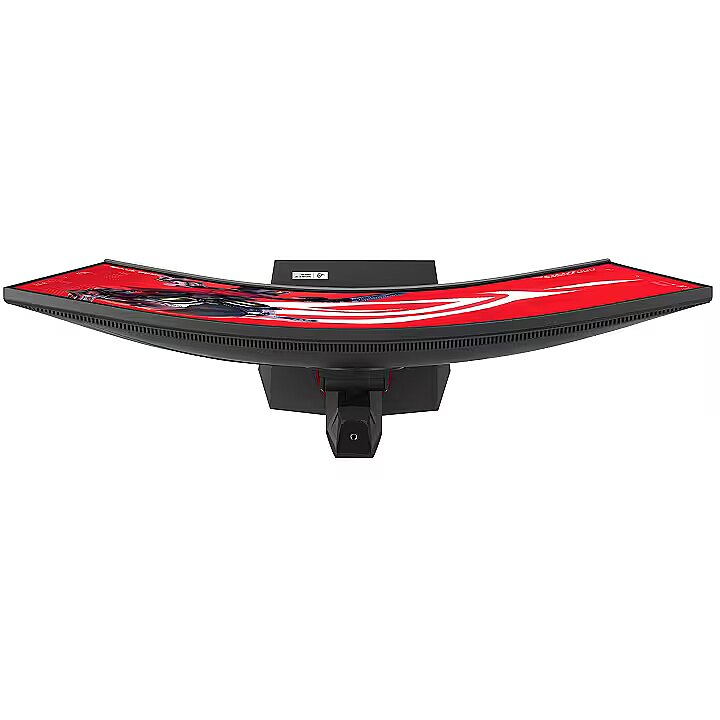
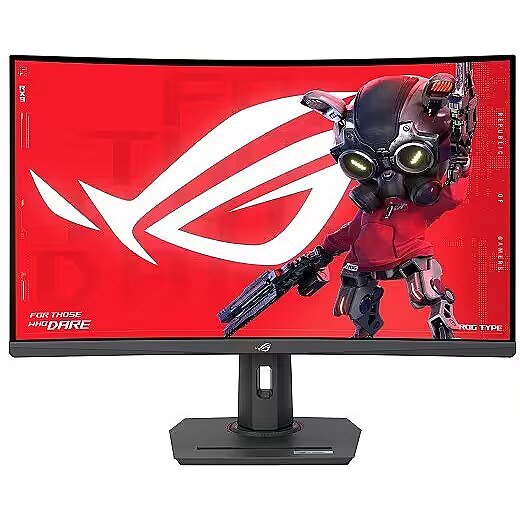
This Asus ROG Strix XG32WCMS, 31.5" gaming monitor with a WQHD 2560x1440 resolution delivers incredible detail precision and brightness, making each game scene truly vivid. Such a format is perfectly suited for expansive game worlds and provides advantages due to its wide field of view.
The response time 1ms reduces pixel transition delay, thereby minimizing blur and afterimage formation in moving images. Such an indicator is especially useful for dynamic content, ensuring clearer and more stable frame representation. The monitor responds faster to image changes, improving visual accuracy.
VA panel technology ensures high contrast and deep black color, thanks to the vertical orientation of the liquid crystals. They maintain brightness stability at various viewing angles and reduce lighting losses. Compared to TN, VA panels are better suited for watching movies and working with dark images, retaining details in shadows.
AMD FreeSync is a technology that synchronizes the refresh rate of a monitor with the frame rate of a video card, reducing image tearing and brightness fluctuations. It automatically adjusts screen operation to workload, ensuring a smoother and more stable dynamic scene display without additional delay.
The frequency 280 Hz ensures quick panel response and precise motion display, reducing visual delay. This mode is especially useful for e-sports players as it allows them to anticipate their opponent's actions more easily and maintain a stable image even in high game dynamism.
The Flicker-Free technology reduces or completely eliminates flickering in lighting, ensuring a stable and uniform image. The reduced visual vibration lessens eye strain and improves comfort during prolonged use, especially when using the monitor at a lower brightness level.
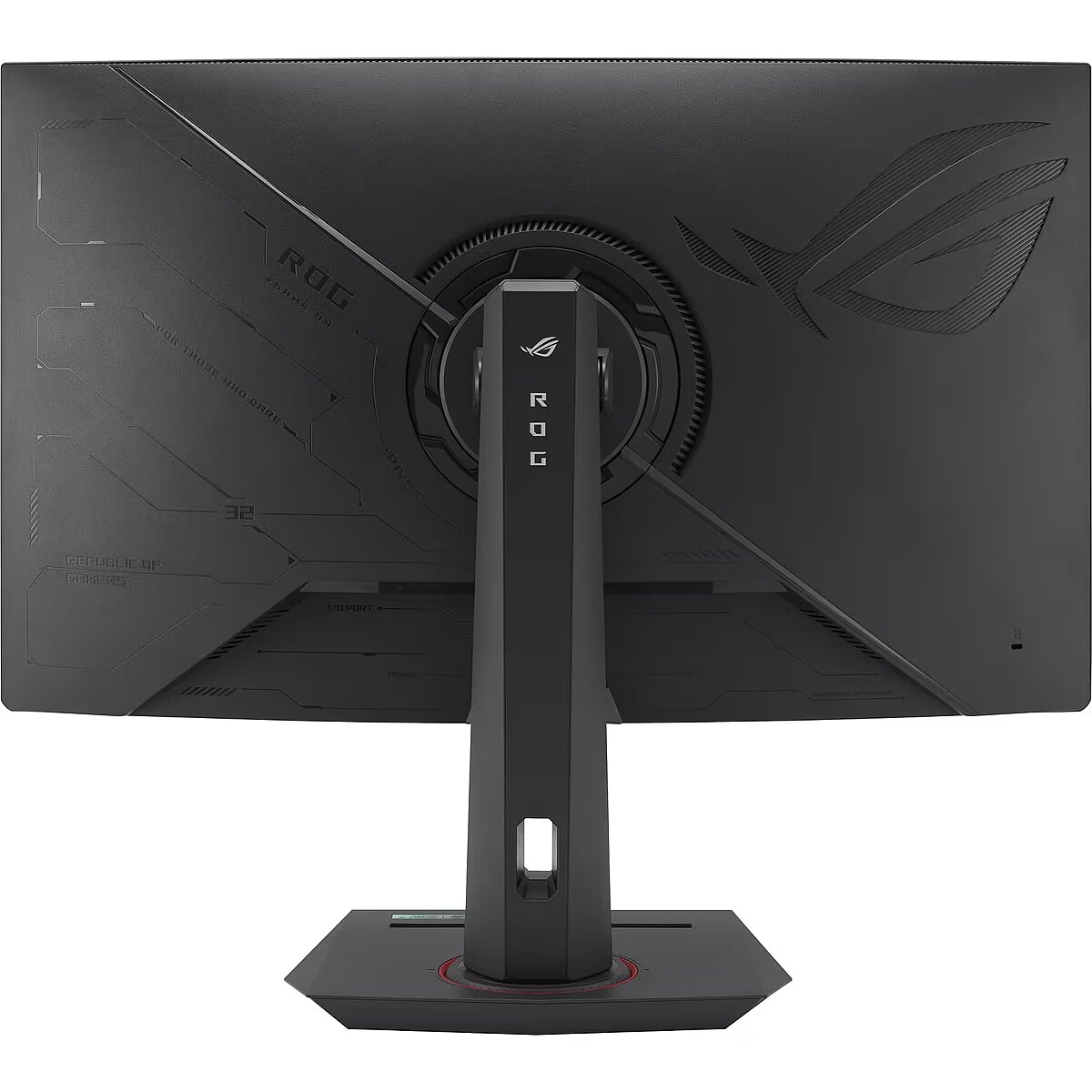
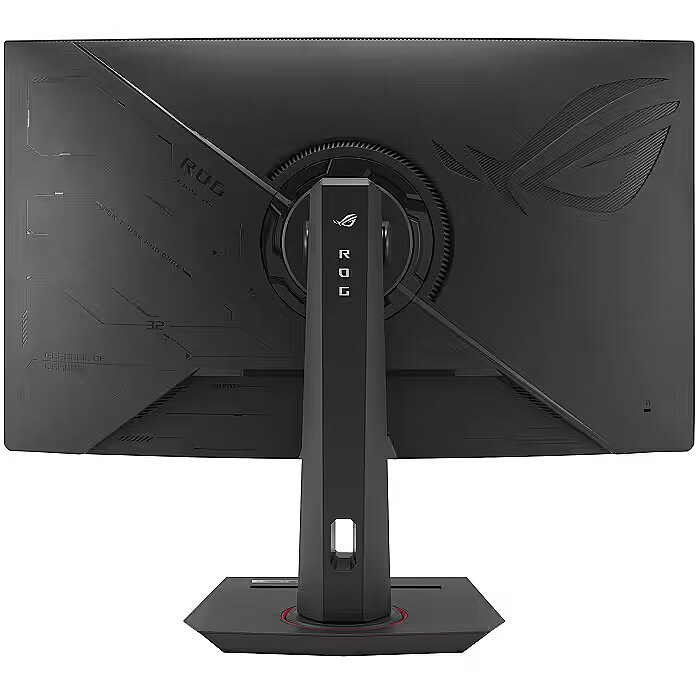
The Swivel feature ensures smooth horizontal rotation of the monitor, allowing quick adjustment of screen orientation to the user's position changes. This is particularly useful in work at a shared desk, project discussions or use of multiple devices where flexible viewing direction adjustment is required.
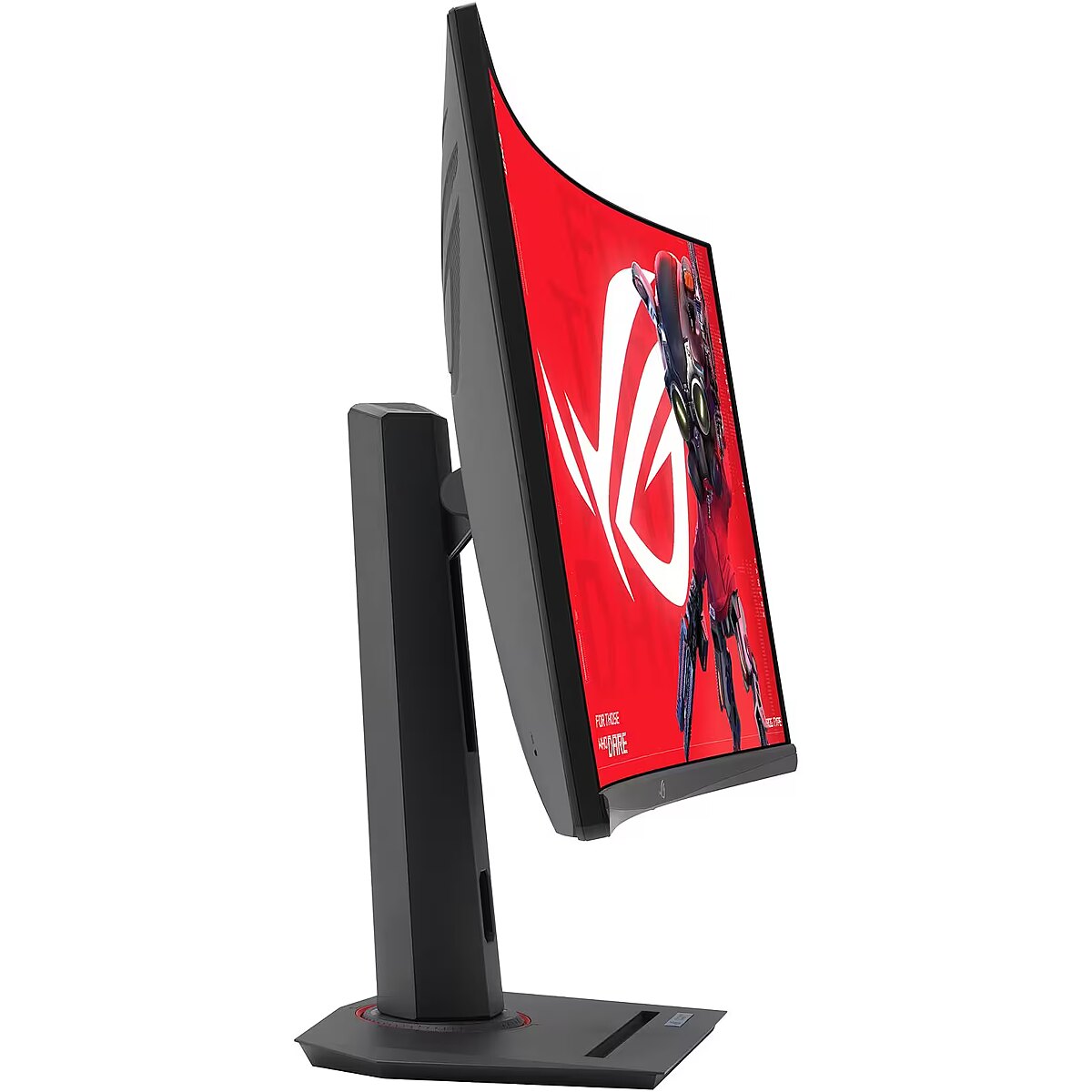
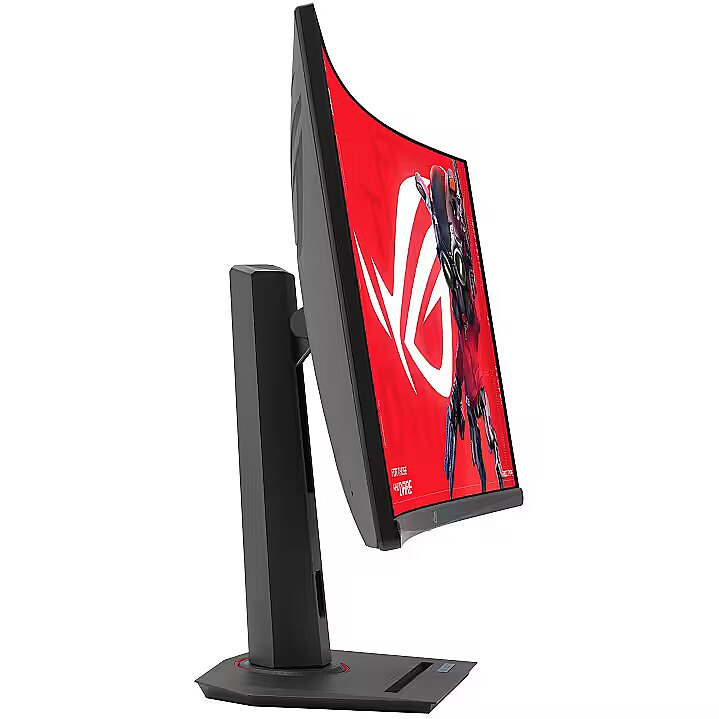
Tilt technology allows for adjusting the screen's slope angle back and forth, ensuring the correct image placement in relation to the user's line of sight. This kind of adjustment helps reduce neck and eye strain, improves image perception, and makes long-term work at the monitor more comfortable.
VESA wall mount provides a standardized mounting hole layout, allowing you to safely attach the monitor to the wall using compatible brackets. This type of installation frees up desk space, reduces vibrations from the table, and ensures a stable screen position for prolonged work.
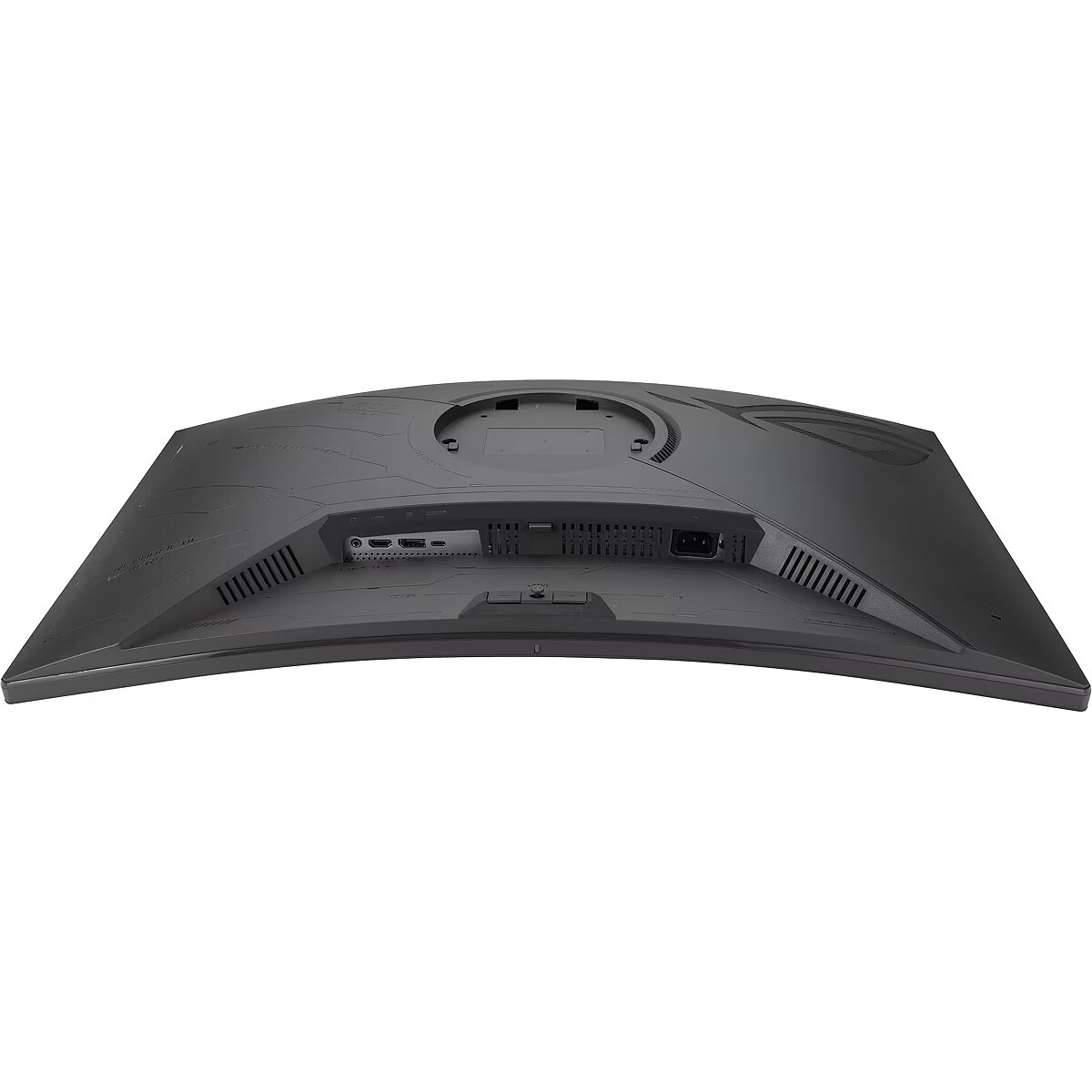
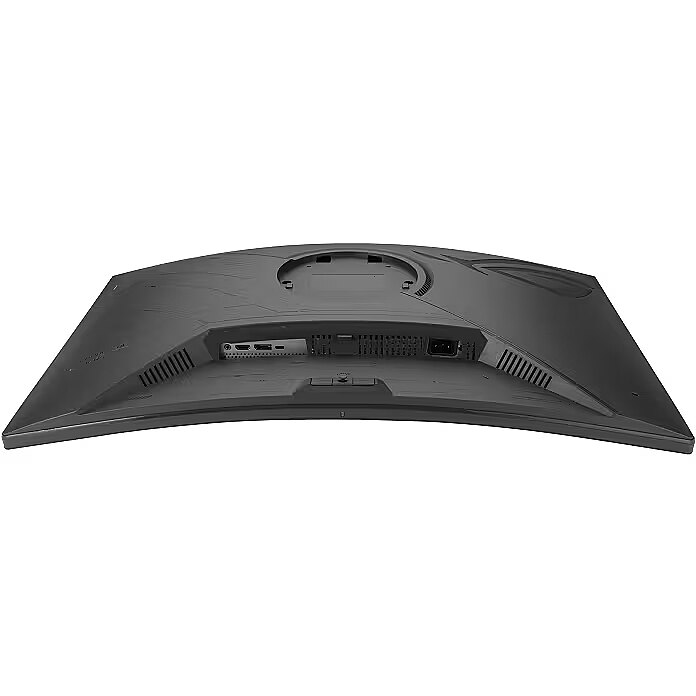
HDMI provides video and audio transmission with a single cable, which enhances connection stability and reduces the risk of interference. The interface reduces the number of connections and maintains the integrity of the digital signal. HDMI supports modern formats and ensures reliable operation with a wide range of devices.
DisplayPort is a modern image transmission standard that ensures stable playback with high resolution and refresh intensity. The interface supports HDR and multiple monitor configurations, transmits details without quality loss and provides accurate graphics display on professional and gaming monitors.
The USB-C connection provides video, audio, and power transmission through a single cable, reducing the number of wires and facilitating the connection. It offers fast data transmission and a stable picture, making the monitor convenient for use with modern laptops and mobile devices without multiple separate connections.
Multiple USB-C ports expand monitor functions when using modern digital devices. Each port provides power, signal, and data transmission through a single cable, reducing the complexity of the connection. This allows for simultaneous use of various devices and optimal cable placement.
USB Power Delivery support allows the monitor to power connected devices directly without separate adapters. This reduces the amount of cables and simplifies the working environment. Data transmission and simultaneous charging makes the use of peripheral devices more comfortable and efficient.
The USB-C video input allows for the transmission of image and sound through a single cable, reducing connection complexity and simplifying workspace organization. The interface provides high data transmission speed and stable operation, maintaining compatibility with most modern digital devices.
Warranty
Asus provides this model with a 3 year warranty at all certified service centres.



 DVI is a digital standard and ensures high image quality, however, thanks to the big size of the plug and the inability of the standard to develop further due to a few technical restrictions this type of connection is gradually losing its popularity to modern HDMI and DisplayPort standards.