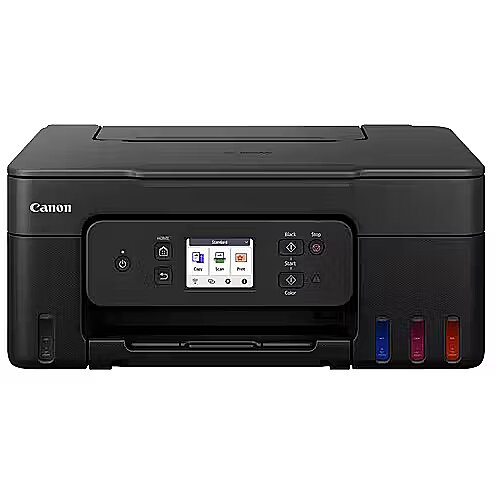
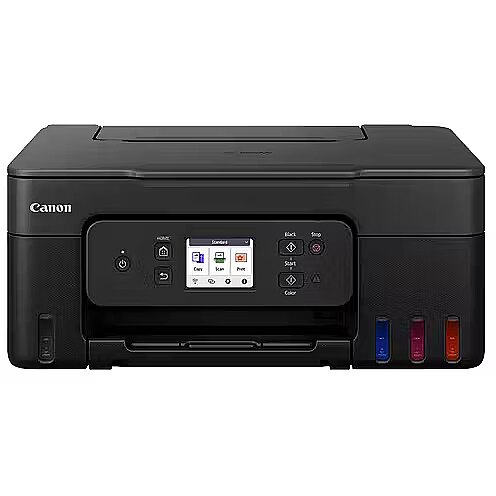
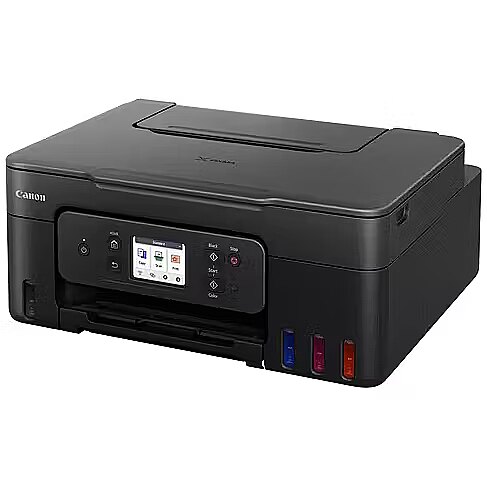
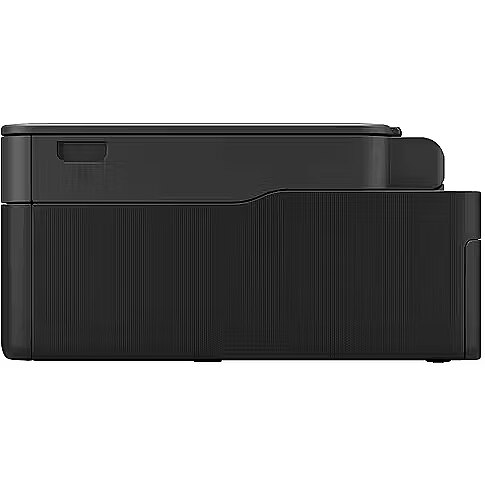
Brand - Canon
BrandPartCode - 6706C006
Category - Multifunction Printers
Copying - Copier resize - 25 - 400%
Copying - Copying - Colour copying
Copying - Duplex copying - No
Copying - Duplex copying mode - Auto
Copying - Maximum number of copies - 99 copies
Copying - N-in-1 copy function - Yes
Copying - N-in-1 copy function (N=) - 2, 4
Copying - Time to first copy (colour, normal) - 23 s
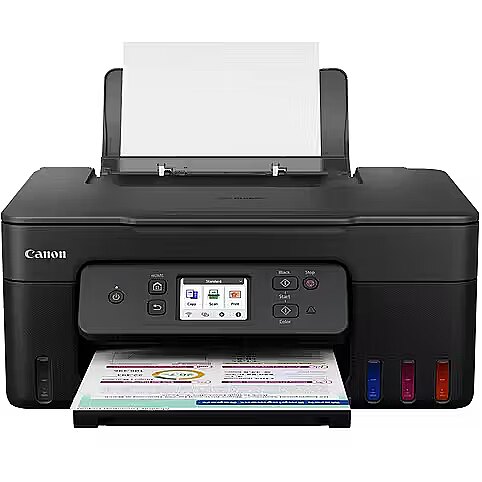
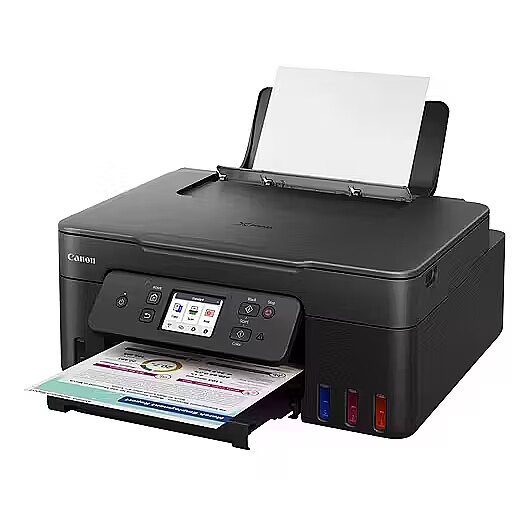
Design - Built-in display - Yes
Design - Colour display - Yes
Design - Display - LCD
Design - Display diagonal - 6.86 cm (2.7")
Design - Market positioning - Home & office
Design - Product colour - Black
Fax - Faxing - No
Features - Country of origin - Vietnam
Features - Duplex functions - Print
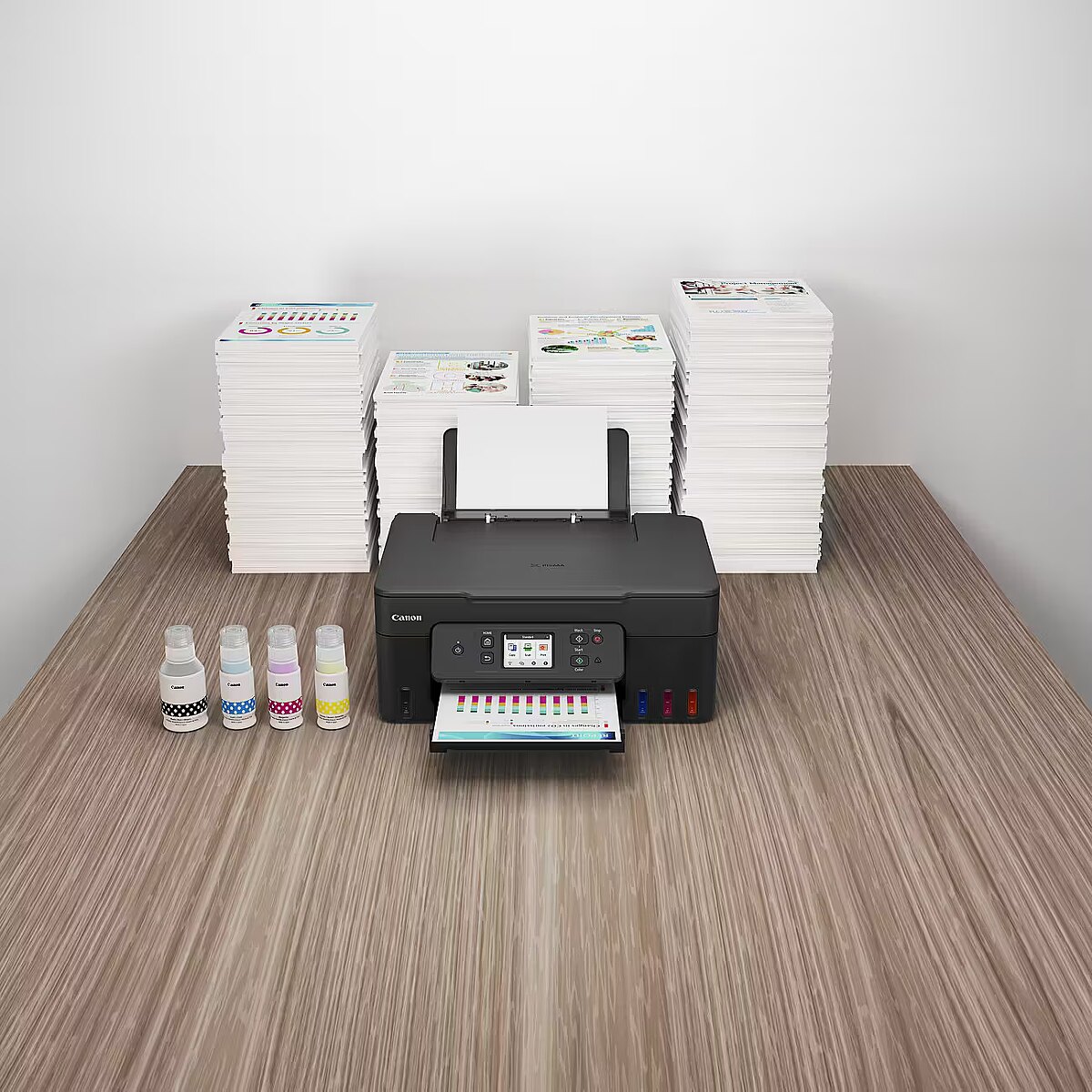
Features - Ink tank system - Yes
Features - Number of print cartridges - 4
Features - Printing colours - Black, Cyan, Magenta, Yellow
Features - Replacement cartridges - GI-51 PGBK, GI-51 C, GI-51 M, GI-51 Y
GTIN - 4549292235098
Input & output capacity - Total input capacity - 100 sheets
Input & output capacity - Total number of input trays - 1
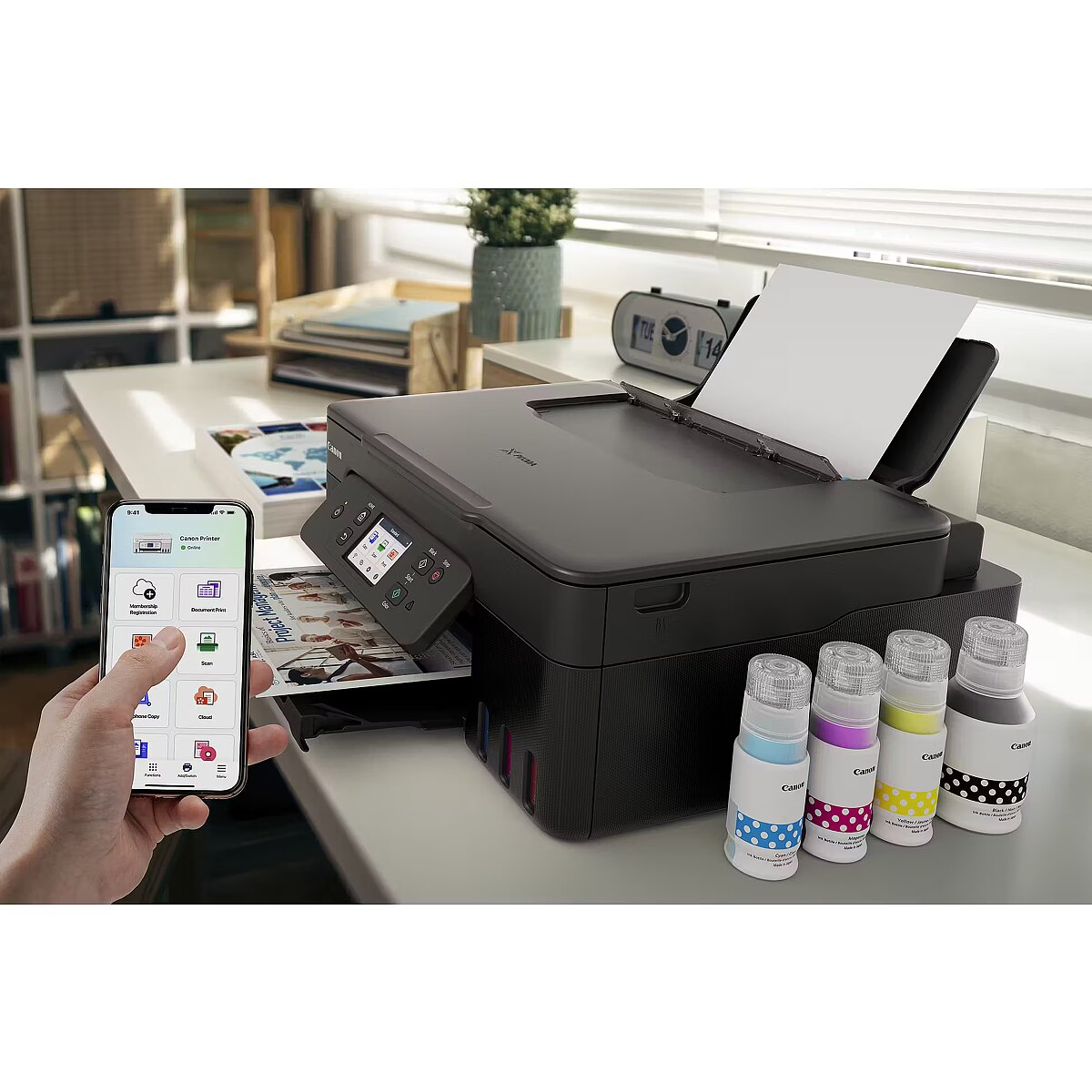
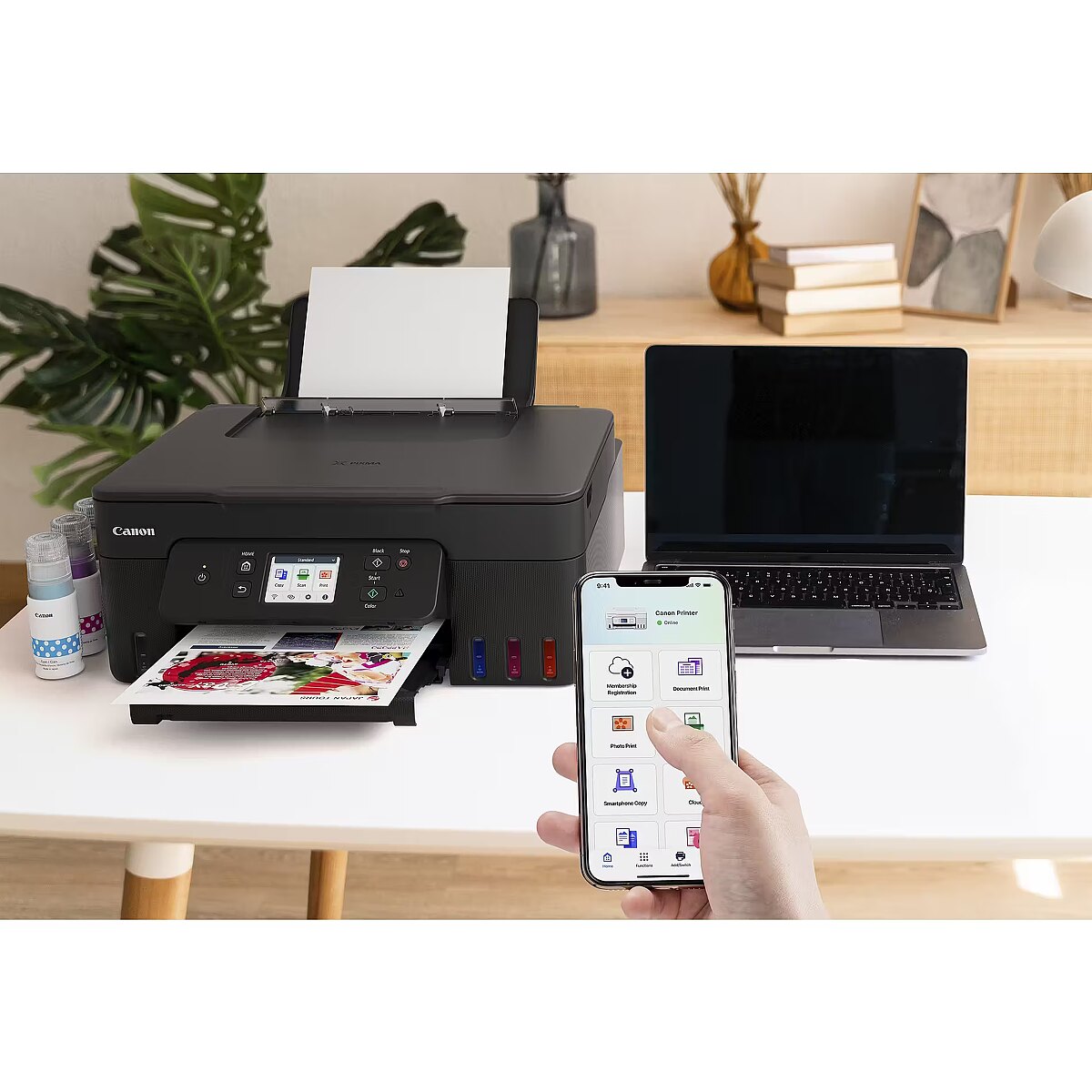
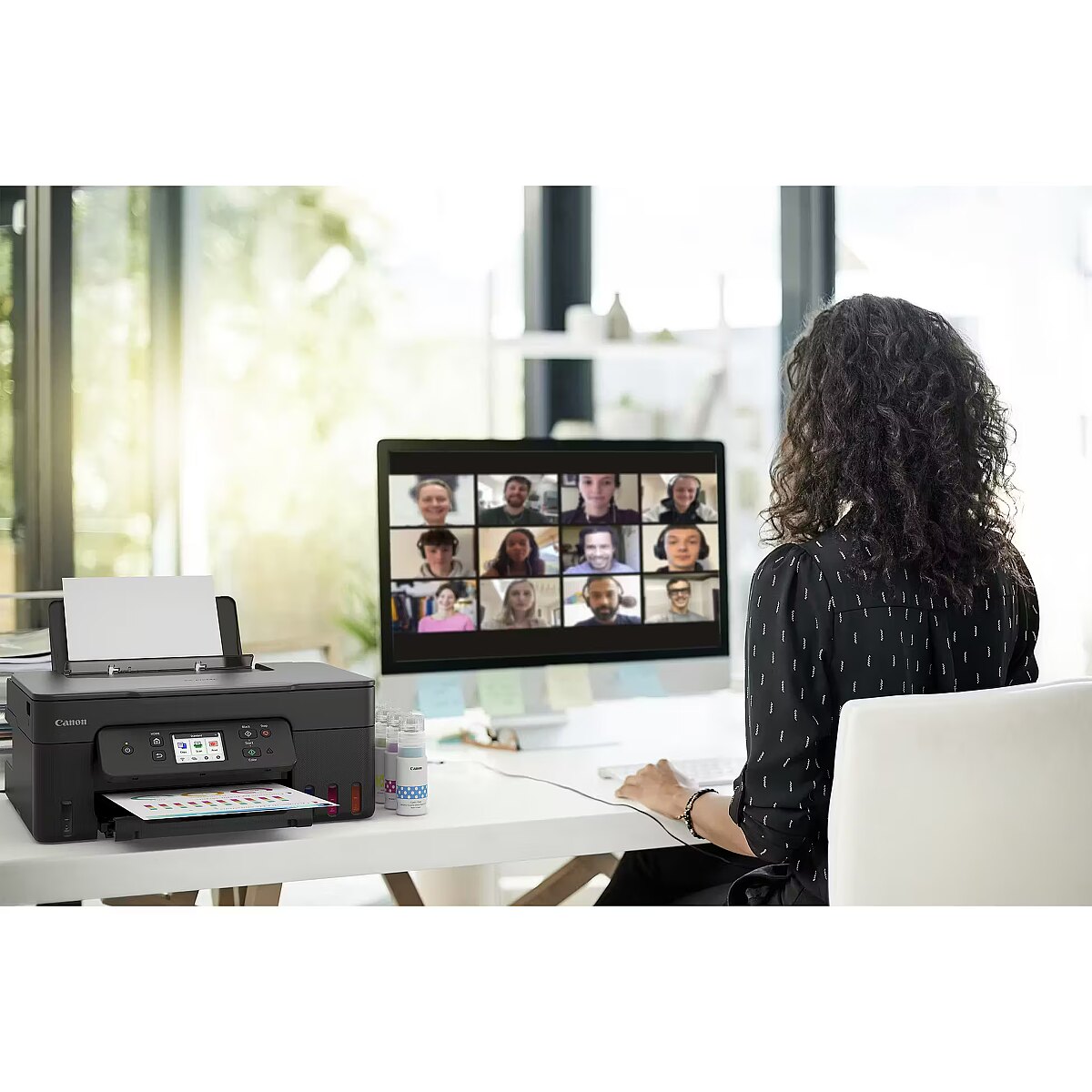
LongDesc - Canon PIXMA G3590Enjoy low-cost, high-quality documents and photos and fast two-sided prints with this easy to use, refillable and Wi-Fi-equipped 3-in-1 home printer.Fast, high-quality two-sided prints. Huge savingsMake huge savings on home printing, print two-sided documents quickly and print wirelessly with ease with this highly efficient MegaTank printer. Thanks to its refillable ink tanks, a single set of ink bottles can deliver up to 8.100 prints1, making running costs refreshingly low compared to cartridge-based printers.Ultra-low running costsMake huge savings over the printer’s lifetime thanks to refillable high-yield ink tanks. Print 6.000 pages from a black ink bottle (7.600 in Economy) and 7.700 pages from a set of colour ink bottles (8,100 in Economy)Fast, high-quality resultsBoth documents and photos look fantastic, thanks to pigment black ink and dye-based colour inks. And they arrive quickly too, with print speeds of 11.0 ipm (mono) and 6.0 ipm (colour) and automatic duplex printingSimple operationEasy, straightforward day-to-day use thanks to a tilting 2.7” colour LCD touch screen, user-friendly Switch UI menu and single-action print head installationWireless connectivityPrint seamlessly from a range of devices with Wi-Fi connectivity and support for PIXMA Cloud Link (now with no login requirement), Canon PRINT app, Apple AirPrint and more. Scan documents to your smartphone in seconds with a simple QR code.Easy at-home maintenanceKeep downtime to a minimum thanks to the user-replaceable maintenance cartridge and mechanical ID no-squeeze ink bottlesWork with more mediaGet creative at home with the ability to print on magnetic, iron-on and matte photo paper
LongProductName - A4, 4800 x 1200 dpi, CIS, 2.7" LCD, 49.0 dB(A), WLAN, 0.22 kWh, 100–240 V, 50/60 Hz
LongSummaryDescription - Canon PIXMA G3590. Print technology: Inkjet, Printing: Colour printing, Maximum resolution: 4800 x 1200 DPI. Copying: Colour copying. Scanning: Colour scanning, Optical scanning resolution: 600 x 1200 DPI. Duplex functions: Print. Maximum ISO A-series paper size: A4. Wi-Fi. Direct printing. Product colour: Black
Network - Bluetooth - Yes
Network - Management protocols - SNMP, HTTP, TCP/IP (IPv4/IPv6)
Network - Mobile printing technologies - Apple AirPrint, Mopria Print Service, PIXMA Cloud Link
Network - Security algorithms - SNMP
Network - Supported network protocols (IPv4) - Y
Network - Supported network protocols (IPv6) - Y
Network - Wi-Fi - Yes
Network - Wi-Fi Direct - Yes
Network - Wi-Fi standards - 802.11a, 802.11b, 802.11g, Wi-Fi 4 (802.11n), Wi-Fi 5 (802.11ac)
Operational conditions - Operating relative humidity (H-H) - 10 - 90%
Operational conditions - Operating temperature (T-T) - 5 - 35 °C
Packaging content - Bundled software - Printer Driver, IJ Printer Assistant Tool
Packaging content - Cables included - AC
Packaging content - Cartridge(s) included - Yes
Packaging content - Included cartridge capacity (black) - 6000 pages
Packaging content - Included cartridge capacity (CMY) - 7700 pages
Packaging content - Included cartridge capacity (economy mode, black) - 7600 pages
Packaging content - Included cartridge capacity (economy mode, CMY) - 8100 pages
Packaging content - Manual - Yes
Packaging content - Power cord included - Yes
Paper handling - Borderless printing media sizes - 10x15, 13x18, 20x25, A4, Letter
Paper handling - Custom media length - 89 - 1200 mm
Paper handling - Custom media width - 55 - 216 mm
Paper handling - Envelopes sizes - C5, Com-10, DL
Paper handling - ISO A-series sizes (A0...A9) - A4, A5, A6
Paper handling - ISO B-series sizes (B0...B9) - B5
Paper handling - Maximum ISO A-series paper size - A4
Paper handling - Maximum print size - 216 x 1200 mm
Paper handling - Non-ISO print media sizes - Executive, Legal, Letter
Paper handling - Paper tray media types - Envelopes, Glossy paper, High resolution paper, Iron-On Transfers, Matte paper, Photo paper, Plain paper, Semi-glossy paper
Paper handling - Paper tray media weight - 64 - 105 g/m²
Paper handling - Photo paper sizes - 10x15,13x18,18x25,20x25
Performance - Sound pressure level (printing) - 49 dB
Ports & interfaces - Direct printing - Yes
Ports & interfaces - USB connector - USB Type-B
Ports & interfaces - USB port - Yes
Power - AC input frequency - 50/60 Hz
Power - AC input voltage - 100 - 240 V
Power - Energy Star Typical Electricity Consumption (TEC) - 0.22 kWh/week
Power - Power consumption (copying) - 18 W
Power - Power consumption (off) - 0.1 W
Power - Power consumption (standby) - 1.5 W
Printing - Borderless printing - Yes
Printing - Duplex printing - Yes
Printing - Duplex printing mode - Auto
Printing - Economical printing - Yes
Printing - Maximum resolution - 4800 x 1200 DPI
Printing - Printing - Colour printing
Printing - Print speed (ISO/IEC 24734) colour - 6 ipm
Printing - Print speed (ISO/IEC 24734) mono - 11 ipm
Printing - Print technology - Inkjet
ProductName - G3590
Scanning - Duplex scanning - No
Scanning - Duplex scanning mode - Manual
Scanning - Input colour depth - 16 bit
Scanning - Input greyscale depth - 16 bit
Scanning - Optical scanning resolution - 600 x 1200 DPI
Scanning - Output colour depth - 8 bit
Scanning - Output greyscale depth - 8 bit
Scanning - Scanner type - Flatbed scanner
Scanning - Scanning - Colour scanning
Scanning - Scan technology - CIS
Scanning - Scan to - Cloud
ShortSummaryDescription - Canon PIXMA G3590, Inkjet, Colour printing, 4800 x 1200 DPI, A4, Direct printing, Black
System requirements - Mac operating systems supported - Mac OS X 10.15 Catalina, Mac OS X 10.15.3 Catalina, Mac OS X 10.2 Jaguar, Mac OS X 10.3 Panther, Mac OS X 10.4 Tiger, Mac OS X 10.5 Leopard, Mac OS X 10.6 Snow Leopard, Mac OS X 10.7 Lion, Mac OS X 10.8 Mountain Lion, Mac OS X 10.9 Mavericks, Mac OS X 11.0 Big Sur, Mac OS X 12.0 Monterey
System requirements - Mobile operating systems supported - Android, iOS
System requirements - Other operating systems supported - ChromeOS
System requirements - Server operating systems supported - Windows Server 2008 R2, Windows Server 2012 R2, Windows Server 2016, Windows Server 2019, Windows Server 2022
System requirements - Windows operating systems supported - Windows 10, Windows 11, Windows 8.1
Title - Canon PIXMA G3590 Inkjet A4 4800 x 1200 DPI Wi-Fi
URL - https://www.canon.co.uk/printers/pixma-g3590/
WarrantyInfo -
Weight & dimensions - Depth - 555 mm
Weight & dimensions - Height - 268 mm
Weight & dimensions - Weight - 6.5 kg
Weight & dimensions - Width - 416 mm