ACinputfrequency - 50/60 Hz
ACinputvoltage - 100 - 240 V
AllInOnemultitasking - Yes
AutodocumentfeederADF -
AutodocumentfeederADFinputcapa -
Autofitfunction -
Brand - HP
Brand-specific features - HP Dynamic security - Yes
Brand-specific features - HP GTIN (EAN/UPC) - 198828789549, 198828789556, 198828789563
Brand-specific features - HP GTIN (EAN/UPC) with options - (629) 198828789549; (686) 198828789556; (687) 198828789563
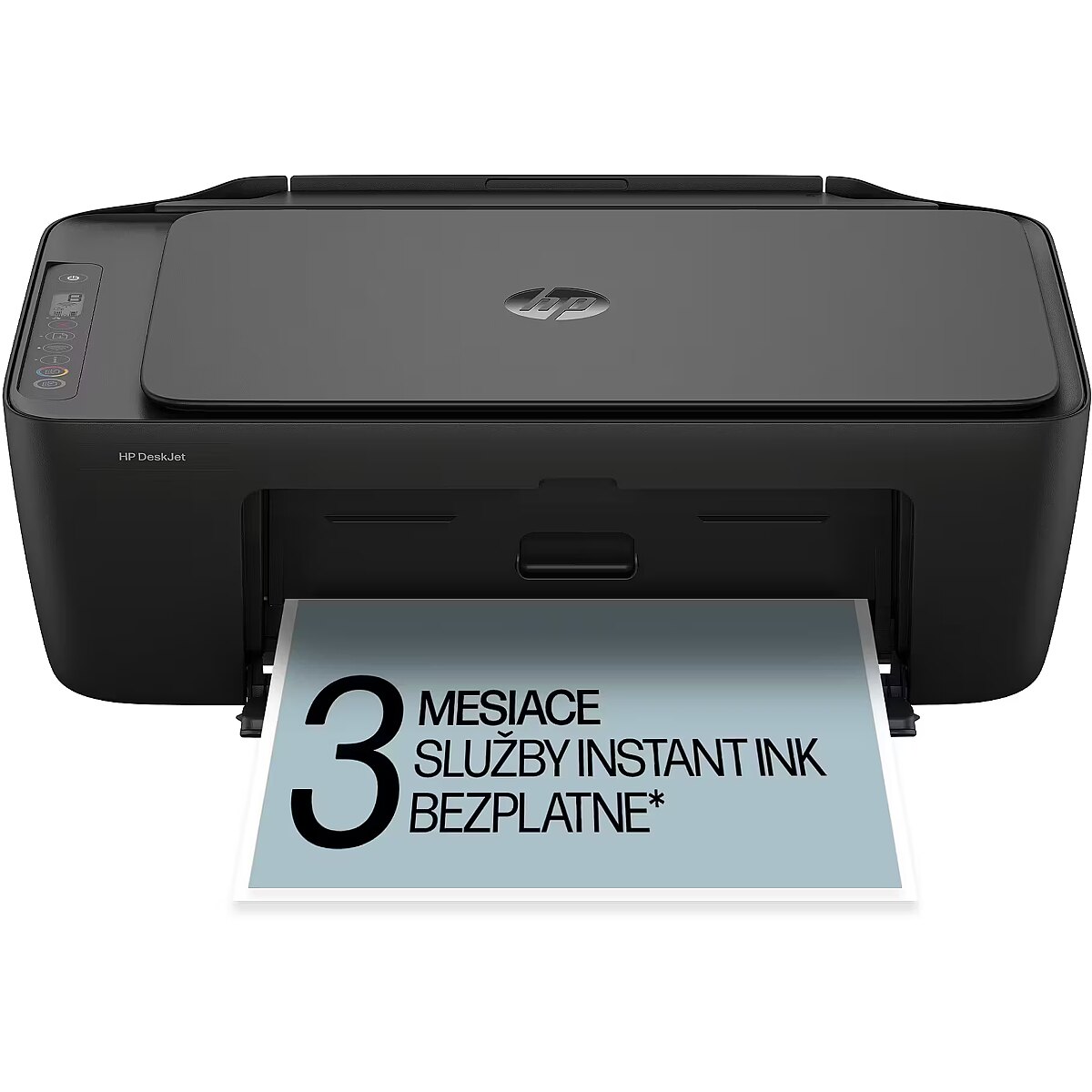
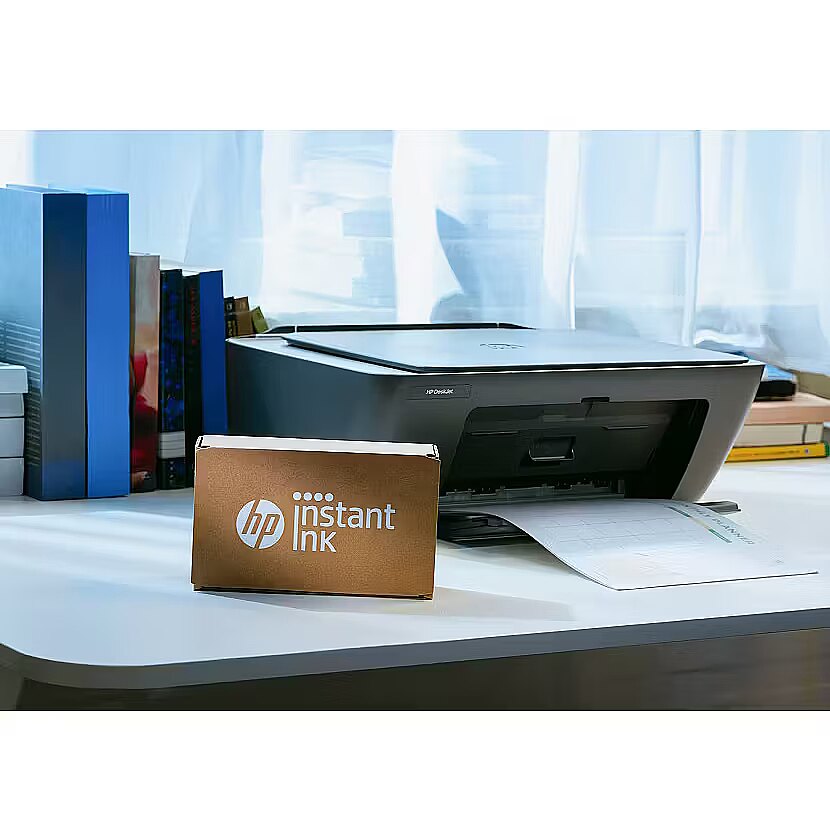
Brand-specific features - HP Instant Ink - Yes
BrandPartCode - 89F98B
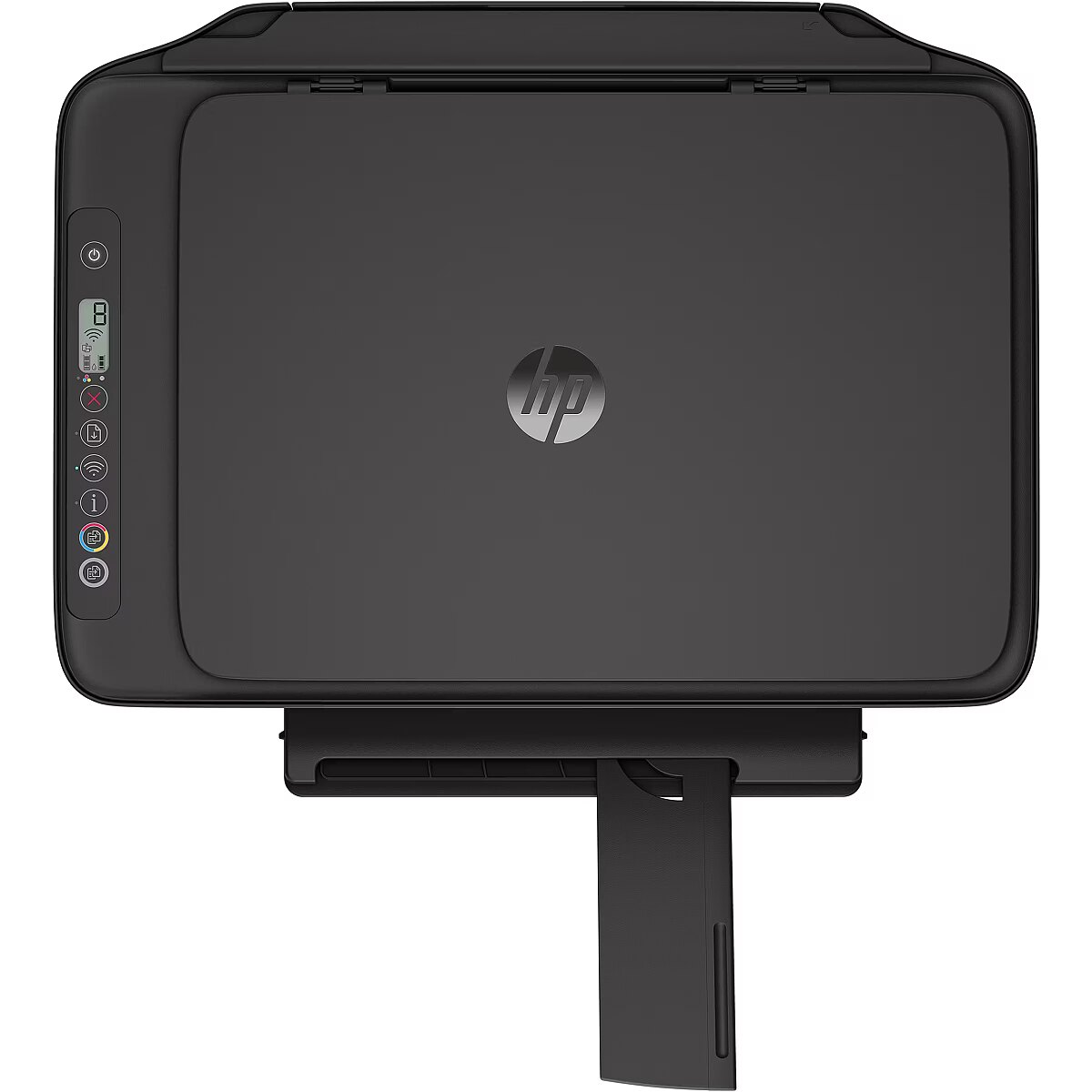
Builtindisplay - Yes
Builtinprocessor - Yes
Cablesincluded - AC
Cablingtechnology -
Carbon footprint - Carbon emissions, end-of-life (kg of CO2e) - 2
Carbon footprint - Carbon emissions, logistics (kg of CO2e) - 2
Carbon footprint - Carbon emissions, manufacturing (kg of CO2e) - 24
Carbon footprint - Total carbon emissions, w/o use phase (kg of CO2e) - 1
Carbon footprint - Total carbon footprint (kg of CO2e) - 30
Cardreaderintegrated -
Cartridgesincluded - Yes
Category - Biroja tehnika :: MFC (Daudzfunkciju) printeri
Category - Multifunction Printers
Certificates - Certification - EN 55032:2015+A11:2020 Class B; EN 55035:2017+A11:2020; EN IEC 61000-3-2:2019; EN 61000-3-2:2014; EN 61000-3-3:2013 +A1:2019; EN 301 489-1 V2.2.3; CISPR 32 2015+A1:2019 Class B; CISPR 35:2016; FCC CFR 47 Part 15; ICES-003, Issue 7; VCCI-CISPR32:2016.
Code - 89F98B#629
Colourdisplay -
Controltype - Buttons
Copying - Colour copying
Copying - Copying - Colour copying
Copying - Copy speed (black, normal quality, A4) - 6 cpm
Copying - Copy speed (colour, normal quality, A4) - 3 cpm
Copying - Duplex copying - No
Copying - Maximum copy resolution - 300 x 300 DPI
Copying - Maximum number of copies - 9 copies
Copyingfeatures -
CopyspeedblacknormalqualityA4 - 6 cpm
CopyspeedcolournormalqualityA4 - 3 cpm
Countryoforigin - China
Custommedialength - 127 - 355 mm
Custommediawidth - 76 - 215 mm
Depth - 304 mm
Desc - Krāsu tips: Krāsains, 1 mēneša noslodze: 1000 lpp, Drukāšanas tehnoloģija: Tintes, Izšķirtspēja: 1200 x 1200 dpi, Ātrums (melnbalts): 7.5 lpp/min., Ātrums (krāsains): 5.5 lpp/min, Operatīvā atmiņa: Nav zināms, Max papīra formāts: A4, Automātiskā divpusējā druka: Nav zināms, Automātiskā dokumentu padeve (ADF): Nav zināms, Pieslēguma tips: USB 2.0, Wifi: Ir, Tīkla pieslēgums (LAN): Nav, Faksa funkcionalitāte: Nav, Atmiņa faksam: Nav, Kopēšanas funkcionalitāte: Ir, Kopēšanas ātrums (melnbalts): 6 kopijas/min, Kopēšanas ātrums (krāsains): 3 kopijas / min, Skenēšanas funkcionalitāte: Ir, Skenēšanas izšķirtspēja: 1200 x 1200 dpi, Garantija: 2 gadi
Design -
Design - Built-in display - Yes
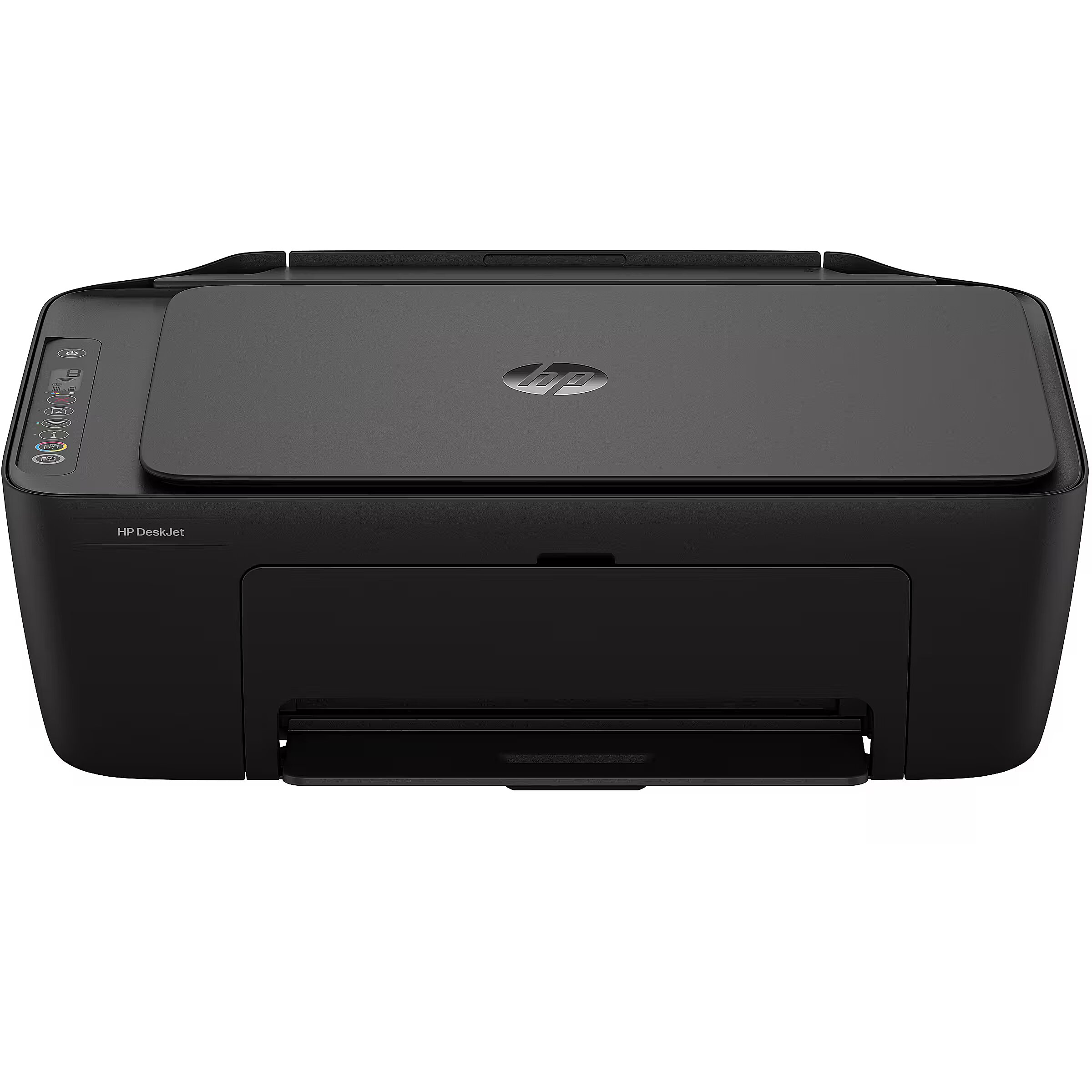
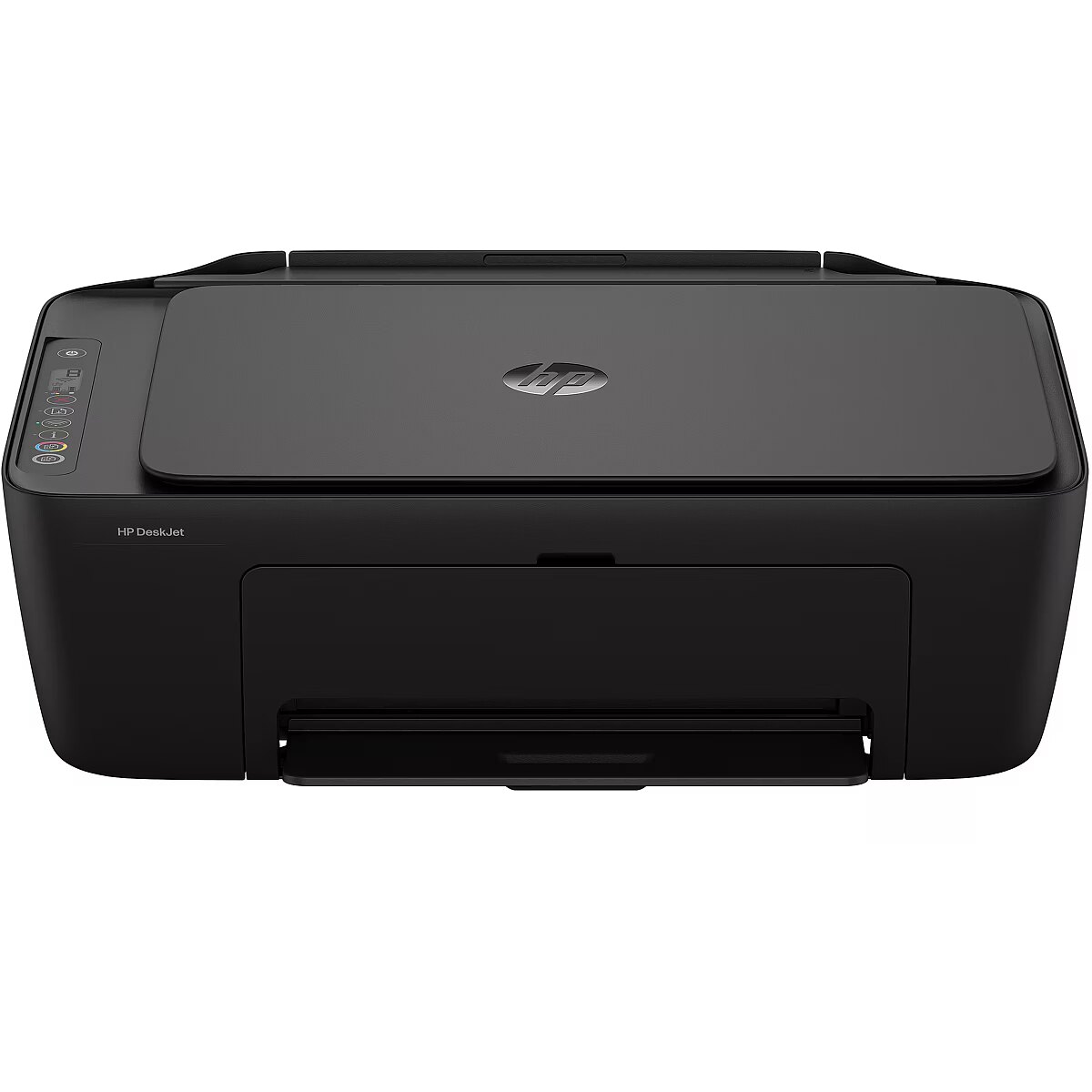
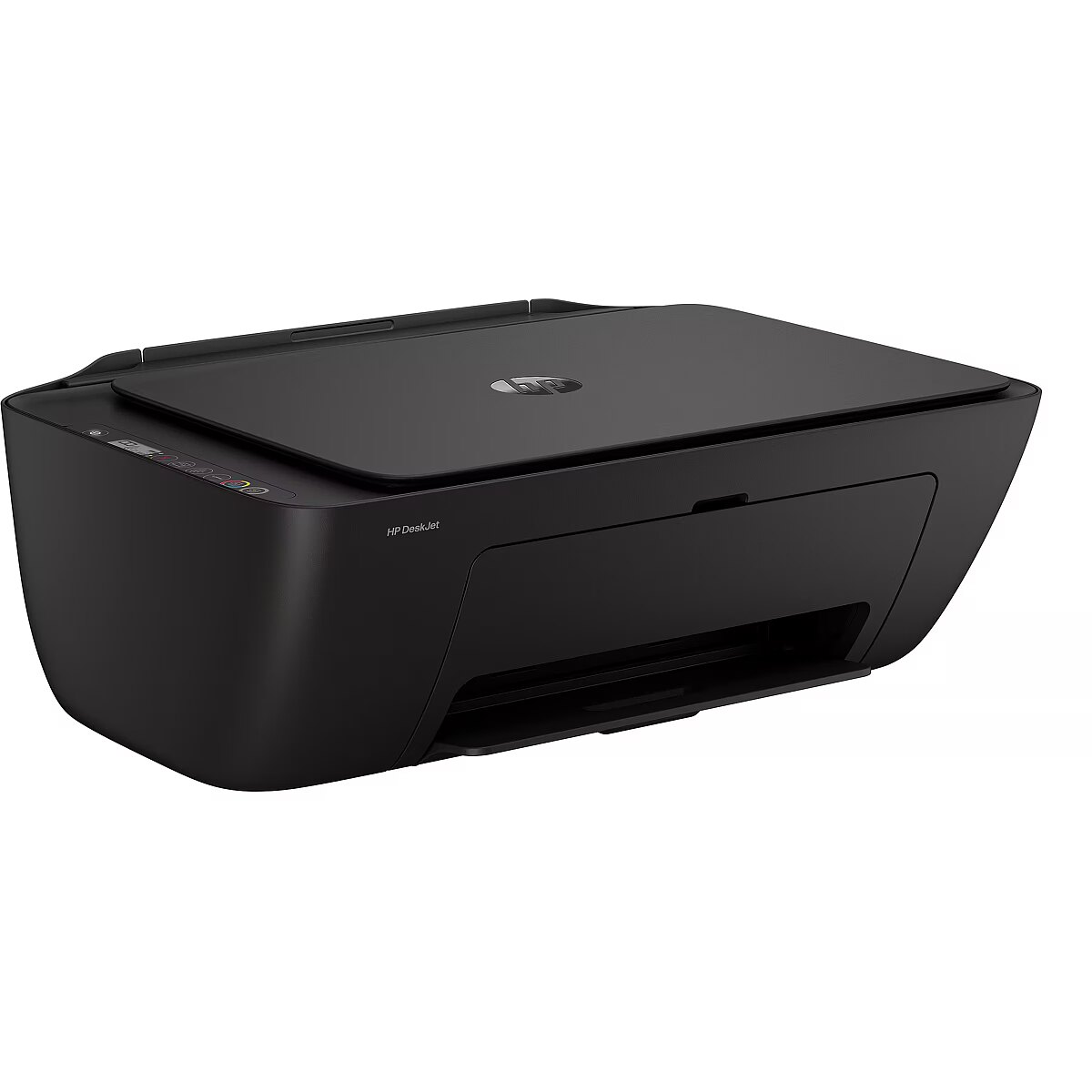
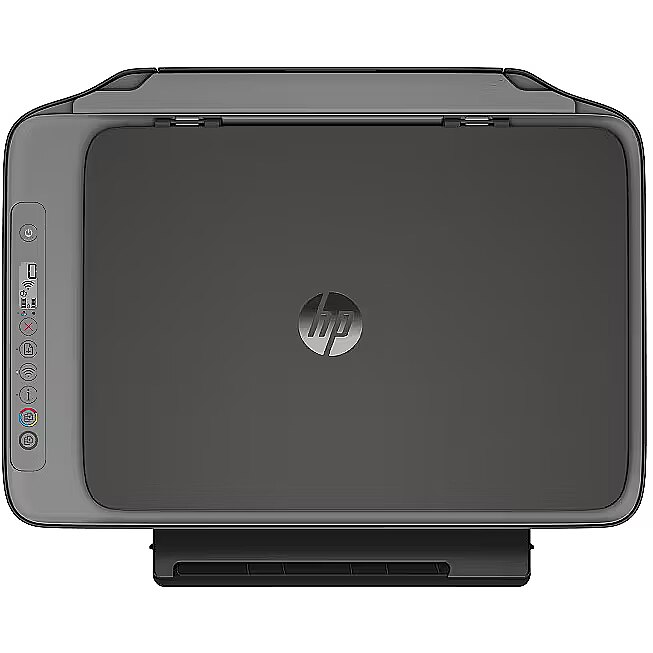
Design - Colour name - Cement noir with cement noir accents
Design - Control type - Buttons
Design - Display - LCD
Design - Market positioning - Home & office
Design - Product colour - Grey
Digitalsender - No
Directprinting - No
Display - LCD
Displaydiagonal -
Documentformatssupported - PDF
Driversincluded -
Duplexcopying - No
Duplexfunctions - Print
Duplexprinting - Yes
Duplexprintingmode - Manual
Duplexprintspeedblacknormalqua -
Duplexprintspeedcolournormalqu -
Duplexscanning - No
EAN - 198828789556
EnergyStarTypicalElectricityCo -
Envelopessizes - B5, DL
EthernetLAN - No
EthernetLANdatarates -
Fax -
Fax - Faxing - No
Faxing - No
Features -
Features - All-In-One-multitasking - Yes
Features - Country of origin - China
Features - Digital sender - No
Features - Duplex functions - Print
Features - HP segment - Home
Features - Maximum duty cycle - 1000 pages per month
Features - Number of print cartridges - 2
Features - Page description languages - PCL 3 GUI, PCLm, URF
Features - Printing colours - Black, Cyan, Magenta, Yellow
Features - Recommended duty cycle - 50 - 100 pages per month
Features - Replacement cartridges - HP 308 Black Original Ink Cartridge (~160 pages yield) 7FP21UE; HP 308 Tri-Color Original Ink Cartridge 7FP20UE (~120 pages yield); HP 308e EvoMore Black Original Ink Cartridge (~320 pages yield) 7FP22UE.
Greyscalelevels - 256
GTIN - 0198828789549
GTIN - 198828789549
GTIN - 0198828789556
GTIN - 198828789556
GTIN - 0198828789563
GTIN - 198828789563
Height - 154 mm
HighLights -
IDcardcopyfunction -
Imageformatssupported - JPEG, PNG, TIFF
Input & output capacity - Maximum input capacity - 60 sheets
Input & output capacity - Maximum number of input trays - 1
Input & output capacity - Maximum output capacity - 25 sheets
Input & output capacity - Total input capacity - 60 sheets
Input & output capacity - Total number of input trays - 1
Input & output capacity - Total output capacity - 25 sheets
Inputcolourdepth - 24 bit
Inputoutputcapacity -
Internalmemory - 64 MB
Internalstoragecapacity -
ISOAseriessizesA0A9 - A4, A6
ISOBseriessizesB0B9 - B5
ISOCseriessizesC0C9 -
LargeDescHTML -
Linuxoperatingsystemssupported -
Logistics data - Harmonized System (HS) code - 8443310000
Logistics data - Pallet gross weight - 351 kg
LongDesc -
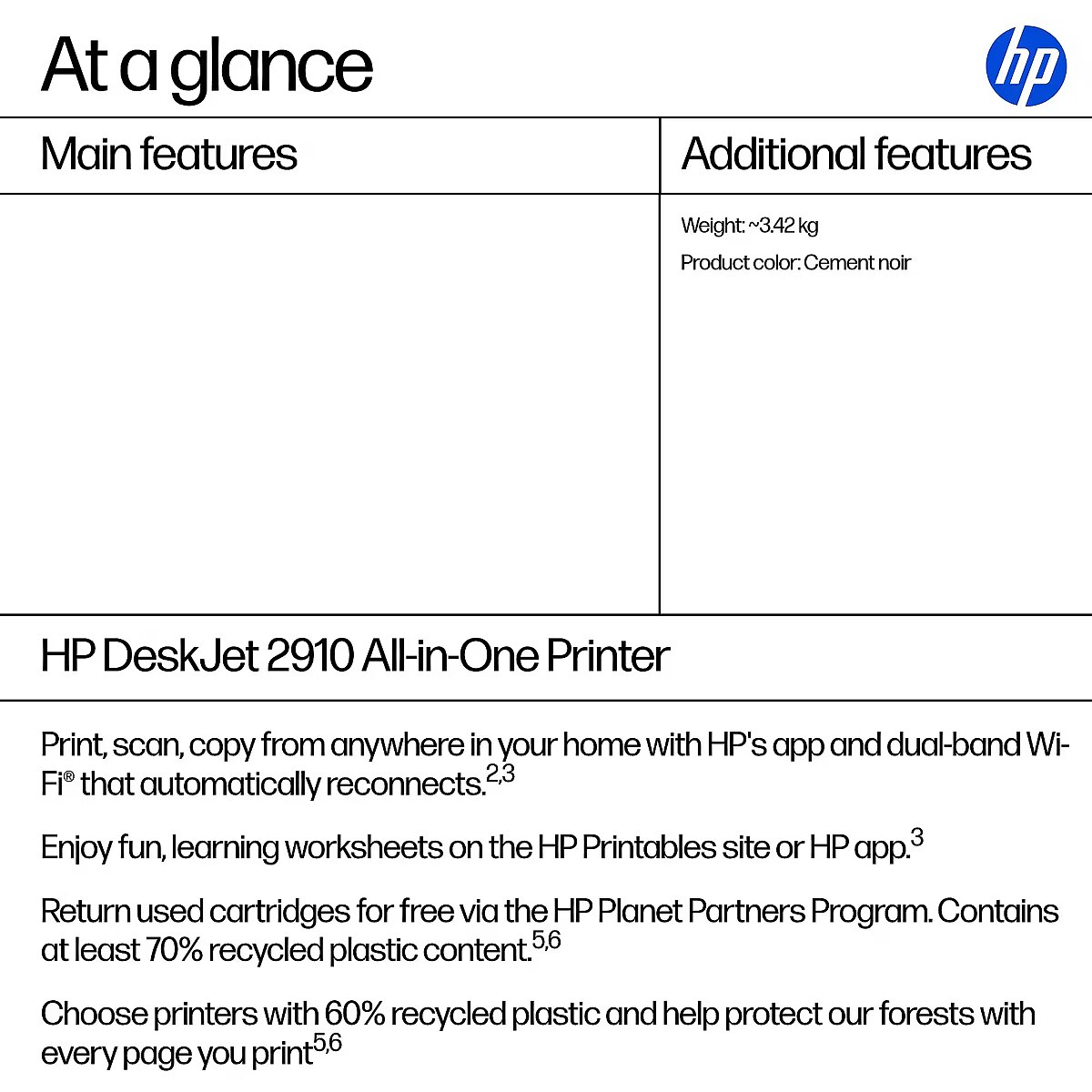
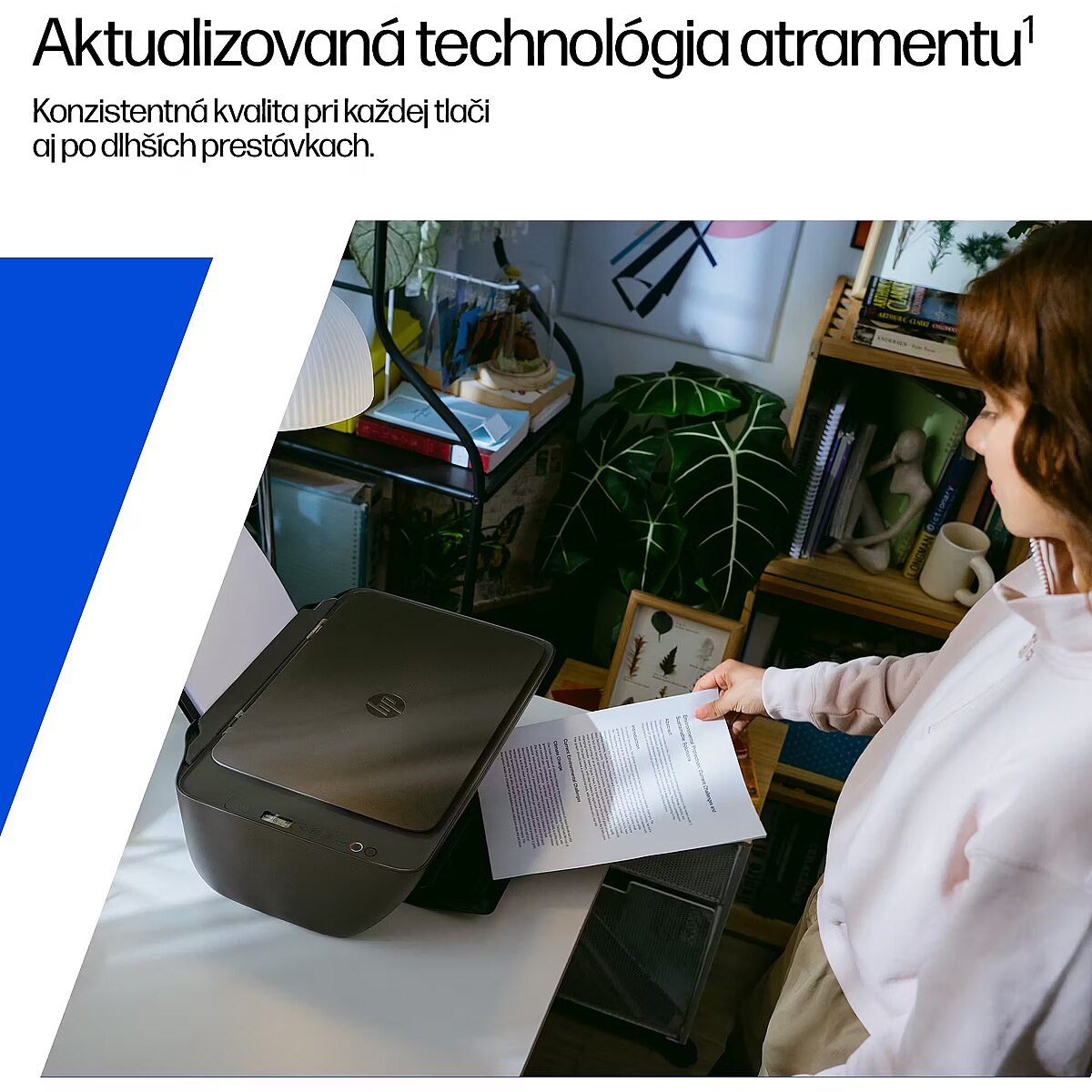
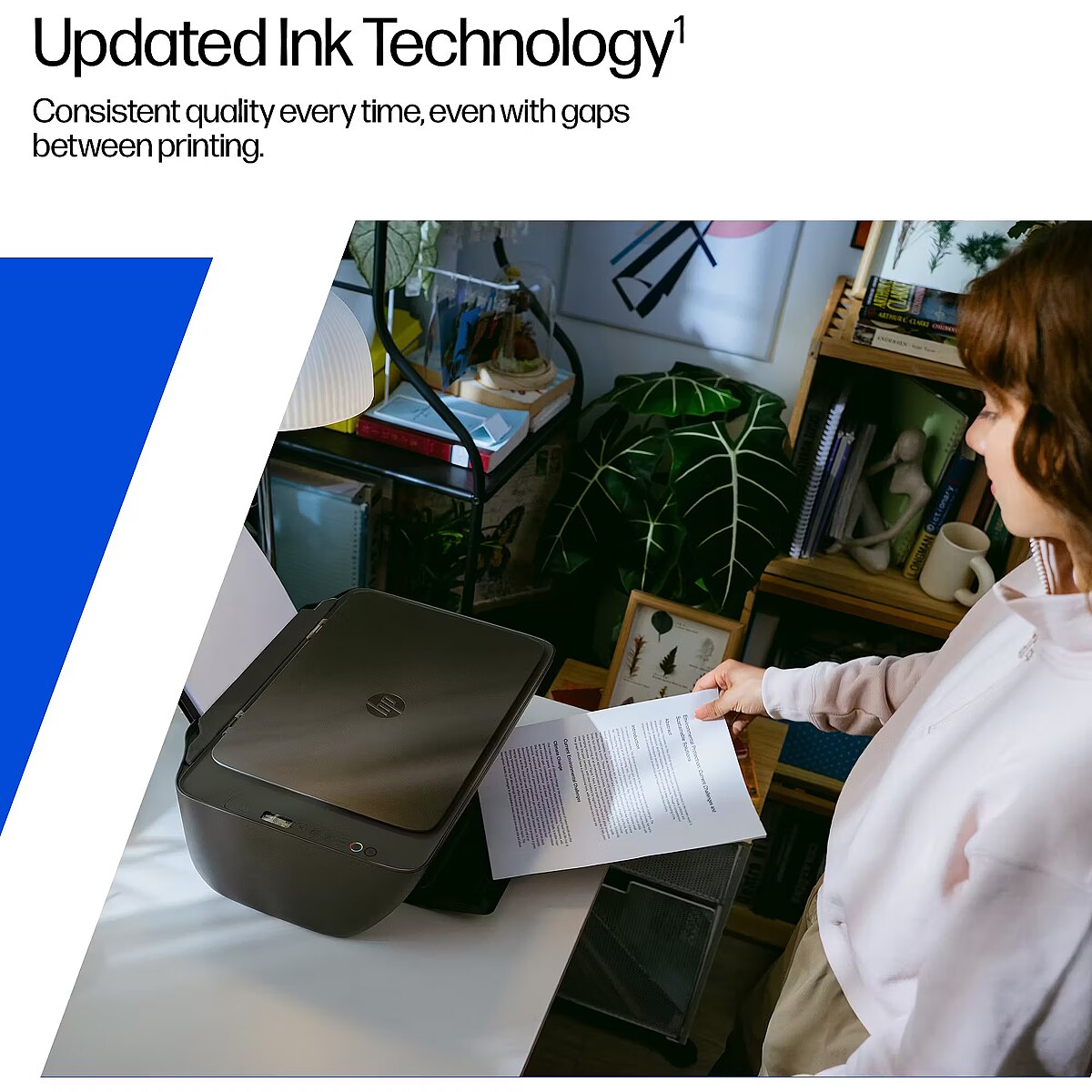
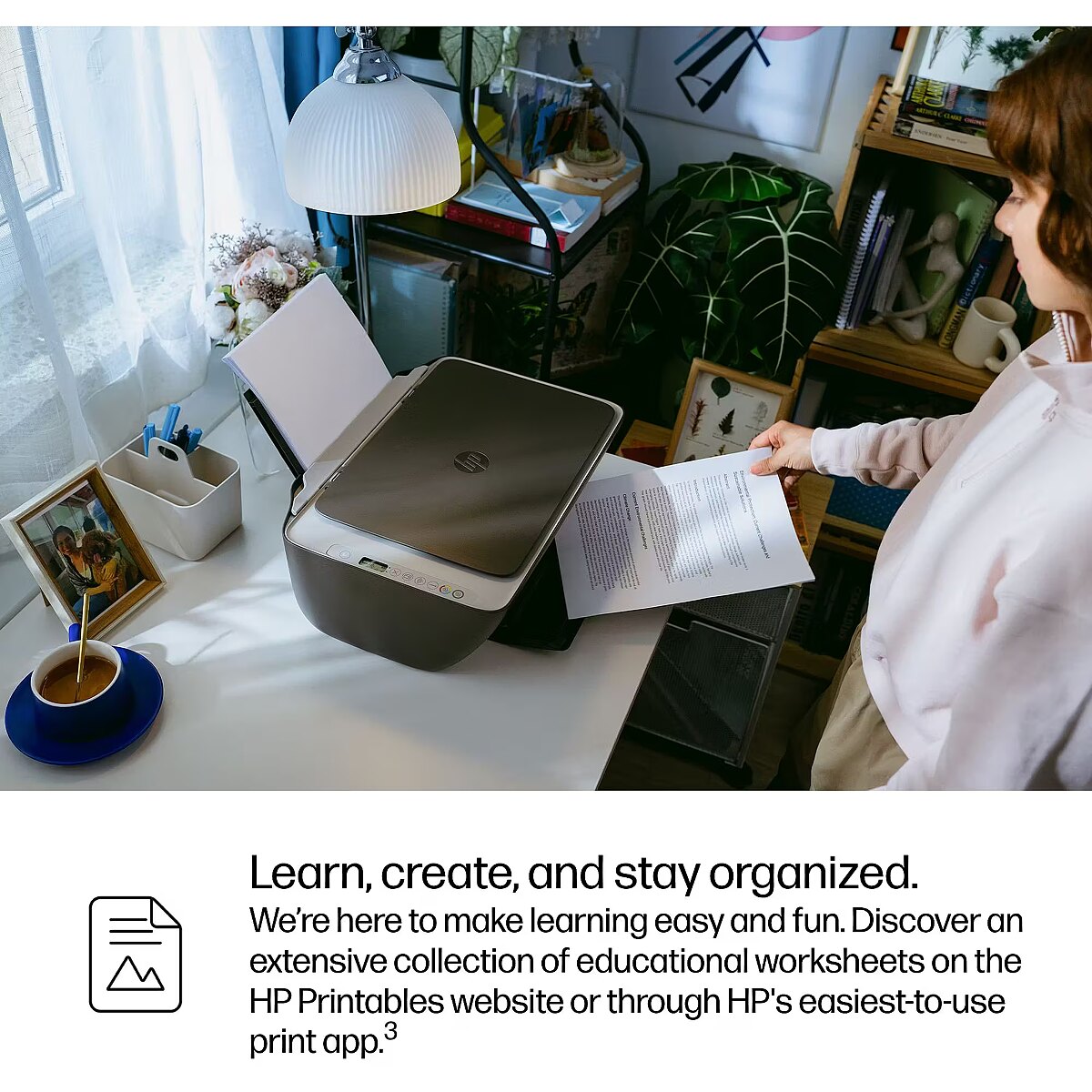
LongDesc - Home printing made super simple Setup that’s a breeze thanks to HP's easiest-to-use print app. Print everything from return labels to fun, colorful learning worksheets. Simplify printing, ignite creativity and learning.[3]. HP Instant Ink eligibleDynamic security enabled printer Certain HP printers are intended to work only with cartridges that have a new or reused HP chip or electronic circuitry. These printers use dynamic security measures to block cartridges using a non-HP chip or electronic circuitry. Periodic firmware updates will maintain the effectiveness of these measures and block cartridges that previously worked. Reused HP chips and electronic circuitry enable the use of reused, remanufactured, and refilled cartridges.
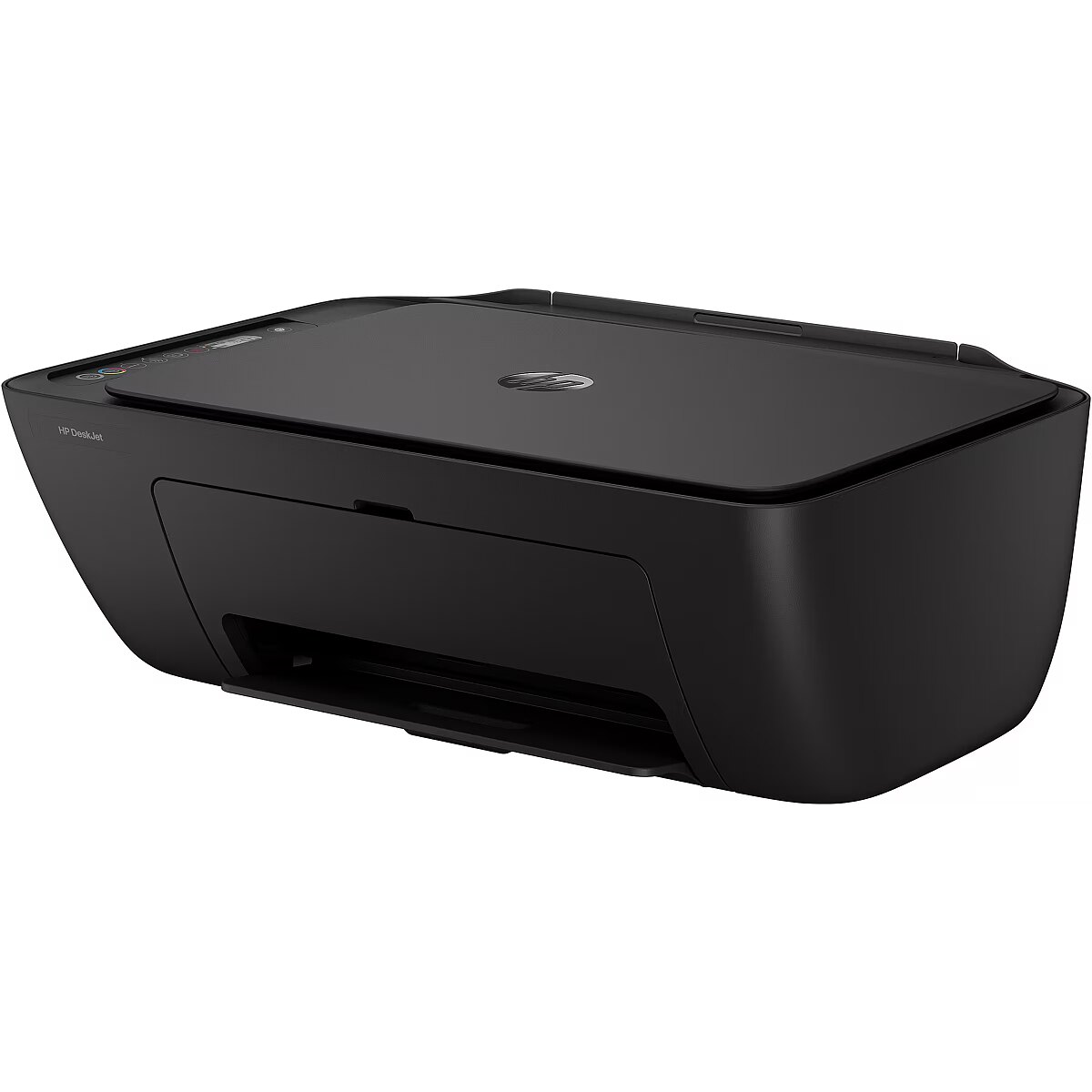
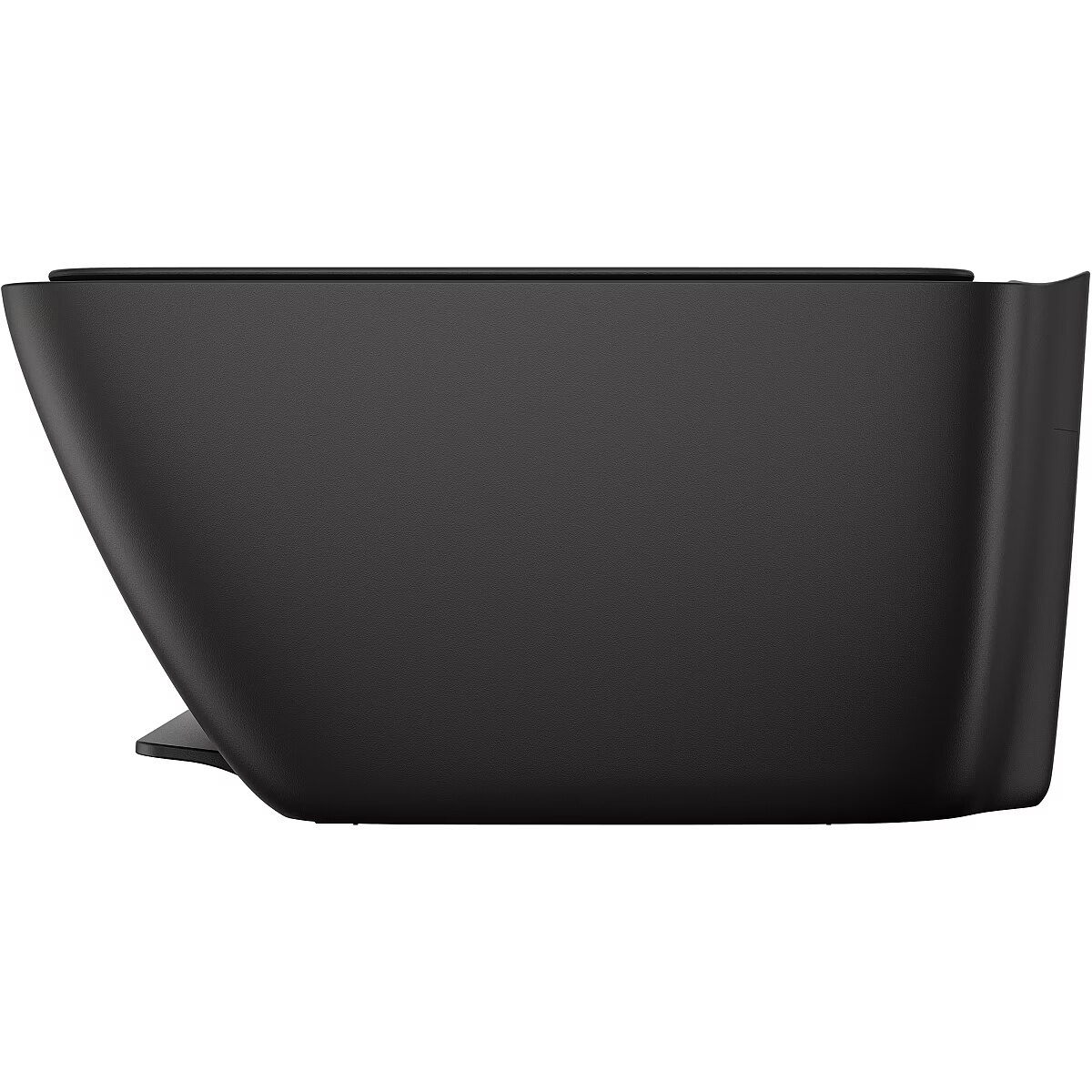
LongProductName - DeskJet 2910 All-in-One Printer
LongSummaryDescription - HP DeskJet 2910 Wireless All-in-One Color Printer, Instant Ink. Print technology: Thermal inkjet, Printing: Colour printing, Maximum resolution: 4800 x 1200 DPI, Print speed (colour, normal quality, A4/US Letter): 5.5 ppm. Copying: Colour copying, Maximum copy resolution: 300 x 300 DPI. Scanning: Colour scanning, Optical scanning resolution: 1200 x 1200 DPI. Duplex functions: Print. Maximum ISO A-series paper size: A4. Wi-Fi. Product colour: Grey
Macoperatingsystemssupported - Mac OS X 13.0 Ventura, Mac OS X 14.0 Sonoma, MacOS
Manual -
ManufDatasheet - https://www.tdbaltic.ee/leaflets/HP/89F98B%23629.pdf
Marketpositioning - Home & office
Maximumcopyresolution - 300 x 300 DPI
Maximumdutycycle - 1000 pages per month
Maximuminputcapacity - 60 sheets
Maximuminternalmemory - 64 MB
MaximumISOAseriespapersize - A4
Maximumnumberofcopies - 9 copies
Maximumnumberofinputtrays - 1
Maximumoutputcapacity - 25 sheets
Maximumprintsize - 209.9 x 349.6 mm
Maximumresolution - 4800 x 1200 DPI
Maximumscanarea - 216 x 297 mm
Maximumscanresolution -
Memoryslots -
Minimumstoragedrivespace -
Mobileoperatingsystemssupporte -
Mobileprintingtechnologies - Mopria Print Service, Apple AirPrint
MultiPurposetray -
MultiPurposetrayinputcapacity -
Multipurposetraymediatypes -
Name - Printeris HP Deskjet 2910 Black AIO WiFi
Network -
Network - Ethernet LAN - No
Network - Mobile printing technologies - Mopria Print Service, Apple AirPrint
Network - Wi-Fi - Yes
Network - Wi-Fi standards - Wi-Fi 4 (802.11n), 802.11g, 802.11b, 802.11a
Nin1copyfunction -
Nin1printfunction -
NonISOprintmediasizes - Legal, Letter
Numberofprintcartridges - 2
OperatingrelativehumidityHH - 15 - 80%
OperatingtemperatureTT - 5 - 40 °C
Operationalconditions -
Operational conditions - Non-operating altitude - 0 - 4500 m
Operational conditions - Non-operating relative humidity (non-condensing) - 5 - 90%
Operational conditions - Operating altitude - 0 - 3000 m
Operational conditions - Operating relative humidity (H-H) - 15 - 80%
Operational conditions - Operating temperature (T-T) - 5 - 40 °C
Operational conditions - Recommended humidity operating range - 20 - 80%
Operational conditions - Recommended operating temperature range (T-T) - 15 - 30 °C
Operational conditions - Storage relative humidity (H-H) - 5 - 90%
Operational conditions - Storage temperature (T-T) - -40 - 60 °C
Opticalscanningresolution - 1200 x 1200 DPI
Other features - Compatible operating systems - Windows 11; Windows 10; macOS 13 Ventura; macOS 14 Sonoma; macOS 15 Sequoia
Other features - Custom media sizes - 76 x 127 to 215 x 355 mm
Other features - Electromagnetic compatibility - EN 55032:2015+A11:2020 Class B; EN 55035:2017+A11:2020; EN IEC 61000-3-2:2019; EN 61000-3-2:2014; EN 61000-3-3:2013 +A1:2019; EN 301 489-1 V2.2.3; CISPR 32 2015+A1:2019 Class B; CISPR 35:2016; FCC CFR 47 Part 15; ICES-003, Issue 7; VCCI-CISPR32:2016.
Other features - Manufacturer warranty - One-year limited warranty. For more info please visit us at http://support.hp.com .For full terms and conditions visit: www.hp.com/go/orderdocuments .Warranty and support options vary by product, country, and local legal requirements
Other features - Number of print heads - 2
Other features - Number of users - 3 user(s)
Other features - PictBridge - No
Other features - Power supply type - Internal
Other features - Processor frequency - 1 GHz
Other features - Recommended system requirements - Microsoft Windows 11; 10; 1 GHz processor; 2 GB available hard disk space; Internet connection.
Apple macOS 13 Ventura; macOS 14 Sonoma; macOS 15 Sequoia; 2 GB HD; Internet required.
Other features - UNSPSC-code - 43212110
Otheroperatingsystemssupported -
Packagedepth - 191 mm
Packageheight - 354 mm
Packagewidth - 475 mm
Packagingcontent -
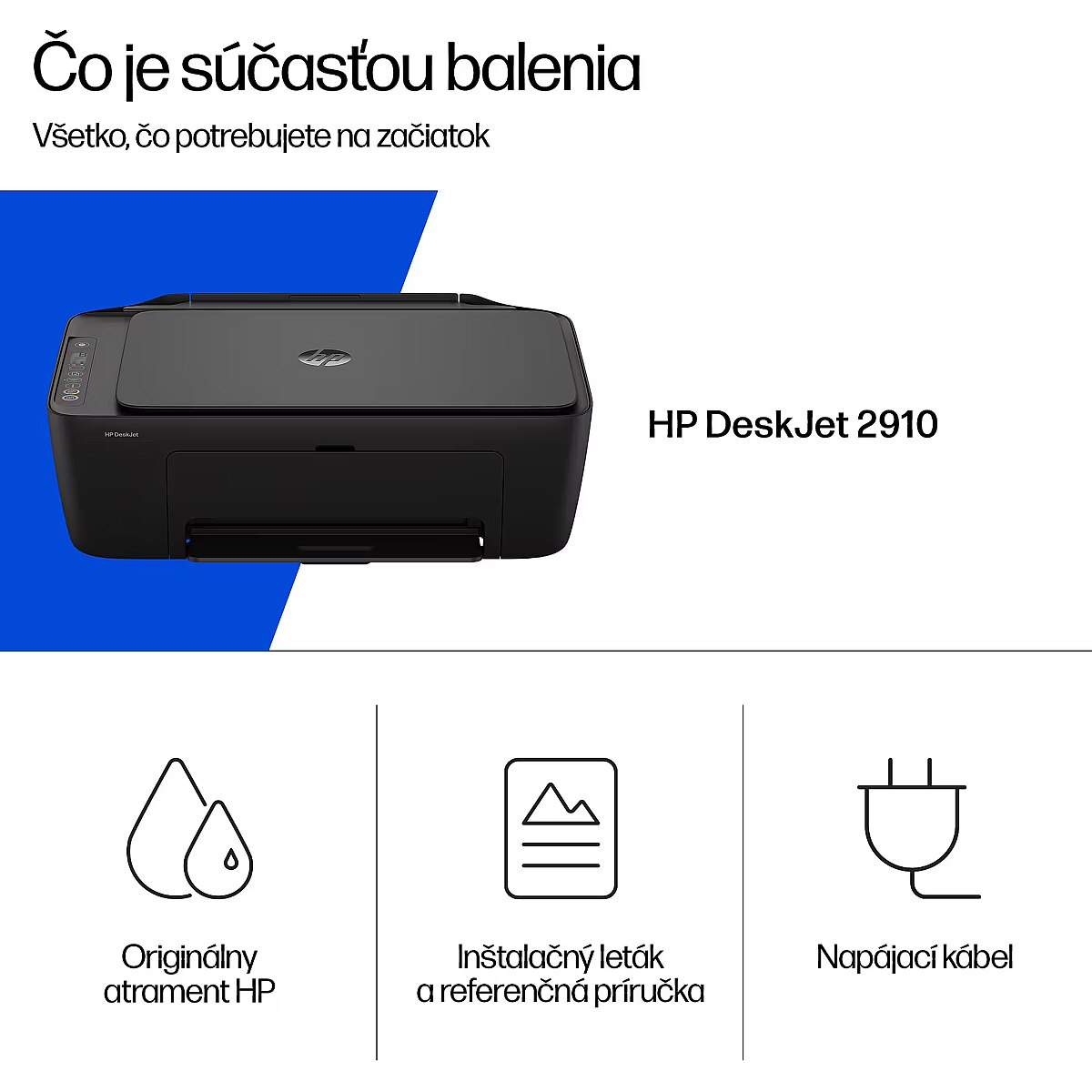
Packaging content - Bundled software - HP app, available online
Packaging content - Cables included - AC
Packaging content - Cartridge(s) included - Yes
Packaging content - Included cartridge capacity (black) - 100 pages
Packaging content - Included cartridge capacity (CMY) - 60 pages
Packaging content - User guide - Yes
Packagingdata -
Packaging data - Package depth - 191 mm
Packaging data - Package height - 354 mm
Packaging data - Package weight - 4.58 kg
Packaging data - Package width - 475 mm
Pagedescriptionlanguages - PCL 3 GUI, PCLm, URF
Paperhandling -
Paper handling - Custom media length - 127 - 355 mm
Paper handling - Custom media width - 76 - 215 mm
Paper handling - Envelope feeder - No
Paper handling - Envelopes sizes - B5, DL
Paper handling - ISO A-series sizes (A0...A9) - A4, A6
Paper handling - ISO B-series sizes (B0...B9) - B5
Paper handling - Maximum ISO A-series paper size - A4
Paper handling - Maximum print size - 209.9 x 349.6 mm
Paper handling - Non-ISO print media sizes - Legal, Letter
Paper handling - Paper tray media types - Plain paper, Photo paper, Envelopes
Paper handling - Paper tray media weight - 60 - 300 g/m²
Paper handling - Photo paper sizes (imperial) - 4x6,5x7,8x10
Papertray1inputcapacity -
Papertray2inputcapacity -
Papertraymediatypes - Plain paper, Photo paper, Envelopes
Papertraymediaweight - 60 - 300 g/m²
Performance -
Performance - Built-in processor - Yes
Performance - Internal memory - 64 MB
Performance - Introduction year - 2025
Performance - Maximum internal memory - 64 MB
Performance - Processor frequency - 1000 MHz
Performance - Sound power level (printing) - 6.3 dB
Photopapersizes -
Ports & interfaces - Direct printing - No
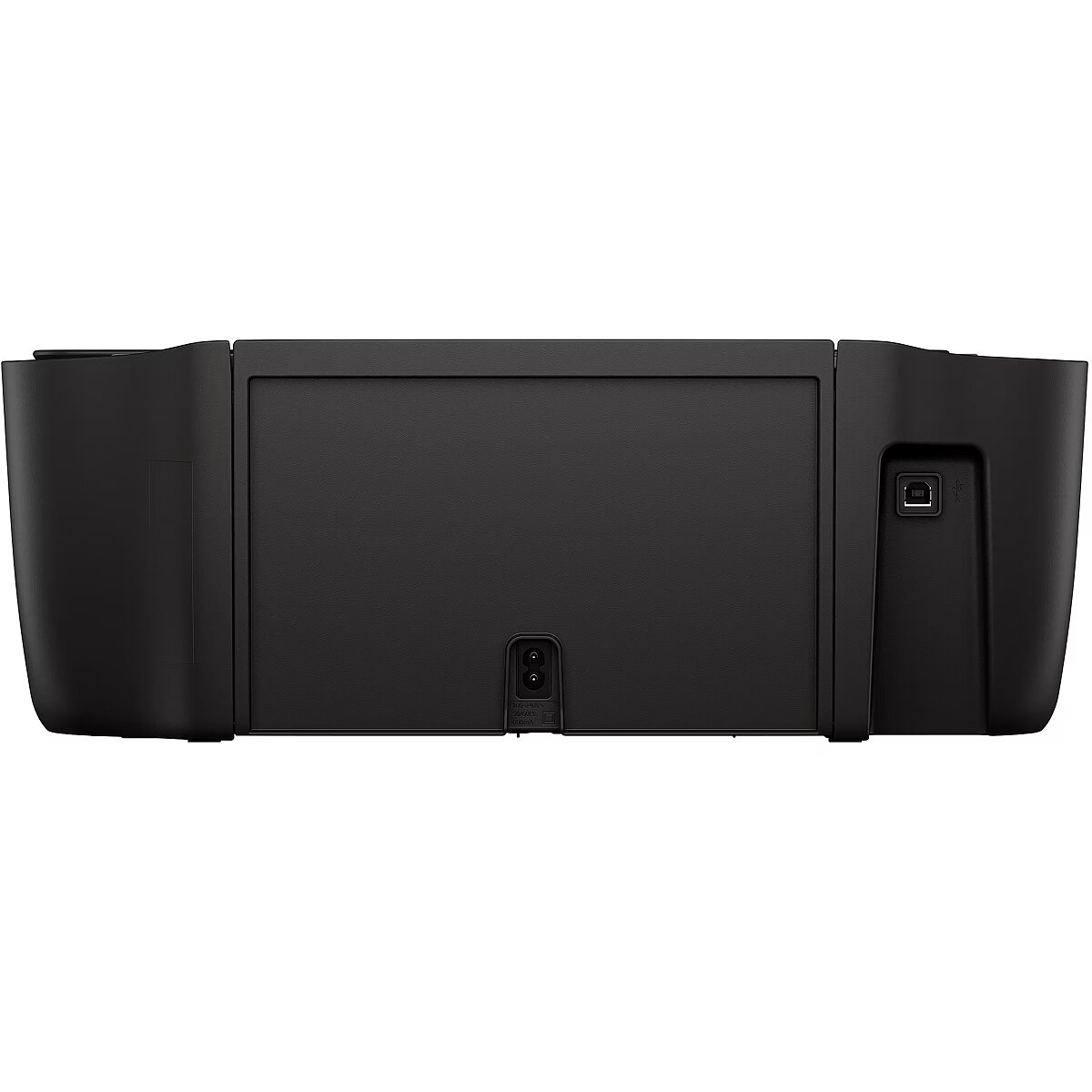
Ports & interfaces - USB 2.0 ports quantity - 1
Ports & interfaces - USB port - Yes
Portsinterfaces -
Power -
Power - AC input frequency - 50/60 Hz
Power - AC input voltage - 100 - 240 V
Power - Power consumption (off) - 0.1 W
Power - Power consumption (ready) - 2.55 W
Power - Power consumption (sleep) - 1.31 W
Powerconsumptionaverageoperati -
Powerconsumptioncopying -
Powerconsumptionoff - 0.1 W
PowerconsumptionPowerSave -
Powerconsumptionprinting -
Powerconsumptionready - 2.55 W
Powerconsumptionsleep - 1.31 W
Powercordincluded -
Printerfonts -
Printing - Colour printing
Printing - Duplex printing - Yes
Printing - Duplex printing mode - Manual
Printing - Maximum resolution - 4800 x 1200 DPI
Printing - Printing - Colour printing
Printing - Print margin bottom (min) - 1.27 cm
Printing - Print margin left (min) - 3 mm
Printing - Print margin right (min) - 3 mm
Printing - Print margin top (min) - 3 mm
Printing - Print resolution black - 1200 x 1200 DPI
Printing - Print resolution colour - 4800 x 1200 DPI
Printing - Print speed (black, draft quality, A4/US Letter) - 20 ppm
Printing - Print speed (black, normal quality, A4/US Letter) - 7.5 ppm
Printing - Print speed (colour, draft quality, A4/US Letter) - 16 ppm
Printing - Print speed (colour, normal quality, A4/US Letter) - 5.5 ppm
Printing - Print speed (ISO/IEC 24734) black - 7.5 ppm
Printing - Print speed (ISO/IEC 24734) colour - 5.5 ppm
Printing - Print technology - Thermal inkjet
Printing - Time to first page (black, normal) - 16 s
Printing - Time to first page (colour, normal) - 20 s
Printingcolours - Black, Cyan, Magenta, Yellow
Printingfeatures -
Printresolutionblack - 1200 x 1200 DPI
Printresolutioncolour - 4800 x 1200 DPI
PrintspeedblacknormalqualityA4 - 7.5 ppm
PrintspeedcolournormalqualityA - 5.5 ppm
Printtechnology - Thermal inkjet
Processorfrequency - 1000 MHz
ProdDesc - HP DeskJet 2910 AIO All-in-One Printer – A4 Color Ink, Print/Copy/Scan, Manual Duplex, WiFi, 7.5ppm, 50-100 pages per month (replaces DeskJet 2810e)
Productcolour - Grey
Productcondition - Original
ProductHighLights -
- Wireless; Print from phone or tablet; HP Instant Ink eligible
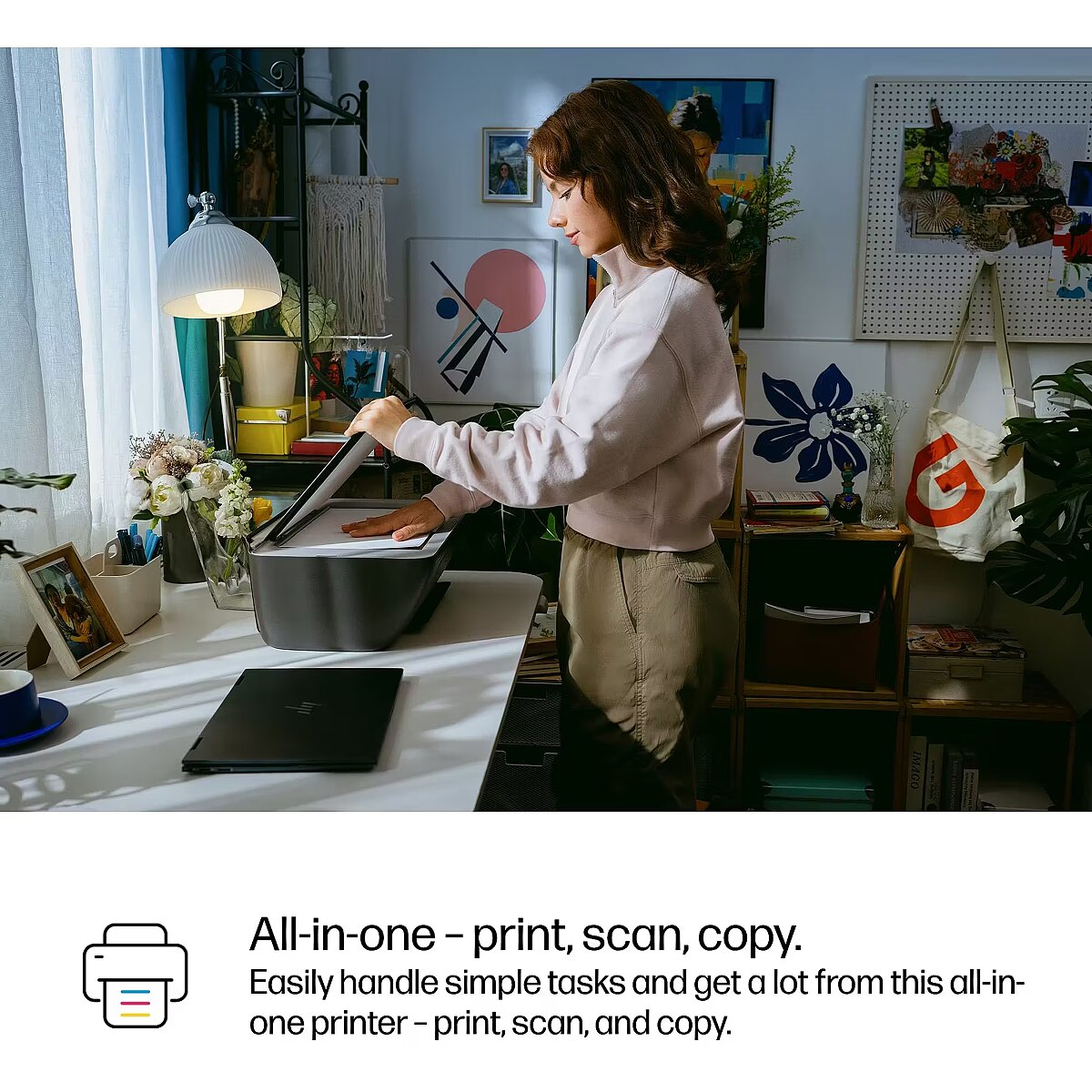
- Print, copy, scan
- Print speed up to 7.5 ppm (black) and 5.5 ppm (color)
- Up to 1200 x 1200 rendered dpi
ProductName - DeskJet 2910 Wireless All-in-One Color Printer, Instant Ink
ProductPicture - https://www.tdbaltic.ee/images/products/HP/89F98B%23629_1.jpg
ProductPicture1 - https://www.tdbaltic.ee/images/products/HP/89F98B%23629_2.jpg
ProductPicture2 - https://www.tdbaltic.ee/images/products/HP/89F98B%23629_3.jpg
ProductPicture3 - https://www.tdbaltic.ee/images/products/HP/89F98B%23629_4.jpg
ProductPicture4 - https://www.tdbaltic.ee/images/products/HP/89F98B%23629_5.jpg
ProductPicture5 - https://www.tdbaltic.ee/images/products/HP/89F98B%23629_6.jpg
Recommendeddutycycle - 50 - 100 pages per month
Recommendedhumidityoperatingra - 20 - 80%
Replacementcartridges - HP 308 Black Original Ink Cartridge (~160 pages yield) 7FP21UE; HP 308 Tri-Color Original Ink Cartridge 7FP20UE (~120 pages yield); HP 308e EvoMore Black Original Ink Cartridge (~320 pages yield) 7FP22UE.
Scandrivers - TWAIN
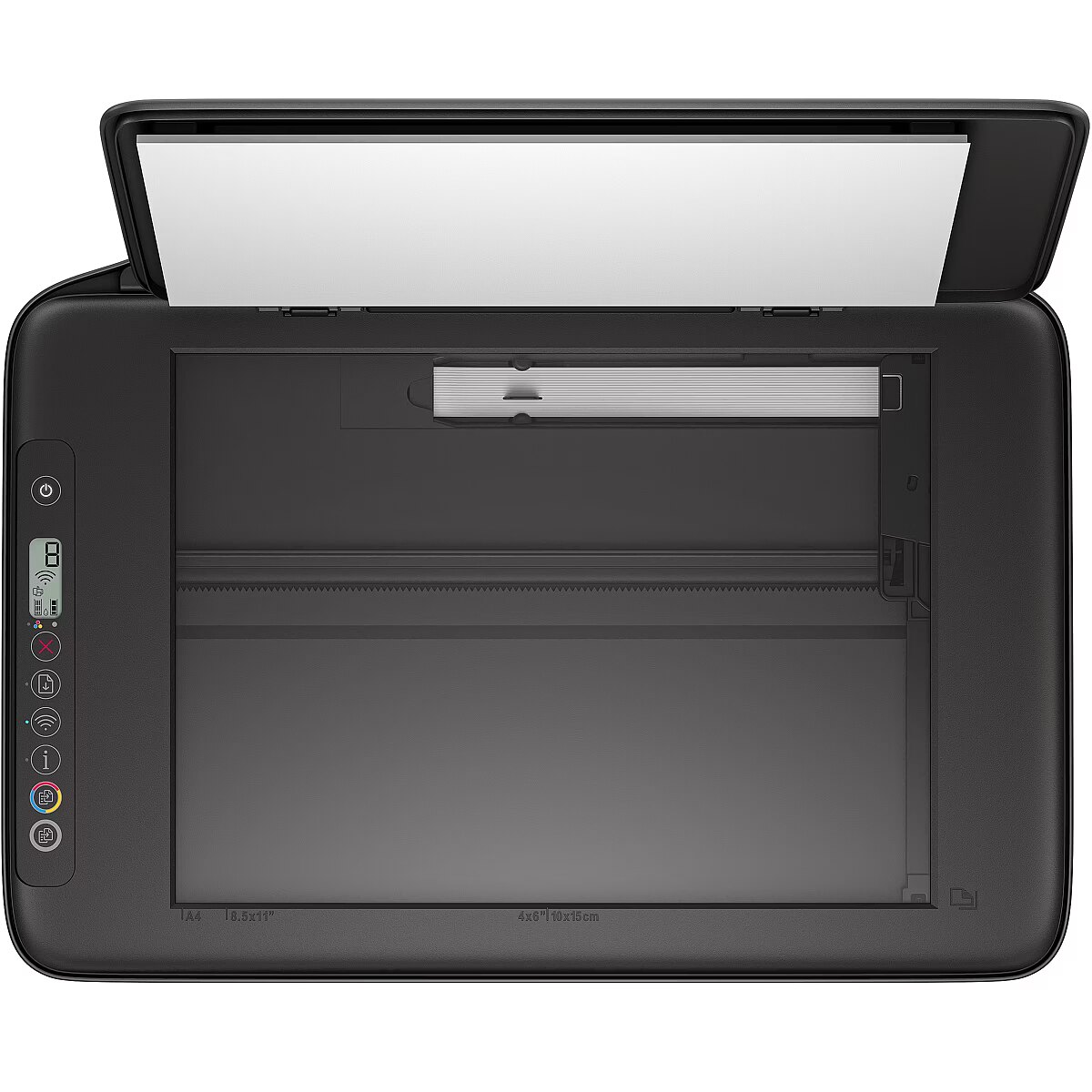
Scannertype - Flatbed scanner
Scanning - Colour scanning
Scanning - Document formats supported - PDF
Scanning - Duplex scanning - No
Scanning - Greyscale levels - 256
Scanning - Image formats supported - JPEG, PNG, TIFF
Scanning - Input colour depth - 24 bit
Scanning - Maximum scan area - 216 x 297 mm
Scanning - Optical scanning resolution - 1200 x 1200 DPI
Scanning - Scan drivers - TWAIN
Scanning - Scanner type - Flatbed scanner
Scanning - Scanning - Colour scanning
Scanning - Scan technology - CIS
Scanningfeatures -
Scanspeedblack -
Scanspeedcolour -
Scantechnology - CIS
Scanto -
Secureprinting -
Securityalgorithms -
ShortSummaryDescription - HP DeskJet 2910 Wireless All-in-One Color Printer, Instant Ink, Thermal inkjet, Colour printing, 4800 x 1200 DPI, Colour copying, A4, Grey
Soundpowerlevelprinting - 6.3 dB
Soundpressurelevelprinting -
Soundpressurelevelscanning -
Standardinterfaces -
StoragerelativehumidityHH - 5 - 90%
StoragetemperatureTT - -40 - 60 °C
Sustainability - Sustainability certificates - Forest Stewardship Council (FSC)
Sustainability - Sustainability compliance - Yes
Sustainability - Sustainable technologies and materials - At least 70% post-consumer recycled plastic; Recyclable through HP Planet Partners; FSC Certified Packaging
Systemrequirements -
System requirements - Mac operating systems supported - Mac OS X 13.0 Ventura, Mac OS X 14.0 Sonoma, MacOS
System requirements - Windows operating systems supported - Windows 10, Windows 11
Technical details - Box contents - HP DeskJet 2910 All-in-One Printer; HP 308 Setup Black Cartridge; HP 308 Setup Tri-Color Cartridge; Regulatory flyer; Setup guide; Reference guide; Power cord [For ink volume and page yield information, visit http://hp.com/go/learnaboutsupplies]
Technical details - Master (outer) cases per pallet layer - 12 pc(s)
Timetofirstcopyblacknormal -
Timetofirstcopycolournormal -
Timetofirstpageblacknormal - 16 s
Timetofirstpagecolournormal - 20 s
Title - HP DeskJet 2910 Wireless All-in-One Color Printer, Instant Ink
Totalinputcapacity - 60 sheets
Totalnumberofinputtrays - 1
Totaloutputcapacity - 25 sheets
Touchscreen -
URL - https://www8.hp.com
USB20portsquantity - 1
USBconnector -
USBport - Yes
Warmuptime -
Warranty - 12 months
Warrantyandmisc -
WarrantyInfo - One-year limited warranty. For more info please visit us at http://support.hp.com .For full terms and conditions visit: www.hp.com/go/orderdocuments .Warranty and support options vary by product, country, and local legal requirements
Watermarkprinting -
Weight - 3.42 kg
Weight & dimensions - Depth - 304 mm
Weight & dimensions - Height - 154 mm
Weight & dimensions - Weight - 3.42 kg
Weight & dimensions - Width - 425 mm
Weightdimensions -
Width - 425 mm
WiFi - Yes
Windowsoperatingsystemssupport - Windows 10, Windows 11